RIACO Product Addons for WooCommerce
RIACO Product Addons for WooCommerce
Description
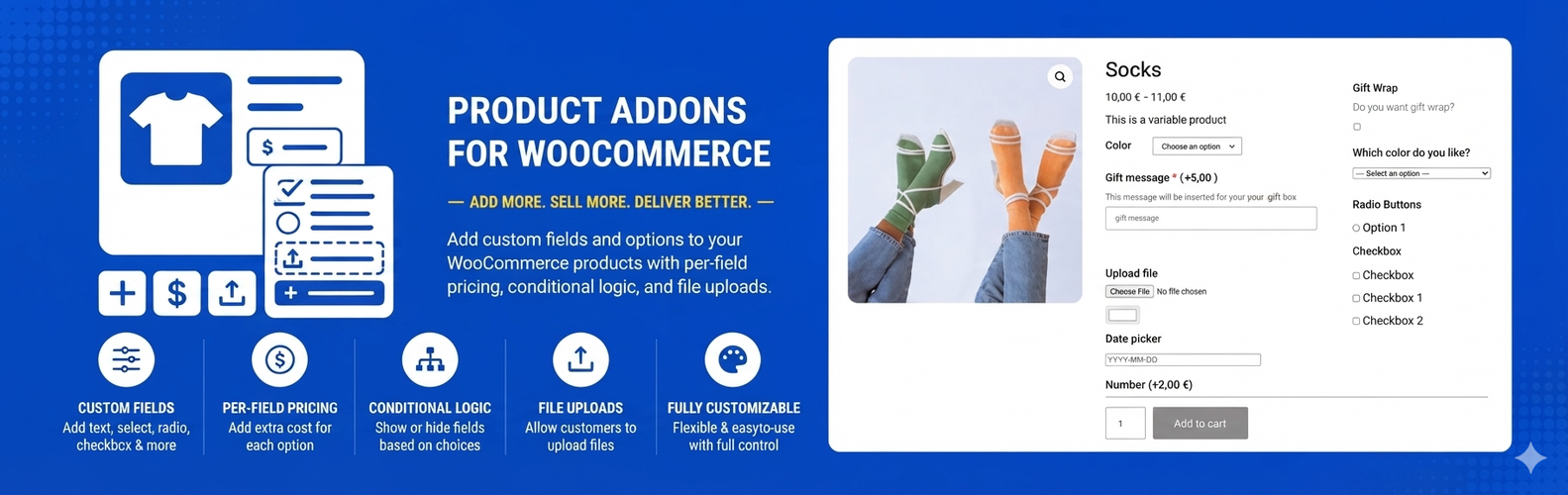
RIACO Product Addons for WooCommerce lets you attach unlimited custom fields to your products — text inputs, dropdowns, radio buttons, checkboxes, file uploads, color pickers, date pickers, number fields, and more — each with optional extra pricing.
Key Features
- 10 field types — Text, Textarea, Select/Dropdown, Radio Buttons, Checkbox Group, File Upload, Color Picker, Date Picker, Number, and True/False toggle.
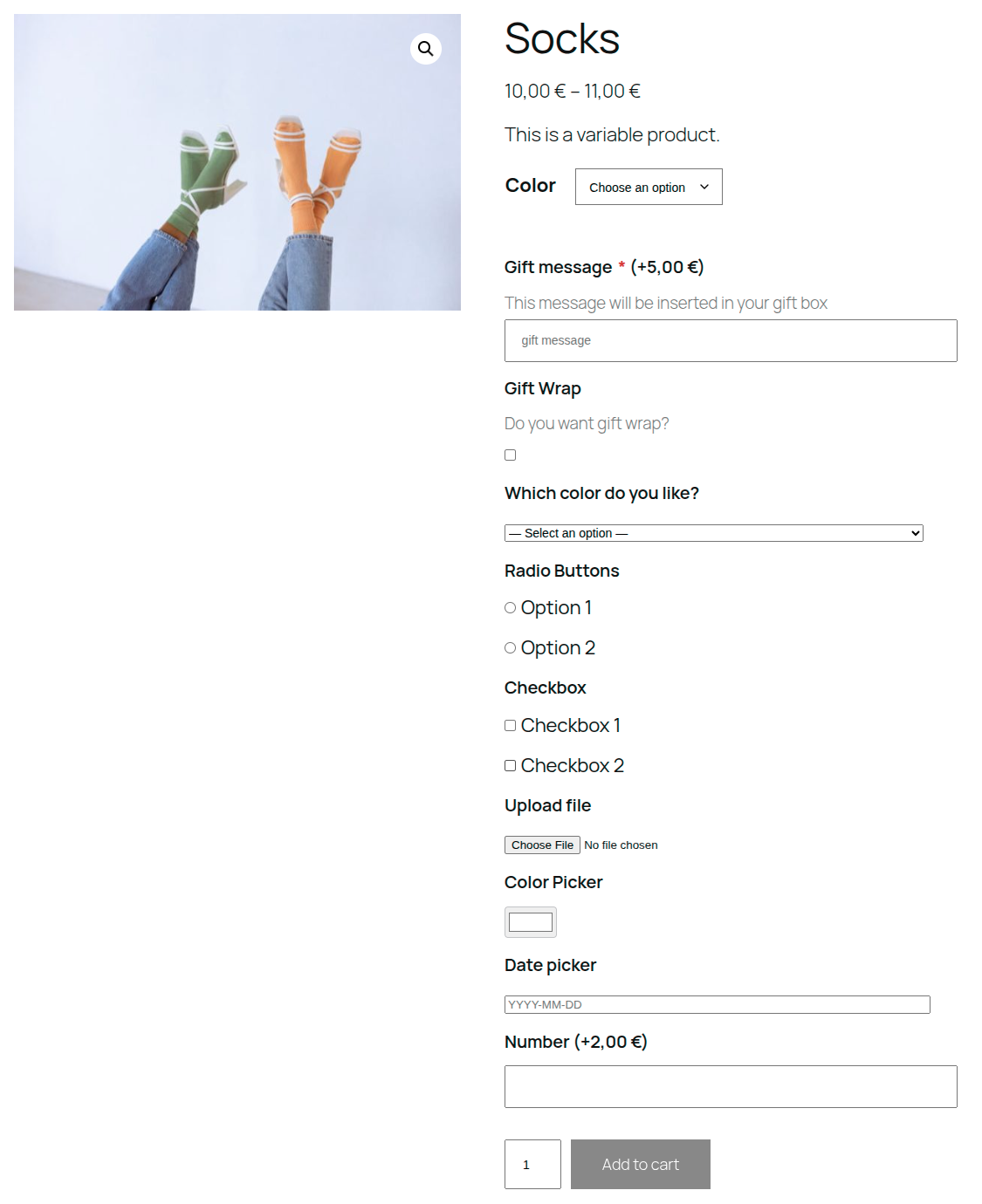
- Per-field pricing — Add a fixed surcharge to any field or individual option. The price breakdown updates live on the product page.
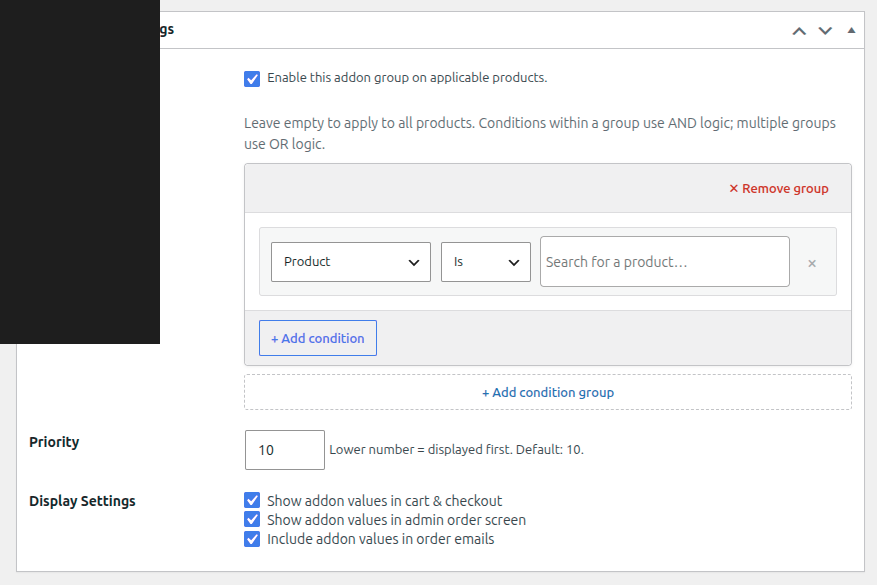
- Global Addon Groups — Create groups of fields once and assign them to all products, specific categories, or individual products using flexible AND/OR condition rules.
- Conditional logic — Show or hide fields based on the value of other fields. Supports equals, not equals, contains, is empty, and is not empty operators.
- Display control — Choose independently whether addon choices appear in the cart, on the admin order screen, and in order emails.
- HPOS compatible — Fully compatible with WooCommerce High-Performance Order Storage.
- File uploads — Customers can upload files before adding to cart. Files are validated by extension and MIME type, stored in a temporary directory, and cleaned up automatically every 48 hours.
Installation
- Upload the
riaco-product-addons-for-woocommercefolder to/wp-content/plugins/. - Activate the plugin through the Plugins menu in WordPress.
- Navigate to WooCommerce Product Addons to create your first addon group.
Screenshots
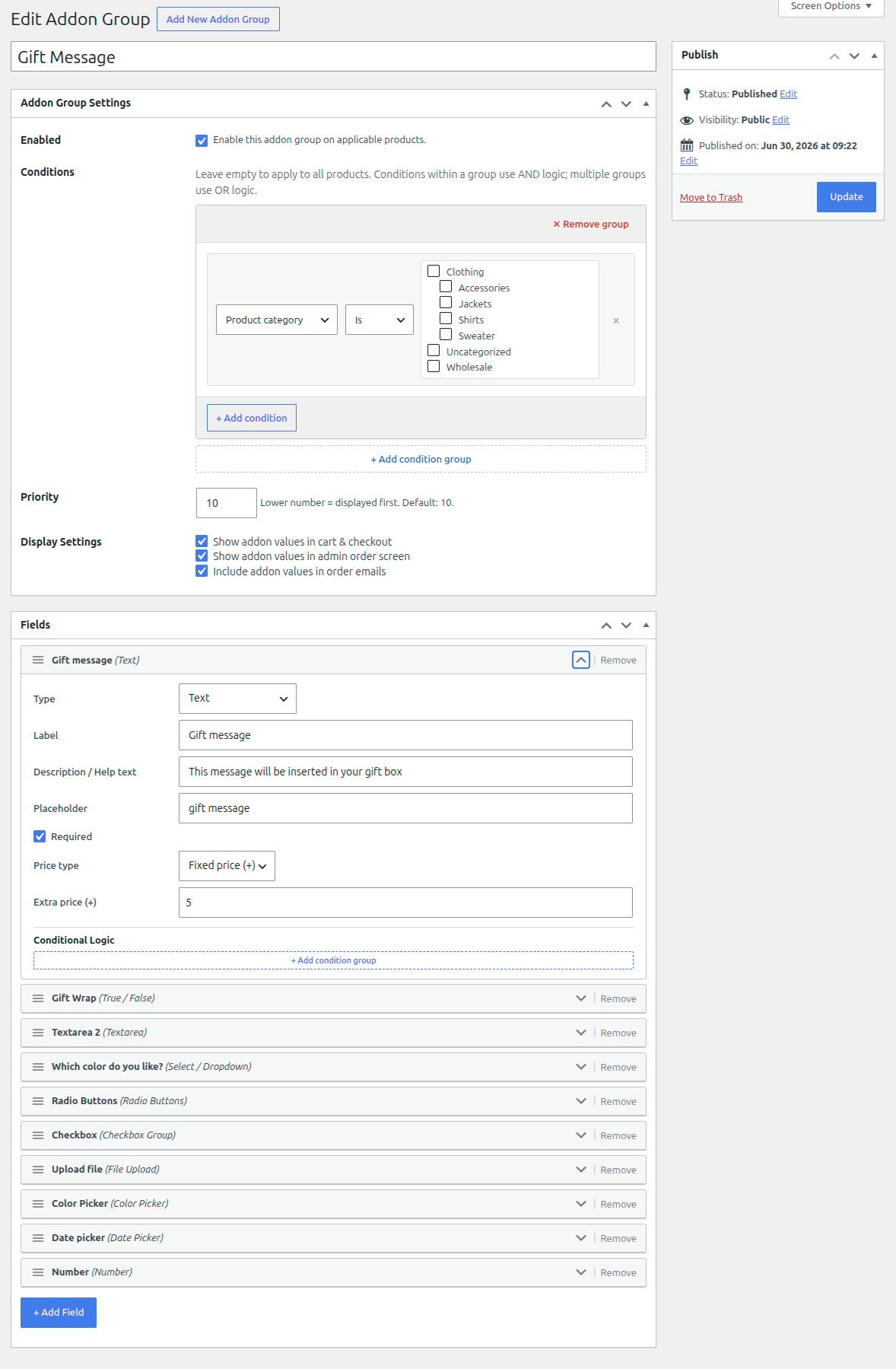
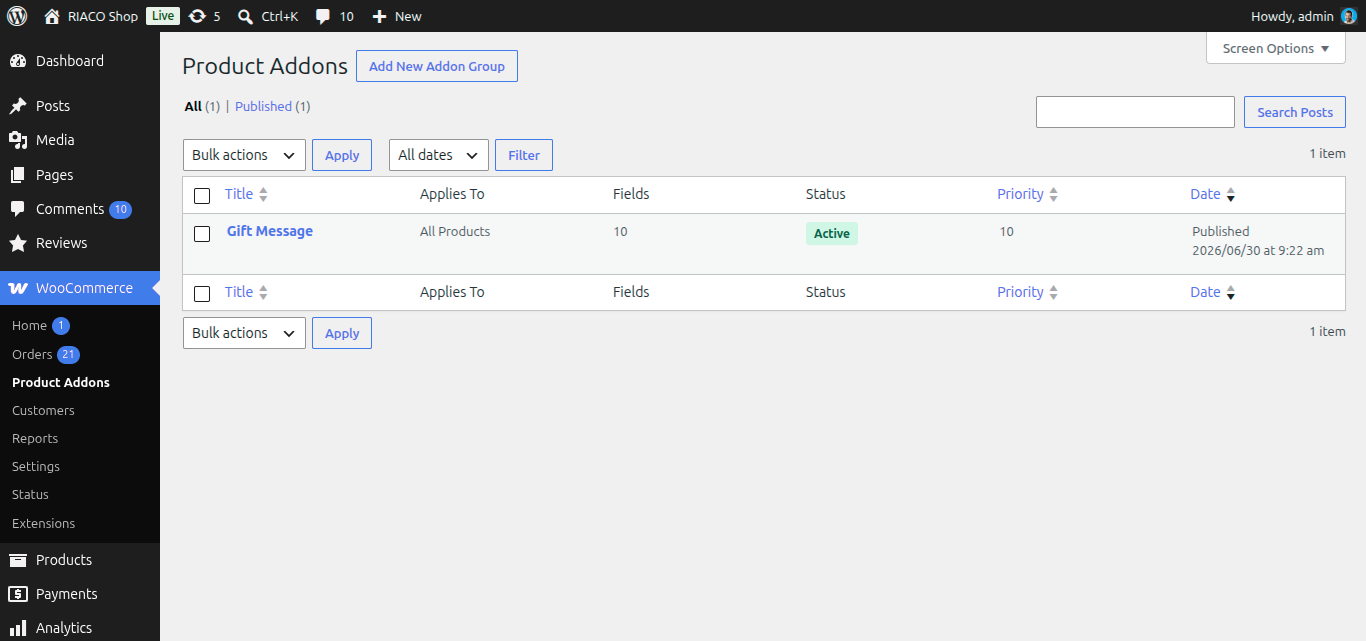
The Addon Group admin screen with the field builder and condition rules.
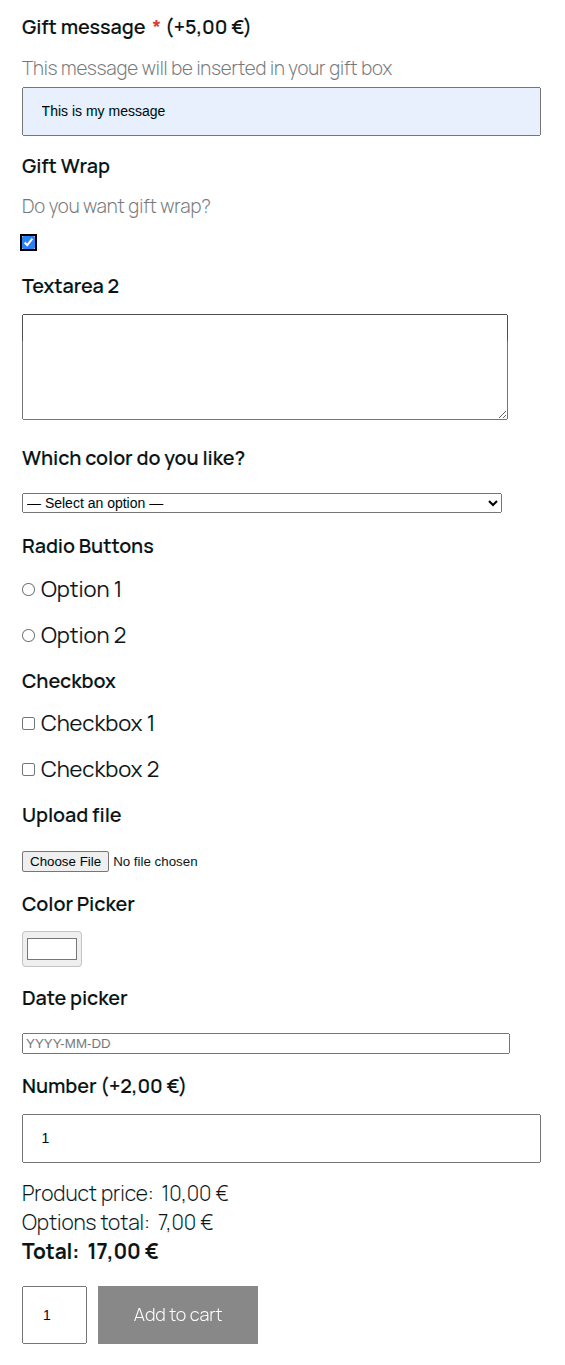
Frontend product page with live price breakdown.
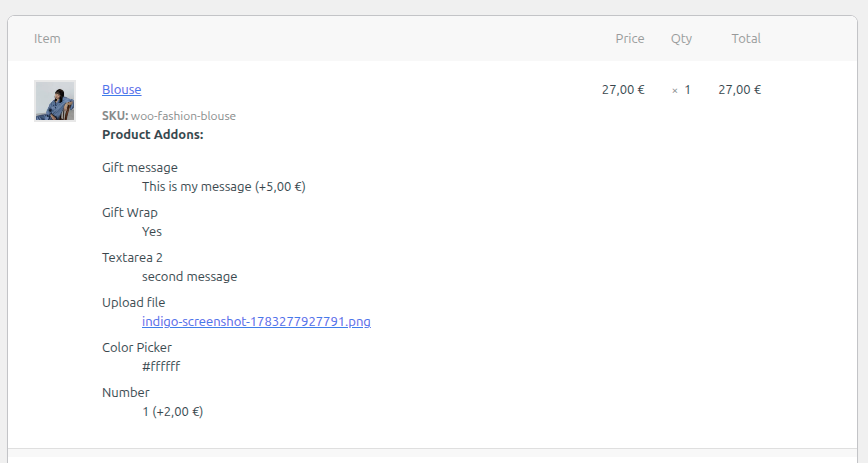
Addon values displayed on the admin order screen.
Faq
Yes. WooCommerce 8.0 or later is required.
Select/Dropdown, Radio Buttons, and Checkbox Group fields each have a price field per option. All other field types support a single fixed price added when the field has any value (or when the True/False checkbox is checked).
Yes. Each Addon Group has three checkboxes: Show in cart & checkout, Show in admin order screen, and Include in order emails. These are set per group and copied to each order item at checkout time.
Yes. Addons apply to the base product and are stored with the cart item alongside the variation.
Not currently. The plugin hooks into woocommerce_before_add_to_cart_button, which is part of the classic single product template. The WooCommerce Blocks AddToCartWithOptions block is not yet supported.
Create a field of type File Upload, set the allowed extensions (e.g. jpg,png,pdf) and max file size. The upload happens before the customer clicks Add to Cart, and the file URL is stored in the cart item.
The plugin blocks direct HTTP access to its upload directories with .htaccess rules, which Apache honours but nginx ignores. On nginx, add a rule like this to your server block:
location ~* /wp-content/uploads/riaco-pa- { deny all; }
Reviews
Changelog
1.0.0
- Initial release.