Event Timeline – Vertical Timeline

Event Timeline – Vertical Timeline
Description
Installation
Install the free version in your WordPress website.
In the left side you will see plugins. Click to open a new page.
Click to add new button -> Search plugins. On empty line write your preferable plugin. Example Event Timeline. Your preferable Event Timeline plugin you can find from WordPress large menu.
Clicking install now you will start the installation process.
When will finished the installation process you, can activate it or not. By activating, your plugin will be ready. Only you must do that, what will be required from your plugin.
Using FTP
Download the ZIP file from WordPress website.
Extract the Event Timeline directory to your computer.
Upload the event timeline directory to the /wp-content/plugins/ directory
Activate the plugin in the plugin dashboard.
You can see the plugin installed on WordPress left menu.
Now you can set your Event Timeline options, images and use our Event Timeline.
Screenshots

WordPress Event Timeline Plugin

WordPress Event Timeline Plugin

WordPress Event Timeline Plugin

WordPress Event Timeline Plugin
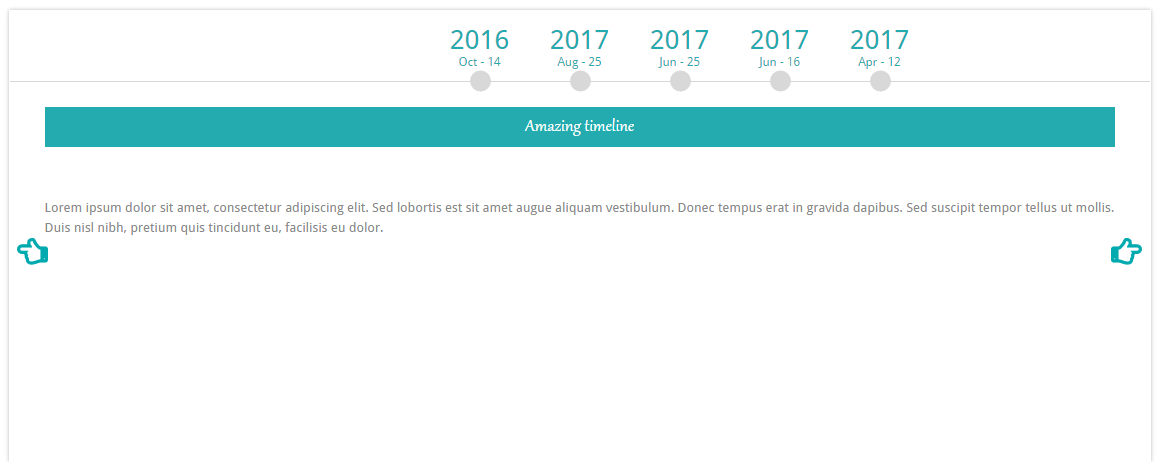
WordPress Event Timeline Plugin

WordPress Event Timeline Plugin

WordPress Event Timeline Plugin

WordPress Event Timeline Plugin

WordPress Event Timeline Plugin
Faq
Yes, reacts and displays resizing for mobile devices and tablets.
Reviews
Great support
By 
No Support
By 
Show only year
By 
Amazing
By 
Love this plugin
By 
Wonderful support
By 
Brilliant
By 
Best Timeline
By 
SUPER !
By 
Good - but unusable.
By 
Changelog
1.1.6
- Fixed bug with JS files.
1.1.5
- Fixed bug.
1.1.4
- Fixed issue with themes. The timeline did not show the event.
1.1.3
- Fixed bug: In the type of vertical Timeline was a problem with responsive.
1.1.2
-
Fixed bug related with load more. When all the events were open the load more did not disappear.
-
In the slider version, the slideshow slowed down a bit.
1.1.1
-
Added an animation when changing the page.
-
Changed the form of the responsive in the slider type. The dates were not completely visible.
-
Fixed bug with Vertical type. During the time of the responsive in the content background appears in different color.
1.1.0
- Fixed bug related an update.
1.0.9
-
Added a new function: Pagination with its seven types and Load More.
-
Added some timeline effect types.
-
The plugin became more responsive.
1.0.8
- The problem related to the timeline has been solved. There were topic in which the timeline did not appear.
1.0.7
- Changed the link to the Rich Web site.
1.0.6
Added: Icon styles for some types and colors for them.
Fixed: CSS issues in all types.
Added: Date format option for Timeline 7.
Changed: Admin menu style.
1.0.5
Changed Admin Style.
Fixed functions for calling data from database.
1.0.4
Fixed a small bug with CSS
1.0.3
Fixed bug with database.
Now can insert content text not only in English.
1.0.2
Added 12 beautiful themes
1.0.1
Fixed bug with text editor.
Between the columns added distance.
1.0.0
Released version