Robo Gallery – Photo & Image Slider
Robo Gallery – Photo & Image Slider
Description
A gallery on your website is more than just a visual element – it plays an important role in how images are presented and how users interact with your content. If you are looking for a fast, lightweight, and easy-to-use image gallery plugin with a clean, modern, and customizable design, this plugin provides a practical solution. It allows you to create image galleries that adapt to different layouts, integrate smoothly with your website’s style, and maintain stable performance across devices.
🖼️ Explore New Demos 2025 | View Classic Demos | Upgrade to Pro 💎
🏆 Benefits of Robo Gallery v5
-
Advanced Grid Layouts 🎨
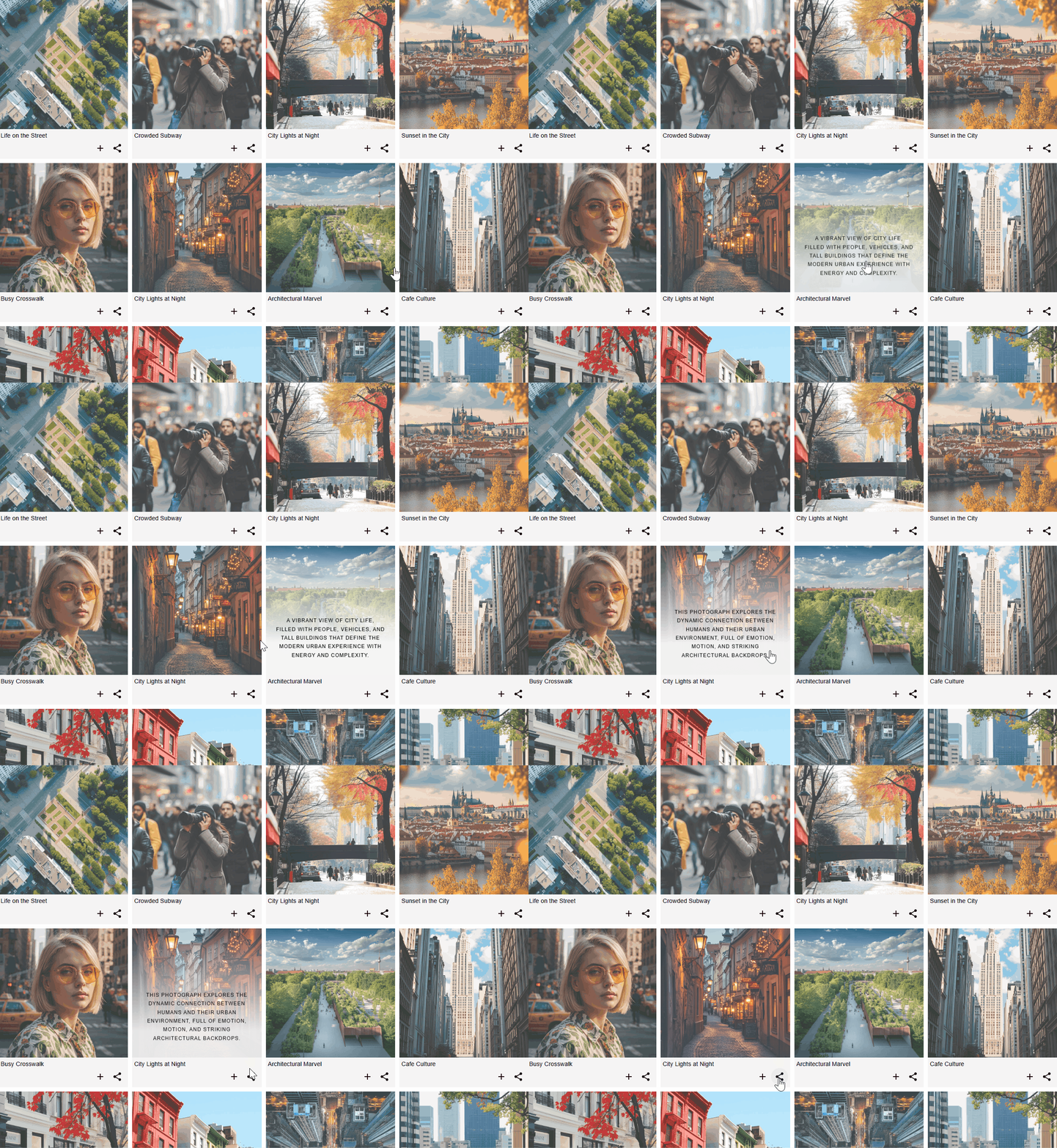
Work with flexible grid layouts using the Fusion Grid, designed to support different gallery structures and visual styles. Choose from horizontal masonry and vertical masonry for dynamic image placement, a redesigned mosaic layout, or a justify gallery for consistent image alignment. The enhanced polaroid mode includes an extended content panel that supports image descriptions, action buttons, and social sharing elements, allowing you to build a structured and visually engaging photo gallery.
-
Mobile-Friendly Layouts 📱
The grid system includes dynamic layout modes that automatically adapt image galleries for a responsive experience across different devices, including desktops, tablets, and smartphones. Hover animations are adjusted to maintain smooth interaction and consistent behavior on various screen sizes. Layouts, hover effects, and the lightbox are configured to work reliably on mobile devices, supporting high-resolution images on Retina and Ultra HD displays, including large image sizes.
-
Advanced Navigation & Links 🔗
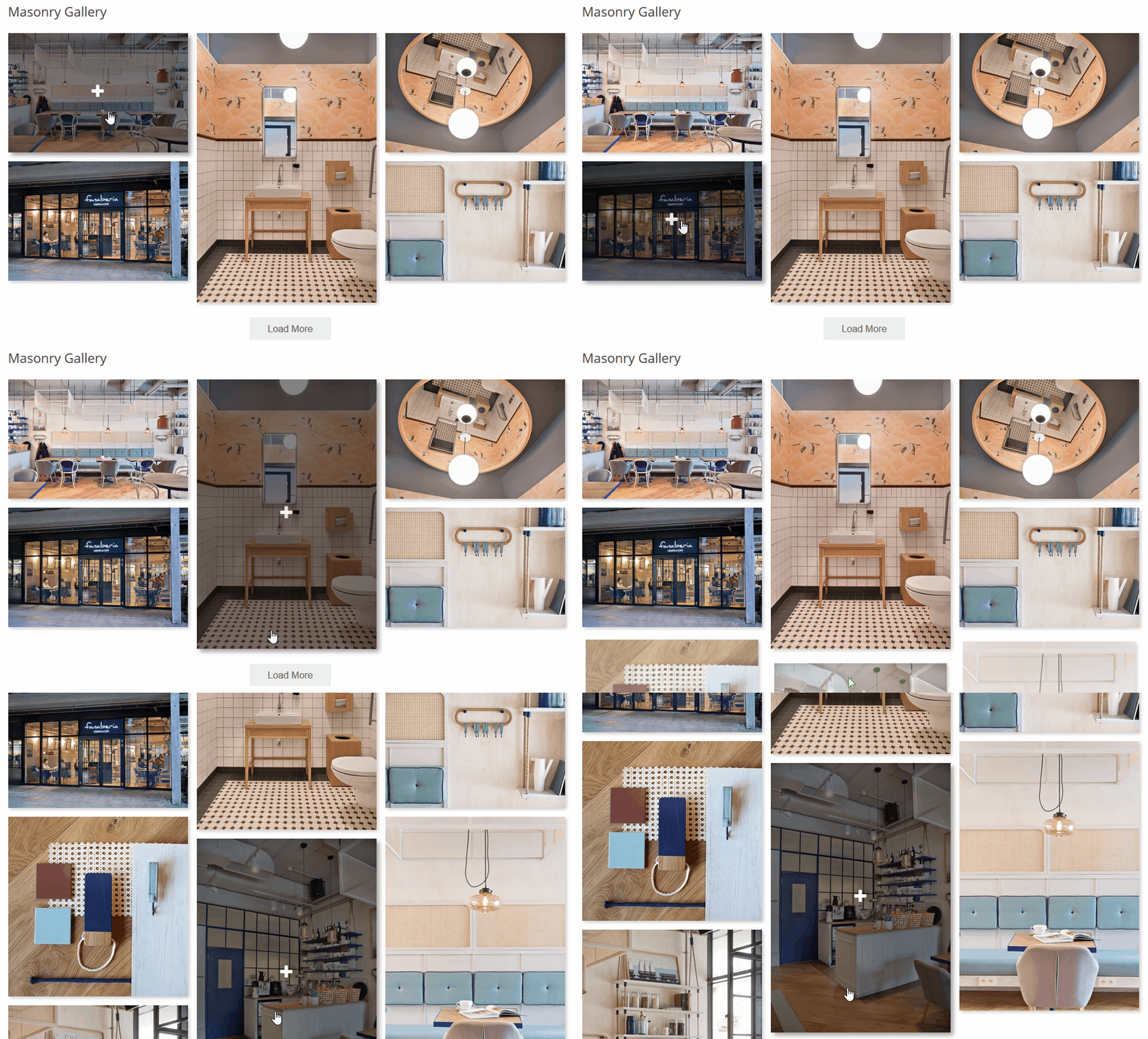
Use flexible navigation and linking options to control how users browse your gallery. Choose between “Load More” pagination, classic multi-page pagination, or infinite lazy loading for progressive image loading. Improve navigation with breadcrumbs, search, and tag-based filtering. You can create albums and cover galleries, combine linked images, lightbox images, and videos within a single gallery, and assign custom links to individual images to direct visitors to specific pages or external resources.
-
Lightbox Features ⚡
The lightbox includes fullscreen and slideshow modes to support comfortable image viewing. It provides options for social sharing, zoom, and download, and can display image titles and descriptions, helping users interact more effectively with photo and image galleries.
-
Unlimited Albums 📁
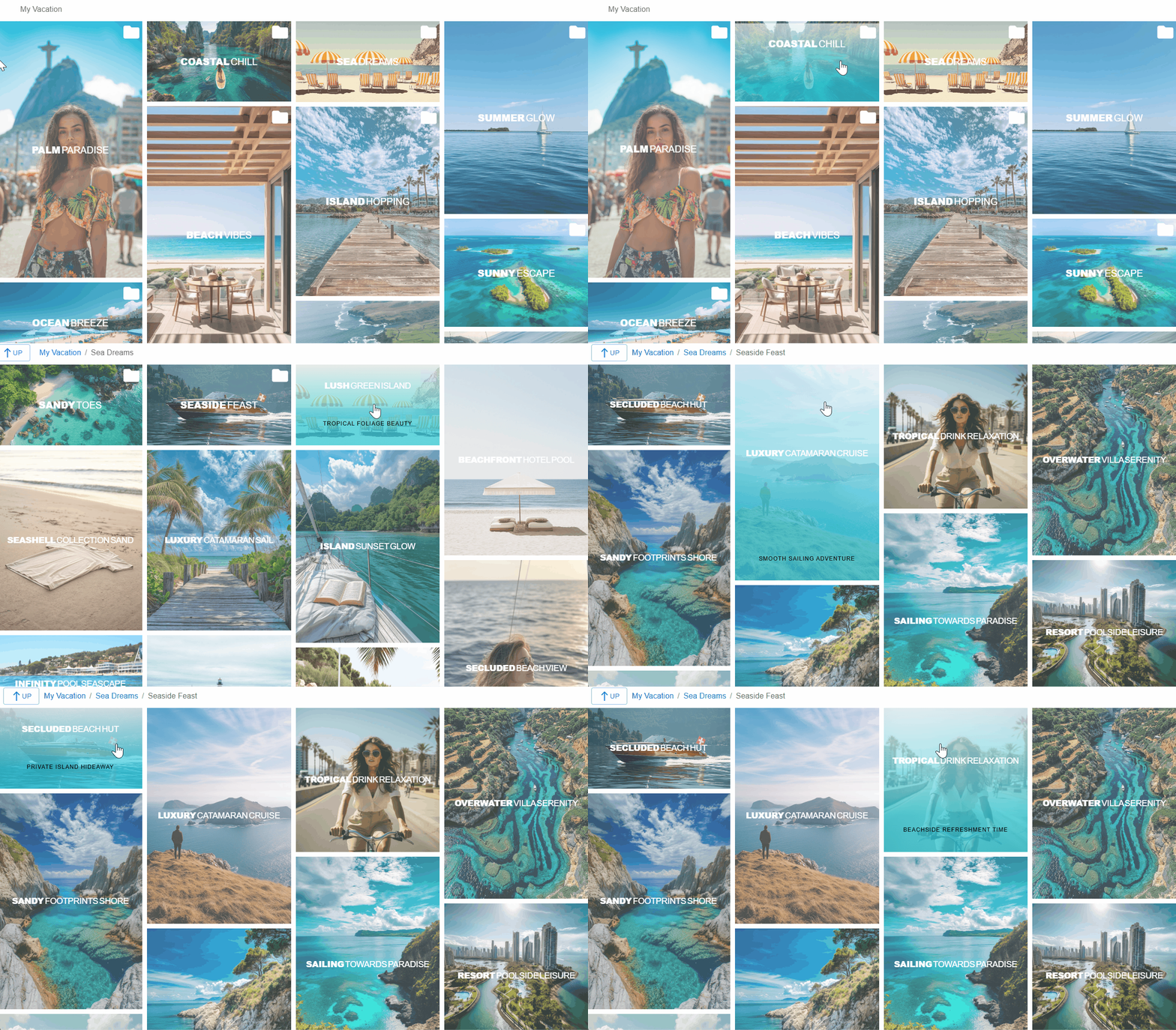
Create albums with multiple nesting levels to organize galleries in a structured way. You can build cover galleries that contain only albums, organize content using nested albums, and include photos, linked images, and videos. This allows you to combine different media types within image galleries while keeping content clearly organized.
-
Social Sharing Options 🌟
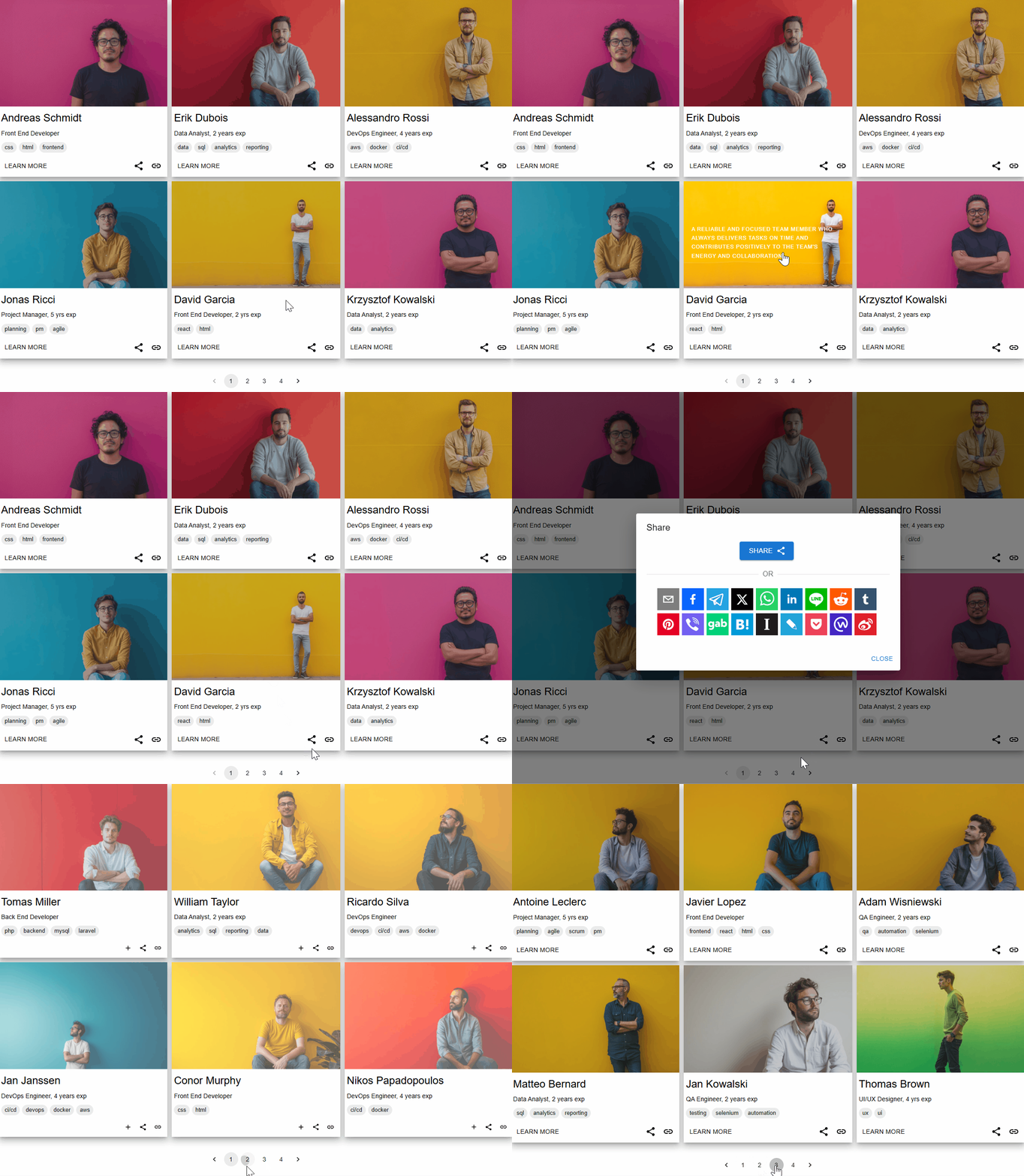
Add hover-based social sharing across more than 20 platforms, including Facebook, Telegram, LinkedIn, Reddit, WhatsApp, Pinterest, Twitter, and others. Social sharing options can be used within hover effects, polaroid layouts, and lightbox views, helping visitors share images and videos across popular social networks.
-
Video Gallery ▶️
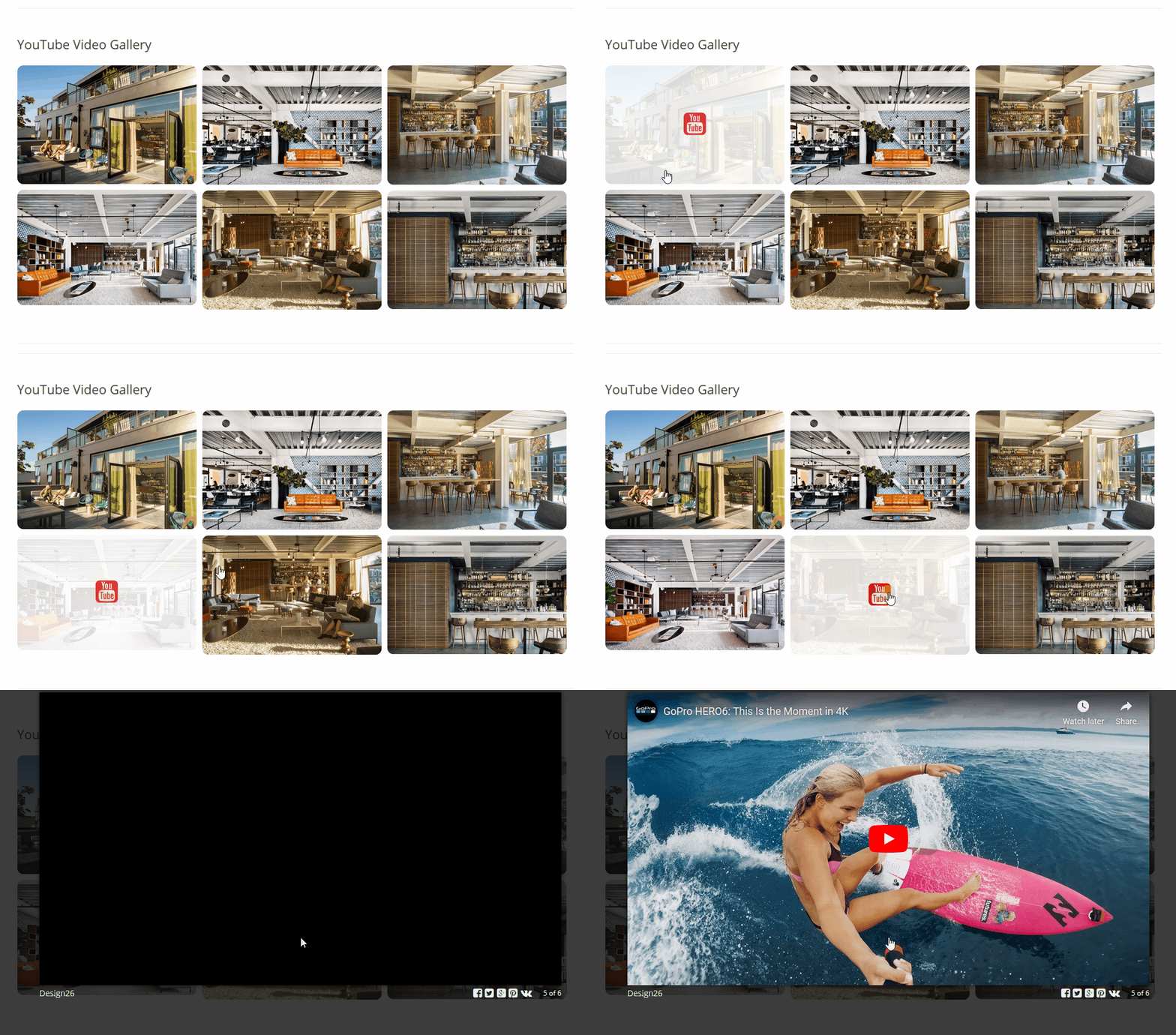
Display videos from multiple sources, including YouTube playlists and channels. The video gallery supports platforms such as Facebook, Twitch, Vimeo, SoundCloud, and Wistia, allowing you to include video content alongside image galleries.
-
SEO and Performance 📈
The plugin uses optimized code and caching options to support efficient loading and consistent performance. Customizable links can be used within the gallery to connect images with relevant pages or resources. Support for image alt text helps improve accessibility and contributes to clearer image descriptions for search engines.
Customizable Views
With a wide range of gallery configuration options, this photo gallery plugin allows you to control how images, photos, and albums are displayed. You can choose from multiple gallery types, including grid, masonry, justify, mosaic, polaroid, and slider, to present your photo gallery or image gallery in different layouts. Available features include the fusion grid, horizontal masonry, vertical masonry, advanced polaroid styles, configurable hover effects, and a lightbox with fullscreen, slideshow, and download options, giving you flexible ways to customize your galleries.
Gallery Lightbox
Enhance your gallery with a built-in image lightbox designed to display images, photos, and videos in a responsive interface. The photo lightbox supports external sources such as YouTube, Facebook, Twitch, Streamable, Vimeo, Wistia, Mixcloud, and DailyMotion, allowing you to include different media types within your image gallery. You can configure titles and descriptions, enable slideshow mode with play and stop controls, and use zoom, fullscreen, and image download options. Social sharing features allow visitors to share images directly from the lightbox.
Interactive Hover Effects
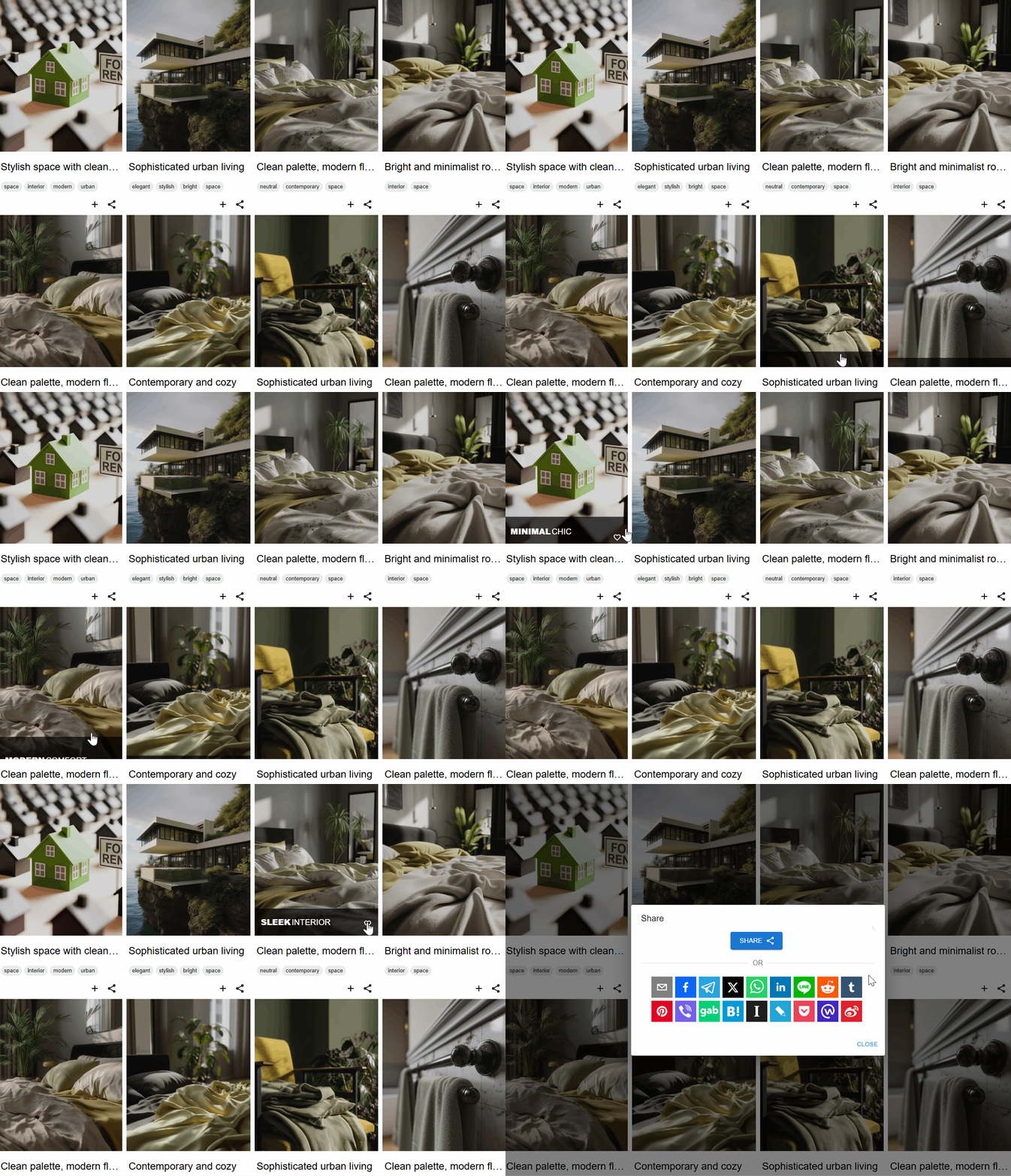
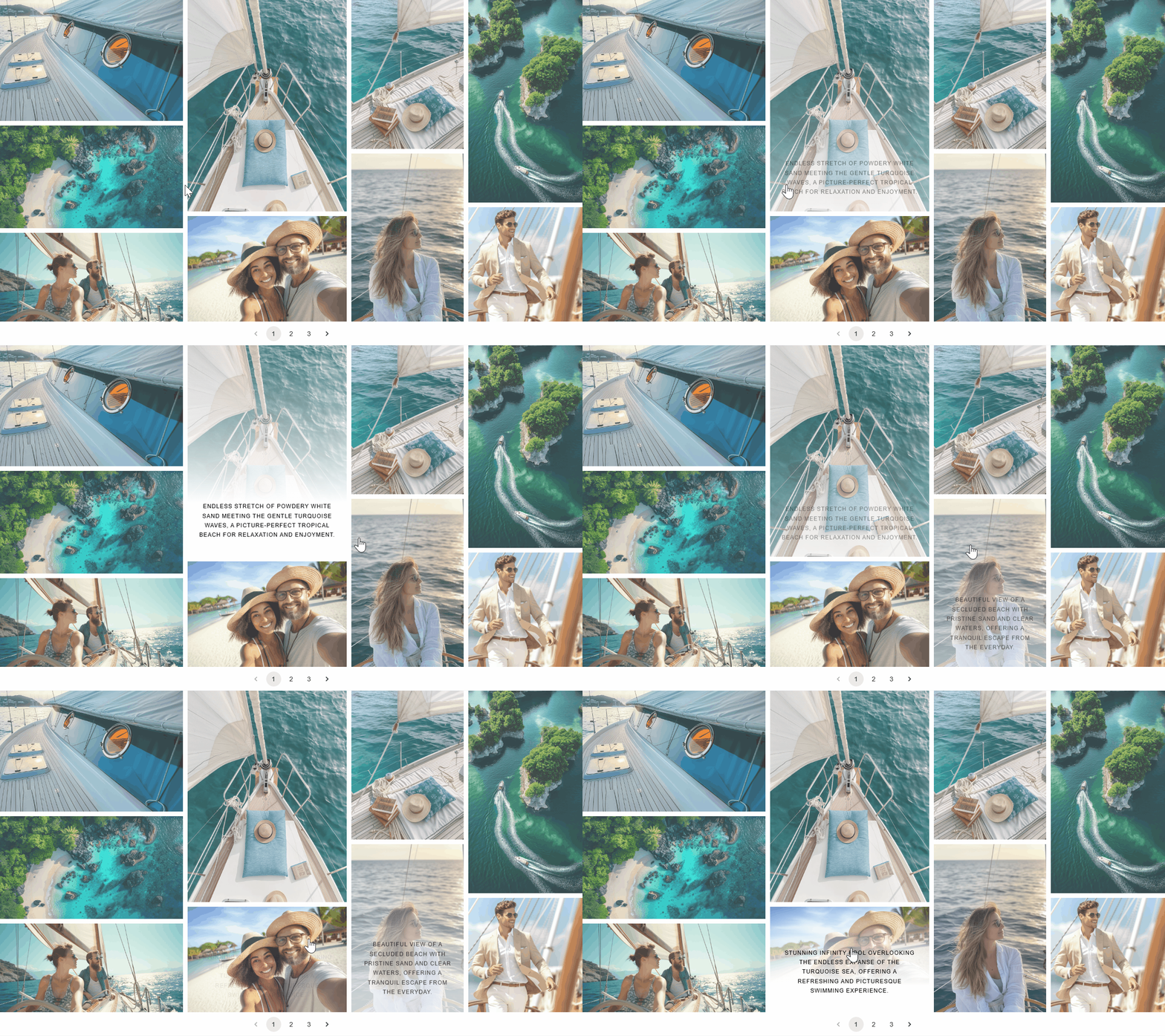
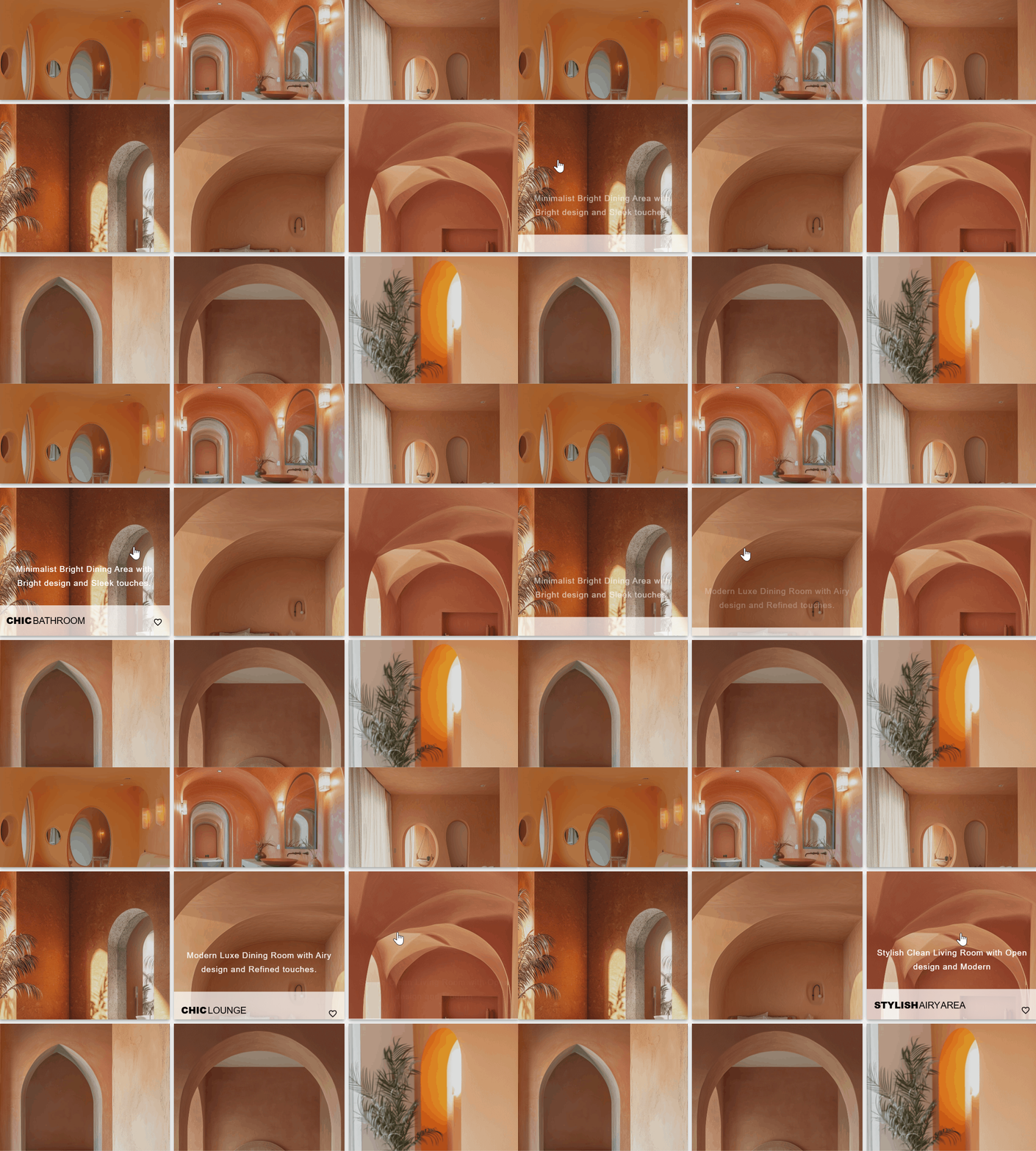
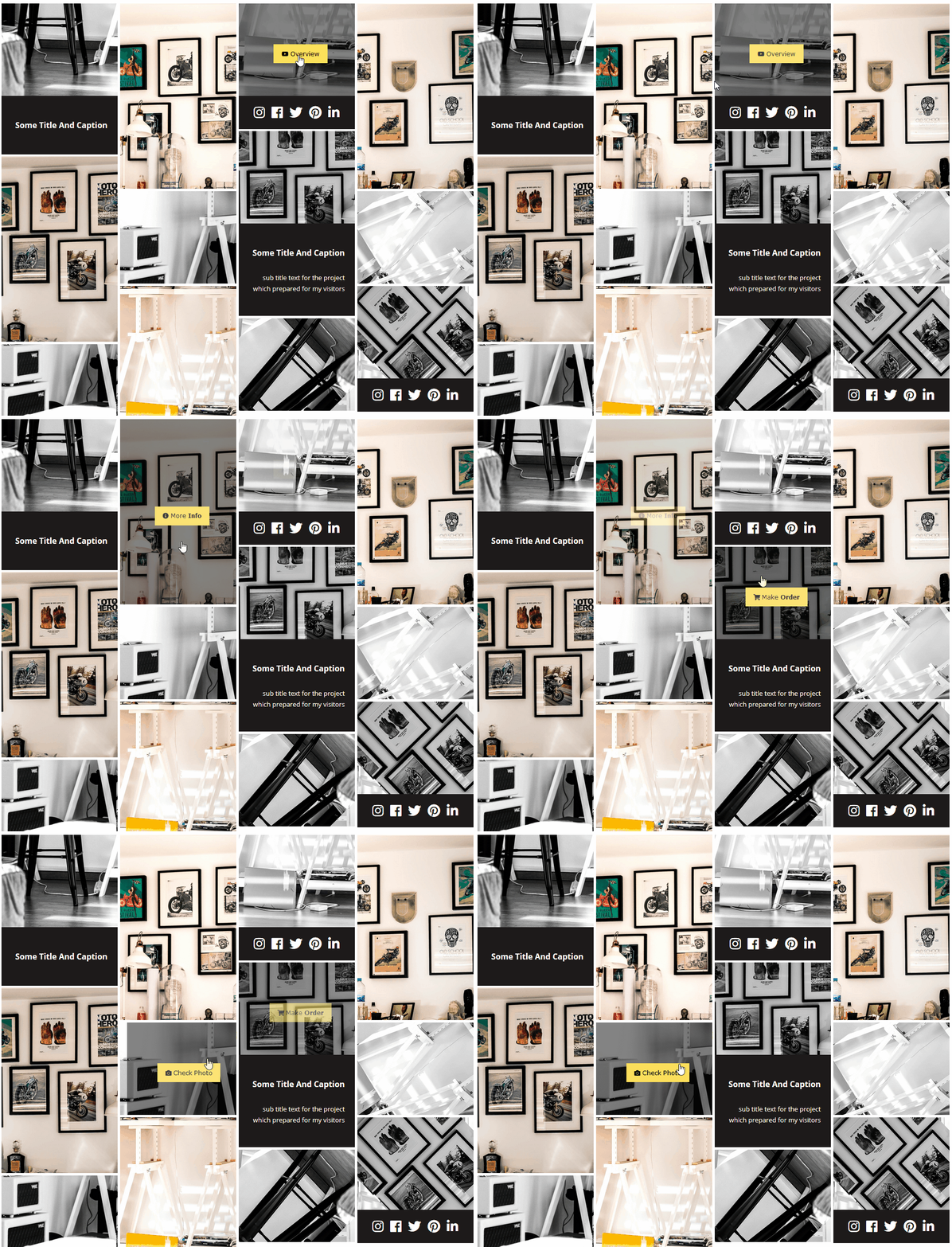
Enhance your photo gallery with a set of hover animations that add interactive behavior to images. Hover effects support transitions, layout customization, and options to display titles, descriptions, zoom controls, and link buttons. Some hover modes include social sharing functionality, helping users share images from the gallery. The hover template mode allows you to extend hover layouts using custom HTML and CSS, providing additional control over how galleries are presented.
Polaroid Gallery
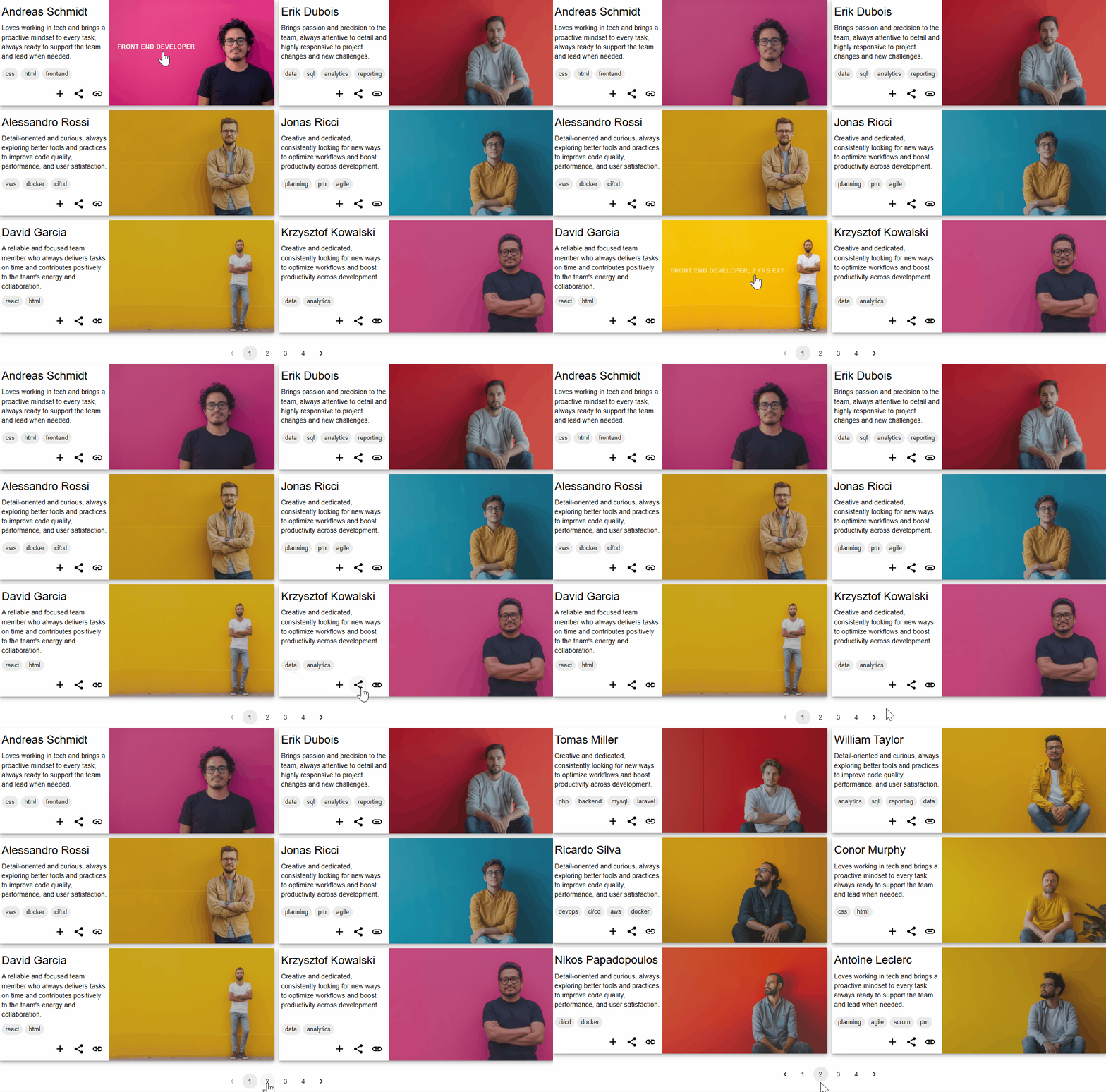
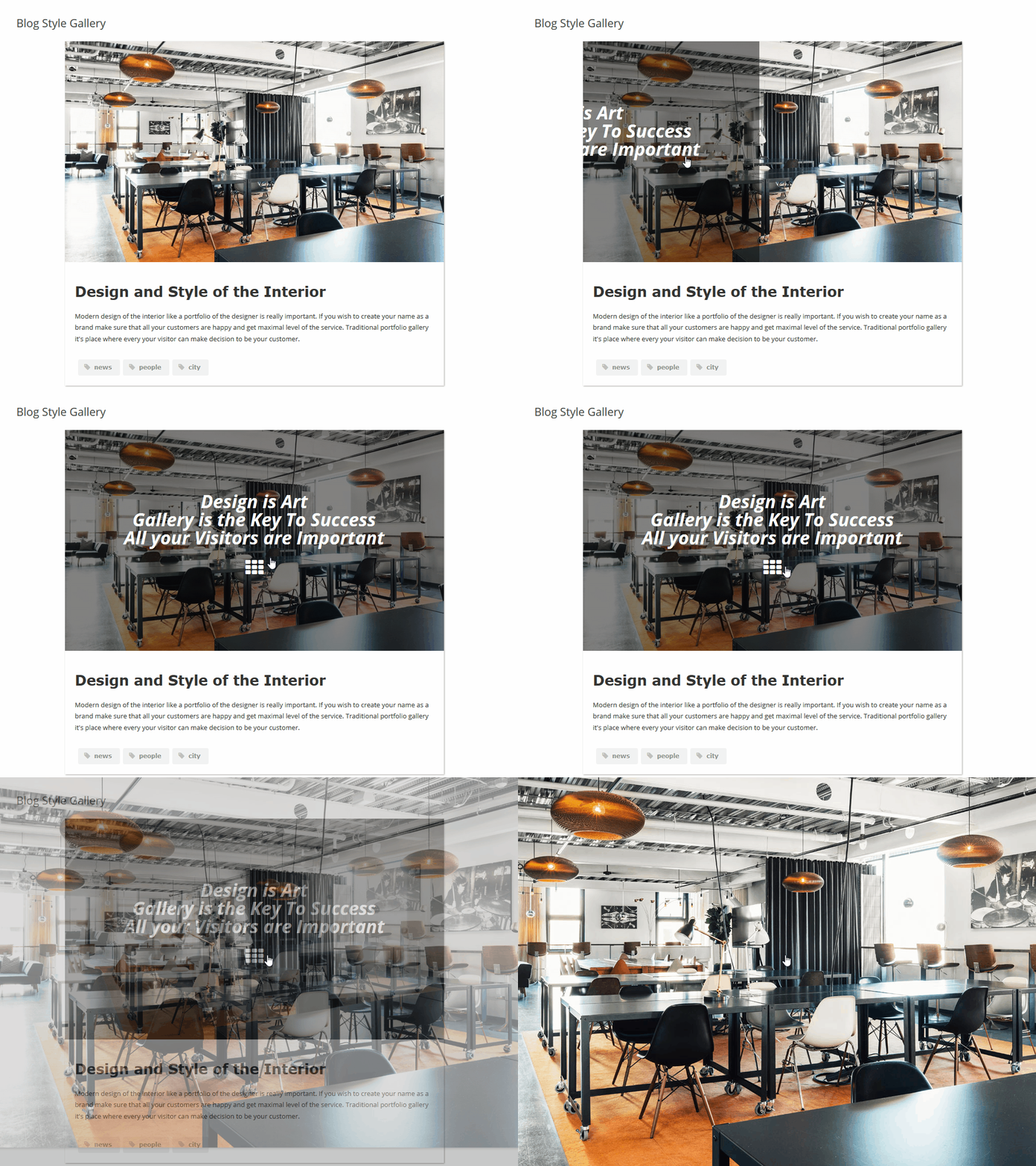
Showcase images using a portfolio-style gallery with several layout options, including regular grid, masonry, mosaic, and justified views. The classic polaroid gallery displays image descriptions below thumbnails, providing a distinctive presentation for photo galleries. The enhanced polaroid mode extends customization options by allowing content panels to be placed on any side of the thumbnail top, left, right, or bottom. These panels can include titles, descriptions, lightbox controls, social sharing icons, zoom options, and custom links, giving you flexible ways to structure an image gallery.
Mobile-Friendly & Responsive Galleries
The gallery layouts are designed to adapt to different screen sizes, including smartphones, tablets, and desktop devices. Photo gallery views such as grids, masonry, and mosaic layouts adjust automatically for responsive display. Support for high-resolution images on Retina and Ultra HD displays allows images to remain clear on modern screens. Hover animations are adjusted for mobile interaction, and the lightbox, navigation, and user interface are structured to support browsing on both mobile and desktop devices.
Gallery Albums
Organize photo galleries using albums with multiple nesting levels to structure images, albums, and videos. You can build cover galleries that contain only albums or combine albums with photos, linked images, and embedded videos. This makes it possible to create multi-level image galleries with clear navigation and structured access to content. Layout options can be adjusted to fit different use cases, from compact album structures to larger album collections, supporting a wide range of gallery organization needs.
Navigation & Gallery Interface
The Fusion Grid includes an updated photo gallery navigation interface with configurable menu options. You can choose between Wide and Compact display modes depending on your layout preferences. The menu system supports dropdown navigation with multiple nesting levels, allowing structured organization of gallery hierarchies. An optional Sidebar Menu can be enabled on its own or combined with the top menu. Menu appearance can be adjusted using predefined themes or custom color settings, and menu labels can be customized. Breadcrumb navigation helps users move through gallery albums, while pagination, load more options, and lazy loading support efficient browsing across different screen sizes.
Social Media Sharing
Social media sharing options allow images, photos, and galleries to be shared from thumbnails, hover effects, and the lightbox. Sharing buttons are available in enhanced Polaroid layouts, lightbox views, and hover animations. Supported platforms include Twitter, Reddit, WhatsApp, Facebook, LinkedIn, Pinterest, Tumblr, and other social networks, making it easier to distribute image gallery content across multiple channels.
Image Slider
The image slider allows you to display images and photos in a responsive slideshow format. Slider options include captions, navigation controls, autoplay settings, transition effects, and adjustable slideshow speed. The slider can be used alongside gallery layouts to present photos, images, and albums in a structured way, supporting different presentation and content display scenarios.
Video Gallery
Create video galleries with support for multiple platforms. Videos can be embedded from YouTube playlists and channels, as well as other sources such as Facebook, Twitch, Vimeo, SoundCloud, and Wistia. The video gallery is responsive and supports configurable layouts, allowing video content to be displayed alongside images and photos within the same gallery structure.
Bulk Images Uploader & Server Import
Upload and organize large numbers of images using the bulk uploader and server import tools. Photos can be imported directly from server folders, and multiple galleries can be created in a single process. Gallery metadata such as titles, captions, descriptions, tags, links, and video URLs can be defined using a configuration file, allowing metadata to be applied automatically during import. This workflow is suitable for managing large photo galleries and reducing manual setup when working with extensive image collections.
Display Anywhere
Each gallery is stored as a custom post type, making it easy to manage and reuse. Galleries can be added to posts, pages, sidebars, and other areas of your website using the Gallery Widget, Gutenberg block, Elementor gallery widget, or classic shortcodes.
Performance
The photo gallery plugin is designed to support efficient loading of images, albums, and galleries. Features are implemented to operate consistently, helping photo galleries and image displays load reliably while maintaining visual quality.
Cache
Caching options are available to help improve the loading behavior of image galleries, photo albums, and lightbox features. By reducing repeated server requests and reusing stored data, galleries and photos can load more efficiently during user navigation.
Optimization
The image gallery plugin is optimized for use with WordPress themes and plugins. Clean and efficient code helps limit resource usage when displaying galleries, lightbox views, and organized albums. Regular updates focus on maintaining compatibility and stable behavior for photo galleries and image displays.
💎 Pro Key Features
-
Customizable Gallery Interface – Adjust layouts, colors, styles, and visual effects to fit different design requirements.
-
Unlimited Albums & Nested Structure – Create albums with multiple nesting levels and combine photos, linked images, videos, and albums within the same gallery.
-
Enhanced Polaroid Mode – Use content panels on thumbnails to display titles, descriptions, zoom controls, links, and social sharing buttons.
-
YouTube Gallery Support – Display YouTube playlists and channels directly inside a gallery layout.
-
Multiple Gallery Layouts – Choose from grid, masonry, mosaic, polaroid, justify, slider, and other layouts designed to work on both mobile and desktop devices.
-
Predefined Gallery Themes – Apply ready-made theme styles to galleries to control colors and visual appearance.
-
Configurable Hover Effects – Use hover animations with buttons, overlays, and interactive elements to enhance image presentation.
-
Editable Hover Template – Create custom hover layouts using HTML and CSS to extend default hover behavior.
-
Gallery Search – Allow visitors to search images by titles, descriptions, and tags within galleries.
-
Custom Links – Assign links to images, albums, or external pages to support navigation and content flow.
What’s Next 🔥
In 2025, development of Robo Gallery continues with a focus on expanding functionality and improving existing features. The release of Version 5 introduces a new foundation for future updates, with ongoing improvements planned as part of the regular development cycle.
Planned areas of development include:
- Additional Animation Effects: New animation options for gallery elements and hover interactions.
- Post Grid Functionality: Tools to display posts within structured grid layouts.
- New Layouts and Themes: Additional gallery layouts and theme styles for different presentation needs.
- Image Slider Improvements: Extended slider options with configurable controls and transitions.
- Additional Gallery Sources: Planned support for external sources such as Instagram, Pinterest, Flickr, Unsplash, Pexels, Pixabay, Google Drive, OneDrive, and Dropbox.
Updates are planned on a regular basis to introduce new features, improvements, and compatibility updates as development progresses.
🖼️ All Demos
Grid Layout Demo with Fade hover effect
Multi Categories Polaroid style Movie Demo with classic layout
Design Sketch Demo with grid layout
Multi Categories Demo with custom interface colors and classic layout
Minimum requirements for WordPress Robo Gallery
WordPress 3.3
PHP 5.x
MySQL 5.x
Compatibility
Plugin implemented in native WordPress style. All code is implemented based on WordPress API and base classes. Also, we tried in our plugin code to avoid conflicts with other plugins and libraries. If you accordantly meet with some errors, conflicts or other related problems feel free to contact us and we’ll sort everything out in a short time.
If any problem occurs, please contact us.
Installation
You don’t need any additional configurations or manual code changes. Simply install it using WordPress’s built-in installer. Download the plugin and install it manually or automatically from the WordPress repository. If you have any questions about our plugin, feel free to contact our support team – we’re always happy to help!
Screenshots
Demo 1
Demo 2

Demo 3
Demo 4

Demo 5
Demo 6
Demo 7
Demo 8

Demo 9
Demo 10
Demo 11
Demo 12
General and size settings
Layout settings
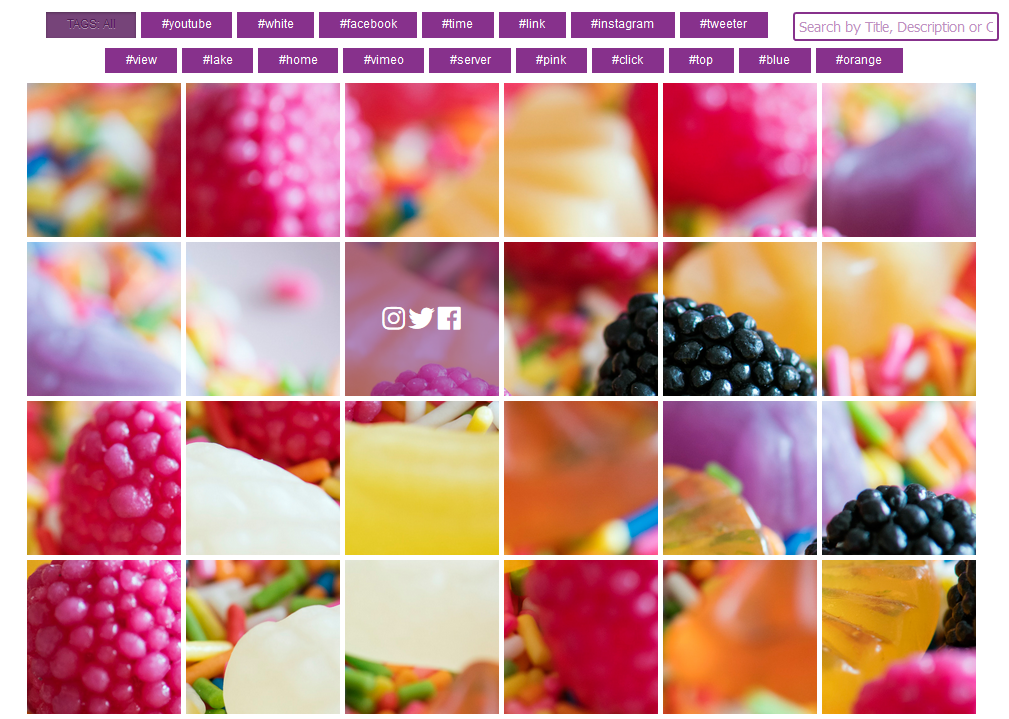
Shadow and border settings
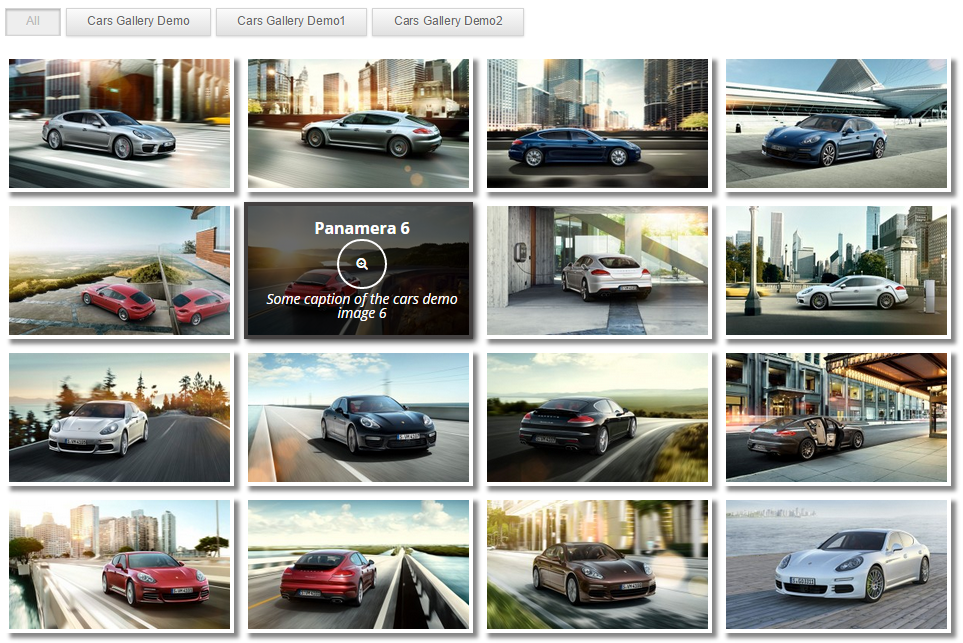
Hover and menu settings

Loading and Polaroid settings
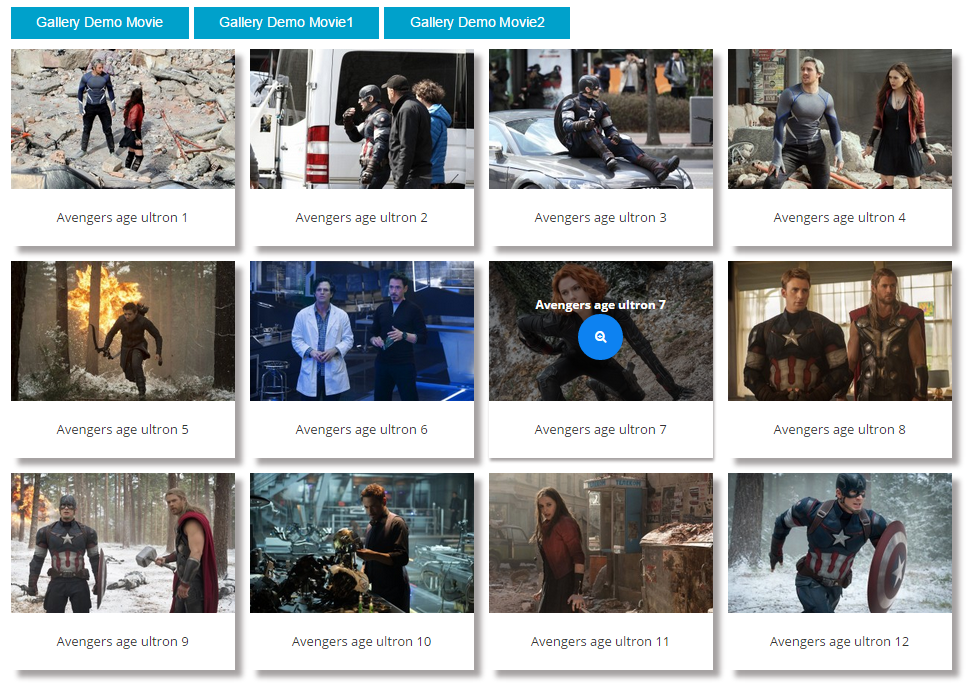
Buttons settings
Faq
When you create a new gallery or edit an existing one, you’ll find the Images Manager button on the right side of the settings section. Open the Images Manager to upload, edit, or delete media resources. You can also use the drag-and-drop upload tool for easy image management.
You can adjust the thumbnail quality in the Size Options, Thumbnails Options, Source settings.
You can set horizontal and vertical paddings between thumbnails in the gallery settings.
No, there are no restrictions on image size.
Our plugin uses a column-based layout system. You can set the total number of columns in your gallery grid and customize the number of columns each image occupies. This allows you to create a fully customized gallery grid layout.
Yes! In the Media Manager, select an image, and on the right side, you’ll find Image Options. Each image has a video link field, where you can add a custom video URL.
Our thumbnail layout is fully responsive, and sizes are calculated dynamically based on general size and layout settings. You can define the aspect ratio for thumbnails and choose from WordPress’s predefined sizes: thumbnail, medium, large, or full.
In the admin panel, you can set the number of images loaded initially. Clicking the Load More button loads additional images dynamically, providing a Google-style pagination experience.
In the General Settings, you’ll find the Thumbnail Column options. You can set different column numbers based on screen size, allowing for a responsive gallery layout across all devices.
In the Lightbox Settings section, you’ll find a Swipe Mode option. Enable this setting to allow users to swipe through images in the lightbox on mobile devices.
Reviews
This Could Be the Best Gallery Plugin available - But...
By 
This could be the absolute best gallery plugin available, but... The inability to communicate with the author except via an anonymous "app" layer (upzilla) causes me to reduce my rating from 5 stars to 3. Reduce by another star because in order to purchase the PRO version, I also have to go through (upzilla), requiring me to produce PII to an unknown and untrusted entity. If the author did not force the purchase or support to go through an untrusted source, I might be induced to rase my 2-star rating up to a 3 or possibly even a 4-star if the purchase process were changed to utilize a payment method connected with a trusted source like PayPal, or maybe even Venmo or Zettle. As for support options, maybe something with ZenDesk or even a local forum from their website would be far better than forcing me to deal with an untrusted third-party.
In summary, all of the issues above cause me to have concerns over submitting my Personal Identifiable Information and that causes me to be concerned over whether I am dealing with a legitimate business.
Great Image Gallery Plugin
By 
I have been using another gallery plugin for the last 10 years. I manage 1189 galleries on 68 websites. This is the first gallery plugin I have used that out of the box gives the proper shorting of the images. At the present time I have over 30,000 images installed on those 1189 galleries.
I would strongly recommend this plugin if you are looking for a gallery image that has great function and great looking images in the gallery.
Powerfull Gallery plugin
By 
I tried a few gallery plugins before testing Robo Gallery, Robo Gallery is the plugin with the best functionality, and with version 5 it is even better.
Quick & Fast for my web visitors.
By 
5 STARS !!!
The reason I give Robo-Gallery 5 stars is simply because the galleries load fast & clean for my website visitors.
I do not need twirling images in my gallery.
I photograph a small local racetrack. All those guys want is to see their cars in the races on the track. The quicker & easier it is for them to find the images they want to see, the better it is for me (and them).
I have tried other gallery plugins, but I like the way Robo Gallery - just works!
This is the best gallery
By 
I have tried a lot of gallery plugins. This one is by far the best.
Robo Gallery – A Game-Changer for WordPress Galleries!
By 
After struggling for hours with other popular gallery plugins that simply refused to display on my site, I was on the verge of giving up. Then I found Robo Gallery—and what a game-changer!
I imported around 200 large images, expecting the usual headaches, but to my surprise, the entire process was smooth, fast, and absolutely flawless. No crashes, no issues—just a seamless experience.
But the real magic happened when I saw the final result. The gallery wasn’t just functional—it was stunningly professional and visually breathtaking! The sleek design, smooth transitions, and responsiveness make it the best WordPress gallery plugin I’ve ever used.
If you’re looking for a reliable, easy-to-use, and mind-blowingly beautiful gallery plugin, Robo Gallery is the one. Highly recommended!
right mouse protection not working
By 
Right mouse protection is not working. By klick on the image and maximise you can download the images.
I prchased the gallery because of mouse protection!
Sent I request to help, but no answer!!!
Pre filtering gallery
By 
Hello, is it possible to pre filter a gallery on a given page? For example is it possible to insert such a shortcode? [robo-gallery id=“id_number” filter=“tag_to_display”] Because I should filter the content of a gallery based on the page being visited and I would like to avoid recreating 18 galleries, it would be wasteful and not very smart management. Thank you very much for the support, Alexander
Great gallery plugin
By 
I like this gallery, very flexible and easy to use.
Don't Waste Your Time or Money
By 
I paid for Pro and could not get deep linking to work. There was no documentation to explain how and my support request was not answered. I requested a refund and have not heard back. The whole thing is poorly done, and when I switched to Foo Gallery, it was infinitely better, even the free version. I also found deep linking for free with Story Show Gallery, and bulk editing for free with Media Library Helper by Codexin. So shop around!
Changelog
5.1.4 (22-03-2026)
- Resolved UI-related issues and inconsistencies
- Compatibility improvements for PHP versions
5.1.3 (25-02-2026)
- Fixed several UI issues
- Improved compatibility with various PHP versions
5.1.2 (28-12-2025)
- Updated plugin description and headings to align with guidelines
5.1.1 (03-12-2025)
- Compatible with WordPress 6.9
5.1.0 (10-10-2025)
- Fixed PHP 7.4 issue in access options
5.0.9 (09-10-2025)
- Fixed sidebar menu issue
- Added password protection feature
- Added share via link option with generated access key
- Improved access management
5.0.7 (07-08-2025)
- Fixed layout issues in Fusion Grid menu for mobile devices
- Fixed breadcrumbs layout on mobile view
- Updated mobile navigation behavior
- Resolved dropdown menu issues in Fusion Grid
- Fixed multi-level depth navigation problems
5.0.6 (24-07-2025)
- Fixed lightbox rendering issues and improved image loading behavior
- Resolved multiple theme compatibility issues affecting gallery display
- Introduced new multilevel dropdown navigation menu for Fusion Grid
- Added support for Wide and Compact menu display modes
- Implemented sidebar menu with unlimited depth and navigation levels
- Added menu themes, choose from predefined palettes or set custom colors
- Enabled full customization of navigation button labels and text
5.0.5 (16-06-2025)
- Fixed an issue with the gallery instance configuration
- Improved support for various link structures
- Added a new static hover effect
- Introduced an inverted hover effect mode
- Added highlight option for hover title
- Added highlight option for hover description
- Added new color option for highlight effects
- Added a quick home icon link to the breadcrumb navigation
5.0.4 (13-05-2025)
- Fixed enhanced polaroid mobile layout
- Added option maximum width
5.0.3 (06-05-2025)
- Resolved YouTube API key security issue
- Fixed cache-related notice issue
- Fixed CSS conflict with multiple instances on the same page
5.0.2 (17-04-2025)
- Resolved dashboard error on WordPress 6.5.5
- Fixed interface issues in the navigation and Polaroid sections
5.0.1 (16-04-2025)
- Compatible with WordPress 6.8
- Fixed notice in the admin section
- Resolved interface display issue
- Updated Change Gallery Type option
5.0.0 (02-04-2025)
- New Grid System – Introducing brand-new layouts for ultimate flexibility.
- Advanced Hover Effects – fresh, customizable animations for a modern look.
- Unlimited Albums – Create multi-level albums with unlimited depth and mix images, albums, and videos in one gallery.
- Enhanced Polaroid Mode – Now with social share, zoom, and an advanced text content panel for more engaging galleries.
- New Lightbox – Featuring slideshow mode, social sharing, zoom, download, and full-screen mode for the best viewing experience.
- Classic Pagination & Breadcrumbs – Better navigation with structured multi-page galleries.
- New Video Gallery – Supports 9 platforms, including YouTube, Facebook, Twitch, Vimeo, SoundCloud, Wistia, and more.
- Social Sharing – Integrated with 20+ platforms, including Twitter, Reddit, WhatsApp, Facebook, LinkedIn, Pinterest, and Tumblr.
- Retina & Ultra HD Support – Fully optimized for high-resolution screens, including 16K Ultra HD.
- Cover Gallery Mode – Create visually stunning album covers for easy navigation and a beautiful presentation.
3.2.24
- Fix YouTube API issue, fixed media manager field issues
3.2.22
- Fixed media manager fields issues, align field issue, private post fix
3.2.21
- Compatibility with WordPress 6.6
3.2.20
- Modification of the general core settings, fixes of the name and image title issues
3.2.19
- Compatibility with WordPress 6.5
- Compatibility with PHP 8+
- Modification of permissions for media manager photos
3.2.18
- Fixed images media manager fields, tags for different resources types
3.2.17
- Compatibility with WordPress 6.4
3.2.16
- Fix of the youtube key field
- Update of the youtube functionality
- Compatibility with WordPress 6.3
3.2.15
- Compatibility with WordPress 6.2
3.2.14
- Modify the plugin structure
- Changed paths of the plugin add-ons
3.2.13
- Fixed the shortcodes
- Modification of the output workflow
3.2.12
- Added new security check
- Fix the admin section links for the clone option
3.2.11
- Fix links issues, fixed link button
- Security fix
3.2.9
- Modification of the hover functionality, links, buttons
3.2.5
- Fix the compatibility settings of the plugin
- Admin section modification
- Compatibility with WordPress 6.1
3.2.4
- Update of the new gallery dialog interface
- Fixed popup of gallery Wizzard issues
3.2.3
- Gutenberg block fix
3.2.2
- Fixed Gutenberg issues, fixed search functionality
3.2.1
- Fixed media manager loading issues
- Compatibility with WordPress 6.0
3.2.0
- Fixed drag and drop issue
- Added preview ordering option
- Fixed gallery fields compatibility
- Fixed issues related to PHP 7.4, PHP 7.1
- Fixed issues related to conflicts with PHP modules
3.1.8
- Compatibility with WordPress 5.9
- Fixed notices in PHP 7.1
3.1.7
- Fixed the compatibility with extensions of the PHP7+
- Small interface fixes
3.1.5
- Fixed lightbox right-click content protection fix
- Added duplicate post option
- Added new draft option
3.1.4
- Right-click protection for the gallery and lightbox
- Fix the PHP warnings
- Plugin admin section modifications and fixes
3.1.3
- Small interface fixes, tested on 5.8.2
3.1.2
- Fix for the masonry and mosaic layouts
3.1.1
- Added demos showcase with links in dialog and dashboard
- Modification and small fixes for the new wizard
- Fixed settings type block
3.0.10
- Compatibility with PHP 8
- Fix the lazy load function
- Fix notices in the admin section
3.0.9
- Compatibility with WordPress 5.8
3.0.8
- Fixed new dialog problem
- Fixed styles issues in the admin section
- Fixed load more conflict with multiple items
3.0.7
- Fix the gallery version
3.0.6
- New free image slider theme
- Added clone function to masonry, mosaic, youtube, and polaroid types
- Fix the link and buttons in the masonry
- Fix the alignment
- Fix the new dialog interface
- Fix menu and categories
- Fix the search text management
3.0.5
- Tested up to WordPress 5.7 version
- Fixed a few mosaic and wall-style themes
3.0.4
- Fix links modes and clickable thumbnails option
- Fix mobile links and clicks
3.0.3
- Fix links buttons in mosaic, masonry, polaroid and grid
- Fix alignment
- Fix compatibility with the old PHP version
3.0.2
- Fix clone values list
- Fix image ordering
- Fix Yoast compatibility
- Fix the compatibility with the old PHP version
3.0.1
- Fix the old PHP version’s support
3.0.0
- New structure of the core plugin code
- Fixed the grey thumbnails problem in the media manager
- Fixed Divi notices
- Added a new gallery wizard with the classification of the types
- Added a new media manager widget with a photos preview
- Added free types: grid, masonry, polaroid, mosaic, youtube gallery
- Added new youtube integration with support of the video ids, playlists, channels
- Added preconfigured 6 categories with wall style, grid, masonry, mosaic, polaroid and advanced youtube feed types
- Added auto-configuration engine for the photo grid layout configuration
- Added auto-resize smart module for resizing the thumbnails for the masonry grid layout
- Optimized CSS and js code
- Prepared integrations for Instagram feed, Pinterest, Flickr, dropbox, google drive, and Facebook gallery sources for the content
- Tested with WordPress 5.6 version, with small fixes
2.8.34
- Tested WordPress 5.5 version, fixed Gutenberg block notices
2.8.33
- Tested with the latest WordPress version, optimized settings for Divi theme
2.8.32
- Fix the admin section, interface fixes
2.8.31
- Tested with WordPress 5.4, small code fixes
2.8.30
- Cache fixing
2.8.29
- Fixed media manager
2.8.28
- Tested with WordPress 5.3
2.8.27
- Abspath fix in plugin paths
2.8.26
- Fixed small bugs, and added new code structures
2.8.25
- Modification of the configuration fields, fix of the shortcode
2.8.24
- Fixed Elementor editor conflict in image widget mode
- Prepared Elementor page builder block
- Tested with WordPress 5.2
2.8.23
- Fix the media manager resources upload, additional file type check
2.8.22
- Fix the Gutenberg block and lightbox code
2.8.21
- Modification of the hover zoom and link buttons styles
2.8.20
- Fix the hover elements position, fixed styles of the menu
2.8.19
- Modification of the translation elements
- Fixed small issues in the editor
2.8.18
- Fix the Gutenberg editor, Gutenberg optimization
2.8.17
- Fix the Gutenberg editor id value problem
- Modification of the self-images functionality
- Added new Images of the Current item field logic
2.8.16
- Fix the Gutenberg block for the old Gutenberg version compatibility
2.8.15
- Added Gutenberg editor support
- Added Gutenberg block
- Small code fixes
2.8.14
- Fixed lightbox background transparency issue
- Compatibility with WordPress 5.0
2.8.13
- Fixed notices and optimization of the admin interface
2.8.12
- Added new template tag for video link
- Modification of the general CSS styles structure
- Added a new custom CSS field where you can add modifications for every item
- Added new global custom CSS for the entire plugin
- Added new global custom js for the entire plugin
- Smart parser for the front end includes
2.8.11
- Added check of the no images and notification
- Update default settings in the admin section
- Plugin tested in Gutenberg
- Modification of the menu settings
- Modification of the zoom button settings
- Updated default menu views
- Updated default hover views
- Added check of the no images and notification
2.8.10
- Update spacing options and hover effect
2.8.9
- Optimization of the admin interface options
2.8.8
- Fixed pixelated or blurred images in thumbnails
- Enabled source option for the all free users
2.8.7
- Updated admin section image quality options
2.8.6
- Fix for the dashboard redirect function
- Fix the lightbox background transparency
2.8.4
- Update backend interface, added overview section
- Fixed some js conflicts
- Fixed images manager button
2.8.3
- Update image widget add-on
- Modify add-ons installation
- Update images manager
- Small fixes to the interface
2.8.2
- Added a new image gallery widget to the add-ons section
2.8.1
- Fix the path problem in a new version, including WordPress.com users
2.8.0
- fix of the backup notices
- fix of the export backup function
- Global modification of plugin structure, new add-ons section
- New backup add-on
- New statistics add-on
2.7.14
- fix of the image manager additional fields values validation
2.7.13
- fixed the outdated code elements, and modified the general structure of some interface elements
2.7.12
- fixed swipe inverted direction, add a new option for swipe direction switch to the left or to the right
2.7.11
- Fix the old PHP version support, white screen problem fix
2.7.10
- Changed navigation in the admin section
2.7.9
- Fix the notifications
2.7.8
- Updated interface icons and CSS fixes
2.7.7
- Updated cache functionality
- Added cache expiration option
2.7.6
- Added copy shortcode by clicking on listing
- Added sorting confirmation message
2.7.5
- fix of the notices
2.7.3
- New ajax preload module
- Notification init fix
- Fix for automatic js error detection and fix the system
2.7.2
- New advanced, automatic js error detection and fixing system
2.7.1
- New advanced categories sorting section
2.7.0
- New super cache function
2.6.22
- Update the ordering page
2.6.21
- Advanced sorting options, new sorting management options
2.6.20
- Update of the settings block
- Change interface code structure, added new tabs
2.6.19
- Fixed multiple issues with interface conflicts
2.6.18
- Video short links support for Youtube
2.6.17
- Update admin settings
- Added new search options
- Search background color
2.6.16
- Extend languages support
- Update of the statistics features
2.6.15
- Modification of the admin interface
- Changed notification mode in the settings section
2.6.14
- Fixed conflict with another plugin
- Fixed media manager conflict
2.6.13
- Update of the statistics section in the backend
- Small statistics fixes
2.6.12
- Fix the admin interface
- Updated category management dialog
2.6.11
- Update of the language functionality
- Multi-language support
2.6.10
- Modification of the interface in the admin section
- Modification of the zip library
2.6.9
- Added a new archiver library for an alternative backup method
- Backup algorithm optimized
2.6.8
- Front-end SEO code optimization, changed alt in lightbox functionality
2.6.7
- Code fixes and optimization of some functionality implementation
2.6.6
- Updated hover mode for thumbnails on mobile devices
2.6.5
- Added new search field label customization option
- Optimization of the admin interface options
2.6.4
- Changed galleries management algorithm
- Added additional galleries checks
2.6.3
- New front-end search functionality
- Added search field in the top menu block
- Search result load without page reload
2.6.2
- New function for clone function configuration
- Show/hide option for clone block in settings
2.6.1
- Updated widget
- Added new latest option in the list
2.6.0
- Fixed PHP Compatibility Checker warnings
2.5.9
- Update of the backup algorithm, new full backup method
- Changes in a backend data configuration
2.5.8
- Fix the JS code
2.5.7
- Optimization of the code structure
- Combining of the CSS files
2.5.6
- Optimization of the code structure
- Combining of the JS files
2.5.5
- Added new tags ordering option
- Added ordering modes No ordering, Alphabetical ASC, Alphabetical desc
2.5.4
- Fix for Facebook sharing images function
2.5.3
- Fixed Facebook sharing in the case of special symbols conflict
- Added VK social sharing option
- Added switch to turn on/off every social source separately
2.5.2
- Fixed conflict of the lightbox counter label with the old version
2.5.1
- Fixed quote parsing in image description and caption fields
2.5.0
- Lightbox interface update
- Added new lightbox counter template field
2.4.9
- Fixed link function, preload for the link function is disabled
2.4.8
- Updated statistics and fixed reset statistic function
- Updated description of the plugin, explanation of the life cases
2.4.7
- Updated font options
- Added new awesome font load modes
- Updated awesome font load process to avoid conflicts
- Code cleaning, removed/replaced old libs
- Plugin code structure optimization
2.4.6
- Fixed link option
- Fixed default output after installation event
2.4.5
- Fixed express panel publishing issues, per users requests
- Added show/hide option for express panel
- Turned off the express panel by default
2.4.4
- Fixed tag error in plugin source to avoid warning
2.4.3
- Added new Express Panel for fast settings save
- Scroll effect for Express Panel
2.4.2
- Updated statistics, added a new reset button
- Small code fixes