RoomJotter Handyman Job List

RoomJotter Handyman Job List
Description
A loose door handle in the kitchen, a sticking wardrobe door in the bedroom, a shelf to put up in the laundry: collect the small jobs in one room-by-room list before asking for a quote.
Walk through each room
Add the RoomJotter Handyman Job List block or [roomjotter_handyman_job_list] shortcode. Give each job its own card: name the room or area, describe what needs doing, enter a quantity and choose Normal, Soon or Flexible. Add notes where a little context would help. You can add up to 50 job cards.
Take a clear list to the conversation
The summary groups jobs by room and orders them by priority. Download it as a plain-text file or print it to share yourself. The organiser does not contact a handyman, book work or send a quote request. A provider must confirm the scope, suitability and price; the list is not a quote, scope agreement, safety assessment or repair instruction.
Keep your notes on your page
The tool works locally with no account, API, analytics, cookies, lead capture or visitor-data storage. Inputs stay on the current page and are lost when you reload or leave, so download anything you want to keep. No administrator configuration or attribution is required. Labelled keyboard controls and separate instances work in a responsive layout.
Developed by Bankstown Handyman.
Installation
- Upload the ZIP through Plugins Add New Upload Plugin and activate it on a single-site staging install.
- Add the RoomJotter Handyman Job List block, or a Shortcode block containing [roomjotter_handyman_job_list].
- Preview the page and verify the tool in your theme before publishing.
Screenshots
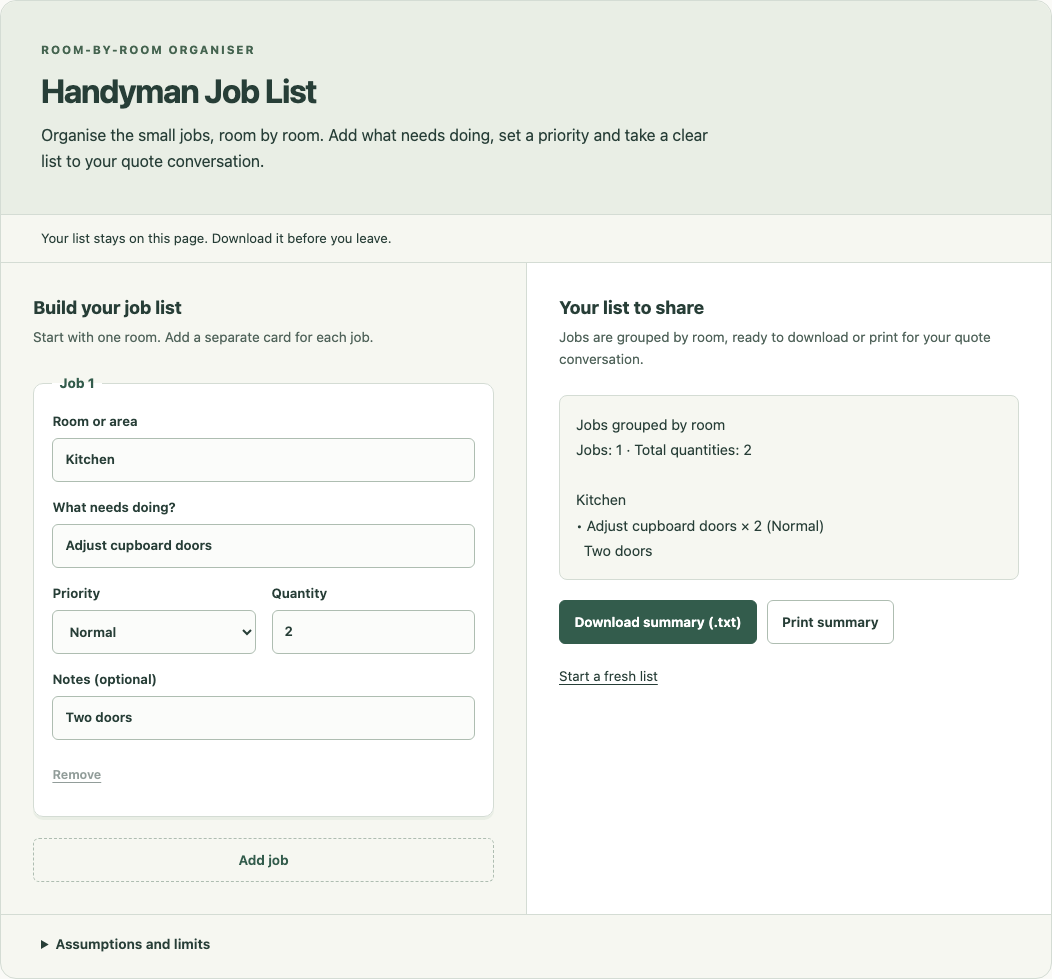
Room-first job cards keep descriptions, priorities and quantities beside a grouped sharing summary. Desktop local frontend preview with example inputs.
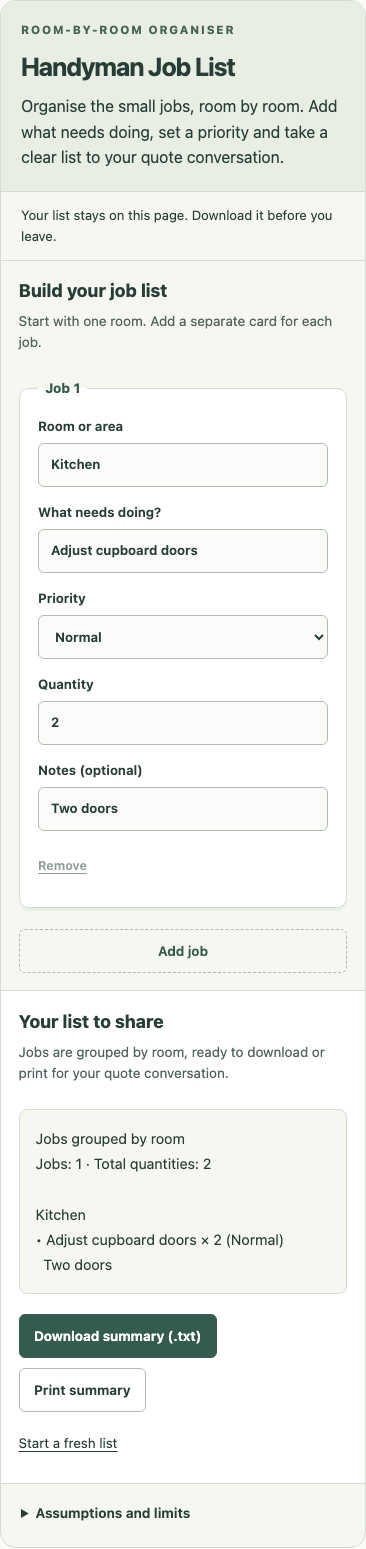
Responsive mobile view of the same tool and example inputs in a local frontend preview.
Faq
Use the same room or area name for jobs you want together, such as Kitchen or Front porch. The summary groups jobs by room and orders them by priority, so you can discuss an area at a time.
Normal, Soon and Flexible express your preference for the quote conversation. They do not assess safety, promise attendance or establish a repair deadline. Ask a provider to confirm what is suitable and when work can be done.
Quantity is the number of items for that job, from 1 to 100 in whole numbers. For example, use 3 for three handles needing attention. Total quantities adds those entries; it does not measure labour, materials or cost. Use a separate card when the work differs.
Download the plain-text summary or choose Print summary, then share it yourself. Nothing is sent to a provider. The download includes your room-grouped jobs and the tool’s assumptions and limits. Partly completed cards must be corrected first; untouched cards are ignored.
No. There is no visitor-data storage or background task. Reloading or leaving the page loses your inputs. Download a copy before you leave.
Set the heading in the block sidebar, or use [roomjotter_handyman_job_list title=”Jobs around the house”]. Each instance has its own controls and list.
No. A provider must confirm the scope, suitability and pricing. This is a preparation aid, not a quote, scope agreement, safety assessment or instruction to carry out repairs.
This release supports single-site installations. Network activation and network-wide uninstall cleanup are not validated or implemented. Uninstall removes this site’s settings only.
Reviews
Changelog
0.1.0
- Initial release with a dynamic block, shortcode and local summary export.