Post Meta Editor and Cleaner by RotiStudio
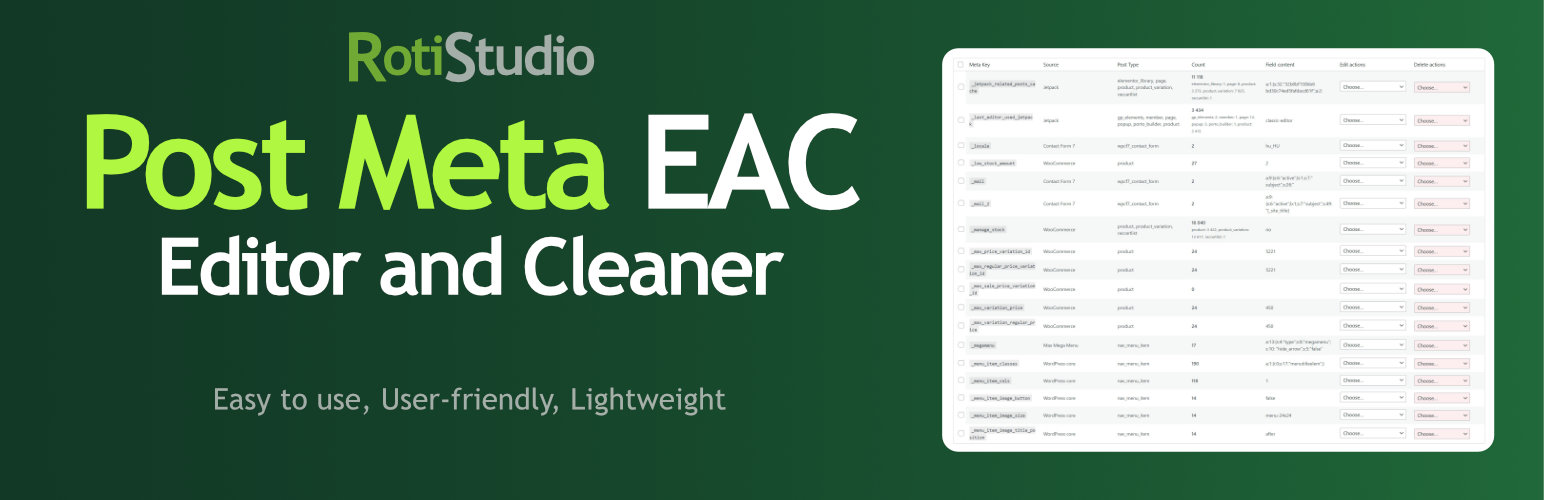
Post Meta Editor and Cleaner by RotiStudio
Description
Post Meta bulk editor to delete unused data, overwrite values, run search and replace, and clean your database directly from the admin panel.
Hungarian: Magyar nyelvű bővítmény leírás
Why use this plugin?
Over time, WordPress sites accumulate post meta data from plugins, themes, and page builders. When you switch or remove plugins, their meta often stays in the database – bloating tables, slowing queries, and making backups larger. Post Meta Editor and Cleaner gives you direct control over this data.
Key benefits
- Database optimization – Remove orphaned meta from deleted plugins to reduce database size and improve performance.
- Source identification – See which plugin or theme created each meta key. The built-in source map recognizes 50+ popular plugins (WooCommerce, Yoast, Rank Math, Elementor, Jetpack, WPML, and many more).
- Table search, filters and sorting – Advanced search across meta key, post type and field content (including serialized fragments); column filters for Meta Key, Source and Post Type; sort by Meta Key, Source, Count or Size.
- Bulk delete – Delete more meta keys at once. Adjust process speed to avoid timeouts on large sites.
- Search and replace – Update URLs, domain names, or text across all posts. Works with serialized data, including double-serialized values – both array values and array keys can be updated. Values containing PHP objects are skipped for safety.
- Flexible deletion – Delete the entire meta key and its values, or clear values only while keeping the key structure.
- Safe editing – Overwrite meta values in bulk, or perform targeted search-and-replace. Batches are resumable after connection errors, concurrent operations on the same meta key are blocked server-side, and any database error stops the operation with a clear message. Ideal for migrations, domain changes, or fixing incorrect product data.
- Large-site friendly – On catalogs with many products the overview is not scanned automatically. You start with Read data when ready; progress shows percentage and item counts; selected rows can be refreshed without rebuilding the whole index.
What you can do
- Browse the post meta overview with search, column filters and sortable columns (including Size in MB).
- Clean up after removing plugins or themes.
- Migrate a site and update old URLs in meta fields.
- Fix WooCommerce product attributes, SEO meta, or custom fields in bulk.
- Identify and remove unused or duplicate meta keys.
- Reduce
wp_postmetatable size for faster backups and queries.
Important
Before making any changes, create a backup, as modifications and deletions can only be restored from a backup.
More
Do you have other plugins? Yes, check my plugins website: rotistudio.com
Where can we learn more about your work? Check my personal website there: rottenbacher.hu
Installation
- Upload the plugin folder to your
/wp-content/plugins/directory. - Activate the plugin through the ‘Plugins’ menu in WordPress.
- Go to Dashboard / Tools / Post Meta EAC
Screenshots

screenshot-1.jpg - Post meta table view

screenshot-2.jpg - Read data on first load

screenshot-3.jpg - Settings page and clear indexed data

screenshot-4.jpg - Help documentation page

screenshot-5.jpg - Post Meta table in the admin
Faq
Install and activate the plugin, then navigate to the Post Meta EAC menu in your WordPress admin.
Yes – always create a full database backup before deleting any post meta data. Deletions are permanent and cannot be undone without a backup.
The plugin processes posts in batches. If the operation is slow or appears to hang, reduce the batch size in the Settings page. Lower the “Process Speed” value (e.g. from 50 to 10–20). This reduces the number of posts processed per request, which lowers the load on your server.
On large sites the full overview scan can take several minutes. The table page opens immediately and shows a Read data button so you start the scan when you are ready. Use Refresh all data to rebuild the full index, or the bulk Refresh data action for selected rows only. Settings also has Clear index and require re-read to return to that first-launch state.
All post types are processed, including revisions. Trashed and auto-draft posts, and orphaned meta rows without an existing post, are excluded from both the table and the operations.
By default, users with the manage_post_meta_cleanup capability (administrators receive it on plugin activation). Since the plugin exposes and edits post meta of every post type, sites with custom roles can tighten this via the rspmeac_capability filter.
Reviews
Very good beta version.
By 
Missing Features 1. Global search (highest priority)
Currently the table only lists meta keys.
Users cannot quickly search for:
- meta key
- plugin name
- post type
- sample value
A live search box filtering the table instantly would probably become one of the most used features.
2. Advanced filtering
Current view only supports pagination.
Useful filters would be:
- Post type
- Plugin / Source
- Empty values only
- Unknown meta keys
- Only orphaned meta
- Keys used less than X times
- Keys used more than X times
This would make large WooCommerce databases much easier to clean.
3. Sortable columns
Currently everything is alphabetical.
Allow sorting by:
- Meta key
- Count
- Plugin
- Post type
- Estimated database size
4. Database size column
This is probably the biggest missing feature.
Instead of only showing:
_count = 12,354show
12,354 rows
34.7 MB
5. Last modified information
Show:
- newest post
- oldest post
- last modified
Which posts use this key?
Very valuable.
Example:
Used on

✓ Products (18,322)
✓ Orders (54,123)
✓ Pages (16)
Then
View postscould open the actual post list.
********
Performance Improvements
1. Lazy loading
Currently the dashboard loads every meta key, then paginates in PHP.
2. Cache source lookup
Current implementation loops through every prefix until a match is found.
foreach(prefixes)for every row.
Instead cache
meta_key
↓

plugin
during rendering.
Minor improvement.
3. Progress bar
Instead of
Processing...show
34%

4200 / 12344

ETA 12 sec
4. Incremental refresh
Current refresh rebuilds the whole dataset.
A smarter refresh would update only changed keys.
5. Database indexes analysis
Detect missing indexes.
Example
Your wp_postmeta table has no composite index

Recommended:

(meta_key, post_id)
Could dramatically speed up operations on very large WooCommerce stores.
Changelog
1.3.0
- Improvement: first visit to the Post Meta table no longer runs the expensive overview scan automatically – a Read data button starts it when you are ready (better UX on large WooCommerce sites).
- Improvement: Settings action to clear the cached index and return to the Read data screen (same as first launch).
- Improvement: unified progress display for bulk and row actions – Processing: X% (completed / total), updated after each batch from Process speed.
- Improvement: Refresh all data rebuilds the full overview; bulk Refresh data updates only the selected rows (counts, size, source, sample) without a full page rebuild.
- Improvement: Edit and Delete merged into one Actions column (icon toggles).
- Improvement: Size column (MB); Meta Key, Source, Count and Size are sortable (ASC/DESC). Default order remains Meta Key ascending.
- Improvement: column filters for Meta Key (text search), Source and Post Type (select).
- Improvement: advanced Search panel – search in meta key, post type and field content (including serialized fragments), with optional meta key / source narrowing.
- Improvement: language files updated – regenerate or update your .mo translation files (e.g. via Poedit) so new UI strings appear in your language.
- Performance: overview rebuild uses one grouped SQL scan (counts + sizes) with a rebuild lock; sources are resolved once into the cache; TTL extended; after operations only the affected key is refreshed in the cache.
- Performance: sample values for the current page use LIMIT 1 per key and are truncated in SQL (no heavy GROUP BY / full LONGTEXT loads).
- Performance: batch processing uses keyset pagination (post ID cursor) and prefetches affected meta rows in one query per batch.
- Fix: search & replace no longer corrupts double-serialized meta values – nested serialized strings are unserialized, processed and re-serialized layer by layer, so the stored byte-length prefixes stay valid.
- Fix: search & replace on names and values aborts the row when a key rename would overwrite another existing key (including numeric-string key casts), instead of silently losing data.
- Fix: embedded serialized data is unserialized with object instantiation disabled (allowed_classes false) and a nesting depth limit, so crafted payloads cannot trigger object wakeup code or endless recursion; rows containing objects or unreadable serialized data are skipped and reported.
- Fix: every database write is verified – failed updates or deletes stop the operation with the affected post IDs instead of reporting a false success.
- Fix: “Delete (value only)” clears each meta row individually by meta ID, so posts storing multiple values under the same key keep their row count instead of collapsing into a single row.
- Fix: a per-meta-key server-side lock rejects concurrent operations started from another tab or by another admin.
- Fix: interrupted operations are safe to retry – the server stores a checkpoint per operation, failed requests are retried automatically and already processed rows are never replayed (no more double replacements).
- Fix: the Count column counts posts (distinct), not meta rows, matching the Help page description.
- Fix: the sample value shown in the table now excludes trashed, auto-draft and orphaned meta rows, consistently with the counts.
- Fix: the admin page no longer fatals when the PHP mbstring extension is missing.
- Fix: meta keys named like “null”, “true” or JSON literals no longer break the row actions (verbatim data attribute reads).
- Improvement: settings are registered via the WordPress Settings API; plugin options are stored without autoload.
- Improvement: dedicated
manage_post_meta_cleanupcapability (granted to administrators on activation); customizable via therspmeac_capabilityfilter. - Improvement: uninstall also removes the cached overview transient and leftover operation lock records, with multisite support.
- Improvement: unified pagination rendering without duplicated element IDs; UI texts clarify that trashed and auto-draft posts are not affected.
1.2.0
- Fix: meta rows stored on post revisions (e.g. Elementor data) could not be deleted or edited – operations now use the low-level metadata API instead of the post meta wrappers, so they target the exact rows shown in the table.
- Fix: “Delete (value only)” could run in an endless loop when the number of affected posts exceeded the batch size.
- Fix: posts holding multiple rows for the same meta key no longer collapse into a single value during search & replace – rows are updated individually by meta ID.
- Fix: batch processing uses deterministic ordering (ORDER BY post ID), so no posts are skipped or processed twice.
- Fix: values containing backslashes are no longer corrupted on save; meta keys and values with HTML or percent-encoded characters are now matched correctly.
- Improvement: the batch continuation offset is now calculated server-side.
- Performance: the meta overview table is cached in a transient (auto-invalidated after every operation) and a “Refresh data” button was added.
- Performance: deterministic sample value query compatible with ONLY_FULL_GROUP_BY SQL mode.
- Improvement: unified process speed default (50), canonical admin URLs under Tools, removed dead code.
1.1.0
- Minor code fix.
- WordPress 7.0 compatibility check
- PHP 8.5 compatibility check
1.0.0
- Initial release.