Rougeo Maps
Rougeo Maps
Description
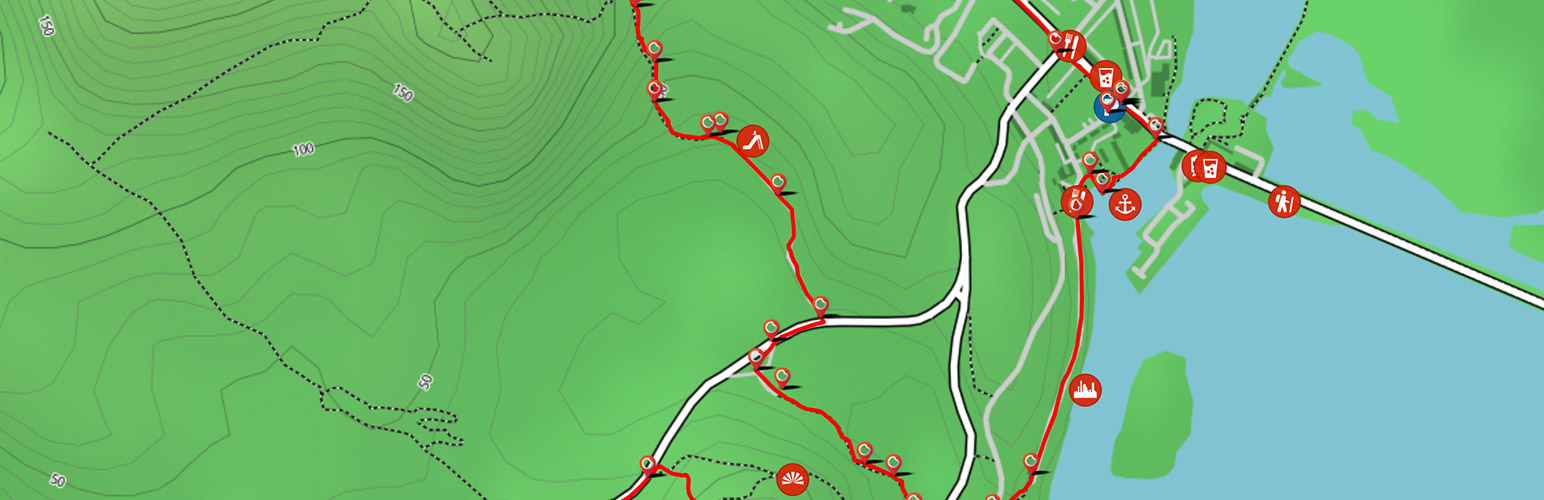
This plugin allows you to display an IFrame of your Rougeo maps on any page or post of your WordPress website.
A Rougeo account is required in order to use the plugin. Your trail ID is then used to show a feed of your trails.
Installation
1) After installing, go to Settings > Rougeo Maps.
2) Copy the shortcode displayed in the blue box.
3) Paste the shortcode into any page on your website, and customise the ‘trailid’ and ‘lang’ options.
Faq
Is there a limit to how many maps I can show?
there are no limits.
Can I show more than one map on my website?
Sure. If you have more that one trail ID then you are free to use as many as you want.
Reviews
Changelog
V1.0 – First release of Rougeo Maps.