RS Cart Drawer for WooCommerce
RS Cart Drawer for WooCommerce
Description
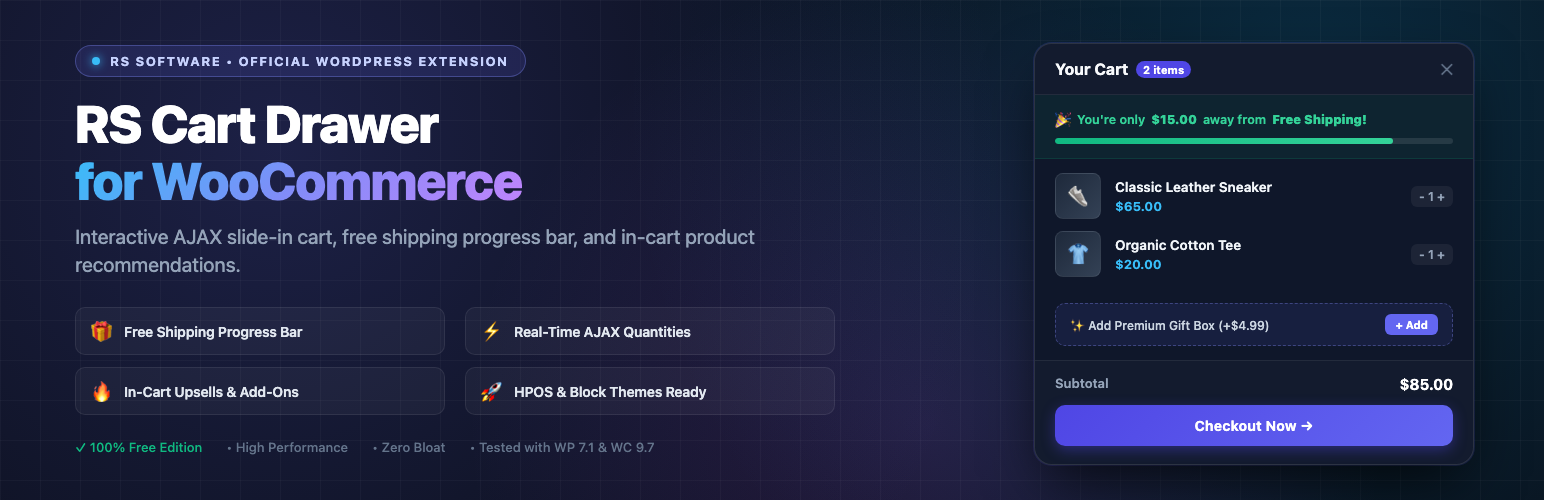
RS Cart Drawer for WooCommerce adds an interactive slide-in cart drawer to your WooCommerce store. When shoppers add products to their cart, the drawer slides in smoothly, allowing them to review items, adjust quantities, apply coupon codes, and monitor their progress toward free shipping without leaving the current page.
Features Included:
- Interactive Slide Cart Drawer: Seamless AJAX slide-in drawer that opens upon adding items or via the floating cart launcher.
- Free Shipping Progress Bar: Displays real-time calculations showing customers how much more they need to spend to unlock free shipping.
- Multi-Tier Rewards Bar: Configure milestone spending goals with visual progress bars (e.g. Free Shipping, Percentage Discount, or Free Gift).
- Cart Micro Add-Ons: Offer optional 1-click cart add-ons such as shipping protection, gift wrapping, or priority dispatch.
- In-Cart Product Recommendations: Display frequently bought together or related product recommendations directly within the cart drawer.
- Instant AJAX Quantity Controls: Allow shoppers to increment, decrement, or remove items with real-time subtotal calculations without page reloads.
- Drawer Coupon Field: Apply and remove coupon codes directly inside the drawer.
- Custom Styling Options: Adjust accent colors, button colors, drawer width, border radius, and launcher position from the settings page.
- HPOS and Blocks Compatible: Declares compatibility with WooCommerce High-Performance Order Storage (HPOS) and Cart/Checkout blocks.
External Services
This plugin does not connect to any external services, remote APIs, or third-party tracking servers. All calculations, cart updates, and settings are handled locally on your WordPress server.
Installation
- In your WordPress admin dashboard, go to Plugins > Add New.
- Search for
RS Cart Drawer for WooCommerce. - Click Install Now, then click Activate.
- In your admin menu, navigate to RS Cart Drawer to adjust styling, shipping goals, and cart drawer options.
- Save your changes and visit your store frontend to see the drawer in action.
Screenshots

Slide-in cart drawer with shipping progress bar and item list.

In-drawer product upsells and 1-click add-on perks.

Admin settings panel for customizing colors, layout, and rewards.
Faq
Yes. The plugin is built with standard WooCommerce hooks and templates, ensuring compatibility with popular themes including Storefront, Astra, GeneratePress, OceanWP, Kadence, and modern block themes.
Yes. RS Cart Drawer is tested with WooCommerce HPOS (custom order tables) and Cart/Checkout blocks.
Yes. You can customize drawer width, accent colors, button colors, border radius, and launcher button placement in the plugin settings.
Yes. You can configure whether the floating launcher and drawer appear across all pages, shop pages only, or exclude cart and checkout pages.
Reviews
Changelog
1.0.1
- Enhanced Settings API sanitization callback with strict boolean, numeric boundary, and allowlist validation.
- Preserved active tab context during settings updates.
1.0.0
- Initial release of RS Cart Drawer for WooCommerce.