RSOrangetech Gallery — Masonry & Grid

RSOrangetech Gallery — Masonry & Grid
Description
RSOrangetech Gallery — Masonry & Grid is a lightweight and modern gallery plugin that lets you create beautiful image galleries with Grid and Masonry layouts. Built using WordPress best practices, it supports multiple image uploads, lazy loading, lightbox viewing, and responsive layouts—without slowing down your website.
RSOrangetech Gallery — Masonry & Grid Features
- Multiple Image Upload: Upload and manage multiple images easily using the core media library with drag & drop support
- Grid & Masonry Layouts:Choose between clean grid or modern Masonry layouts for a professional gallery display
- Fully Responsive: Galleries adapt perfectly to all screen sizes—desktop, tablet, and mobile
- Lazy Loading Support: Improve page speed by loading images only when they come into view
- Lightbox View:Open images in a beautiful lightbox overlay for an enhanced user experience
- Easy Admin Settings: Simple settings panel to control layout, columns, spacing, and performance options
- Shortcode Support: Display galleries anywhere using a shortcode like:[rsorangetech_shortcode id=”123″]
- Load More Button : Manually load more images without page refresh.
- Infinite Scroll : Automatically load images while scrolling.
- Custom Image Sizes : Optimized thumbnails and lightbox images for performance.
- Shortcode with Overrides : Use [rsorangetech_shortcode id=”99″ layout=”masonry” columns=”4″ pagination=”yes” lazyload=”no” pagination_type=”load_more” lightbox=”yes” per_page=”6″] with layout and column overrides
- Secure AJAX Handling: Nonce-protected requests for better security.
- Accessibility Ready : Keyboard navigation, ARIA labels, and screen-reader support.
Visit the RSOrangetech Gallery — Masonry & Grid Homepage
All RSOrangetech Gallery — Masonry & Grid view
Video Tutorial
Documentation
Shortcodes
[rsorangetech_shortcode id=”123″]
[rsorangetech_shortcode id=”123″ columns=”4″]
[rsorangetech_shortcode id=”123″ layout=”masonry”]
Third Party Libraries
This plugin bundles the following third-party libraries:
- GLightbox – MIT License
- Lazysizes – MIT License
- Masonry – GPL compatible
Installation
- Upload
RSOrangetech Gallery — Masonry & Gridfolder to the/wp-content/plugins/directory - Activate the plugin through the ‘Plugins’ menu in WordPress
- You will be redirected to the RSOrangetech Gallery — Masonry & Grid Help page to get started
Screenshots
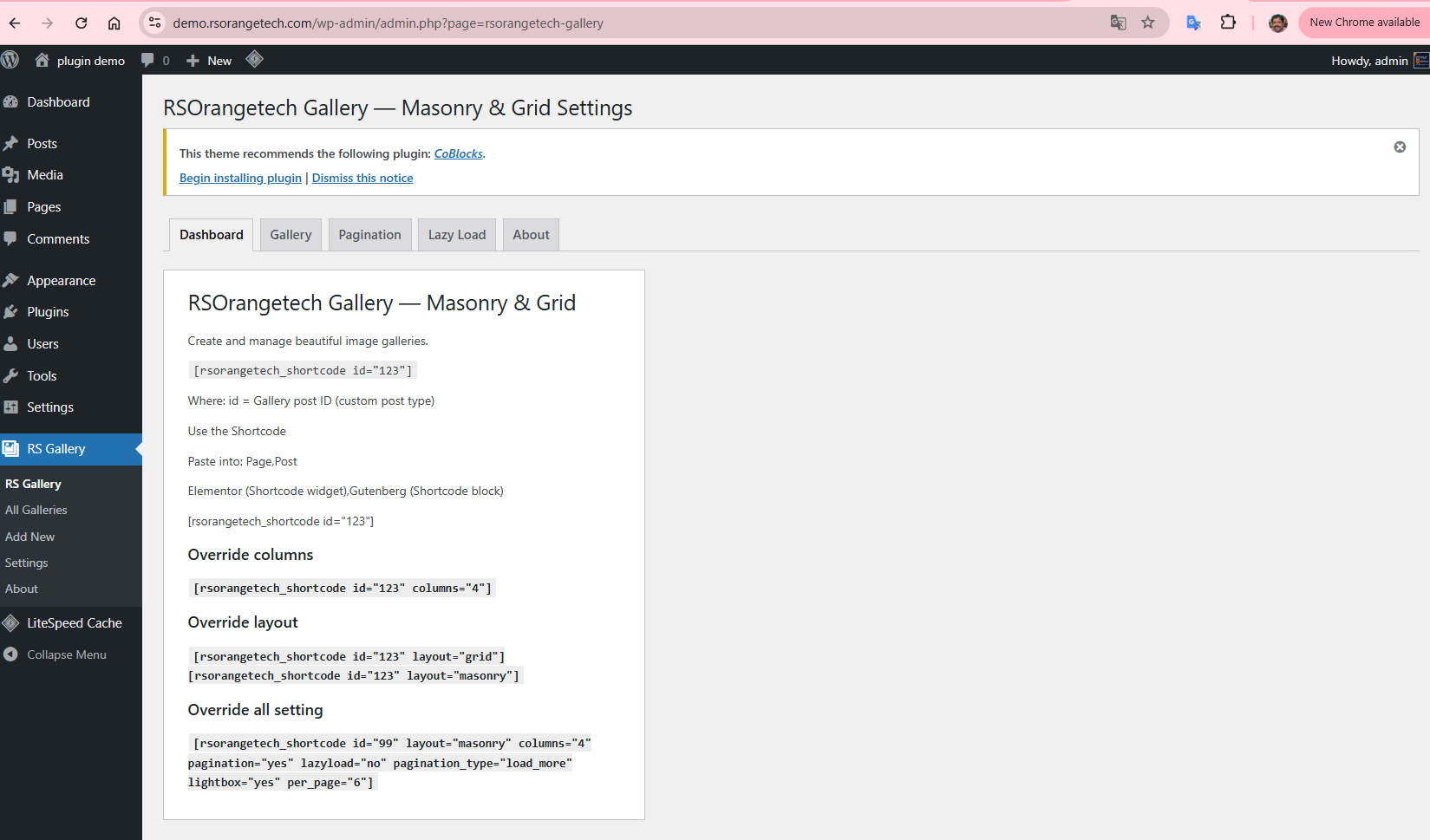
Dashboard - Backend
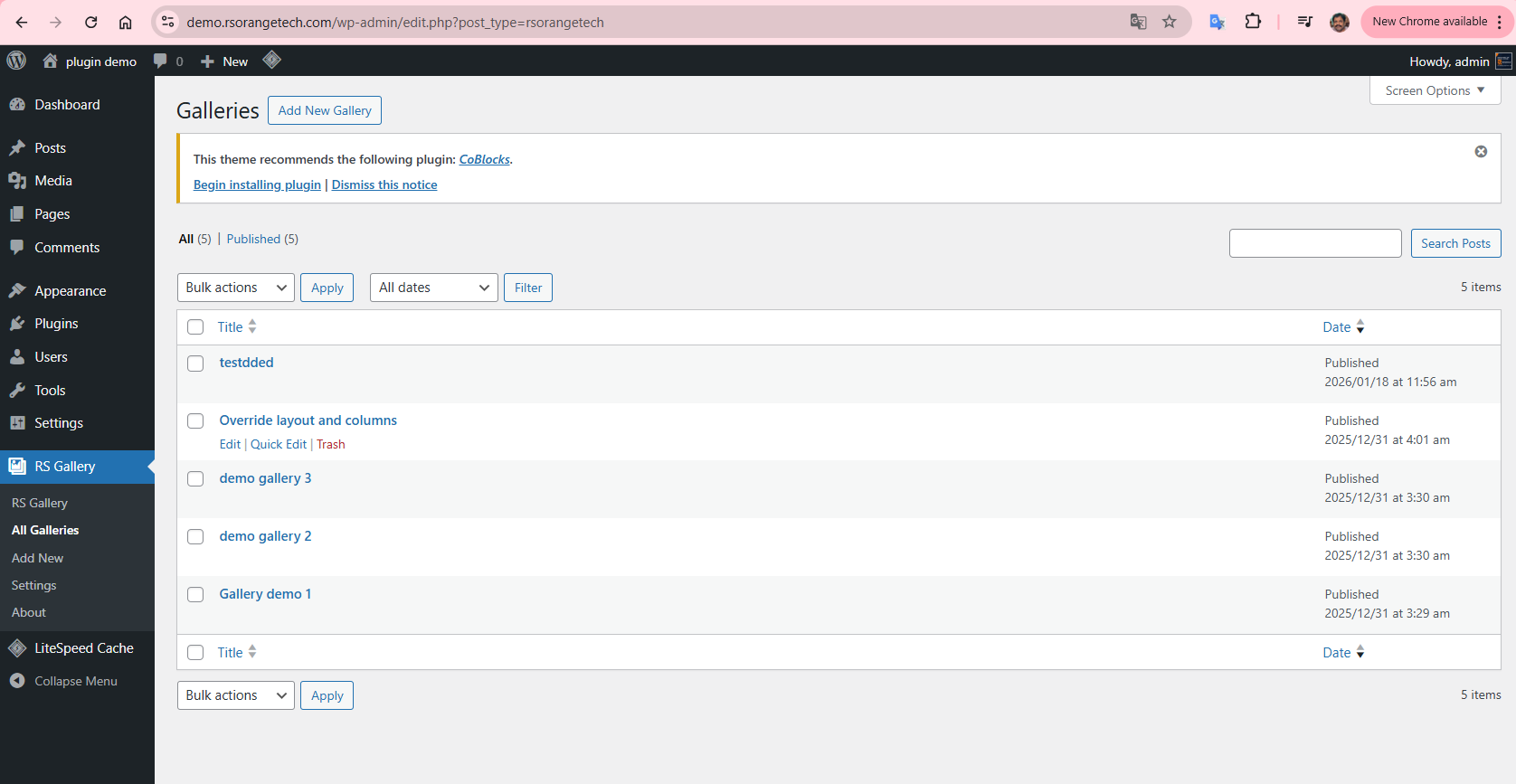
Gallery grid view - Backend
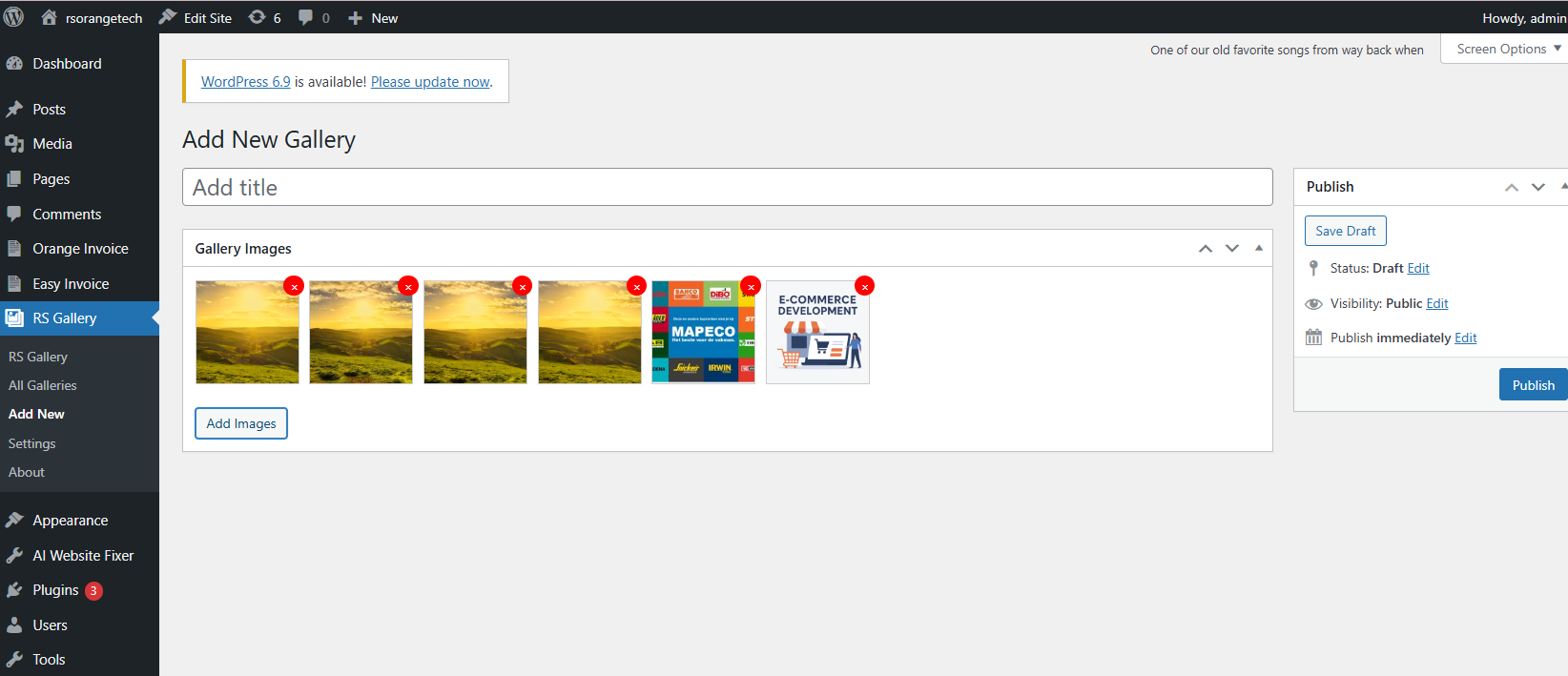
Add/Edit gallery images page - Backend
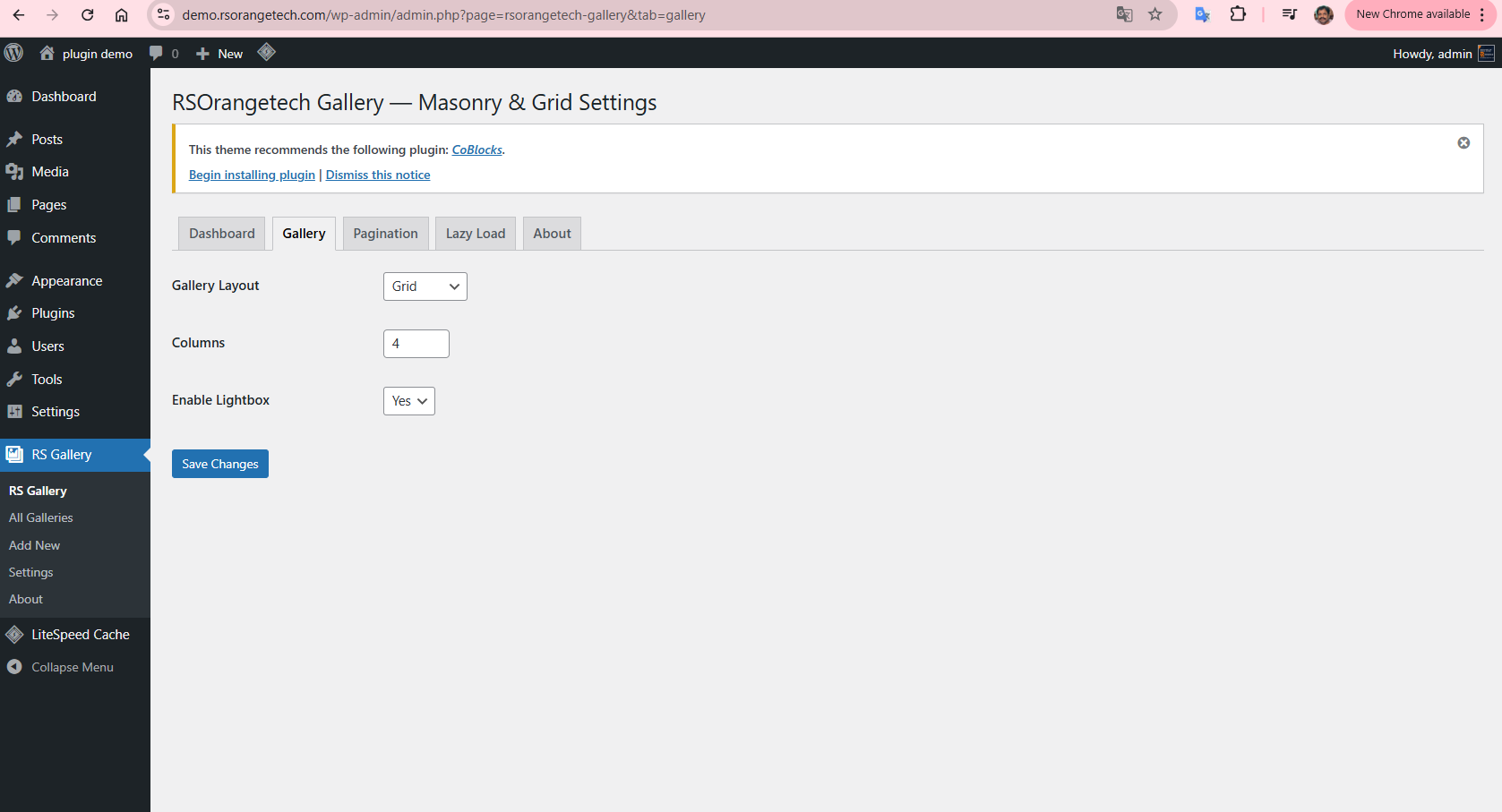
Galleries setting - Backend
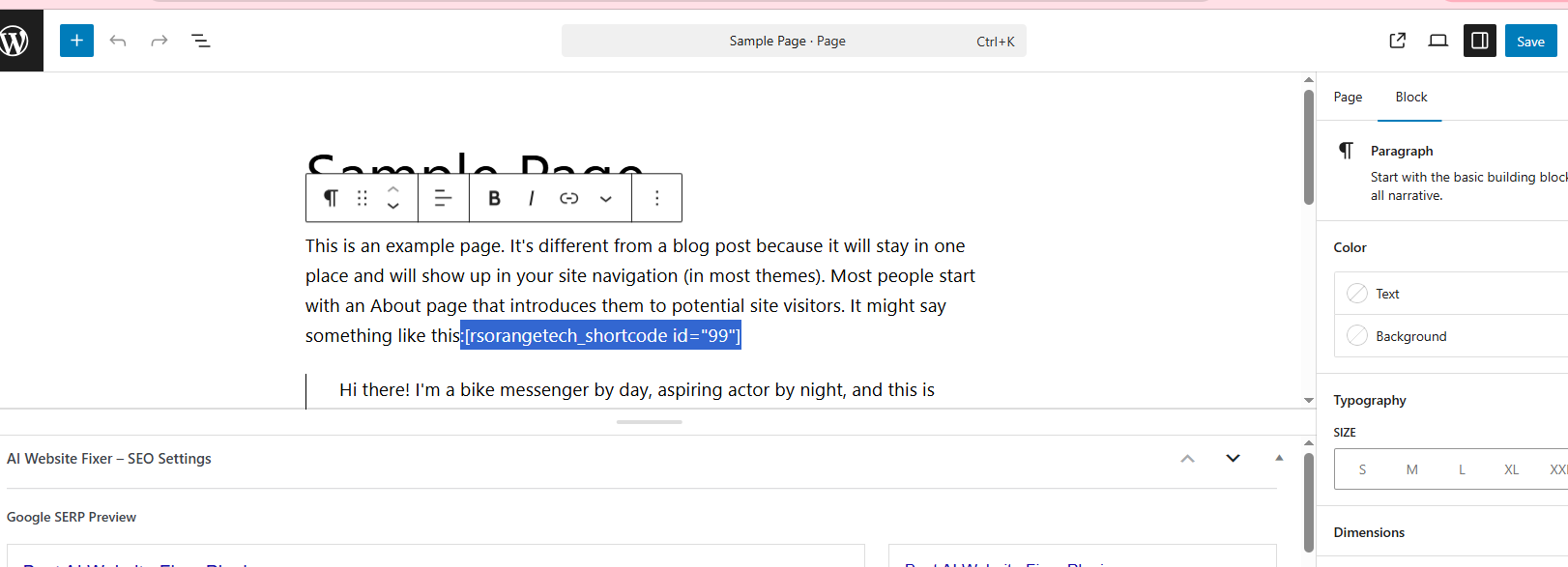
Shortcode setting - Backend

Gallery view Page - Frontend
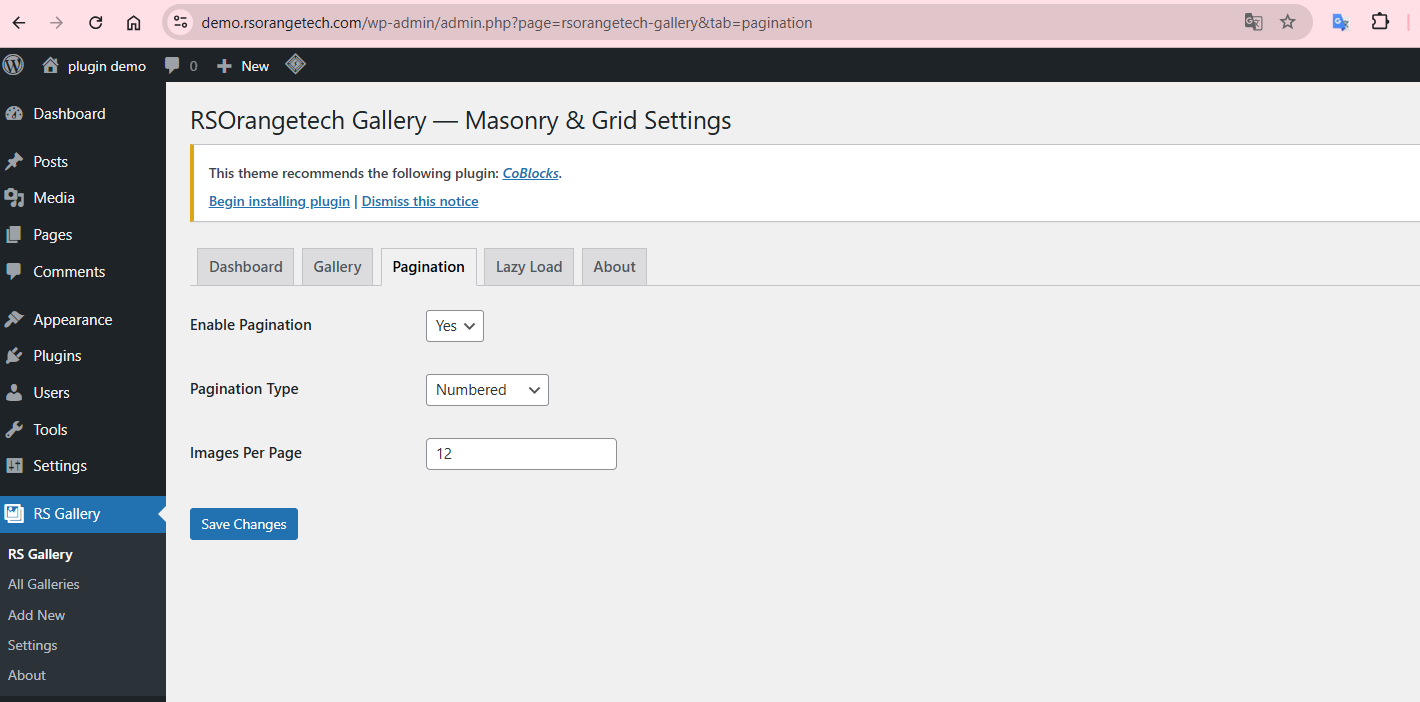
Pagination Setting - Backend
Reviews
Lightweight Grid & Masonry Gallery Plugin for WordPress
By 
I was looking for a fast gallery plugin and RSOrangetech Gallery — Masonry & Grid Reviews delivered. Lazy loading works smoothly, Masonry layout looks professional, and it integrates perfectly with WordPress media uploader. Highly recommended for performance-focused sites.
Changelog
1.0.5
- ✅ Infinite Scroll
- ✅ Load More button
- ✅ Pagination
- ✅ Accessibility (rare!)
1.0.4
- fixed images save issue in grid