Safelayout Animated Header Footer

Safelayout Animated Header Footer
Description
Safelayout Animated Header Footer, helps you add a beautiful animation to the background of your website header and footer.
Installation
- Go to the Plugins section of your WordPress dashboard.
- Click on Add New.
- Click on the Upload Plugin button.
- Browse and locate the zipped plugin that you have downloaded.
- Activate the plugin by clicking on Activate.
- Use the Settings -> Safelayout Header Footer to configure the plugin.
- Choose your animation and enjoy.
Screenshots

Display settings
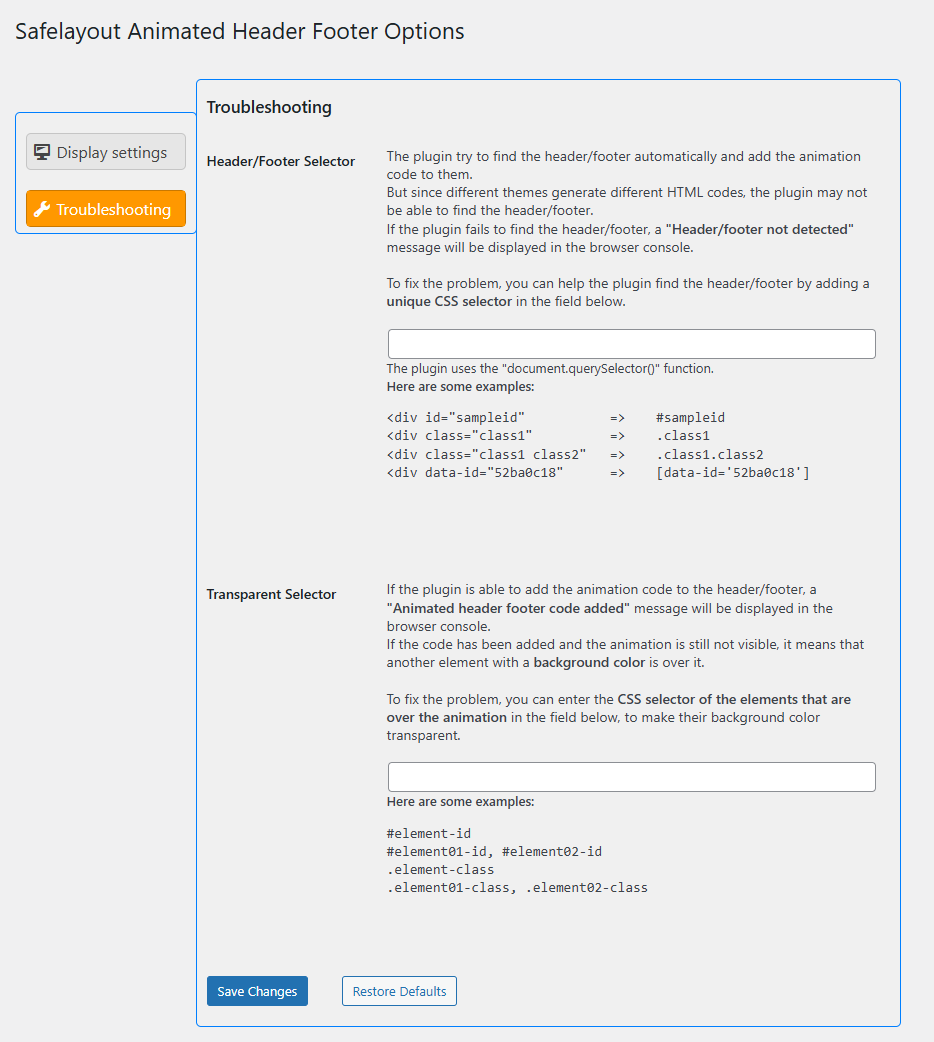
Troubleshooting
Reviews
Changelog
1.0.1
- Added deactivation feedback.
1.0.0
- Initial Release.