Safelayout Elegant Icons – WordPress icons
Safelayout Elegant Icons – WordPress icons
Description
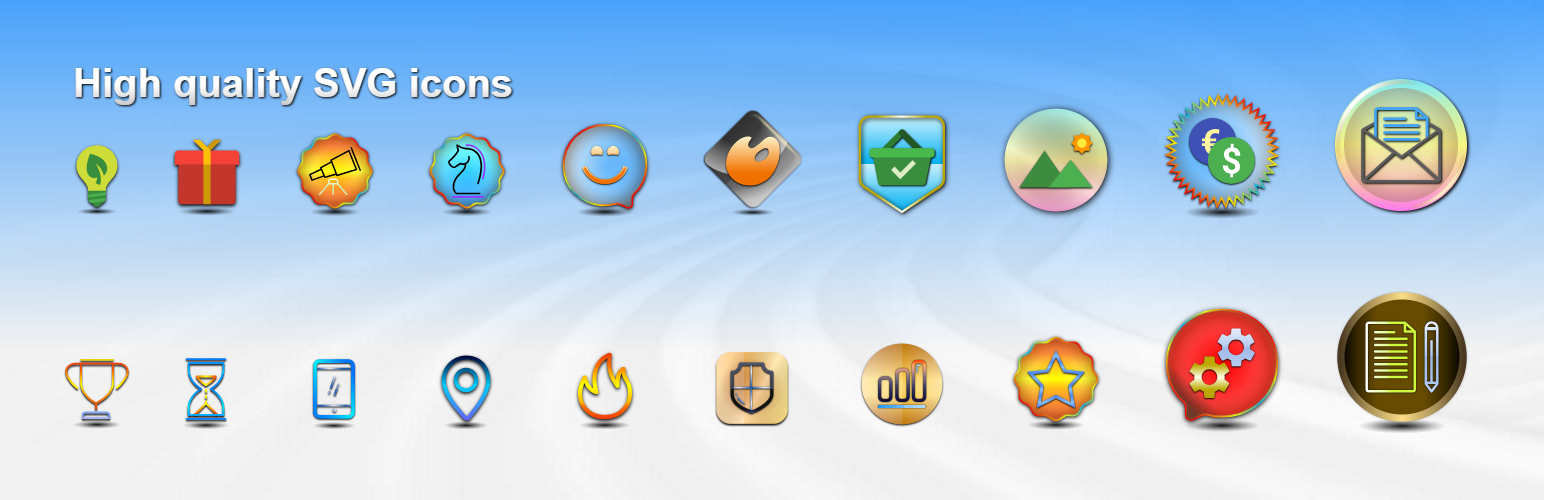
Safelayout Elegant Icons adds high quality SVG icons to your WordPress website, and it helps you add beautiful social media icons to your website.
It’s a performance-focused plugin that drops pre-configured icon layouts directly into your content with a single click. Instead of forcing you to build complex layouts manually, this plugin provides instant, high-quality SVG Icons across your entire site layout ecosystem.
🌐 Triple-Editor Integration & Site Menu Support
Enjoy absolute workflow flexibility. Safelayout Elegant Icons integrates seamlessly as a Gutenberg Block, an Elementor Widget, and a tool within the WordPress Classic Editor. Beyond post content, you can add SVG icons directly into your website navigation Menus—fully supporting both traditional Classic Themes and modern Full-Site Editing Block Themes.
🚀 High-Quality Inline SVG Icons (Built for Performance)
Protect your website loading speeds. Every graphic in this library renders as a 100% pure inline HTML SVG icon. Because it completely eliminates bulky, render-blocking webfont files (like FontAwesome), your pages load lightning-fast with flawless cross-browser clarity on both mobile and desktop viewports.
📦 Ready-Made Conversion Blocks & Visual Layouts
Transform your plain text into structured, eye-catching sections using our pre-built layout modules:
* “Icon Box” Block with Premium Accents: Drop in beautiful info boxes featuring decorative “Box Ribbon” overlays and integrated “Box Button” wrappers for instant promotional callouts.
* “Icon List” Block: Effortlessly swap out boring default bullets for beautifully aligned vector item markers.
* “Social Share Icons” Block: Instantly position responsive social bookmarks across your content layout streams to boost page shares.
🎨 Multi-Color Icon Packs & Advanced Gradient Customization
Break away from boring monochrome graphics. The plugin includes dedicated multi-color icon packs featuring multi-toned vector elements. Take full creative control over your palette with global gradient options: apply rich gradient colors across the icon fill, the icon stroke, and the background container color simultaneously.
⚡ 38 Hover Animation Effects & Design Feedback
Bring your user interfaces to life with interactive micro-interactions. Access a library of 38 distinct hover animation effects and beautiful icon transitions.
How to add icons to the navigation menu of your WordPress website.( Block Themes )
How to add icons to the navigation menu of your WordPress website.( Classic Themes )
How to add beautiful icons into the text.( Elementor )
How to add beautiful icons into the text.( Block editor )
Features
- Available in Block editor, Classic editor and Elementor.
- Ability to add icons to the site menu. (Classic themes and Block themes)
- No icon fonts, just inline SVG.
- High quality SVG icons.
- Include “Social Share Icons” block.
- Include “Icon List” block.
- Include “Icon Box” block.
- Include “Box Ribbon” block.
- Include “Box Button” block.
- Include multi color icon packs.
- Many beautiful icon effects.
- Choose which icon packs to load.
- Adding icons to text blocks ( Paragraph, Heading, Button, … ).
- Gradient color for icon fill and stroke as well as background color.
- 38 Hover animation effects.
- Fully compatible with Full-Site Editing.
- Cross browser compatible.
- Fully customizable.
- Work with Any Theme.
Live Demo
Safelayout Elegant Icons Demo.
Pro Version
Safelayout Elegant Icons Pro is available. Upgrade to pro version and get full features!
Pro Version Icon Packs (4700+ icons)
- Themeisle (100 icons) https://themeisle.com/free-icons/
- WordPress Dashicons (337 icons) https://developer.wordpress.org/resource/dashicons/
- WordPress (285 icons) https://github.com/WordPress/gutenberg/blob/trunk/packages/icons/src/library/
- Flat color icons by Icons8 (312 icons) https://icons8.github.io/flat-color-icons/
- Linecons (48 icons) https://designmodo.com/linecons-free/
- Filled icon set by Icons8 (200 icons) https://icons8.com/
- Genericons Neue (103 icons) https://genericons.com/
- Font Awesome regular (163 icons) https://github.com/FortAwesome/Font-Awesome
- Font Awesome brands (467 icons) https://github.com/FortAwesome/Font-Awesome
- Font Awesome solid (1390 icons) https://github.com/FortAwesome/Font-Awesome
- Material Design (1261 icons) https://developers.google.com/fonts/docs/material_icons
- Meteocons – weather (47 icons) https://www.alessioatzeni.com/
Safelayout other plugins
Safelayout Brilliant Buttons – WordPress Button block
Installation
Automated Installation (Recommended)
- Go to your WordPress Admin Dashboard -> Plugins -> Add New.
- Input “Safelayout Elegant Icons” inside the keyword lookup directory bar.
- Click Install Now, then follow with Activate.
Manual Installation via ZIP Upload
- Grab the official compressed plugin archive folder from the Safelayout Elegant Icons WordPress.org Plugin Repository.
- Move to your Plugins -> Add New -> Upload Plugin dashboard panel screen.
- Select the file structure, run the installation script, and click Activate.
Screenshots
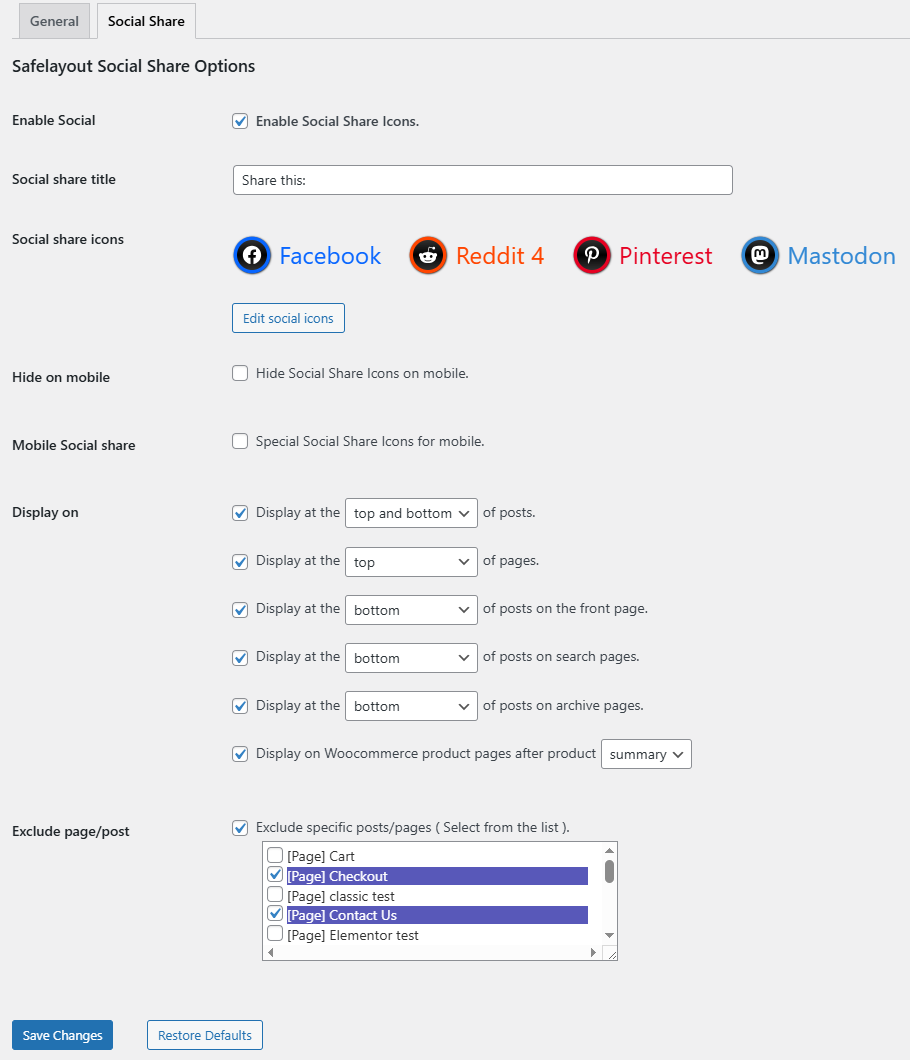
Social Share Icons
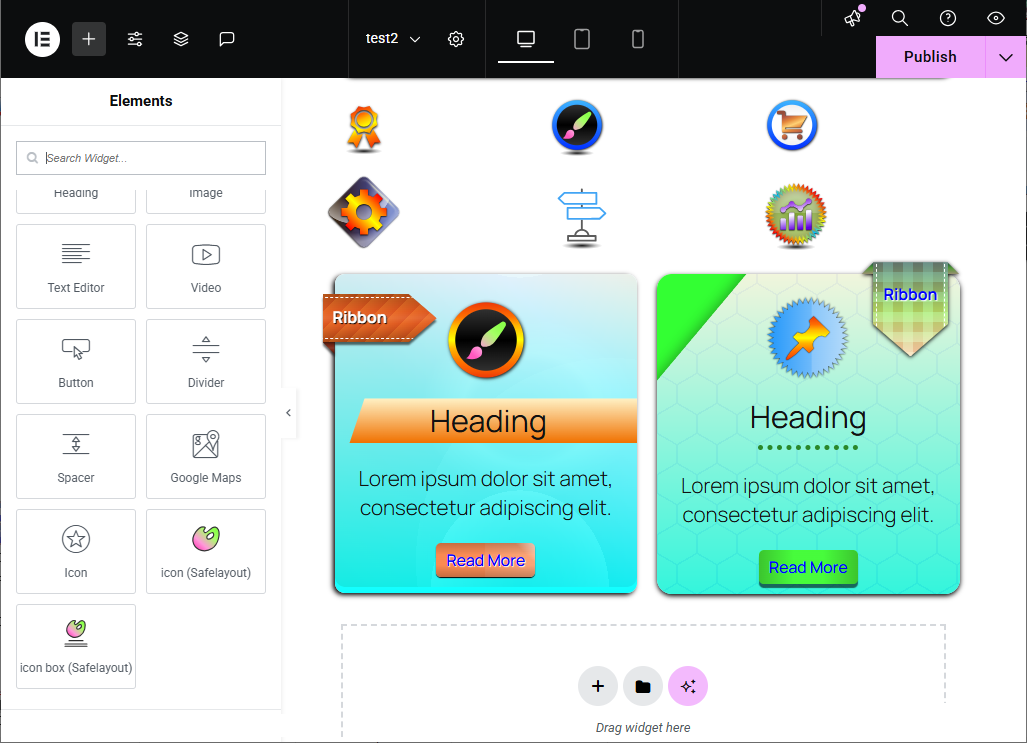
Available in elementor
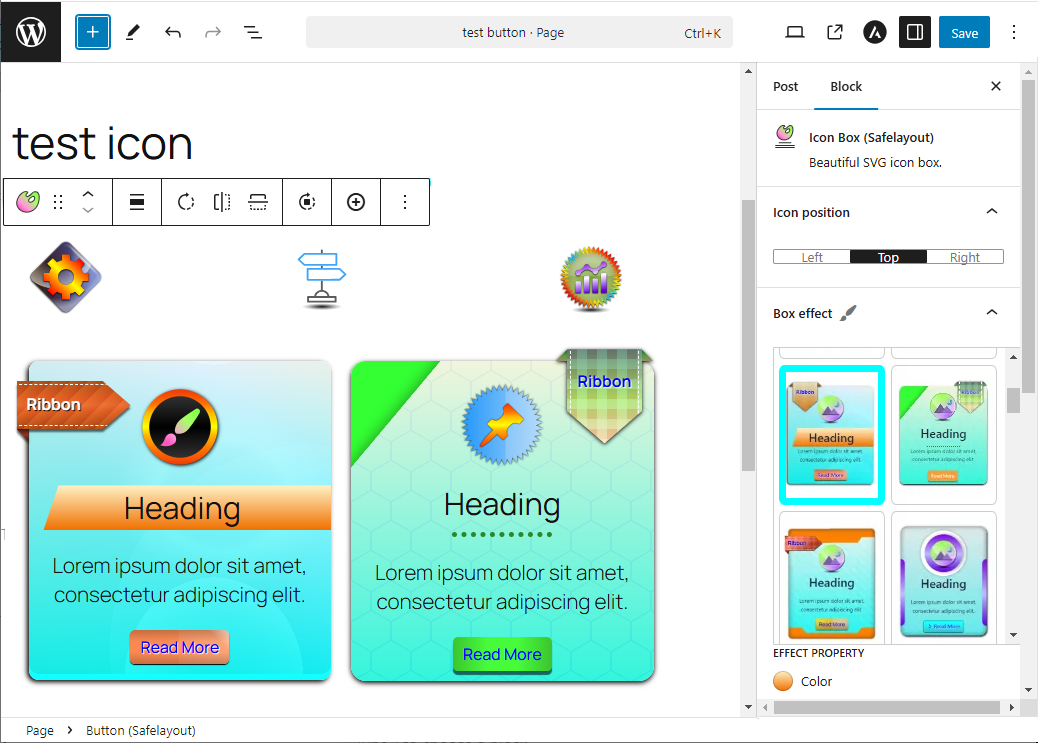
Available in block editor
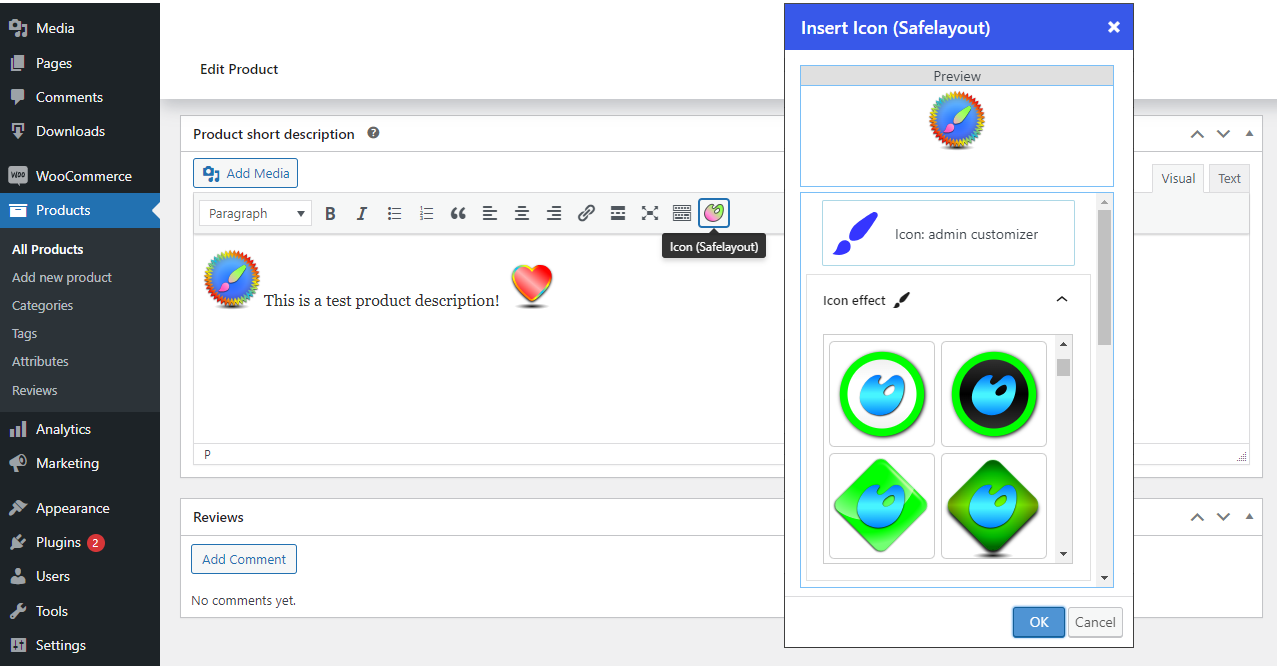
Available in classic editor
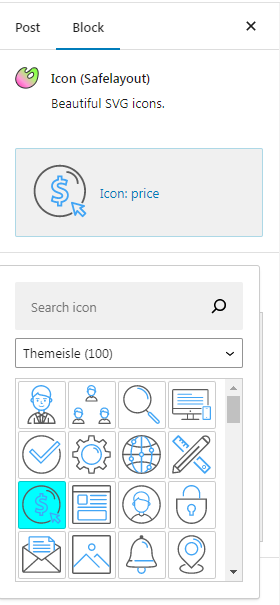
Multi color icons
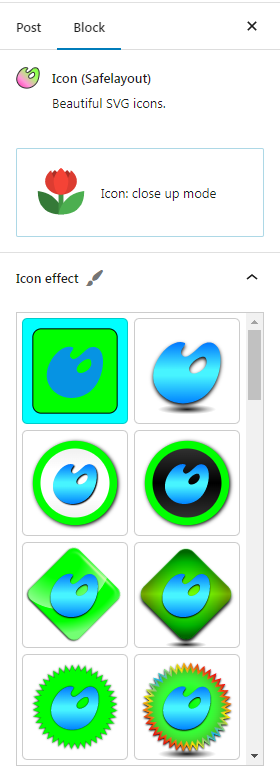
Beautiful icon effects
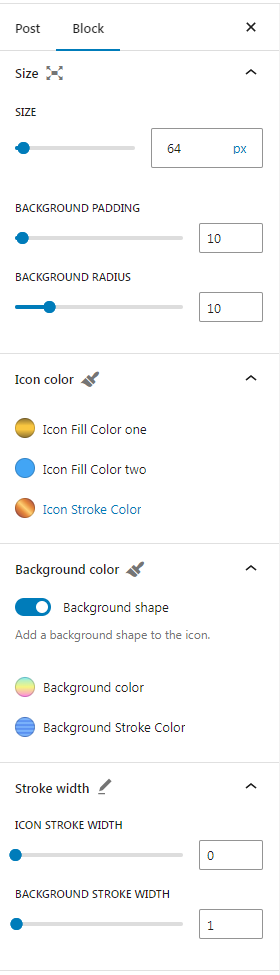
Size and color
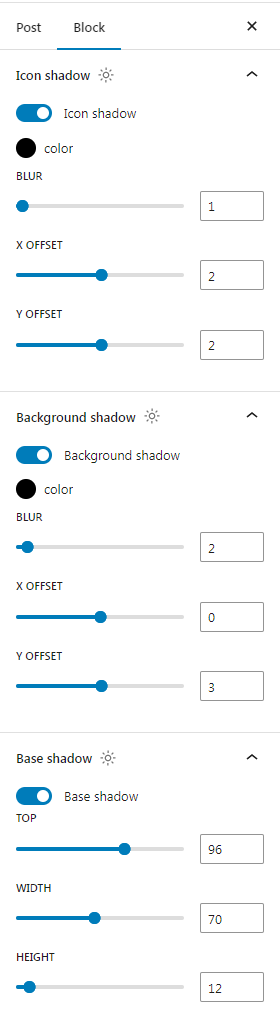
Icon shadow, background shadow and base shadow
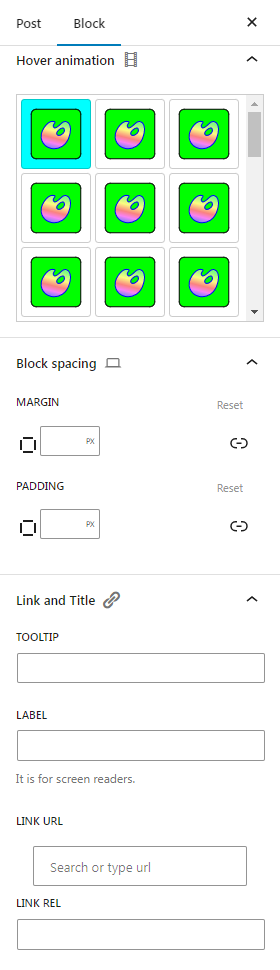
Hover animation, spacing, link and title
Faq
No. The plugin completely bypasses render-blocking webfont architectures like FontAwesome. Every symbol is output as raw inline HTML SVG vector paths within the page template markup, guaranteeing clean performance metrics and excellent page loading scores.
Yes! The plugin allows you to pin vector elements directly into standard WordPress Site Menu trees, working perfectly on classic themes as well as modern Full-Site Editing themes.
You don’t need to arrange them by hand. The plugin includes pre-configured “Icon Box”, “Icon List”, and “Social Share” layout options. You can easily pick your preferred setup right from your editor block inserter or widget sidebar.
Yes. Once active, a dedicated “Elegant Icons” widget module will register inside your Elementor sidebar workspace toolbox, providing access to all your icon collections.
Reviews
Easier access to Icons
By 
Happy with the way this plugin works. Its very useful.
good plugin
By 
nice
WordPress Icons
By 
Great product!
Well done plugin
By 
Well done and usefull. Great!
Changelog
1.4.10
- Fixed the unique ID issue in the block editor.
1.4.9
- Fixed deactivation feedback issue.
- Updated user interface.
1.4.8
- Fixed style enqueue issue with elementor.
1.4.7
- Fixed Social Share Icons issue.
- Fixed Menu Icons issue.
1.4.6
- Updated user interface.
- Fixed some issue.
1.4.5
- Fixed issue with safecss filter.
1.4.4
- Updated deactivation feedback.
- Fixed some issue.
1.4.3
- Fixed some issue.
1.4.2
- Added “Icon List” block.
1.4.1
- Updated user interface.
1.4.0
- Added “Social Share Icons” block.
- Added “Social Profiles Icons” block.
1.3.0
- Fixed animation issue.
1.2.11
- Added a new icon effect to the icon block.
1.2.10
- Fixed some issue.
1.2.9
- Added the ability to add icons to the menu. (Classic themes and Block themes)
1.2.8
- Fixed icon issue with text blocks.
1.2.7
- Fixed some issue.
- Updated user interface.
1.2.6
- Added some templates to the Elementor.
1.2.5
- Fixed icon issue with classic editor.
1.2.4
- Fixed the block patterns issue.
1.2.3
- Added some block patterns to the block editor.
1.2.2
- Updated the icon box block default value.
1.2.1
- Added compatibility with Elementor.
- Activated some features of the pro version, in the free version.
- Fixed some issue.
1.2.0
- Updated user interface.
1.1.7
- Fixed icon issue with classic editor.
1.1.6
- Added compatibility with classic editor.
1.1.5
- Adding icons to text blocks ( Paragraph, Heading, Button, …).
1.1.4
- Fixed icon effects issue in the icon block.
- Updated the icon block default value.
1.1.3
- Updated plugin banner.
- Updated plugin icon.
- Updated readme.txt
1.1.2
- Fixed border color animation issue in box button block.
1.1.1
- Fixed Installation issue.
1.1.0
- Added beautiful effects to the icon box block.
- Added box ribbon block.
- Added box button block.
1.0.8
- Added upgrade notification in the WordPress dashboard.
1.0.7
- Added rate reminder notification in the WordPress dashboard.
1.0.6
- Fixed Rotate background issue.
- Added X social network icon.
1.0.5
- Fixed unique id issue.
- Fixed font loading issue.
- Updated user interface.
1.0.4
- Updated user interface.
1.0.3
- Updated pro effects image.
1.0.2
- Fixed color palette issue.
- Added deactivation feedback.
1.0.1
- Update readme.txt
1.0.0
- Initial Release.