sb custom logo by sbtechbd
sb custom logo by sbtechbd
Description
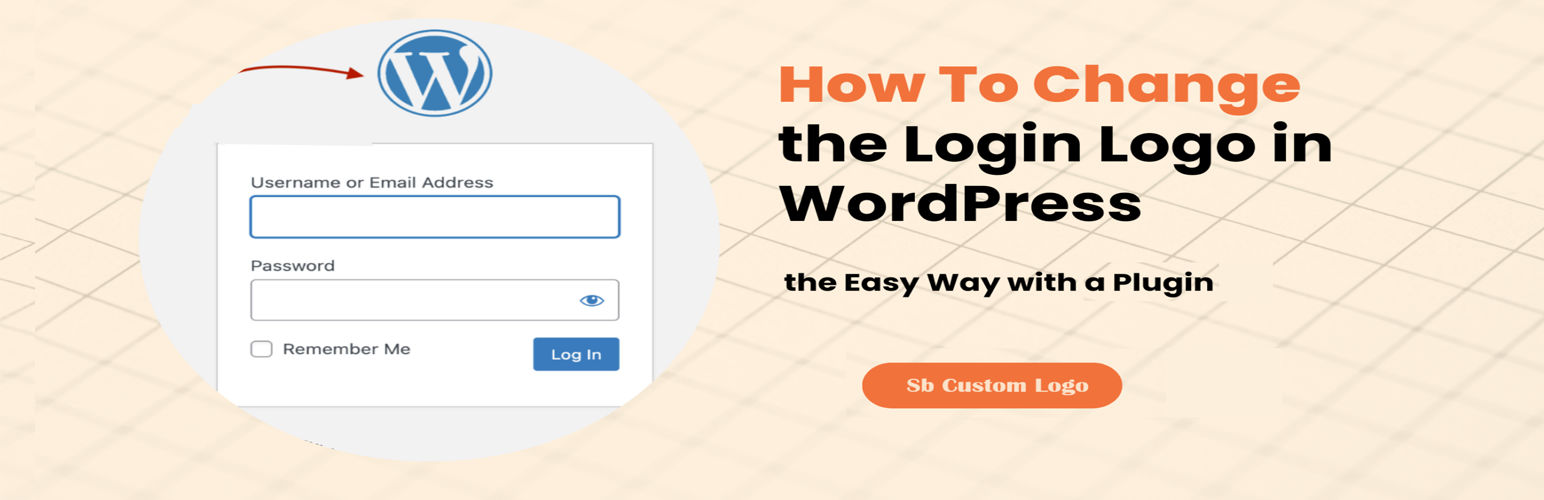
Sb custom Logo by sbtechbd allows you to change the default WordPress login logo to your custom logo, with an easy-to-use interface that lets you upload the logo directly from the admin panel.
Features
- Change the WordPress login logo with your custom logo.
- Upload the logo through the WordPress media uploader.
- Simple and lightweight, no coding required.
- Fully compatible with the latest WordPress versions.
License
This plugin is licensed under the GPLv2 or later. You are free to use, modify, and distribute this plugin under the same license.
Installation
- Upload the plugin files to the
/sb-content/plugins/sb-custom-logo-by-sbtechbddirectory, or install the plugin through the WordPress plugins screen directly. - Activate the plugin through the ‘Plugins’ screen in WordPress.
- Go to “Settings” > “sb Custom Logo” in the WordPress admin to configure the plugin.
- Upload your custom logo and save the settings.
Screenshots

Settings Page - The plugin's settings page where you can upload your custom logo.

Settings Page - The plugin settings page where you can height, weight, URL.

Custom Login Screen - A preview of the login screen with the custom logo applied.
Faq
Simply deactivate the plugin, and the default WordPress logo will be restored.
The plugin supports all standard image formats such as JPEG, PNG, and GIF.
It’s recommended to use a logo with dimensions similar to the default WordPress logo (approximately 80×80 pixels) for optimal display.
Reviews
Changelog
1.0
- Initial release.