sBird Latest Feed Card Block
sBird Latest Feed Card Block
Description
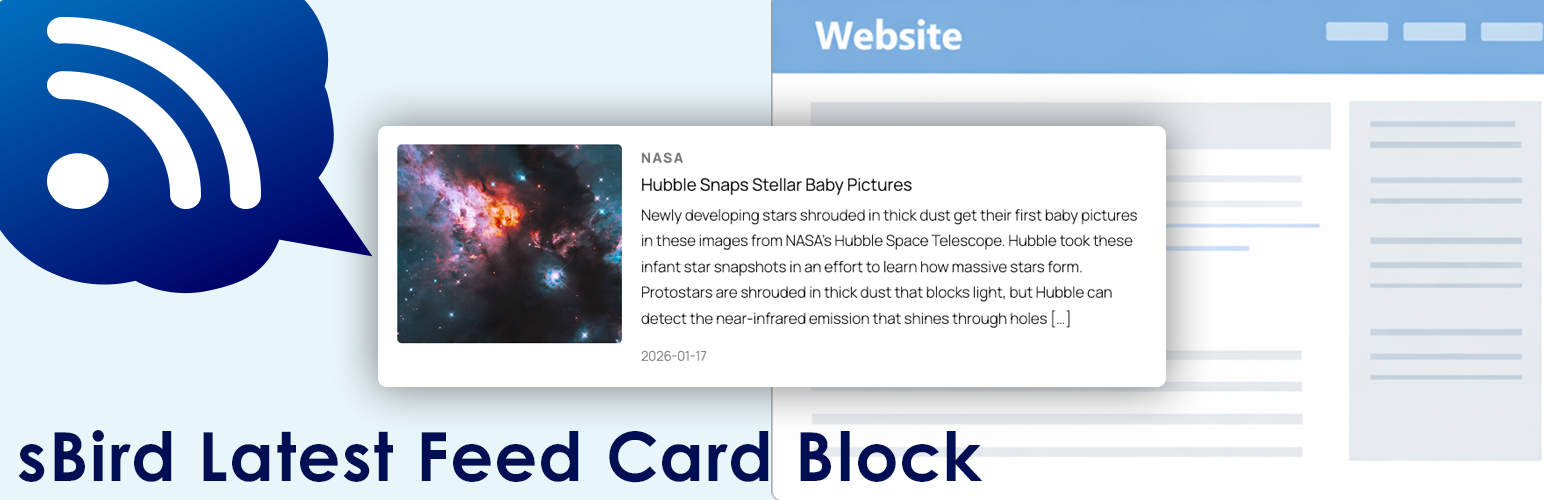
This block fetches only the most recent item from another site’s RSS feed and displays it as a card-style layout.
How to use
- Add the sBird Latest Feed Card Block in the editor.
- Enter the RSS feed URL you want to fetch in the panel setting [Feed URL].
- Using the site’s URL instead of the RSS feed URL is also OK
- You can choose to show or hide the border.
- You can choose a vertical or horizontal layout.
Installation
This section describes how to install the plugin and get it working.
1. Upload the plugin files to the /wp-content/plugins/sbird-latest-feed-card-block directory, or install the plugin through the WordPress plugins screen directly.
2. Activate the plugin through the ‘Plugins’ screen in WordPress
3. Use the block editor to add “sBird Latest Feed Card Block” to your post or page.
Screenshots
![Enter the RSS feed URL you want to fetch in the panel setting [RSS URL].](https://ps.w.org/sbird-latest-feed-card-block/assets/screenshot-1.png?rev=3442983)
Enter the RSS feed URL you want to fetch in the panel setting [RSS URL].

Display the latest entry from an external RSS feed.

Reviews
Changelog
1.0.1
- Fix plugin name
1.0.0
- Release