SeatKit

SeatKit
Description
SeatKit is a professional seat booking and ticket reservation plugin for WordPress.
It is designed for businesses that sell fixed seats, such as bus operators, event organizers, cinemas, theaters, and tour providers.
SeatKit follows a payment-verified booking flow, ensuring that seats are confirmed only after successful payment verification from the gateway. This prevents double bookings and maintains inventory accuracy even during high traffic.
Features
- Bus, Event, and Cinema Booking – Create trips and events with seat-based inventory.
- Visual Seat Selector – Customer-friendly seat selection interface.
- Advanced Seat Layout Builder – Drag-and-drop seat layout creation with customizable categories and pricing.
- Multiple Payment Gateways – Razorpay (India) and Stripe (Global).
- Secure Checkout Flow – Server-side payment verification.
- PDF Tickets – Automatically generated tickets with QR codes.
- Customer Dashboard – View bookings and download tickets.
- OTP-based Login – Passwordless customer authentication.
- Refund and Cancellation Rules – Admin-configurable deduction percentage and cutoff time.
- Transactional Emails – Booking confirmation and cancellation emails.
- Admin Management Panel – Manage trips, bookings, tickets, and transactions.
Shortcodes
Use the following shortcodes to display booking interfaces:
[seatkit_trips][seatkit_account][seatkit_trip id="123"]
Bundled Libraries and Credits
- FPDF – PDF generation
Copyright (c) Olivier Plathey
Licensed under the FPDF License
External Services
This plugin relies on the following third-party services to function:
-
Razorpay
Used for processing payments in India. When a user selects Razorpay at checkout, payment details (amount, currency, order ID) are sent to Razorpay servers securely.
Privacy Policy: https://razorpay.com/privacy/
Terms of Service: https://razorpay.com/terms/ -
Stripe
Used for processing global payments. If Stripe is enabled, payment intents and client secrets are generated via Stripe API. The checkout process loadsjs.stripe.comto handle secure card entry.
Privacy Policy: https://stripe.com/privacy
Terms of Service: https://stripe.com/legal/ssa -
goQR.me API (QRServer)
Used to generate QR codes for tickets. The booking reference number is sent toapi.qrserver.comto generate a QR image for PDF ticket and frontend view. No personal user data is sent, only the booking reference string.
Privacy Policy: https://goqr.me/privacy/
All bundled components are compatible with GPLv2+ distribution.
Installation
- Upload the
seatkitfolder to/wp-content/plugins/. - Activate the plugin from the Plugins menu.
- Create the following pages:
* Account Page – [seatkit_account]
* Trips Page – [seatkit_trips]
4. Configure settings under SeatKit -> Settings.
5. Create seat layouts and trips from the admin panel.
Screenshots
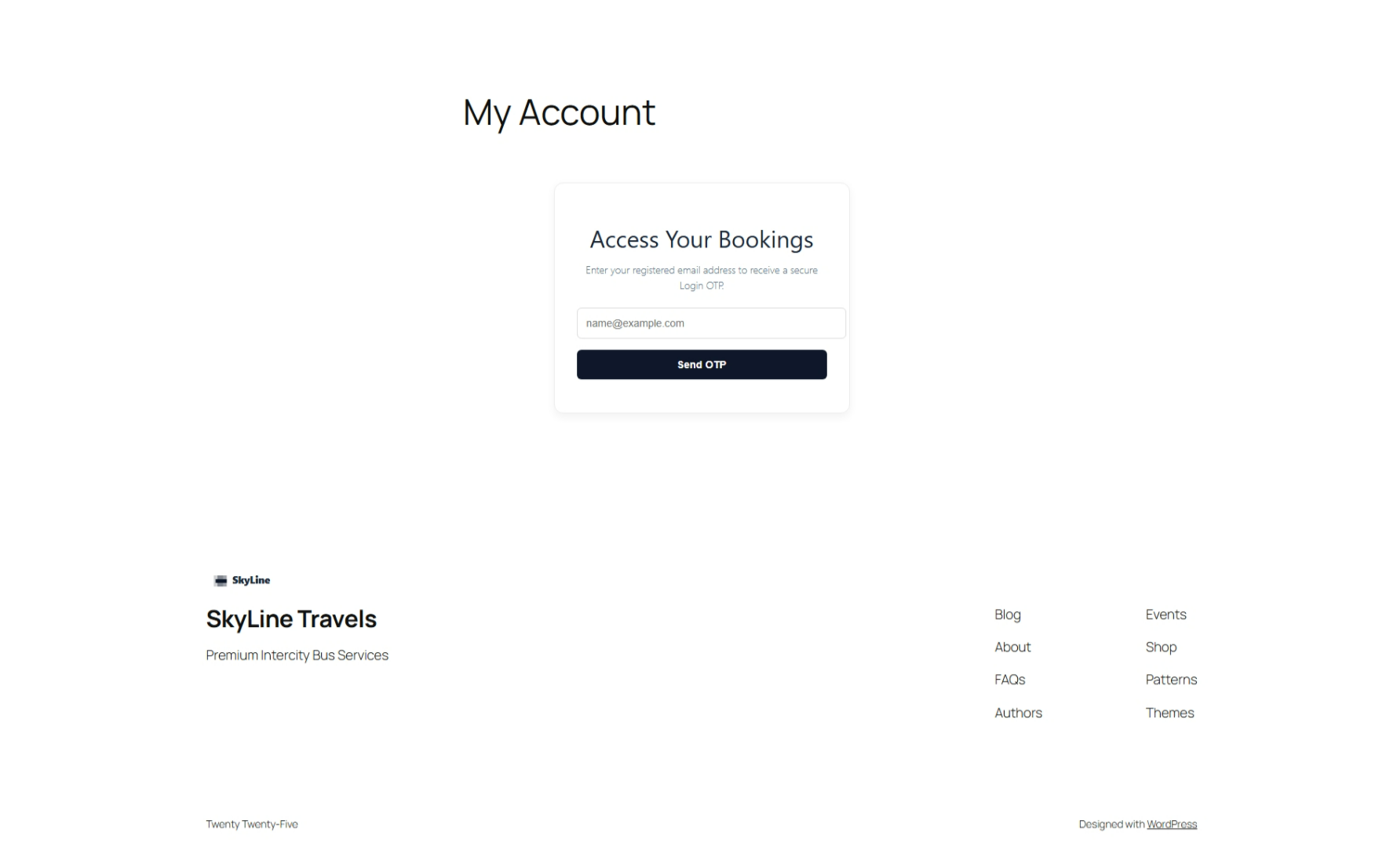
Frontend: My account (Guest)
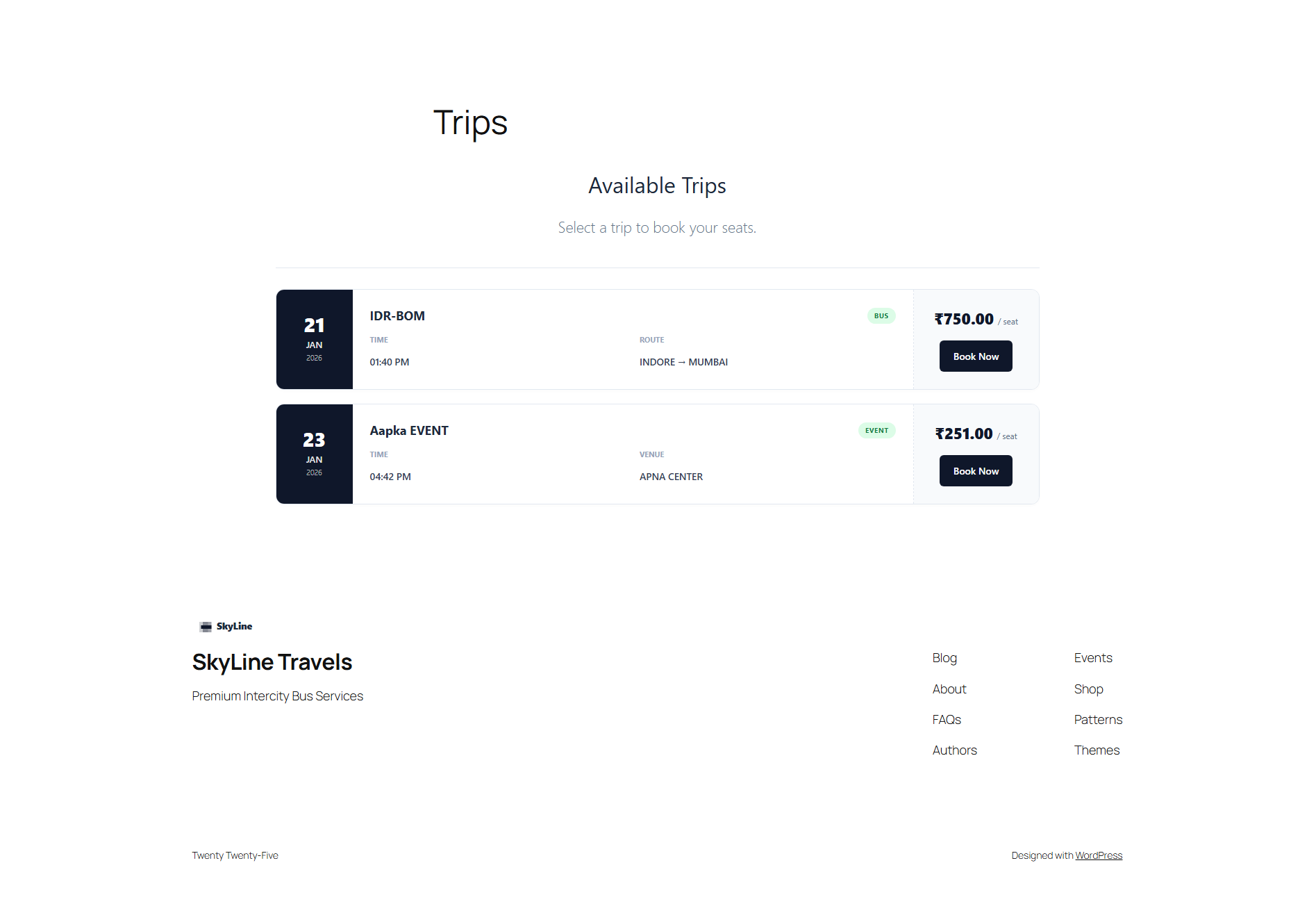
Frontend: All trips and events
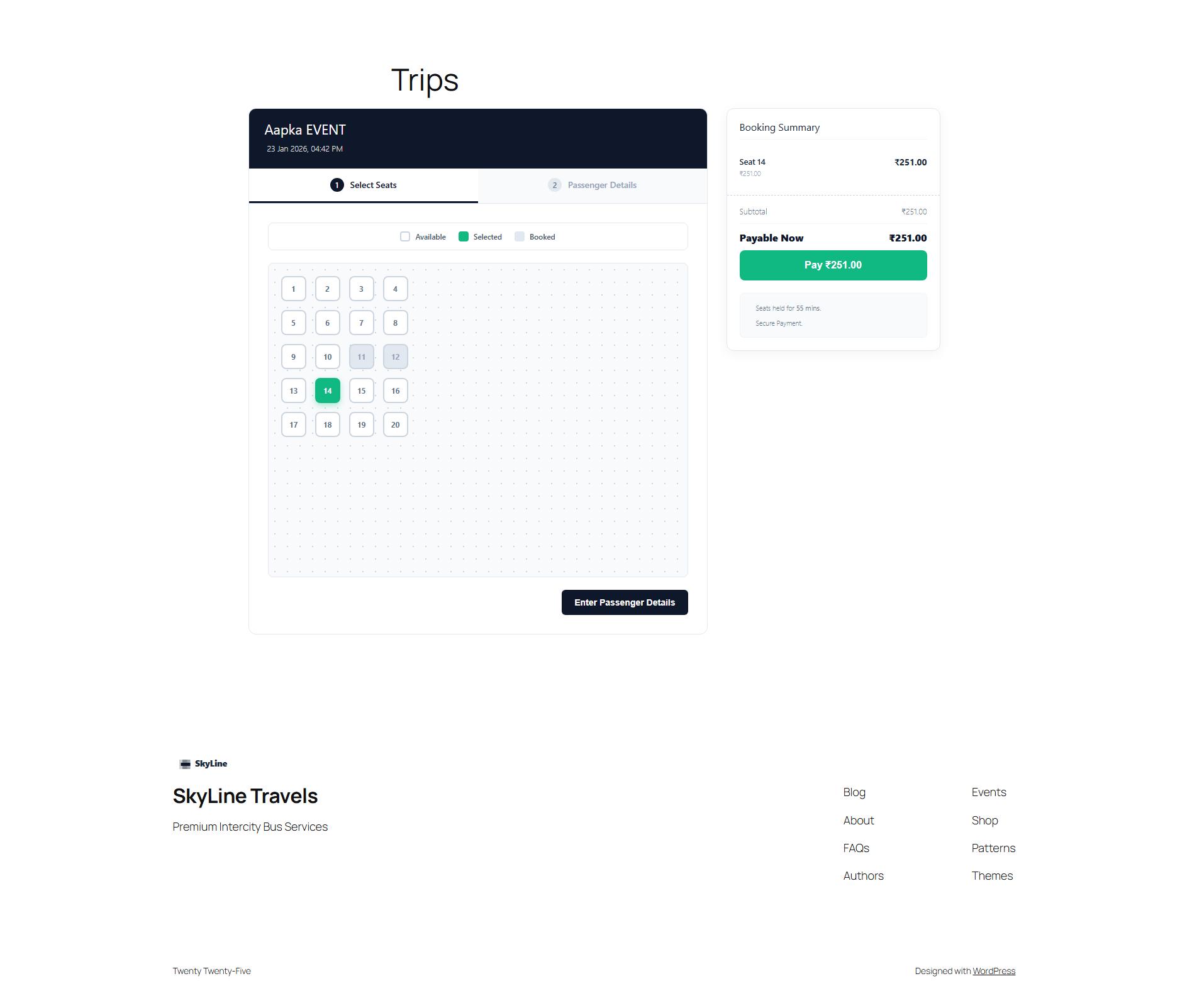
Frontend: Booking flow step 1
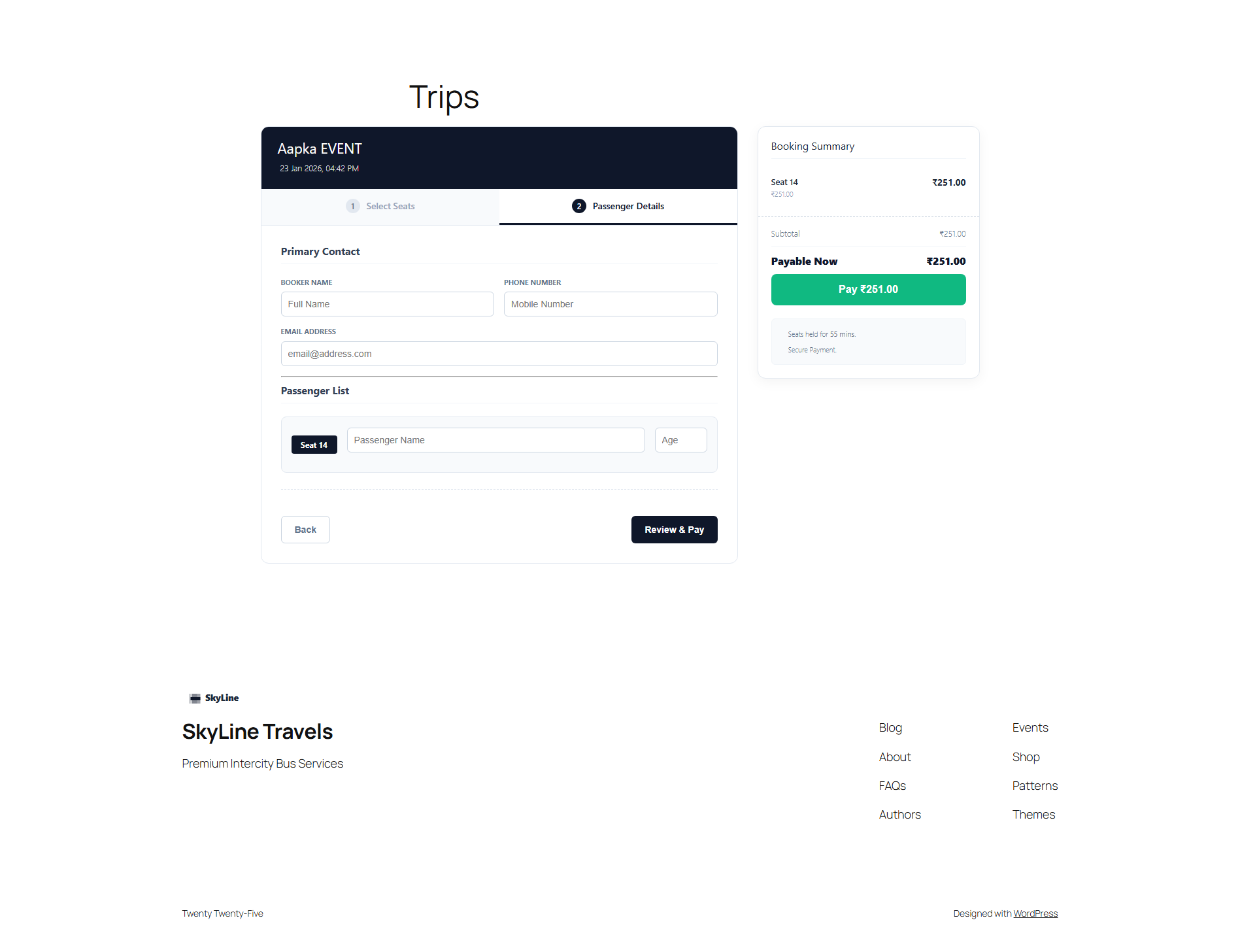
Frontend: Booking flow step 2
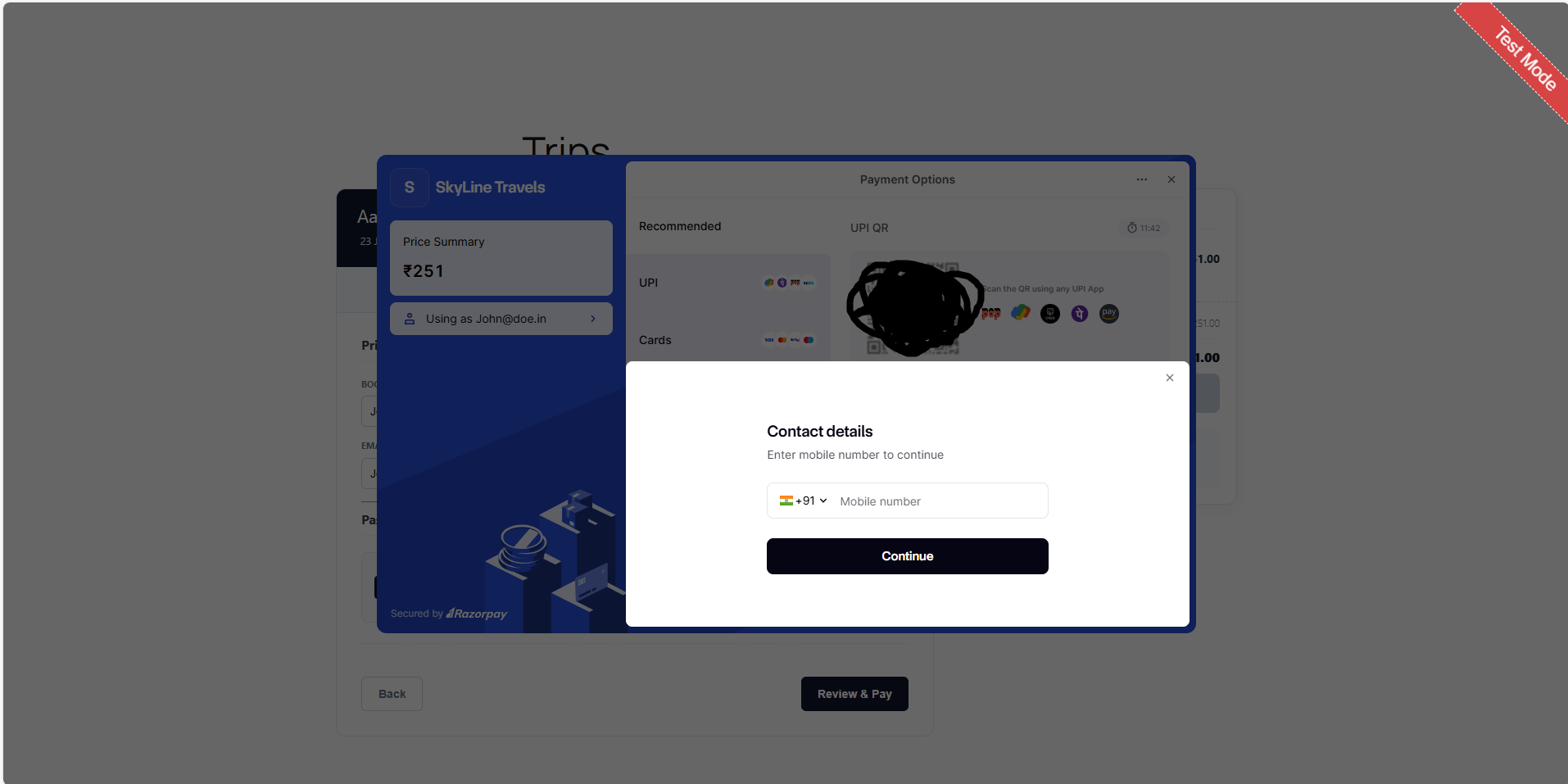
Frontend: Checkout with Razorpay
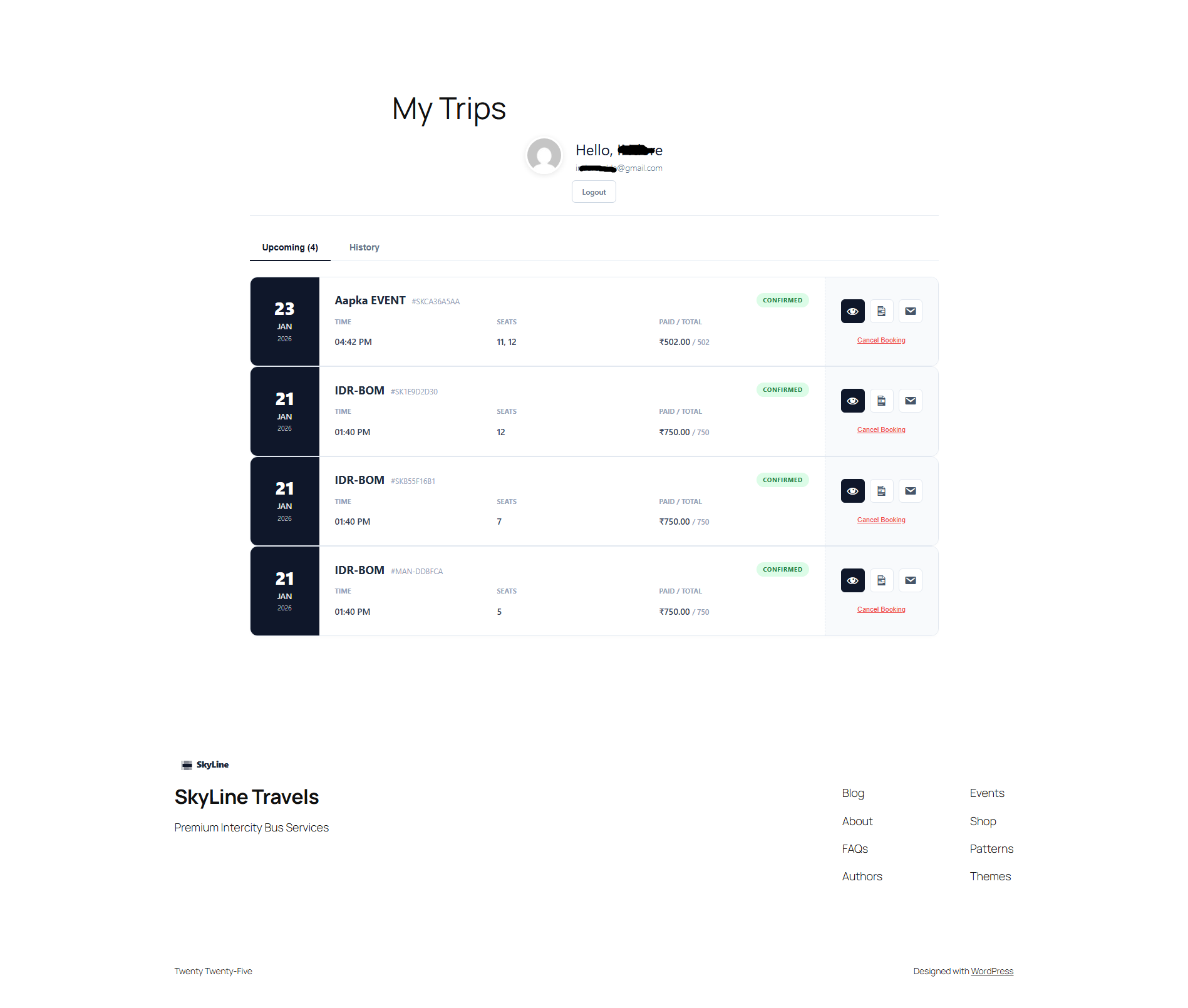
Frontend: My account (Logged in)
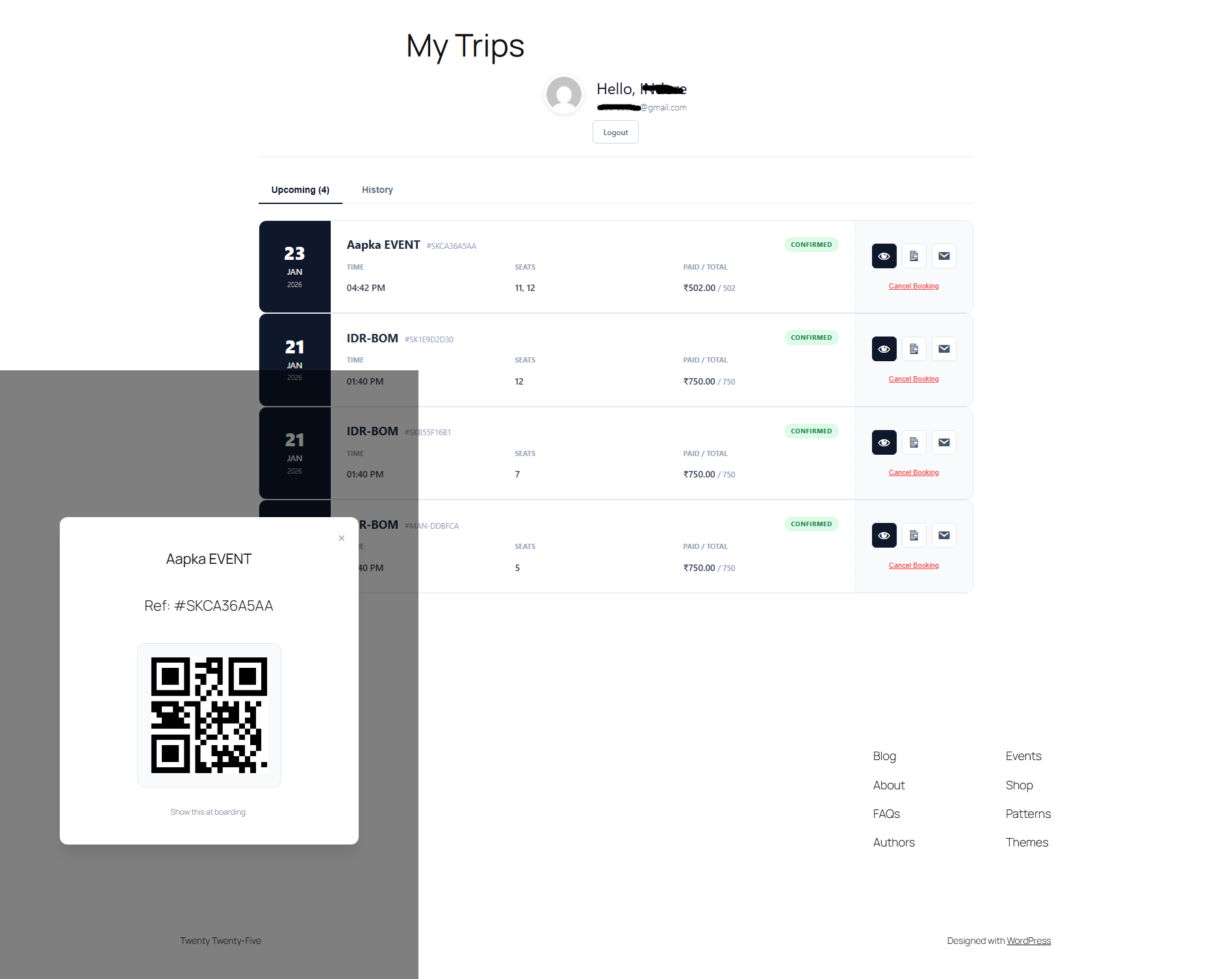
Frontend: QR code of confirmed booking
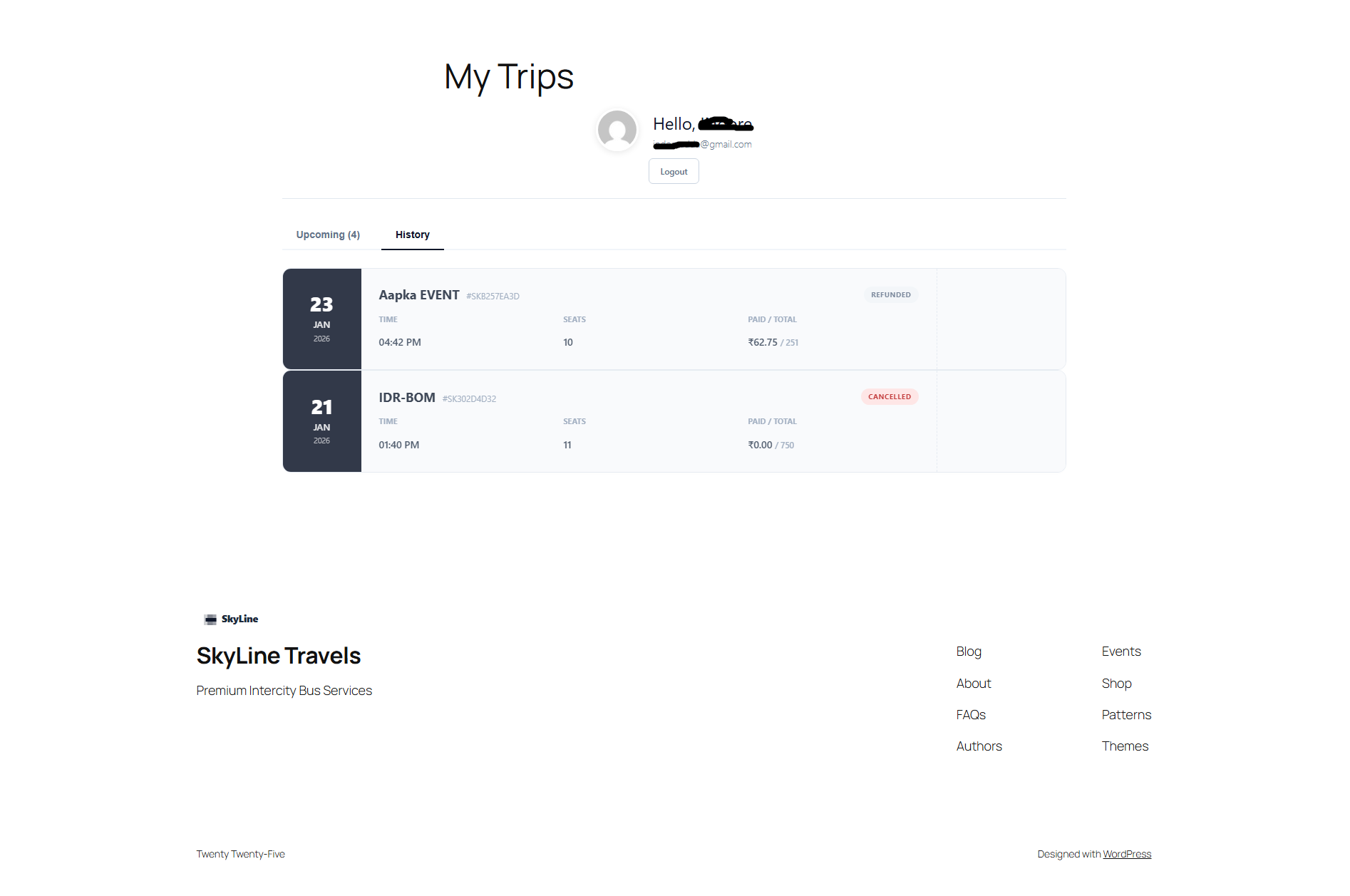
Frontend: Booking history
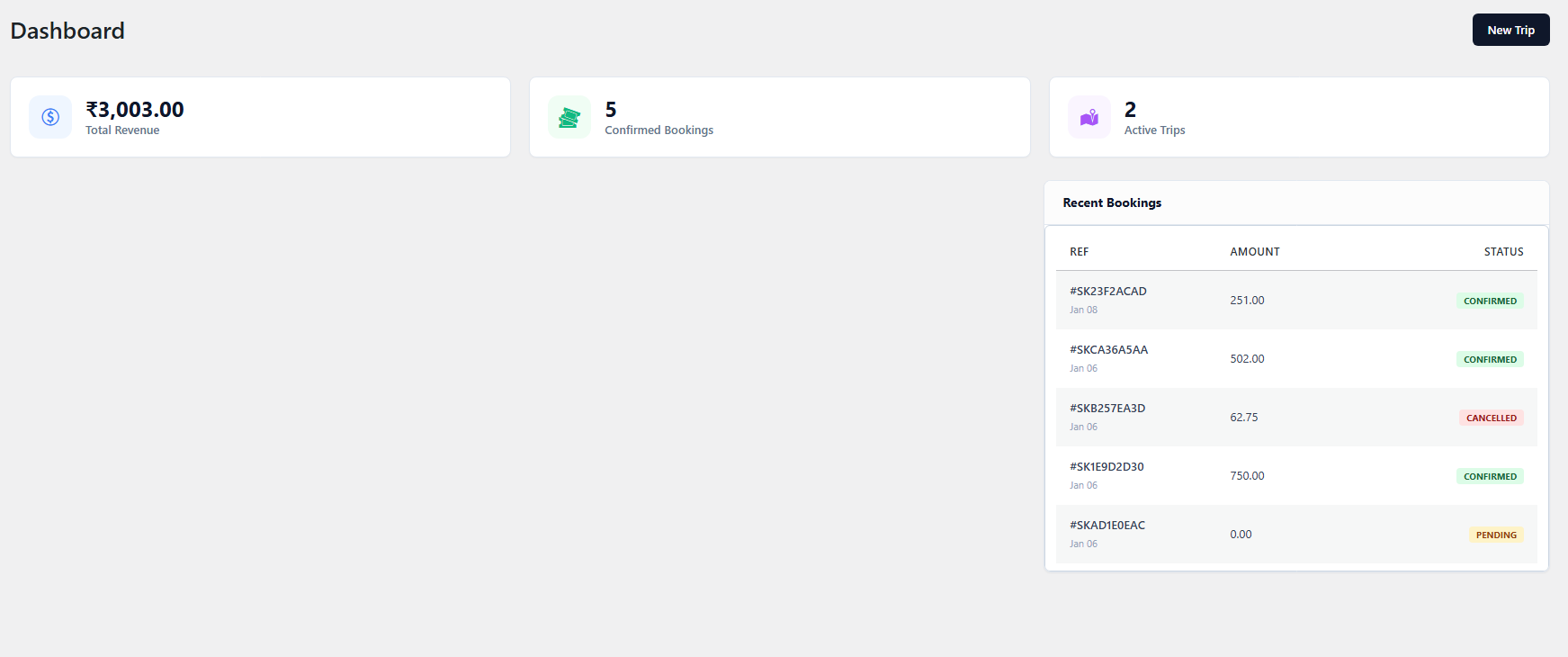
Admin: Dashboard
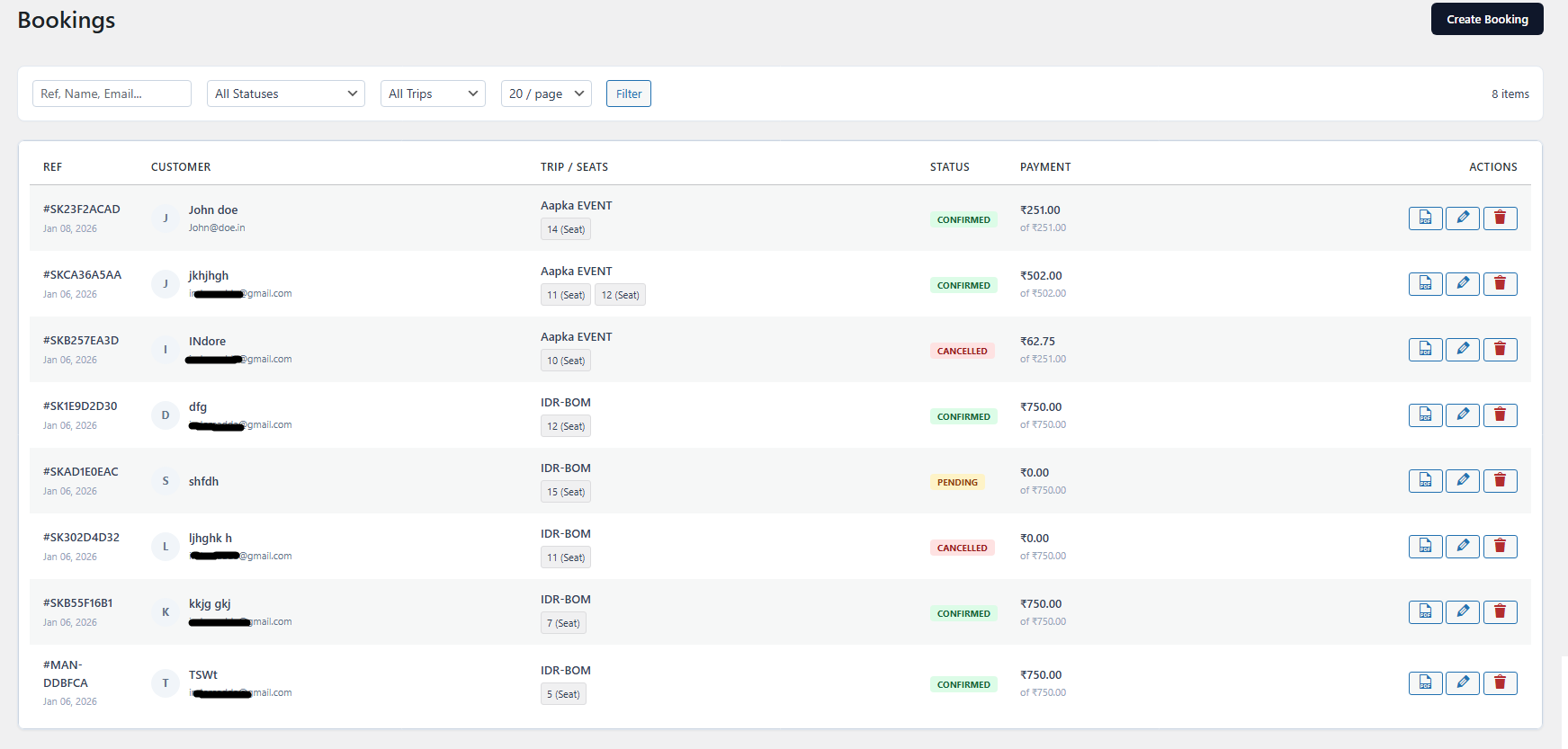
Admin: Booking list
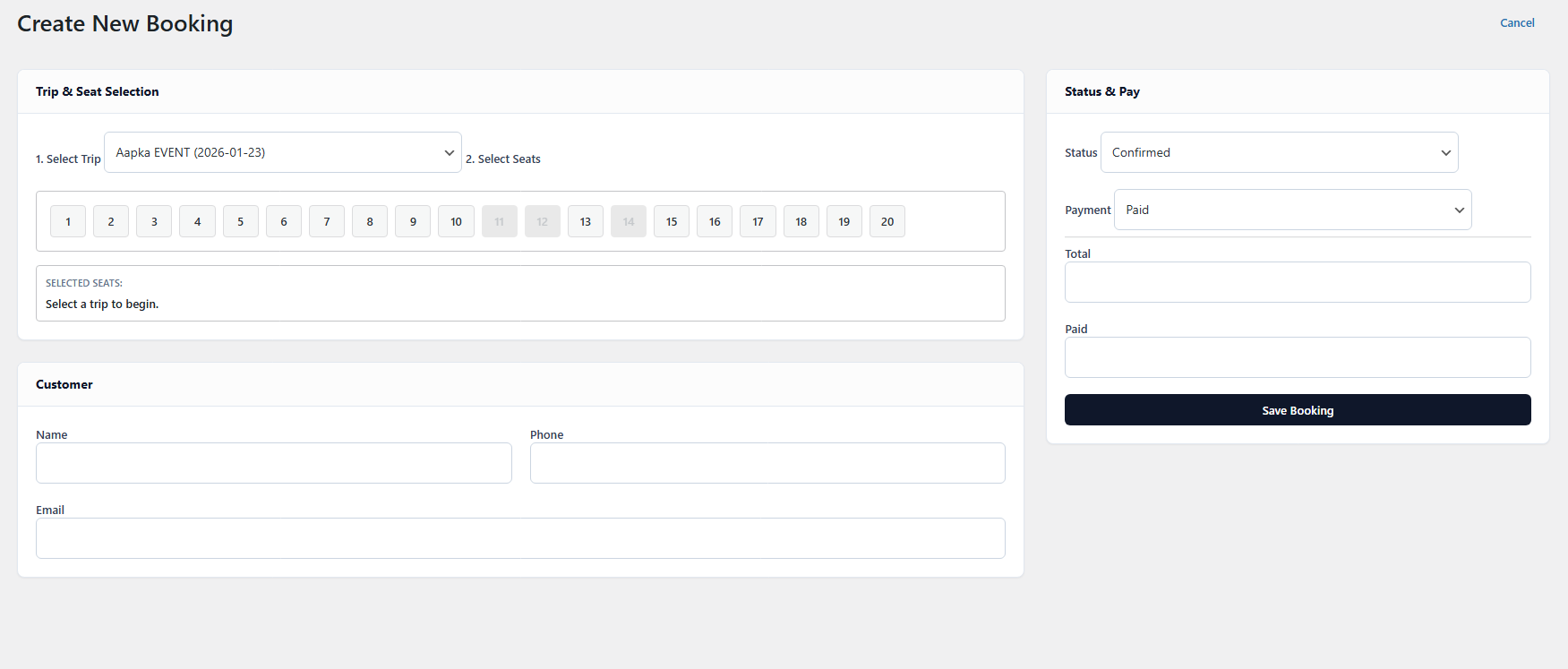
Admin: Create or edit booking
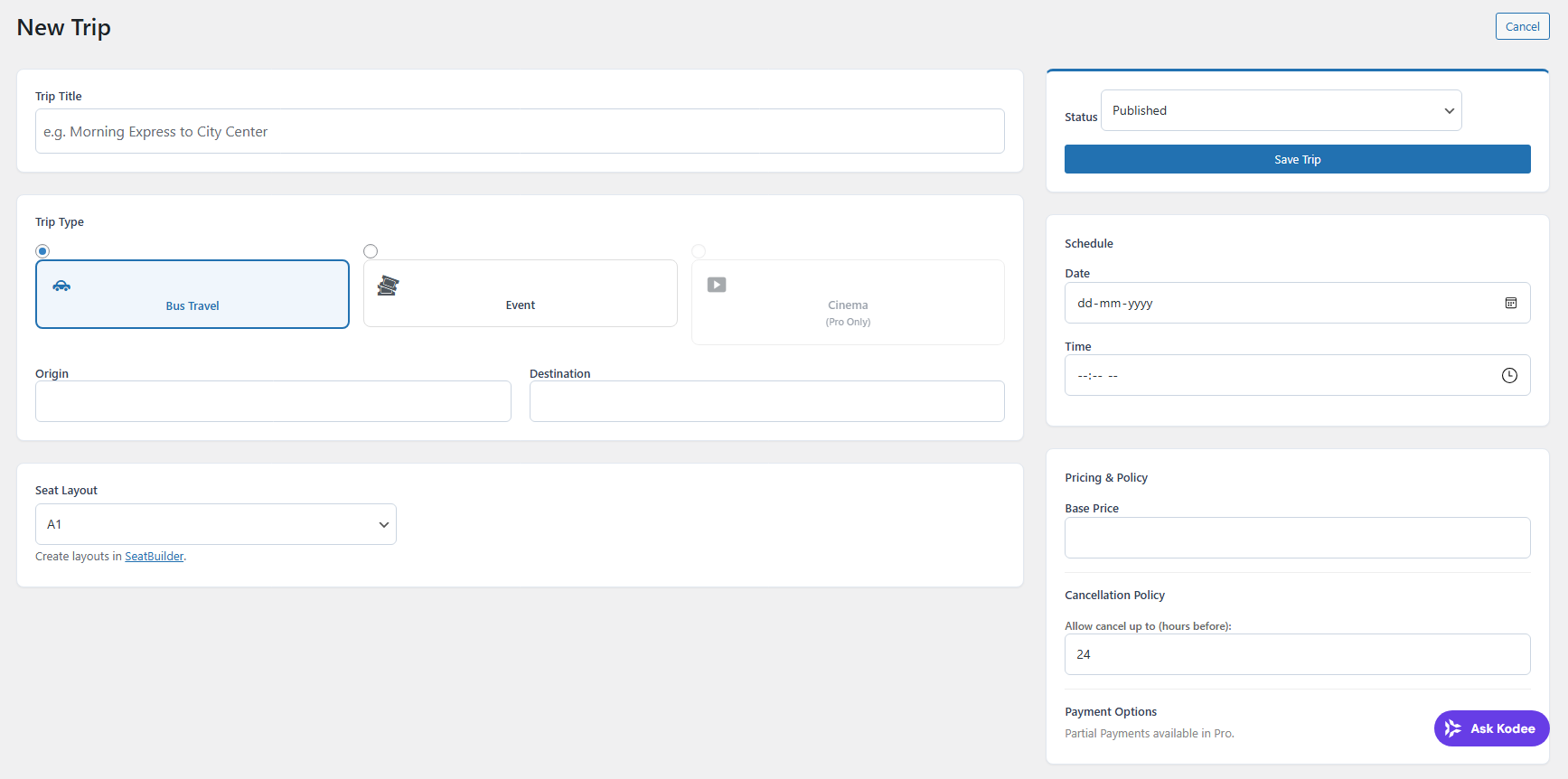
Admin: Create or edit trip
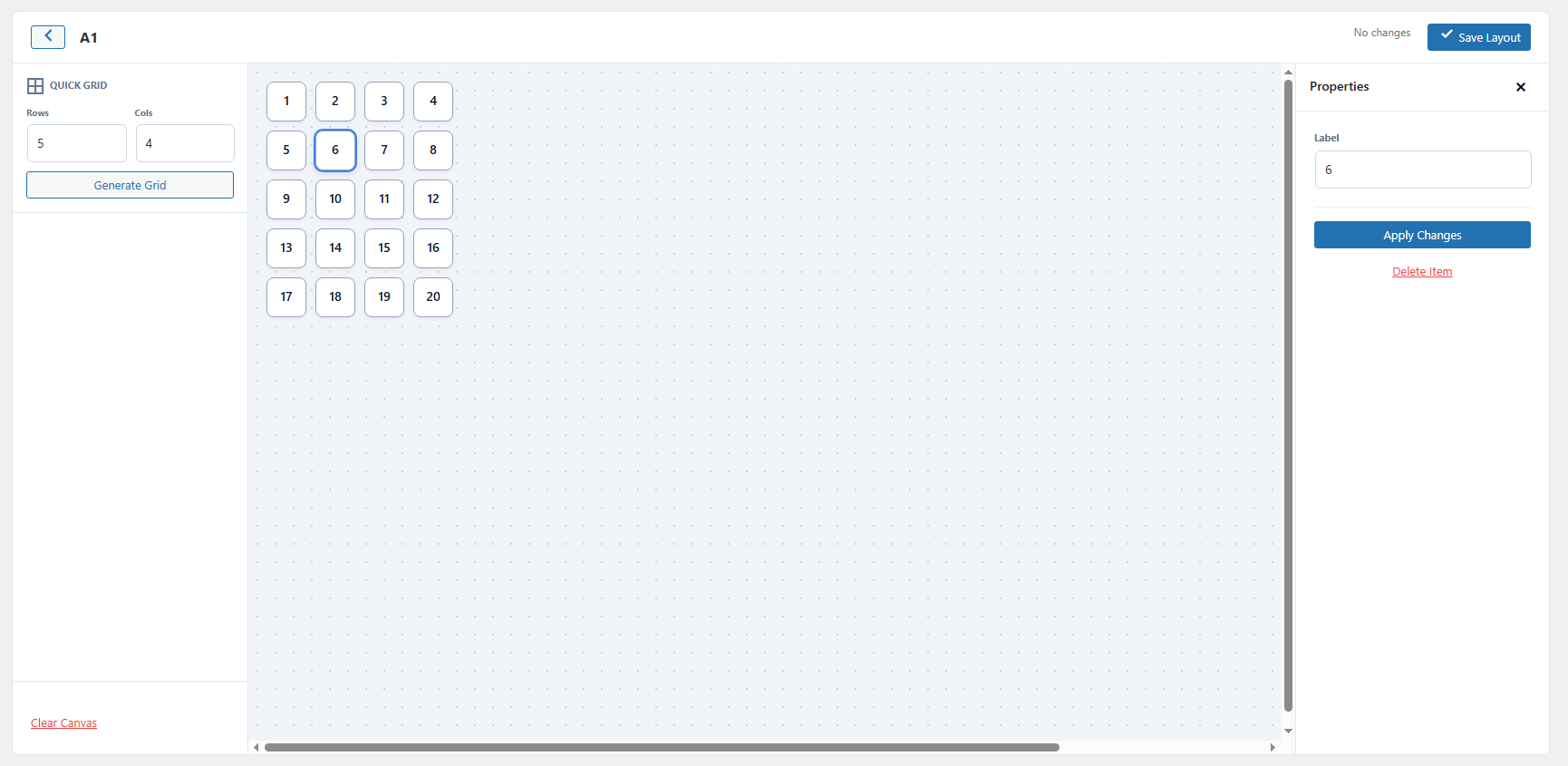
Admin: SeatBuilder
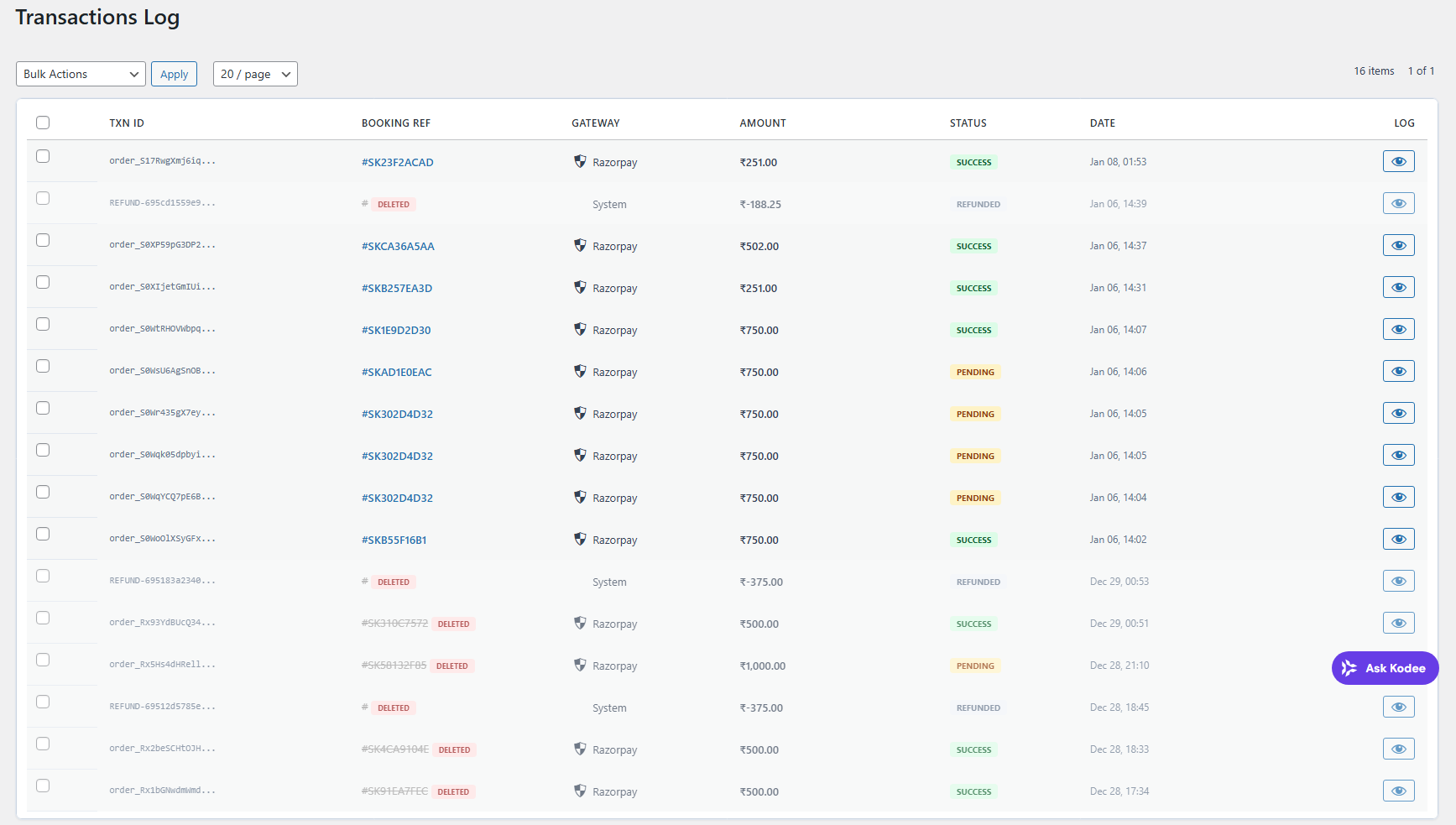
Admin: Payment transaction logs
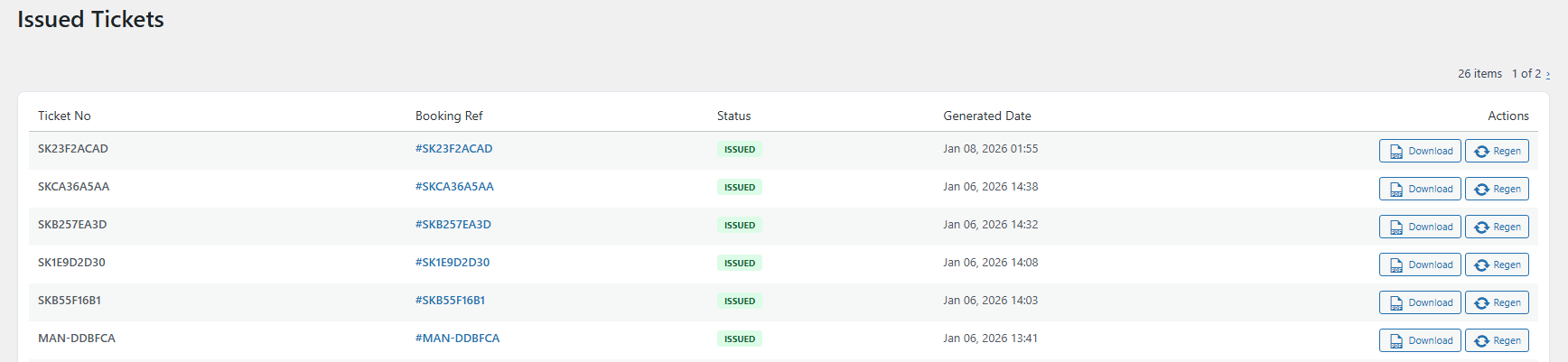
Admin: View issued tickets
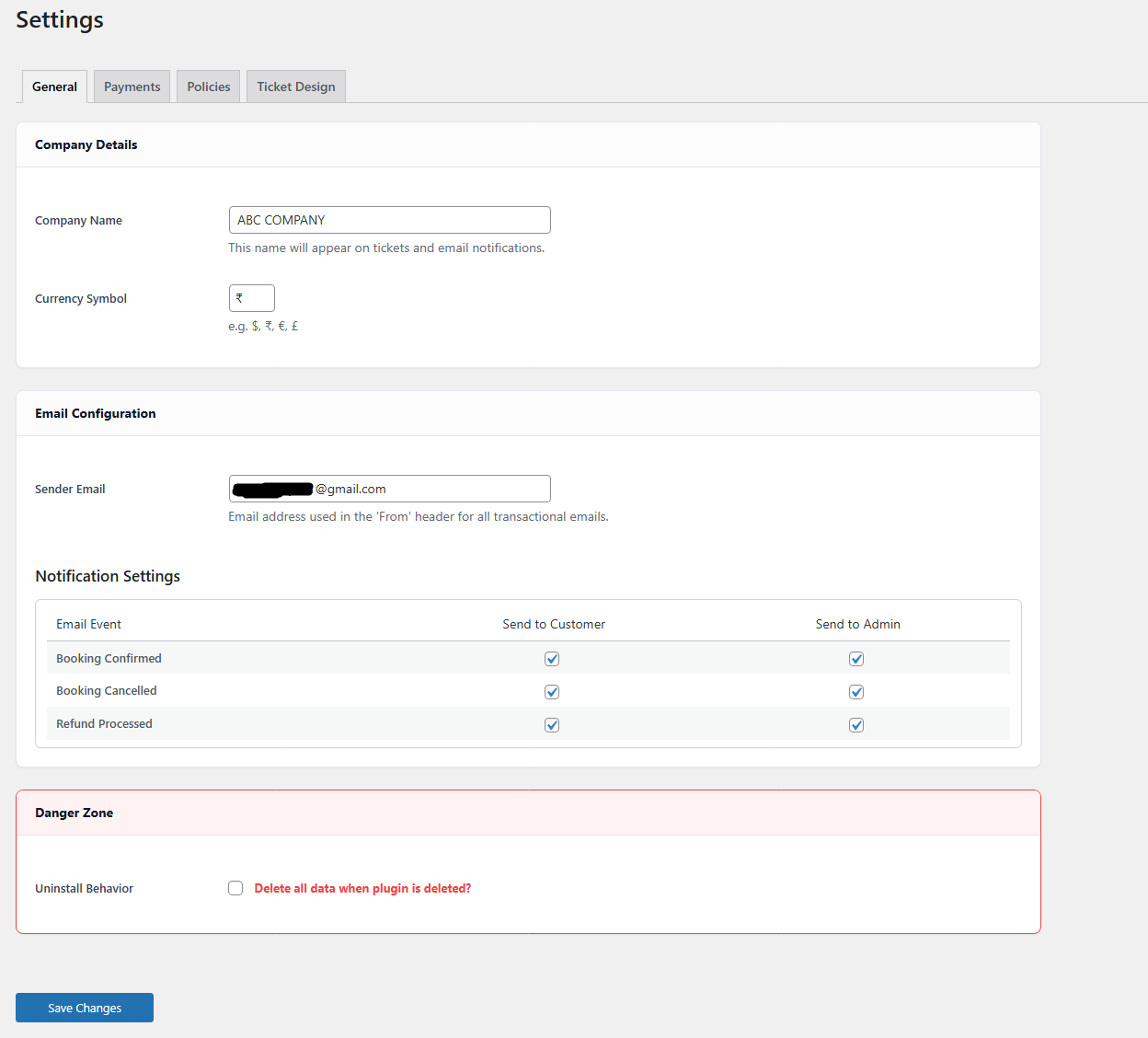
Admin: General settings
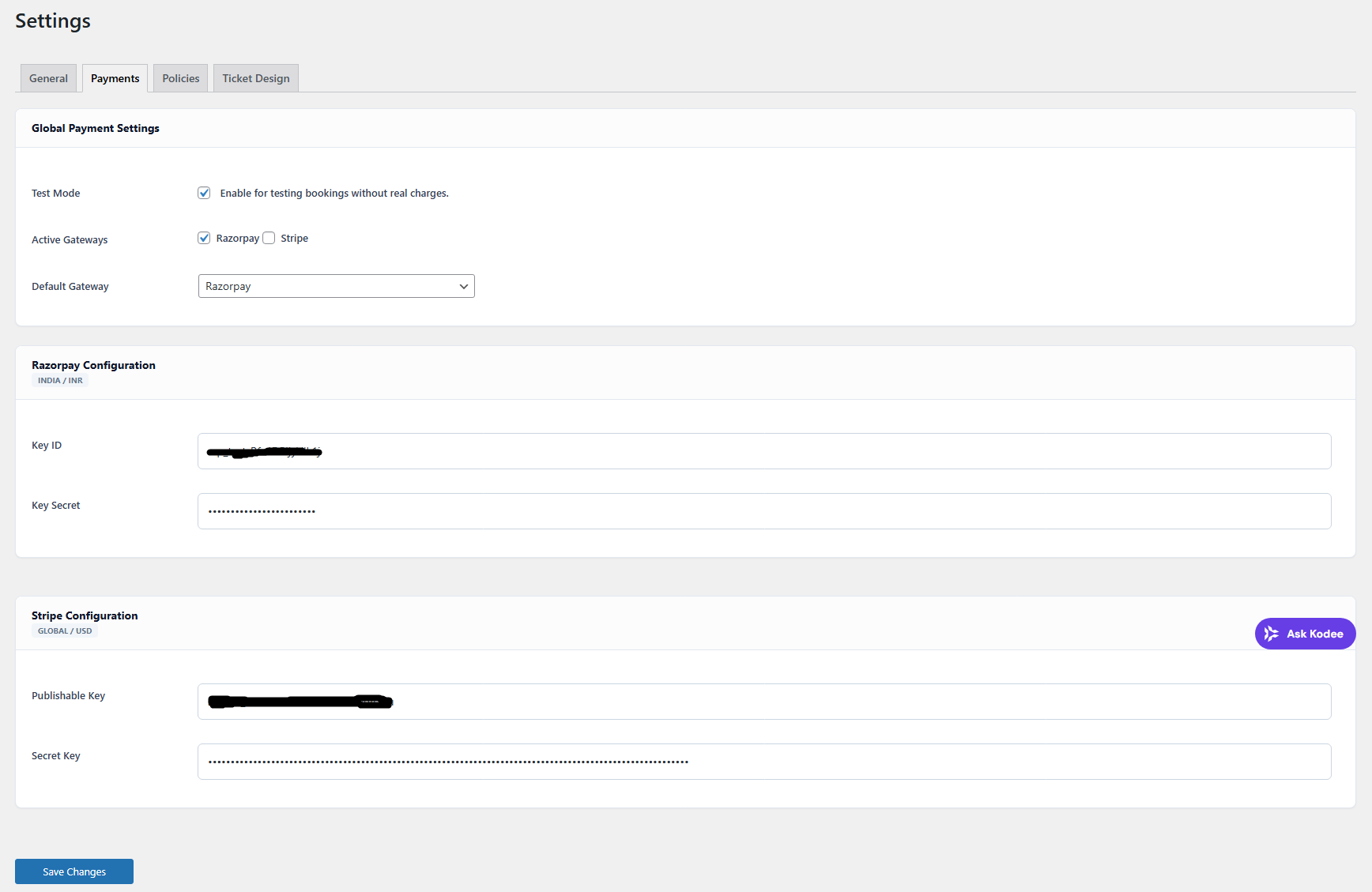
Admin: Payment gateway settings
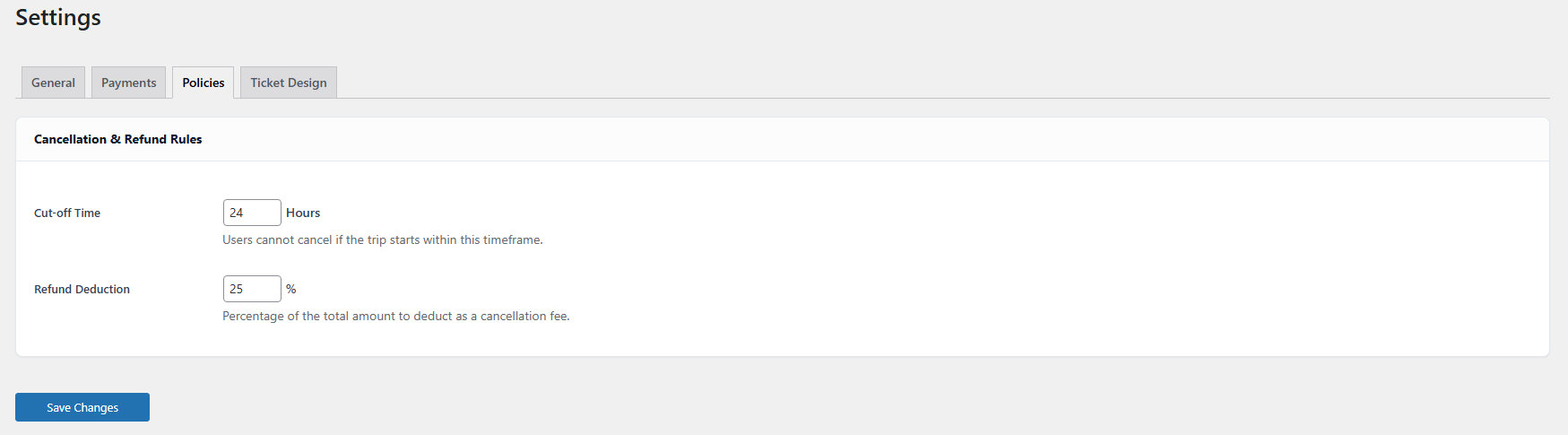
Admin: Policy settings
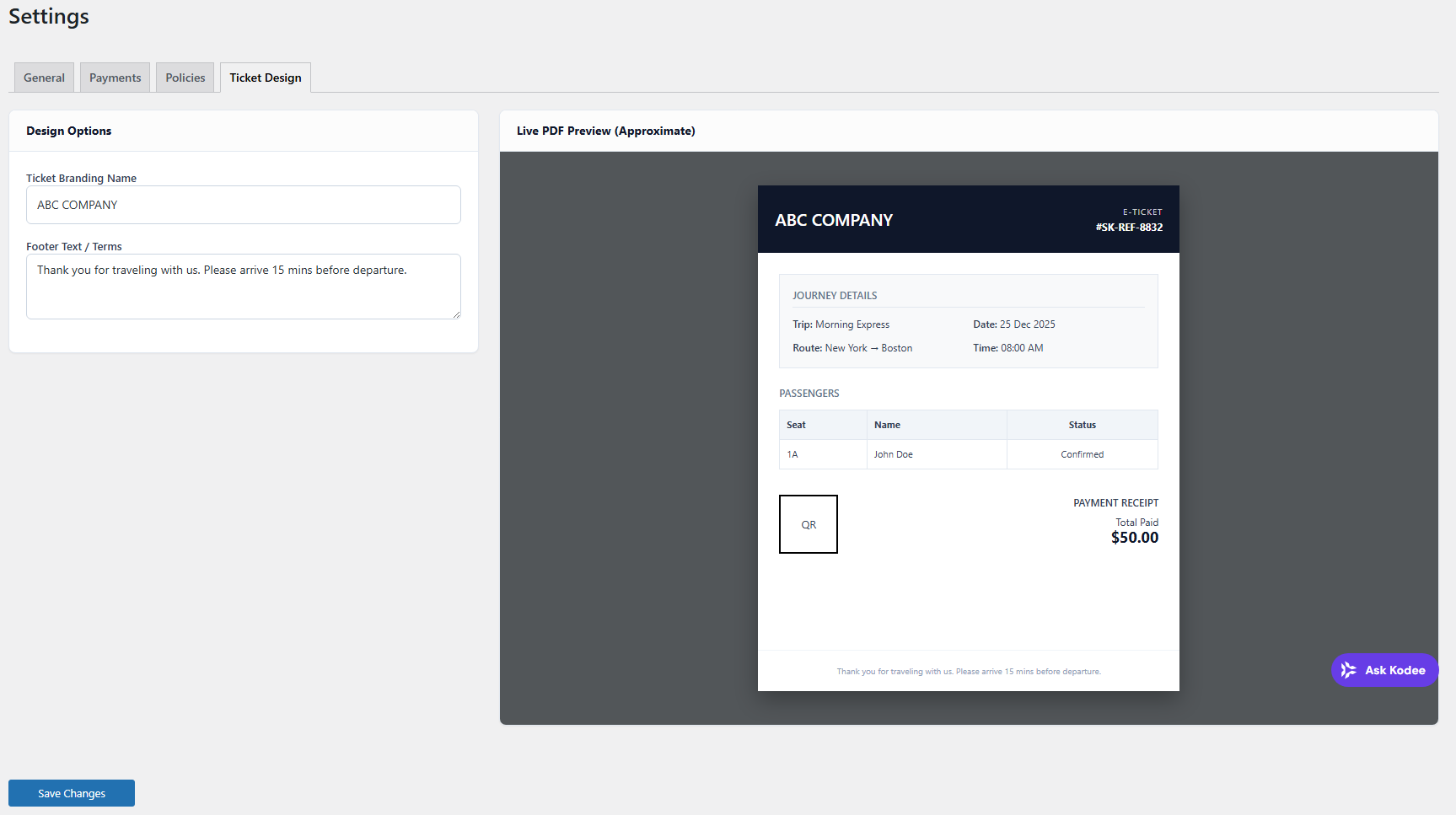
Admin: Ticket settings
Faq
Yes. Seats are confirmed only after successful payment verification from the payment gateway.
Customers log in using a one-time password (OTP) sent to their email and can download PDF tickets from their dashboard.
Yes. SeatKit is designed for transport businesses including buses and tours.
Yes. The seat engine works for events, theaters, and cinemas.
Reviews
Changelog
1.0.2
- FIX: Automatic user creation during checkout for guest customers.
- FIX: Added a “Resend OTP” button with a 60-second timer to the login form.
- FIX: Login form now preserves the OTP entry step on page refresh.
- TWEAK: General code quality and security enhancements in AJAX handlers.
1.0.1
- WordPress.org compliance hotfix release.
- Ticket generation fix according to bus and event.
- Updated export flow and booking list query safety for reviewer checks.
- Improved CSV export compatibility and booking reporting.
- Readme metadata and contributor formatting fixes.
1.0.0
- Initial WordPress.org release.
- Seat-based booking engine.
- Razorpay and Stripe payment integration.
- PDF ticket generation with QR codes.
- OTP-based customer login.
- Refund and cancellation rules.