Selectable Post and Page
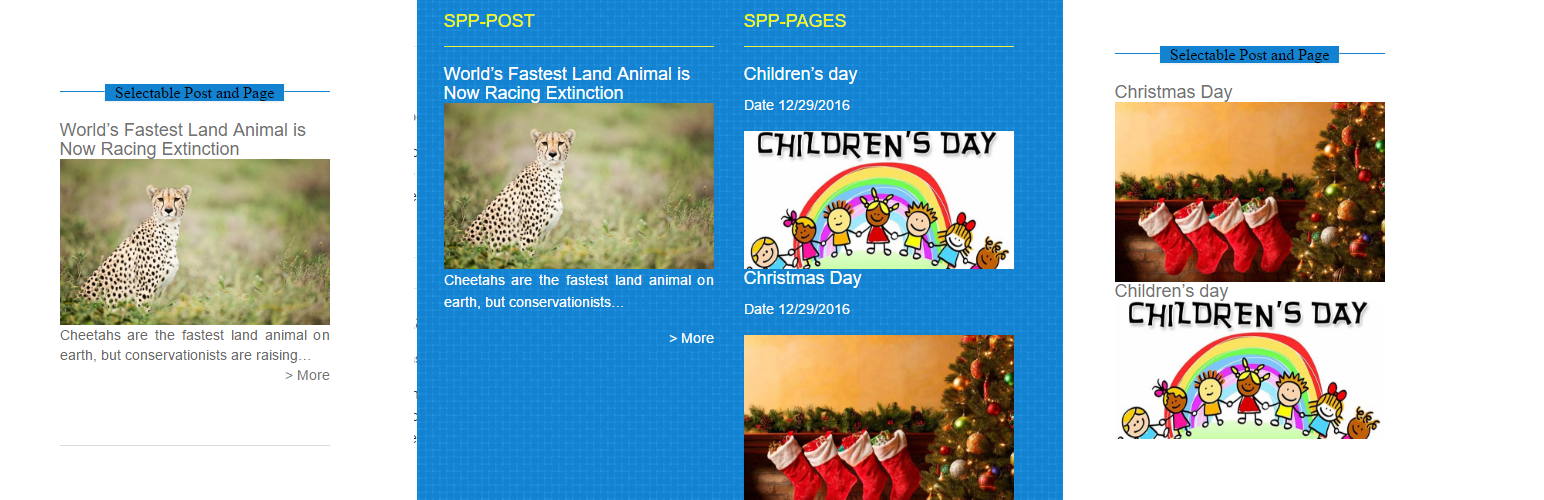
Selectable Post and Page
Description
Display your selected post and page.
A very simple plugin to add selectable post and page – for WordPress.
Features include
- Easy to install
- Use for any sidebar.
- Get post(s) directly by a list of selected posts.
- Widget to display the post feature image.
- It will be displayed at random as the featured image of any post without an image.
Installation
- Upload the ‘selectable-post-and-page’ folder to the ‘/wp-content/plugins/’ directory.
- Activate the “selectable-post-and-page” list plugin through the ‘Plugins’ menu in WordPress.
- Go to ‘Appearance’ > ‘Widgets’ and place the widget into a sidebar to configure it.
Screenshots


Reviews
working
By 
working my online other site
Changelog
1.3.4
- Added get image from Post.
- Added Post-Image class.
- Added Post views three layouts(Default, Full image, Title lists(no images)).
- Improved front-end css design.
1.2.0
- Added Random Post option.
- Improve some code.
- Added input of “More” and “Date”.
1.0.0
- Initial release.