Peppol e-Invoicing Integration by SendPol
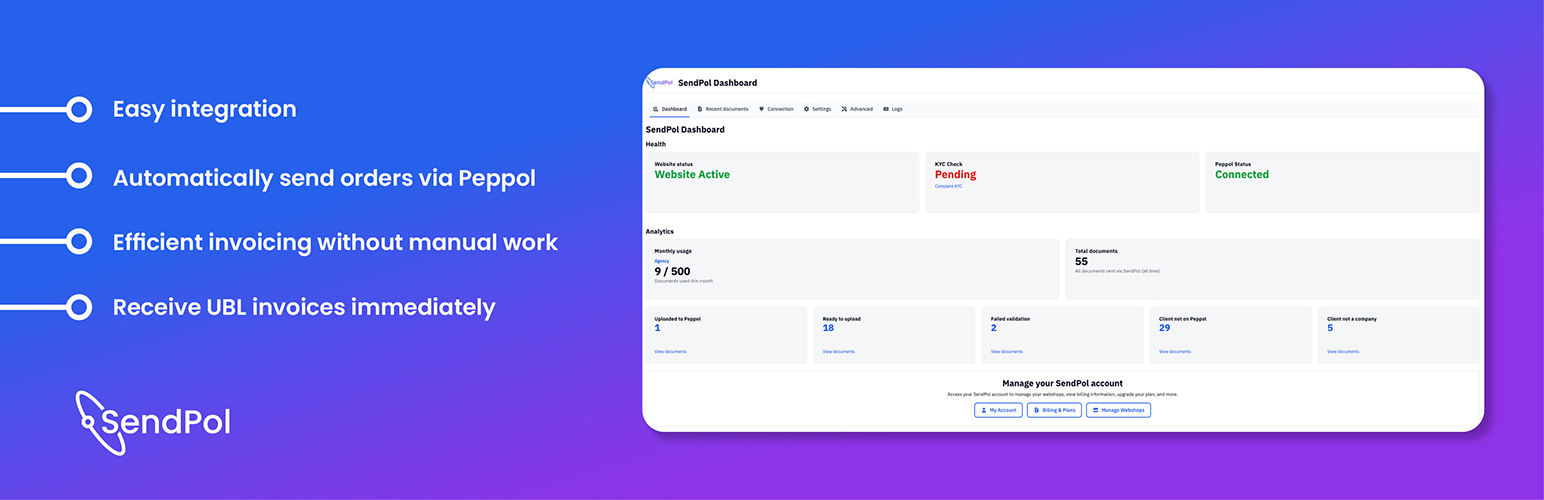
Peppol e-Invoicing Integration by SendPol
Description
SendPol makes life much easier for WooCommerce merchants by automating the connection with the Peppol network.
With this plugin you streamline invoicing workflows: orders are converted into UBL invoices and sent through Peppol automatically, without manual effort.
Key features
- Deep WooCommerce integration: detect orders and turn them into invoices automatically.
- Generate UBL (Universal Business Language) invoices compatible with governments and corporate buyers.
- Deliver each invoice via Peppol for standardized, compliant e-invoicing.
- Supports external invoice PDFs from popular plugins like PDF Invoices & Packing Slips for WooCommerce and YITH WooCommerce PDF Invoices & Packing Slips.
Supported plugins
- Custom Order Statuses for WooCommerce: https://wordpress.org/plugins/custom-order-statuses-woocommerce/
- Advanced Custom Order Status for WooCommerce: https://wordpress.org/plugins/advanced-custom-order-status-for-woocommerce/
- BP Custom Order Status for WooCommerce: https://wordpress.org/plugins/bp-custom-order-status-for-woocommerce/
- PDF Invoices & Packing Slips for WooCommerce: https://wordpress.org/plugins/woocommerce-pdf-invoices-packing-slips/
- YITH Essential Kit for WooCommerce: https://wordpress.org/plugins/yith-essential-kit-for-woocommerce-1/
- YITH WooCommerce PDF Invoices & Packing Slips Premium: https://yithemes.com/themes/plugins/yith-woocommerce-pdf-invoice/?utm_source=sendpol&utm_medium=yith-woocommerce-pdf-invoice&utm_campaign=sendpol
Why choose SendPol?
From 2026 onward, Peppol e-invoicing becomes mandatory in more European countries, especially for enterprises and public-sector contracts. SendPol keeps you compliant without complex setups or large development costs.
How does it work?
- Install and activate the plugin in your WordPress/WooCommerce environment.
- Configure your Peppol settings (provide your API key).
- Each completed WooCommerce order automatically becomes a UBL invoice.
- The invoice is sent through Peppol to the recipient with all required metadata (customer details, VAT number, and more).
Video tutorial
Watch the step-by-step guide to setting up and using SendPol with WooCommerce:
Who is this plugin for?
- Stores that invoice businesses and/or governments.
- Companies in countries where Peppol is increasingly required or widely adopted.
- Teams that want to reduce administrative overhead and automate invoicing.
Use cases
- B2B customers: send UBL invoices automatically to corporate clients.
- Public-sector sales: meet invoicing requirements for government contracts.
- Custom integrations: connect through the API to your ERP or back-office system.
Sign up
Get started for free via SendPol. No credit card required.
Reviews
Great plugin
By 
Does what it is supposed to do and does it well. Responsive help desk too.
No more Peppol stress
By 
Handles Peppol e-invoicing completely automatically, no manual work at all. Quick to set up, runs reliably, and the support has been really responsive. Great plugin!
Great plugin, highly recommended!
By 
Great plugin for automating Peppol e-invoicing with WooCommerce. Setup was easy, everything works reliably, and the support team is fast, friendly, and very helpful. Highly recommended!
Changelog
1.2.7
- Added an “Only send when an invoice exists” setting (Invoice number section). Only works together with PDF Invoices & Packing Slips for WooCommerce: orders for which that plugin has not created an invoice yet are no longer sent to SendPol with the WooCommerce order number as invoice number. As soon as the invoice is created later, the order is sent automatically. The order page shows a notice while the order is waiting for its invoice; manual sending from the order remains possible.
- Added the
sendpol_wc_should_send_orderfilter to exclude an order from automatic sending from custom code. - Added a “VAT exemption” setting for shops that are themselves not subject to VAT (e.g. small businesses under art. 56bis, or activities outside the scope of VAT). When enabled, every order is sent to SendPol as VAT exempt (tax category O, “not subject to VAT”) instead of a 0% rate, products with tax status “None” no longer block sending, and orders that still contain VAT are rejected before sending.
- Added the
sendpol_wc_seller_vat_exemptandsendpol_wc_order_is_vat_exemptfilters to override the exemption globally or per order.
1.2.6
- Fixed the dashboard reloading itself after every action (and, behind proxies that strip query parameters, reloading endlessly): the one-off refresh after the first stats load now happens at most once per browser session.
- Fixed stale “no VAT number” validation errors staying visible on the order page: stored validation errors are now cleared as soon as the order validates successfully again.
- Fixed VAT numbers entered at classic checkout being saved with
update_post_meta()only, which is unreliable on shops with High-Performance Order Storage (HPOS) enabled; the VAT number is now also saved through the WooCommerce order meta API.
1.2.3
- Fixed credit notes for amount-only refunds (no quantity selected): the credit-note line no longer emits a credited quantity of 0, which produced invalid Peppol UBL (BR-CO-10). The unit price is now derived from the refunded net amount so price × quantity always reconciles with the line amount.
- Avoid a WooCommerce “doing it wrong” notice by no longer reading the internal
_billing_emailmeta key directly. - Debug logging no longer writes a
sendpol_debug.logfile inside the plugin folder; diagnostics now go to the plugin’s Logs page and the WooCommerce logs, so no customer data is ever written to a deployable file. - Added support for BLOCKED_DOCUMENT_LIMIT_REACHED and BLOCKED_KYC_PENDING statuses
- Added X-Sendpol-Plugin and X-Sendpol-Plugin-Version identification headers to all outbound API requests
- Added is_blocked and blocking_reason fields from polling response saved as order meta
- Blocking reason now takes priority over status in order column and detail view when is_blocked is true
- Added upgrade CTA button for BLOCKED_DOCUMENT_LIMIT_REACHED status
- Added KYC CTA button for BLOCKED_KYC_PENDING status
1.0
- Initial plugin release