Social Block
Social Block
Description
Super social share block for the new Gutenberg post editor.
A fun new plugin from BlocksWP – a partnership of Caldera Labs and Easily Amused.
Supported Networks
- Tumblr
Display Settings
- Show/Hide Icons
- Change Icon Size
- Show Count When Possible
Installation
- Install and activate Gutenberg
- Install and activate this plugin
Screenshots

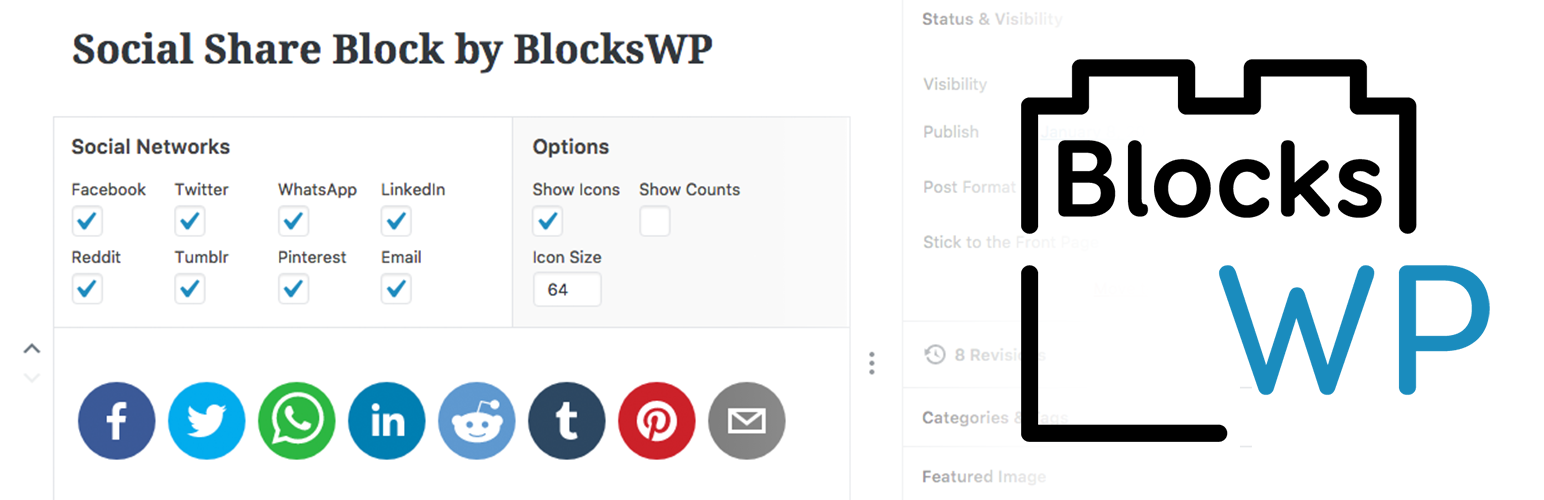
This is what a the social block looks like after its been added and configured to a post in the admin.

When you click on the social block, you can see the network and display settings available for edit.

When searching for the social block you will see a networking icon and the words Social Share.

Example of what the social block could looks like in the front end of your site.
Faq
Installation Instructions
- Install and activate Gutenberg
- Install and activate this plugin
How Does It Work?
- In the editor, click the plus button to add a block, search for “Social Share” and add that block.
- Select which networks to show.
- Set your other options.
Anthing thing else needed?
- No APIs needed, but you will need the Gutenberg plugin installed.
Reviews
Innovative & Ahead
By 
Thank you Josh and James for building this. I love that I can download Gutenberg-compatible plugins to test on GutenBridget.com.
The buttons look great and the work very well. Thank you.
The weird part for me is not seeing the preview or a save option when I add the block. I just updated the post and boom, it worked.
The other thing that is a tiny bit of a bummer, though I suspect it's because I don't have a block template yet, is that I have to add it to each post manually. Whereas with Mashshare, I just tell it to be on all posts.
I cannot wait to see how you iterate this plugin. I'm so excited about this.
Thank you
Bridget Willard
BridgetWillard.com
GutenBridget.com
Changelog
1.0.0
- Initial release to WordPress.org