SheetDB – get your Google Spreadsheet data
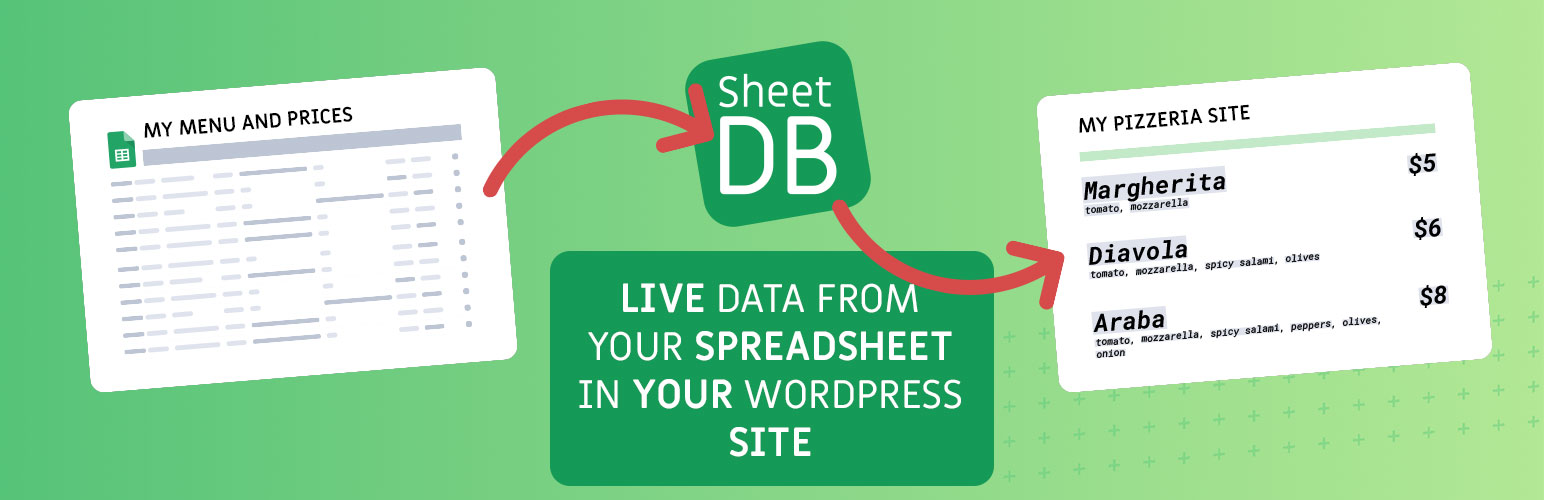
SheetDB – get your Google Spreadsheet data
Description
The SheetDB wordpress plugin allows you to easily add content from Google Spreadsheet to your wordpress site. To add content, simply add shortcode that looks like this – [sheetdb url="https://sheetdb.io/api/v1/YOUR_API_ID"][/sheetdb]. Content from within will be rendered as many times as there are rows in the spreadsheet (excluding the first row, which are column names – definition). Each time a new row is rendered, you can refer to any value using the braces notation: {{column_name}}
Example spreadsheet: Example spreadsheet document
Example code:
[sheetdb url="https://sheetdb.io/api/v1/58f61be4dda40" element="ul" limit=3 search="id=*" sort-by="id" sort-order="desc" lazy-loading="true"]
{{id}} – {{name}}
[/sheetdb]
You can use following optional attributes:
* limit – The number of rows that should be returned
* offset – Row from which it should start (how many rows to skip)
* sheet – If you want to use a different sheet than the first one (default), enter the name of the tab you want to use here.
* search – You can search for specific data in your sheet. If you want to use more than one condition join them using & symbol. Example: search="name=Tom&age=15"
* sort-by – The column you want to sort by
* sort-order – sort in asc or desc order
* lazy-loading – If you set this attribute to true, the api call will be executed only when the user reaches the point of the table. If your table is lower on the page this can help reduce request consumption.
HTML rendering and safety:
* Using {{name}} renders plain text only. Any HTML is escaped and will not be executed or rendered.
* Using {{html:name}} allows most safe HTML tags to render (e.g. a, p, ul, li, strong, em, img with safe attributes). Potentially dangerous tags and attributes (e.g. <script>, <iframe>, <object>, <embed>, inline on* event handlers, and javascript: URLs) are stripped/sanitized.
This behavior is intentional for security reasons to prevent XSS and code injection from spreadsheet content.
Security recommendation:
* For best security, configure your SheetDB API as read-only: enable only GET and disable POST, PATCH, and DELETE. This prevents anyone from modifying your data via exposed API keys or URLs.
Additional information:
This plugin use SheetDB.io to fetch data from Google Spreadsheet. You must have an account at SheetDB – account is free for 500 requests per month. More information at SheetDB.io or at privacy policy
Re-use
If you want to re-use your data, you can use the save attribute in your [sheetdb] element. To re-use your data use [sheetdb-slot]. You can use the same data inside as in the parent. To match them the value of save and slot must be the same.
Example:
[sheetdb url="https://sheetdb.io/api/v1/58f61be4dda40" save="slot-name"]
{{id}} – {{name}}
[/sheetdb]
[sheetdb-slot slot="slot-name"]
{{name}}
[/sheetdb-slot]
That way, you only use 1 request instead of 2. Slots have access to the same data as the parent. You can’t change things like limit or search.
Installation
Add SheetDB plugin to your site, activate it, then all you need to do is use the [sheetdb] shortcode wherever you want.
Screenshots

Use SheetDB shortcode

Content on the site will be download from spreadsheet with every pageload.

The Google Spreadsheet content
Reviews
Great but needs updating
By 
Security is essential to customer data and you should know this!! Please update for WordPres 6.1.1 asap!!
it works!!!
By 
Thank Goodness!
By 
the best solution
By 
Great for prototyping
By 