Show State Field for WooCommerce
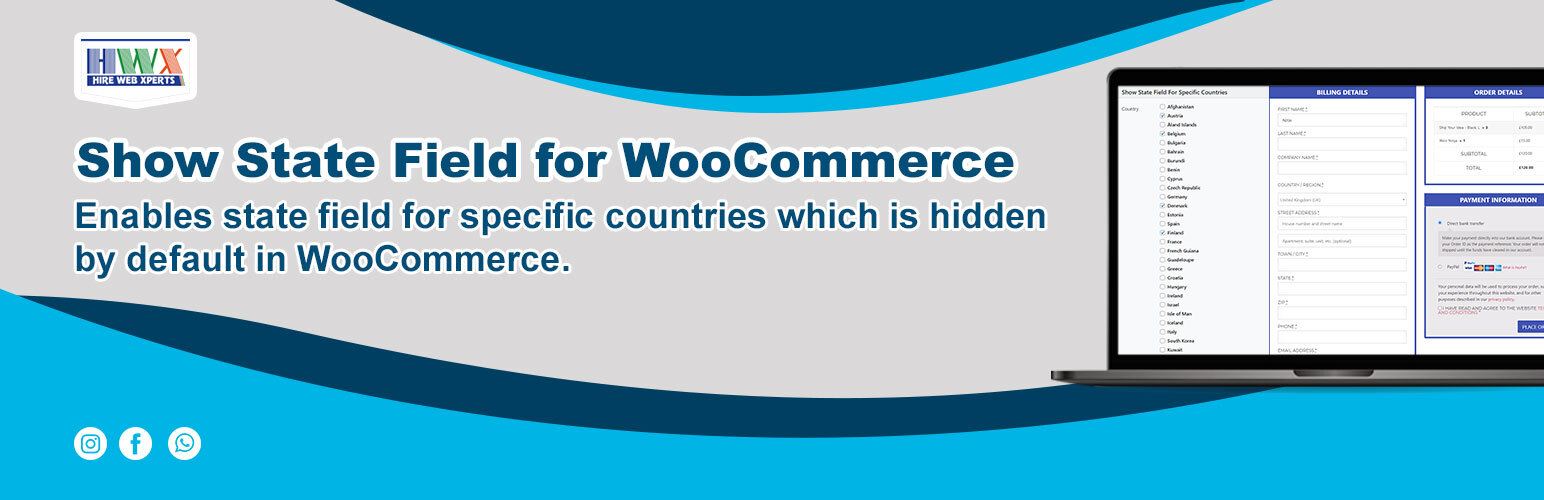
Show State Field for WooCommerce
Description
By default, WooCommerce does not show Billing or Shipping State field on checkout page for many countries like Afghanistan, Austria, Åland Islands, Belgium, Bulgaria, Bahrain, Burundi, Benin etc.. and if you wanted to show them then you can use this plugin and use the settings page to select those countries.
For many countries in Europe like Denmark, Greece, Netherlands etc.. Billing / Shipping state field is compulsory for the checkout. So, you can use this plugin to have that field available on woocommerce checkout for all countries you want.
Watch this video to see how the plugin works:
Installation
The plugin is simple to install:
- Download woo-checkout-hidden-state-field.1.0.zip
- Unzip
- Upload the plugin directory to your /wp-content/plugins directory
- Go to the plugin menu page and activate the plugin.
Screenshots

Settings Page
Faq
- Activate the plugin through the ‘Plugins’ menu in WordPress.
- Then go to WooCommerce Admin menu there you will see a new submenu named i.e. WCHSF where you can check the countries for which you wanted to show State field.
For many counties in Europe like Denmark, Greece, Netherlands etc.. Billing / Shipping state field is compulsory for the checkout. So, you can use this plugin to have that field available on woocommerce checkout.
Reviews
great plugin, makes it easy for the customer
By 
Changelog
1.2 – 20/NOV/2023
- Settings Page UI Updated
- Libraries Updated for Bootstrap,Popper
1.1
- 07/02/22
Minor Updates
1.0
- 05/02/22
Initial release