Show/Hide Updates Exclusive
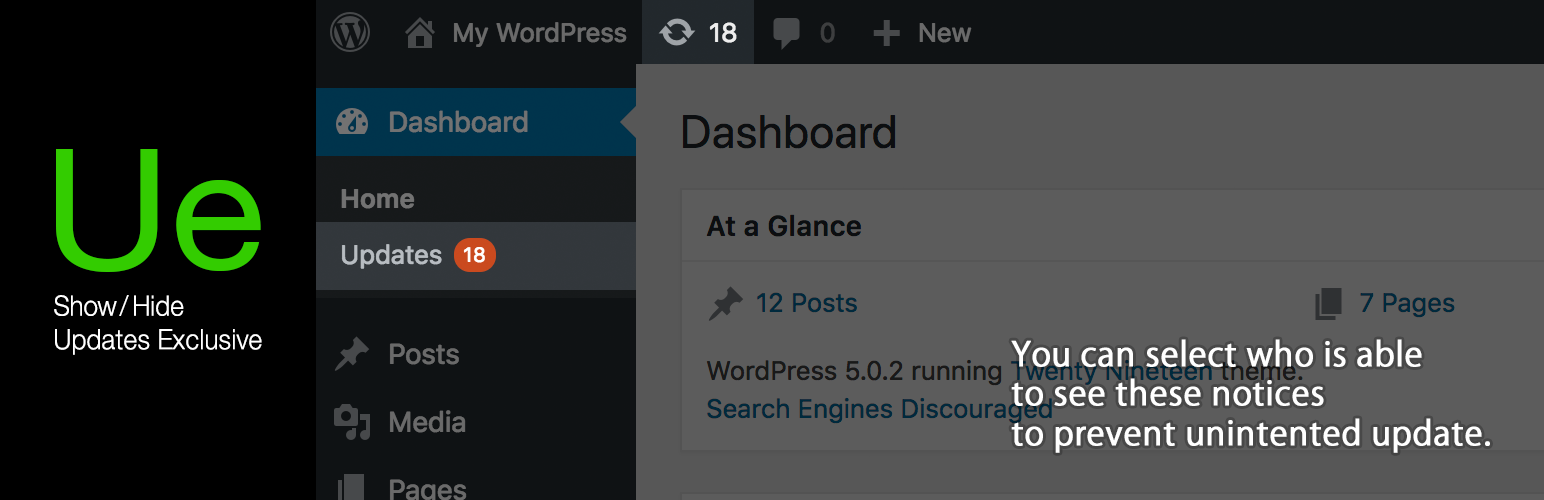
Show/Hide Updates Exclusive
Description
This plugin hides all update notifications for WordPress core, plugin and theme updates in WordPress admin for all users except users whom administrators select as updater.
The administrator can select whether to show or hide on the profile screen of each user.
It’s useful for developers and agencies who take care of updates and maintenance of their clients sites and wants to hide the notices for other users.
way to use
- Check ‘Show Updates’ on edit user page which you want to show updates.
Installation
1.Upload the Show/Hide Updates Exclusive folder to / wp-content / plugins / directory.
2.Activate the plugin through the Plugins menu in WordPress.
Reviews
Changelog
1.0.0
- First commit.