Shrikant Article Engagement – Likes, Guest Comments & Social Sharing

Shrikant Article Engagement – Likes, Guest Comments & Social Sharing
Description
Shrikant Article Engagement is a lightweight WordPress plugin designed to improve reader engagement on news, magazine, blog, and content websites.
The plugin improves the native WordPress content experience by providing:
- Highly visible article engagement controls (Like, Comment, Share)
- Native WordPress comments integration with guest commenting support
- Flexible email requirements for guest comments (Required, Optional, or Disabled)
- Article Like button with instant counter updates
- Lightweight sharing via WhatsApp, Facebook, X (Twitter), Telegram, Copy Link, and Web Share API
- Scroll-to-comments action with reduced-motion support
- Optional floating comment button and mobile sticky engagement bar
- Built-in lightweight anti-spam protection (Honeypot, Submission Time Protection, Rate Limiting, Duplicate Protection)
- Full compatibility with native WordPress comment moderation
External Services
This plugin provides optional social sharing buttons that allow visitors to share the current article URL and title to third-party social platforms upon user click. No automated background connections or external tracking scripts are loaded.
The following third-party web services are used when a visitor clicks to share an article:
-
WhatsApp Web / App (
https://api.whatsapp.com/send): Used to share the article title and URL to WhatsApp when the user clicks the WhatsApp share button.- Terms of Service: https://www.whatsapp.com/legal/terms-of-service
- Privacy Policy: https://www.whatsapp.com/legal/privacy-policy
-
Facebook Sharer (
https://www.facebook.com/sharer/sharer.php): Used to open the Facebook share dialog with the article URL when the user clicks the Facebook share button.- Terms of Service: https://www.facebook.com/legal/terms
- Privacy Policy: https://www.facebook.com/privacy/policy
-
X / Twitter Share Intent (
https://x.com/intent/tweet): Used to compose a tweet with the article title and URL when the user clicks the X share button.- Terms of Service: https://x.com/en/tos
- Privacy Policy: https://x.com/en/privacy
-
Telegram Share (
https://t.me/share/url): Used to share the article URL and title to Telegram when the user clicks the Telegram share button.- Terms of Service: https://telegram.org/tos
- Privacy Policy: https://telegram.org/privacy
Installation
- Upload the
shrikant-article-engagementdirectory to/wp-content/plugins/. - Activate the plugin through the ‘Plugins’ menu in WordPress.
- Configure settings under ‘Article Engagement’ in the WordPress admin dashboard.
Screenshots
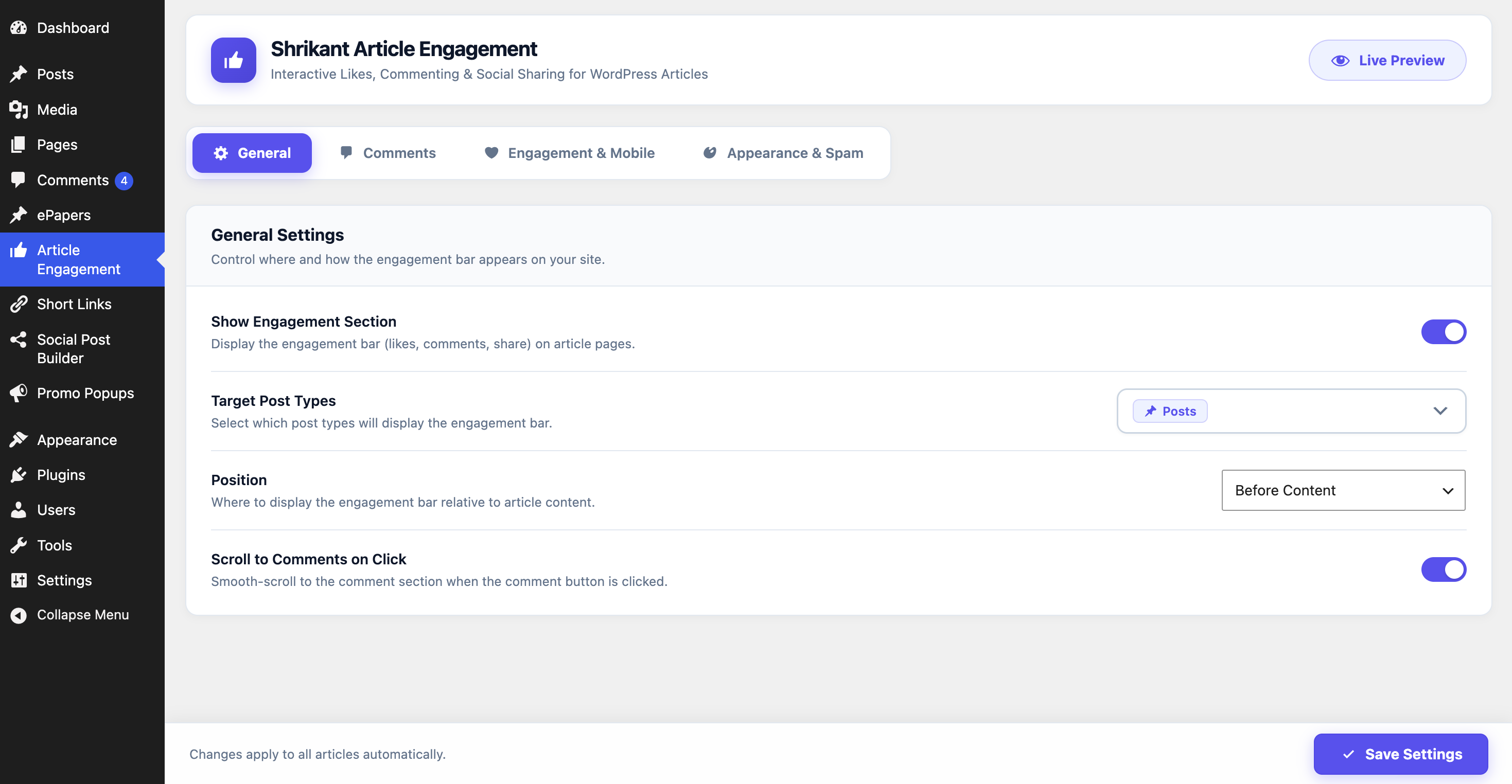
Admin Settings Dashboard
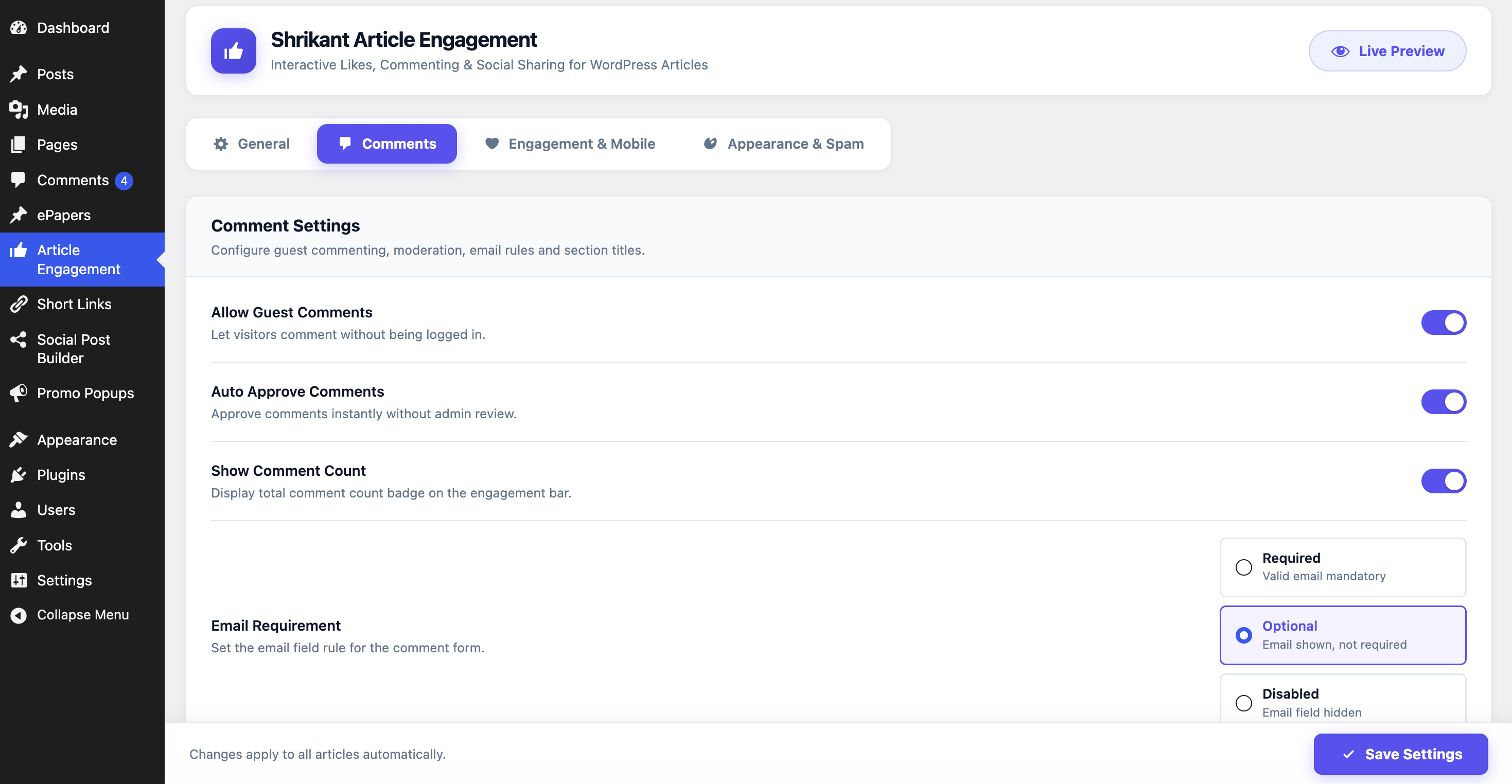
Article Comments Settings
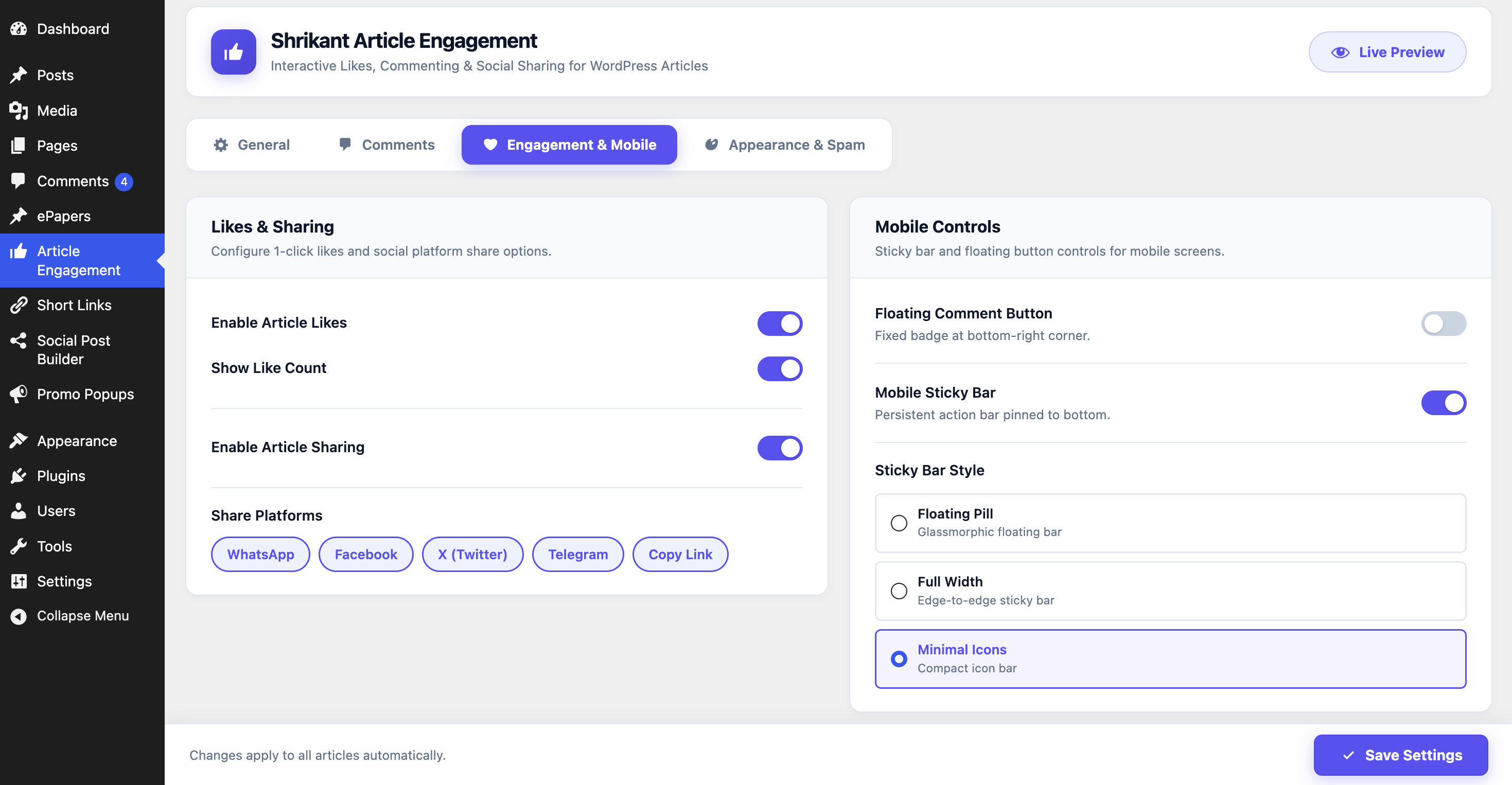
Article Engagement Settings
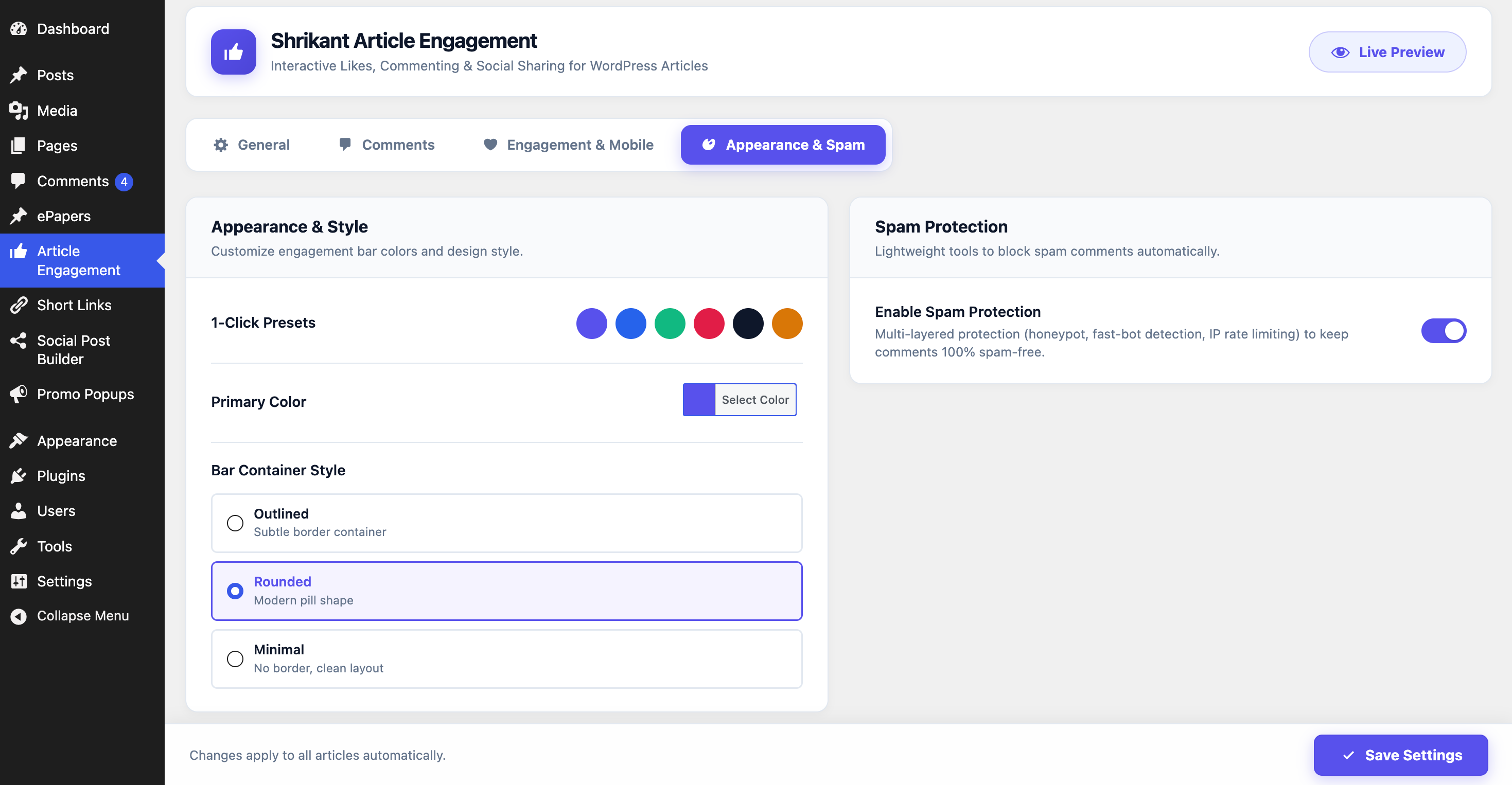
Appearance Settings & Consolidated Spam Protection
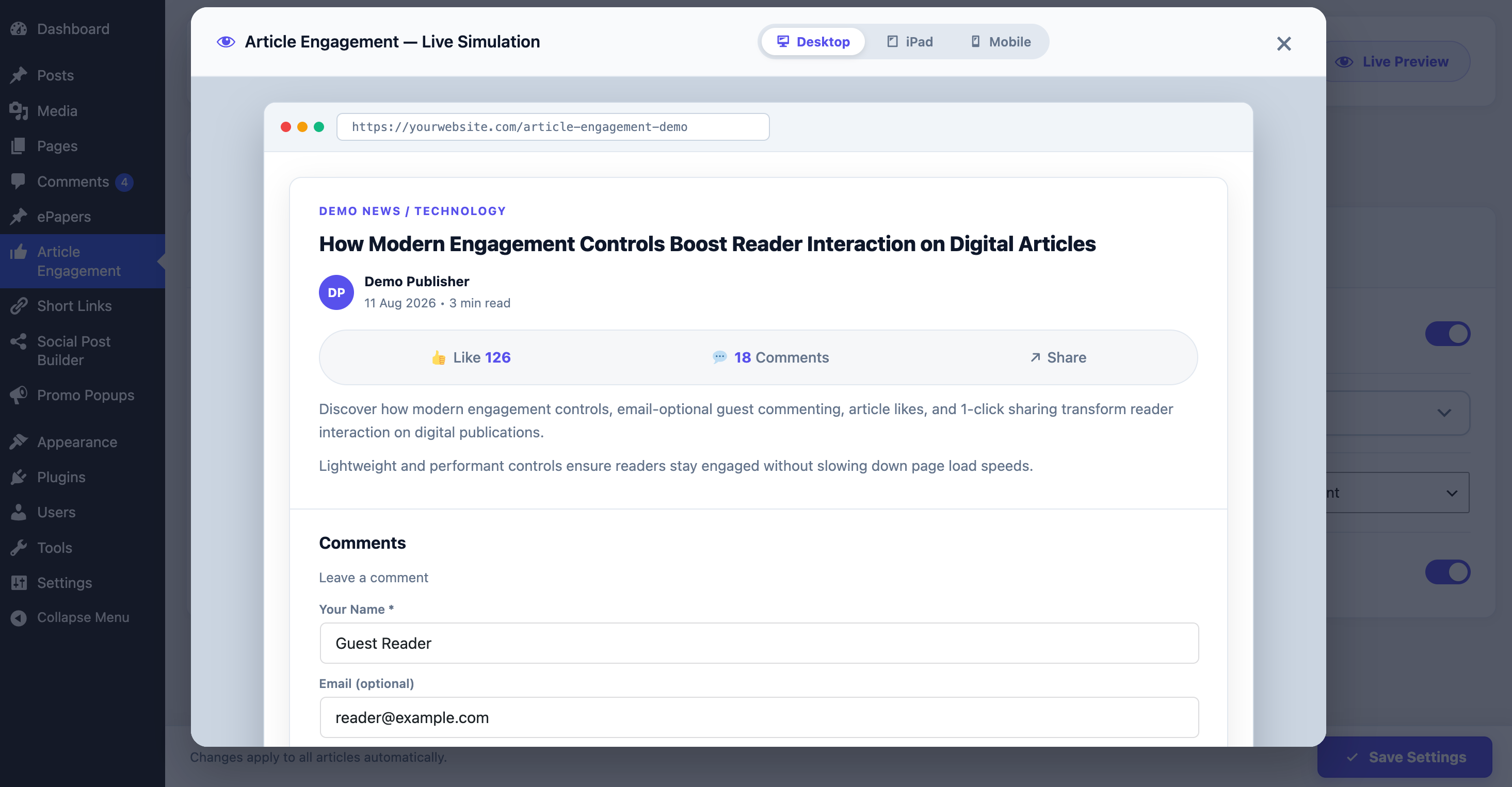
Interactive: Live Preview Modal
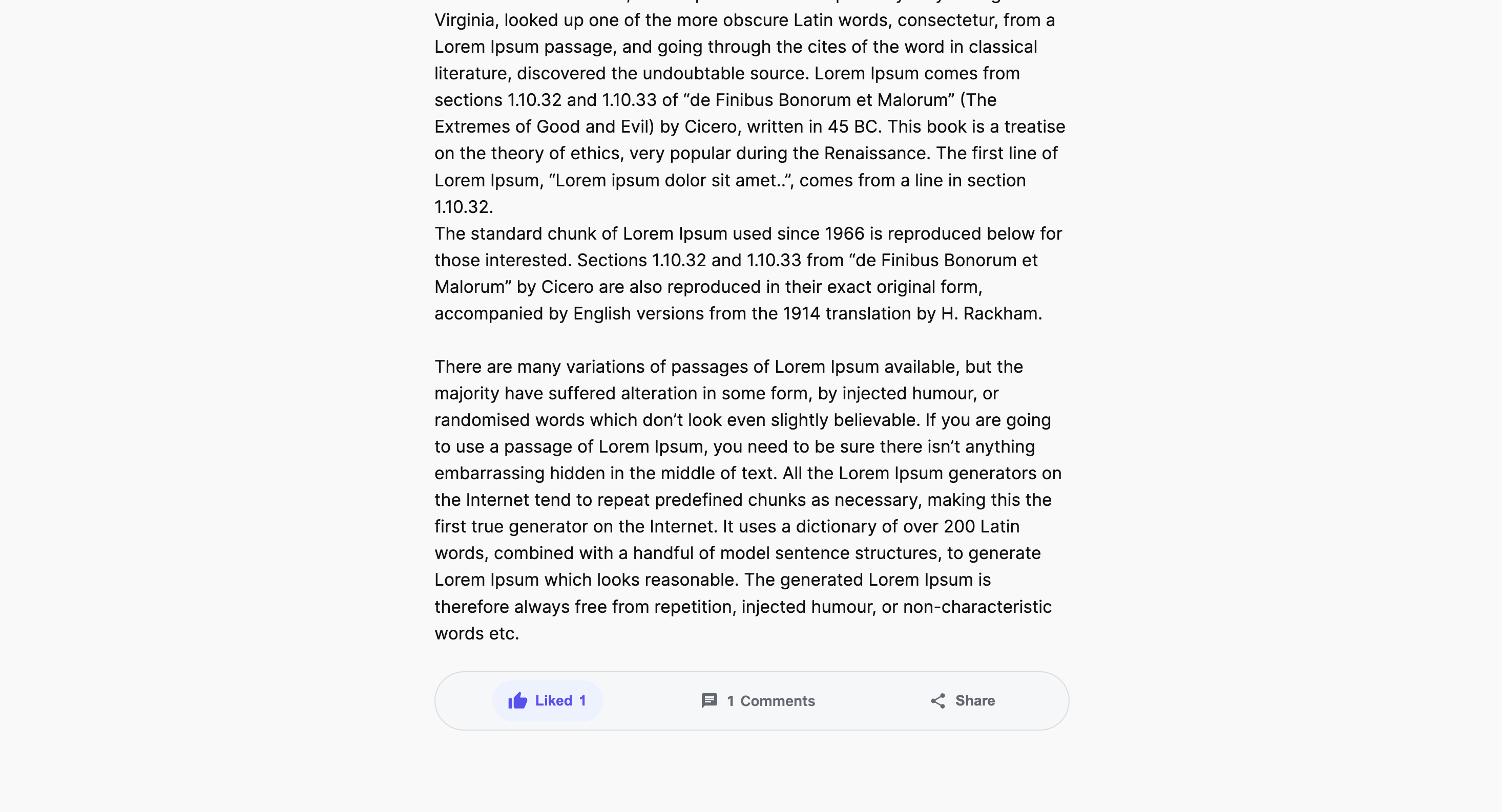
Frontend Article Engagement Bar
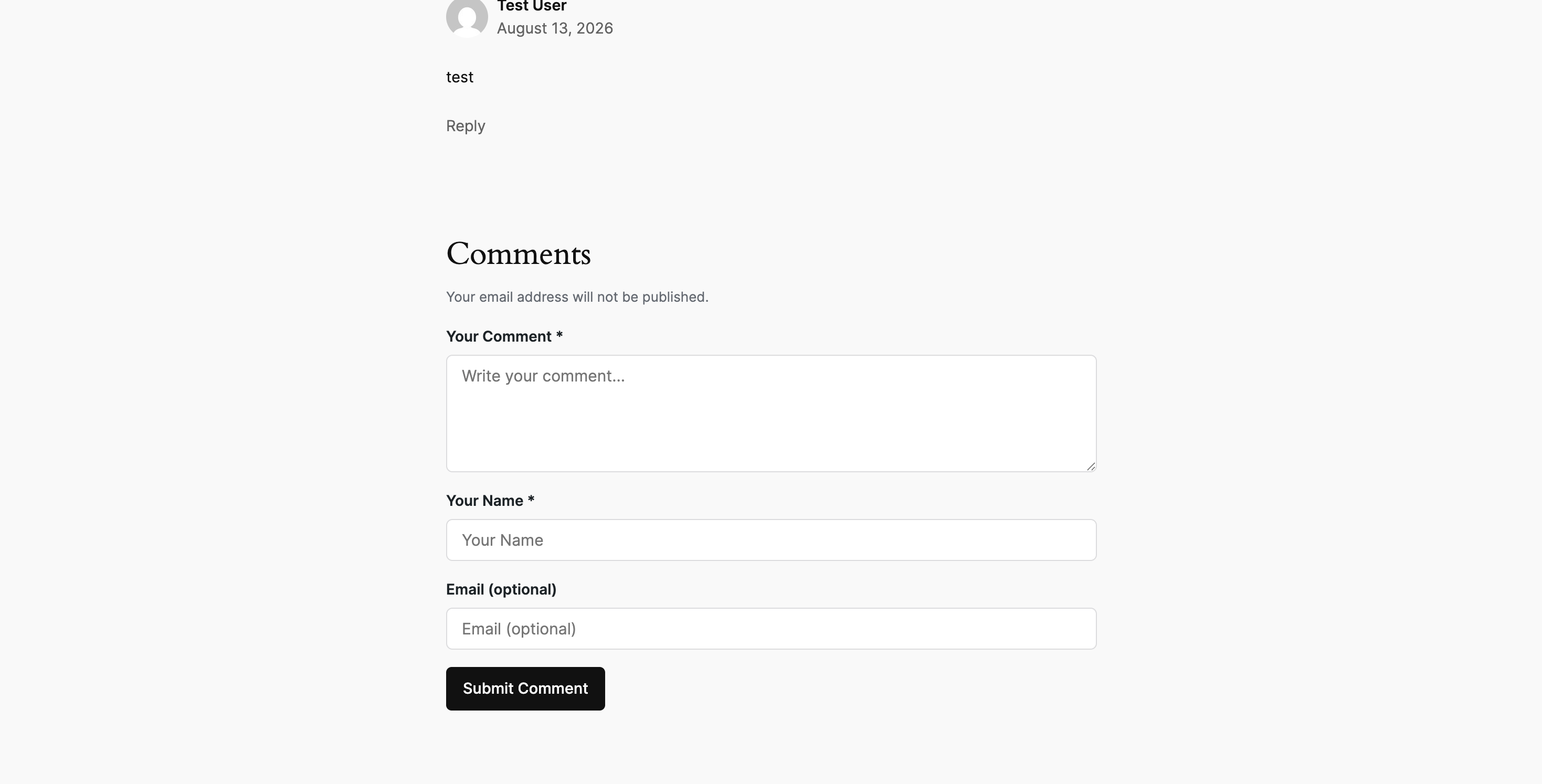
Frontend Article Engagement Comments section
Faq
No. The plugin extends native WordPress comments without modifying database tables or replacing theme architecture.
No. All sharing links are clean, privacy-friendly direct URLs. No third-party tracking scripts are loaded.
Reviews
Changelog
1.0.0
- Initial public release on WordPress.org.