SideMenu
SideMenu
Description
SideMenu adds an off-canvas panel that slides in from the side of your site and can be opened from a block button placed in your content, templates or template parts.
Version 2.0 introduces a block-first workflow for modern WordPress sites. Create reusable SideMenu content in the editor, choose the default SideMenu content for free blocks, then place the “SideMenu Open Button” block wherever visitors should be able to open the panel.
The block workflow is ideal for block themes and Full Site Editing because the SideMenu button can live directly in a template, header, navigation area, page or post.
Key features
- SideMenu Open Button block for posts, pages, templates and template parts.
- Reusable SideMenu content managed as its own editor content type.
- Default SideMenu content selector in the editor.
- Button text and hamburger icon controls.
- Block styling support for color, typography, spacing, dimensions and borders.
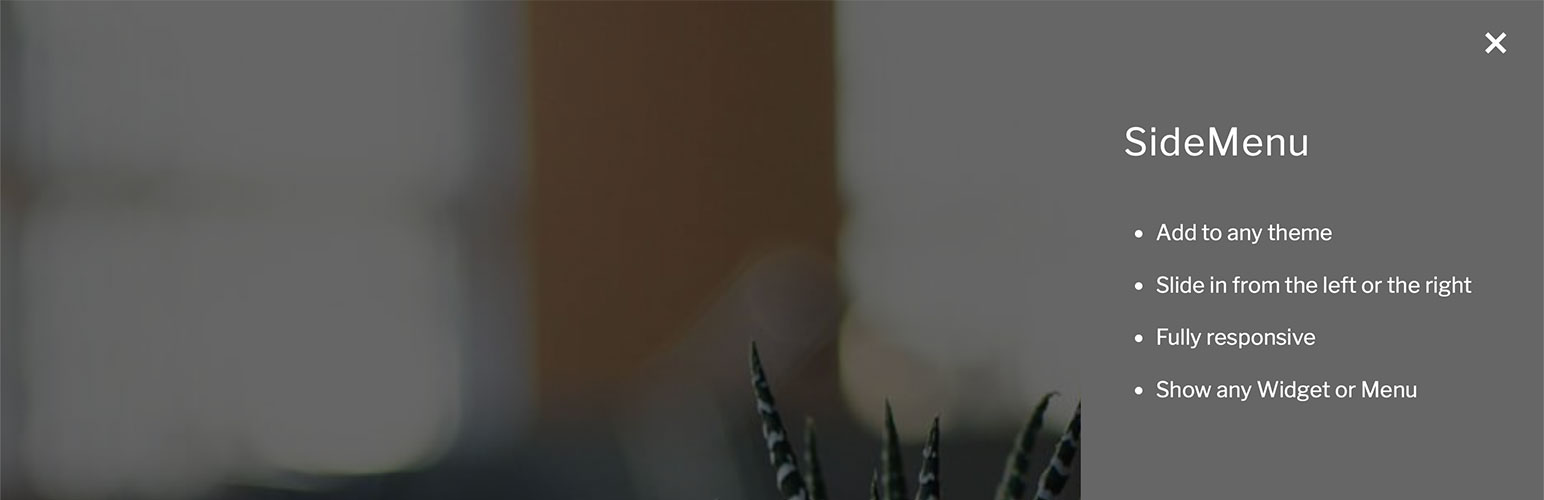
- Responsive sliding panel with cover overlay and close button.
- Developer filters for default content and panel settings.
How to use the SideMenu block
- Go to “SideMenus” in the WordPress admin and add the content you want to show in the sliding panel.
- Add the “SideMenu Open Button” block to a post, page, template or template part.
- Set the button text and choose whether to show a hamburger icon.
- Choose the default SideMenu content from the editor’s SideMenu settings panel.
The free block uses one default SideMenu content item. Developers can filter the block content ID with the sidemenu_block_content_id filter.
Classic theme and classic SideMenu support
Classic SideMenu features are still available when your site uses a classic theme, or when the plugin detects existing classic SideMenu usage. This keeps existing shortcodes, widget sidebars, menu locations, mobile menu hijacks and Customizer settings working while giving block themes a cleaner setup path.
On classic themes, SideMenu loads the original Customizer-driven runtime. This provides the traditional SideMenu sidebar, menu location, shortcode, mobile menu hijack options and classic styling controls.
If you move an older site to a block theme, SideMenu checks for existing classic usage and keeps the classic runtime available when it finds classic SideMenu blocks, shortcodes, open links, widgets, menu locations or mobile menu hijack settings.
How to use the [sidemenu] shortcode
Classic shortcode support is still available when the classic runtime is active.
- Use
[sidemenu]to show the default button. - Use
[sidemenu]My Button Title[/sidemenu]or[sidemenu title="My Button Title"]to show your own button text. - Use
[sidemenu class="my-class" title="Filtered SideMenu Button"]to show a button that only displays classic widgets or menu items with the specified class.
To add a class to a menu item, go to “Appearance – Menus”, open “Screen Options” and enable “CSS Classes”. To add a class to a block widget, select the block in “Appearance – Widgets”, open the “Advanced” panel and use “Additional CSS class(es)”.
How to open SideMenu from a link
To use a normal link as a SideMenu button, give it the open_sidemenu class:
<a href="#" class="open_sidemenu">Example Link</a>
To use an anchor link, set the link URL to #open_sidemenu.
For classic filtered content, add a dash and the class name to the anchor. For example, #open_sidemenu-testclass opens SideMenu and shows classic content marked with the testclass class.
Supported mobile menu hijacks
SideMenu can hijack the existing mobile menu button in a range of themes, including:
- Astra
- Auction Theme (AT10)
- Avada
- Avanam
- BeTheme
- Divi
- Genesis Block Theme
- Genesis Framework
- Inspiro
- OKAB
- Twenty Seventeen
- Twenty Twenty
- Twenty Twenty-One
- Twenty Twenty-Two
- Varia and child themes such as Rockfield
Installation
- Install “SideMenu” automatically from the WordPress plugin directory, or upload the plugin ZIP file.
- Activate the plugin from the “Plugins” screen in WordPress.
- For block themes, add your panel content under “SideMenus” and place the “SideMenu Open Button” block where you want the button.
- For classic themes, add the SideMenu button to a menu, widget or post, then add widgets to the SideMenu sidebar or assign a menu to the SideMenu display location.
- Adjust any classic settings in “Customizer – SideMenu” when classic mode is active.
Faq
For block themes, reusable SideMenu content is managed under “SideMenus” in the WordPress admin. The default SideMenu content can be chosen from the editor’s SideMenu settings panel.
For classic themes and existing classic SideMenu usage, settings are available in “Customizer – SideMenu”.
On block themes, SideMenu only loads the classic Customizer settings when a classic trigger is detected. Add and save a classic SideMenu block, shortcode or open_sidemenu trigger in published content, an active widget area or an assigned classic navigation menu, or enable the mobile menu hijack setting if your site still needs the classic runtime.
Classic SideMenu buttons can filter widget and menu content by class. The free SideMenu block uses one default SideMenu content item.
Yes. Widget sidebar and menu location support remain available through the classic runtime.
Reviews
Brilliant plugin!
By 
Great plugin. and best support I've come across on wordpress.org
Amazingly straightforward
By 
Found this plugin by chance - Does exactly what it says on the tin!! Amazing support, almost instant replies. Let's face it... In this industry this is just what you need! Oliver was extremely supportive with my newbie questions.
Top quality plugin and support
By 
Excellent plugin and really good support, could not recommend highly enough.
Excellent Side Menu Plugin!!
By 
This plugin is excellent, and the support team is incredible! My client wanted a very specific, niche-in-style side menu, and this plugin made it very easy to created and customize to the client's exact specifications. Saved me hours of custom coding, and I couldn't be happier. Highly recommend!
I recommend buying the plugin in the PRO version, the author of the plugin is a
By 
Best support, vert great plugin
By 
Perfect
By 
SideMenu for creatives
By 
Excellent plugin
By 
GREAT PLUGIN
By 
Changelog
2.0
- Added a block-first SideMenu workflow with reusable SideMenu content.
- Added SideMenu content management and default content selection for the block editor.
- Improved compatibility with block themes while preserving classic SideMenu usage when detected.
- Updated plugin metadata and Plugin Check compatibility.