Simple Gallery with Filter
Simple Gallery with Filter
Description
Create a simple gallery with filter option by using this plugin. Very simple create isotope filter gallery you can use for gallery, portfolio, team, services by category.
Version 2.3 – Updates & Fixes:
* Fix Duplicate Image appear on load more issue.
* Added pagination feature for galleries, including Load More options.
* Pagination works with existing gallery setups without any reconfiguration.
* Improved compatibility with masonry layouts when loading more items.
* General performance optimizations.
With the latest version (v2.2), you can now choose Load More display your gallery items in a more user-friendly way. This feature is fully backward-compatible, so you can update safely and enable pagination immediately.
Watch our tutorial video:
https://www.youtube.com/watch?v=wsbPadxeCGY
You will get shortcode to use this anywhere, as well as widget support. Very lightweight, FREE TO USE, and the simplest way to add galleries with filter and pagination options.
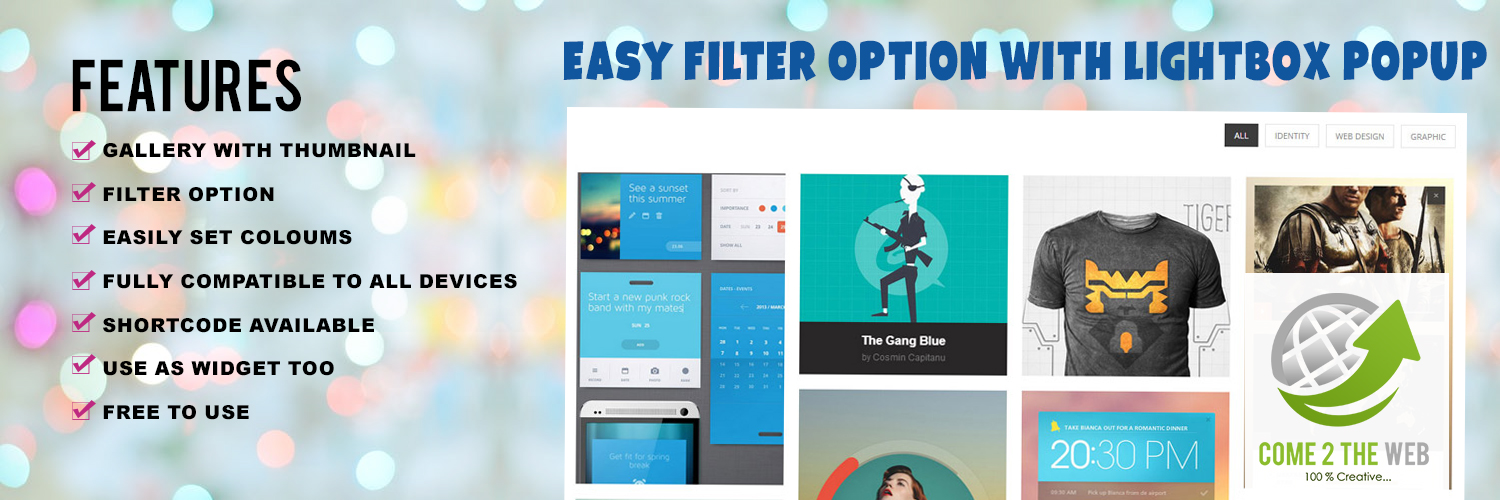
Features
- Gallery with thumbnail
- Filter option
- Pagination (Load More and numeric pagination)
- Easily set columns
- Fully compatible with all devices
- Masonry style
- Multiple gallery options
- Gallery with or without filter option
- Shortcodes available
- Use as widget too
- Free to use
Shortcode for gallery with filter
Shortcode – [c2tw_sgwf]
Shortcode with specified width – [c2tw_sgwf width=’WIDTH_IN_PX‘]
Shortcode with 2 columns – [c2tw_sgwf cols=’2’]
Shortcode for gallery without filter
Shortcode – [c2twsg id=”GALLERY_ID“]
Shortcode with specified width – [c2twsg id=”GALLERY_ID” width=’WIDTH_IN_PX‘]
Shortcode with 2 columns – [c2twsg id=”GALLERY_ID” cols=’2′]
Shortcode with masonry – [c2twsg id=”GALLERY_ID” cols=’2′ style=”masonry”]
Shortcode for Gallery Pagination
Shortcode – [c2twsg id=”GALLERY_ID” nop=”10″]
Shortcode with custom button name – [c2twsg id=”GALLERY_ID” nop=”10″ loadmore_label=”Load More”]
Installation
- Upload the simple-gallery-with-filter folder to your wp-content/plugins/ directory.
- Activate the plugin through the ‘Plugins’ menu in WordPress.
- Add the widget to your preferred location through the ‘Appearance’ menu.
- Or add the shortcode [c2tw_sgwf] to your post or page.
Screenshots

WordPress backend plugin view

Simple gallery with filter frontend view

WordPress filter category

Filter active menu view

Simple gallery with filter widget
Faq
Easily use [c2tw_sgwf]
You can also customize button text and width size with:
[c2tw_sgwf col=’COLUMN_NUMBER‘ width=’WIDTH_IN_PX‘]
Use this shortcode:
[c2twsg id=’GALLERY_ID‘]
YES
It’s FREE
YES
Yes. The pagination feature is fully compatible with existing galleries. You don’t need to recreate them—just update your shortcode with the pagination option you prefer.
Yes, pagination works seamlessly with the category filters. When you filter by a category, pagination will load only the filtered items.
Yes, When loading additional images, the masonry grid will automatically refresh and align them properly.
If you don’t specify any pagination option, the gallery will show all items by default or the default number you set in your shortcode (nop attribute).
Yes, you can customize the button label by using the loadmore_label attribute in your shortcode.
Example: [c2twsg id=”YOUR_GALLERY_ID” nop=”15″ loadmore_label=”Show More Images”]
YES, you can reach us at come2theweb@gmail.com or info@come2theweb.com
Reviews
Great Support
By 
I had a problem with the plugin, I contacted support and received a very quick response. Simple and efficient communication. Thank you.
This is the best Gallery filter I've used and its FREE!
By 
I'm loving this gallery, it has so many options and is very easy to use. i tried many others before settling on this one and I'm very happy with my choice!
Also the team has a quick support and answer you back with any enquiries you may have in no time. Thank you very much!
Caroline.
Simple plugin and Easy to use
By 
Changelog
2.3
- Fix load more duplicate image appear issue
- Improved Masonry compatibility when loading more items.
- Performance improvements and minor bug fixes.
2.2
- Added pagination and Load More options.
- Improved Masonry compatibility when loading more items.
- Performance improvements and minor bug fixes.
2.1
- Improved code structure for better readability and maintainability.
- Added proper sanitization for user inputs and outputs to enhance security.
- Optimized gallery query and removed redundant code for better performance.
- Fixed a bug where filters were not properly displaying all gallery items.
- Enhanced compatibility with masonry layout settings.
- General cleanup and improved widget settings validation.
2.0
- Introduced masonry-style layout and individual gallery options.