Simple PDF bar
Simple PDF bar
Description
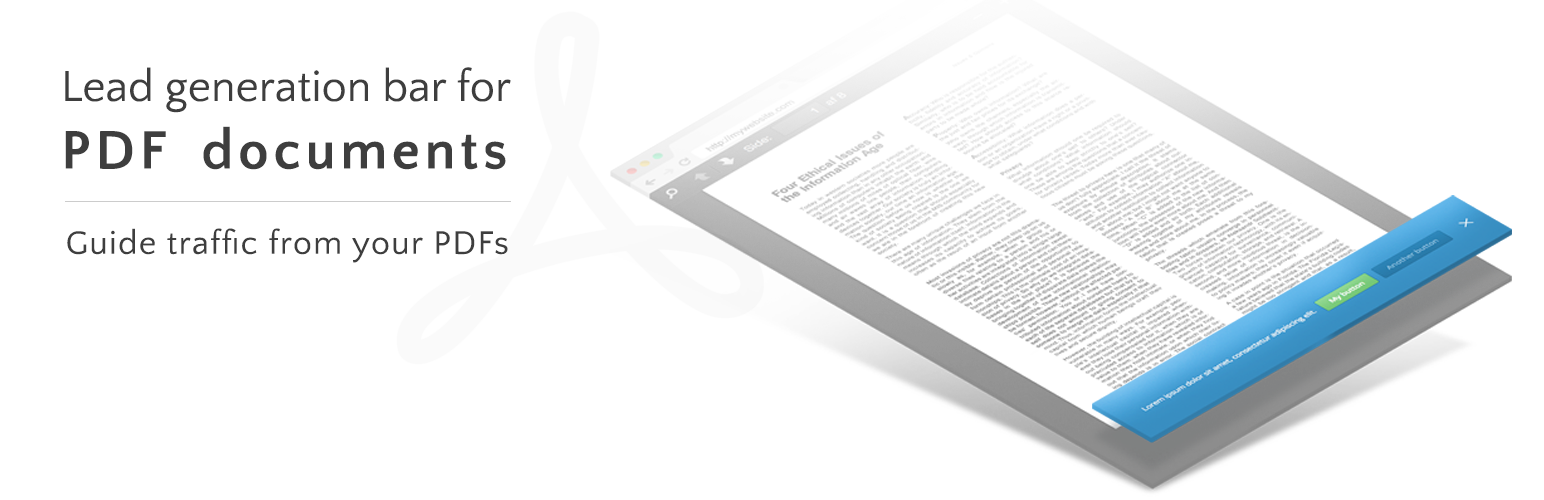
Adds a lead generation bar to the top or bottom of your pdf documents by creating a new post type suited for this purpose. Include text and buttons specific to each individual PDF-document in order to guide traffic from your PDF files.
To display PDF files in the browser, the user must of course have a PDF reader installed (e.g. Adobe Reader). Mobile users will load PDFs in their native PDF readers by default.
This plugin is sponsored by Adapt A/S
Installation
- Upload
simple-pdf-bar-folder to the/wp-content/plugins/directory - Activate the plugin through the ‘Plugins’ menu in WordPress
- Upload PDFs and configure the bar by clicking the
Simple PDF barlink in the admin menu
Screenshots

Admin page - Where each individual PDF is uploaded and the PDF bar is configured

PDF view - The PDF with the PDF bar activated
Faq
Is there a fallback for users with no PDF reader installed?
Yes, such users will be provided with a direct download link to the PDF file.
Why do I get a ‘page not found’ error when trying to view PDF?
You probably need to update the permalink structure.
Go to Settings —> Permalinks and click the ‘Save changes’ button to update permalink structure.
Why is my PDF not loading?
It might be because you’ve tried to upload a file that’s too big. Check upload_max_filesize in your php.ini file.
In which browsers have the plugin been tested?
Tested in IE11, IE10, IE9, Firefox, Safari, Chrome (with Adobe Reader installed)
Can I overwrite the PDF Bar CSS if needed?
Yes, you can do this directly from your own theme’s css.
Reviews
Changelog
1.0.2
- PDF-Bar admin page layout updated
1.0.1
- Safari load problem fixed
- Double scrollbar removed
1.0
- First published version.