Simple Show IDs Column
Simple Show IDs Column
Description
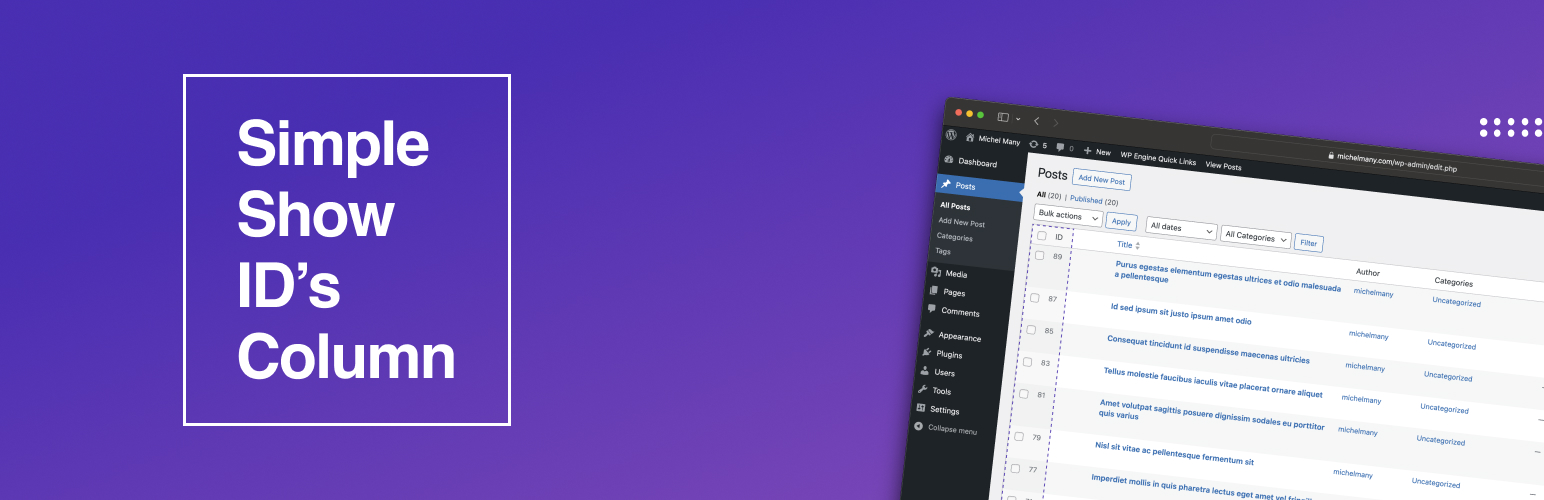
This simple plugin shows IDs in a new column on admin pages for posts. Next versions will add an ID column to pages, categories, taxonomies and custom post types.
Installation
- Upload the plugin folder to your /wp-content/plugins/ folder.
- Go to the Plugins page and activate the plugin.
Faq
Simply check the post ID in the admin page.
Simply deactivate and delete the plugin.
Reviews
Changelog
1.0.0
- Plugin released.