Simple X Buttons – Twitter Share & Follow for WordPress
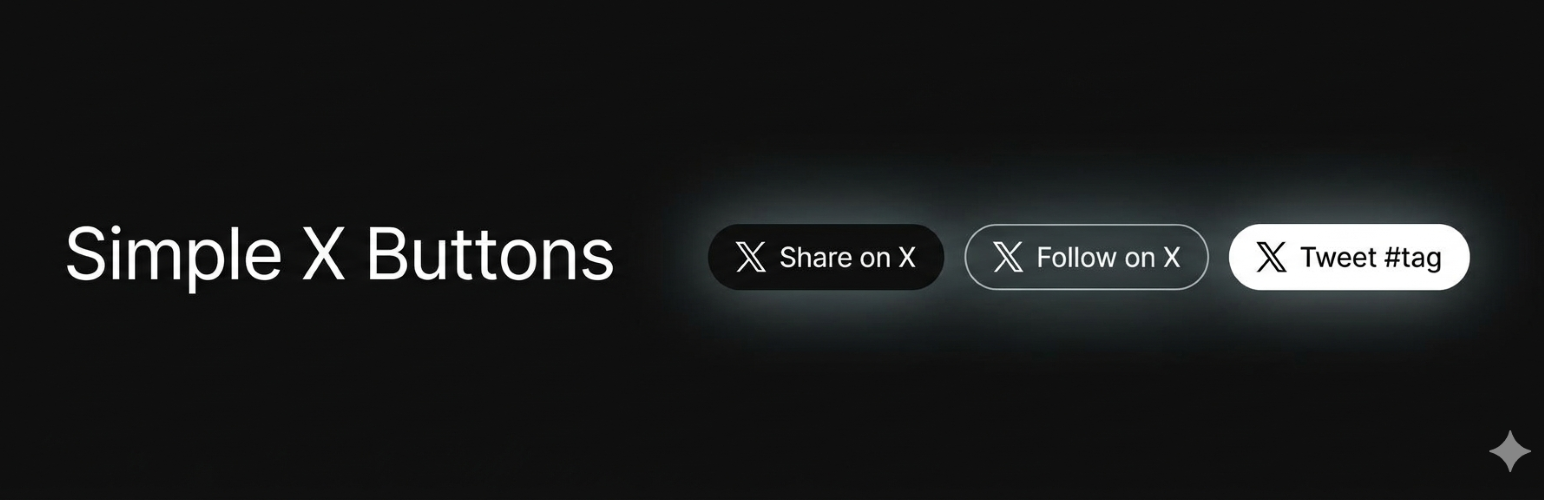
Simple X Buttons – Twitter Share & Follow for WordPress
Description
Simple X Buttons adds X (Twitter) follow and share buttons to your WordPress posts and pages — the right way.
Why not use X’s timeline or profile embeds?
X’s embed infrastructure has been unreliable since 2023. The publish.twitter.com oEmbed endpoint and the platform.twitter.com/widgets.js SDK both hit HTTP 429 rate limits at scale, causing embeds to fail silently or load slowly. X has not committed to fixing this.
This plugin takes a different approach entirely.
What are X Web Intents?
Web Intents are plain URLs provided by X for sharing, following, reposting, liking, and more. They open a lightweight native X popup — no JavaScript SDK, no third-party cookies, no external scripts loaded on page load. You click, a popup opens, done.
That means:
- No API key required — zero setup friction
- No external scripts — nothing loads until the user clicks
- No rate limits — static URLs, no API calls
- GDPR-friendly — no cookies or tracking on page load
- Fast — the plugin CSS is ~1 KB and loaded only when needed
Features
- Auto-insert buttons after (or before) any post type — configure once, done
- Share button — pre-fills tweet with post title, permalink, hashtags, and via handle
- Follow button — opens X’s native follow dialog for your account
- Widget — drop a follow button into any sidebar
- Shortcodes —
[sxb-share],[sxb-follow],[sxb-repost url=""],[sxb-like url=""],[sxb-dm] - Gutenberg block — drag-and-drop X follow button block
- Template tags —
sxb_follow_button(),sxb_share_button(),sxb_button_bar()for theme developers - Three button styles — Dark, Outline, Ghost
- Popup or new-tab intent window
Integration
Four ways to add buttons to your site:
- Auto-insert (recommended): Enable in Settings Simple X Buttons. Buttons appear after every post automatically.
- Widget: Add the “SXB – Follow Button” widget to any sidebar.
- Shortcode:
[sxb-follow handle="yourhandle"]or[sxb-share]anywhere in content. - Block: Search for “X Follow Button” in the Gutenberg block inserter.
Compatibility
- WordPress 5.8 or higher
- PHP 7.2 or higher
- No API key required
- No external JavaScript loaded on page load
- Works with any theme
Installation
- Upload the
simple-x-buttonsfolder to/wp-content/plugins/ - Activate the plugin in Plugins Installed Plugins
- Go to Settings Simple X Buttons
- Enter your X handle and enable “After post content”
- That’s it
Screenshots

Buttons added to post

Share on X popup example

Gutenberg block editor preview

Settings page
Faq
No. The plugin loads only its own 1 KB stylesheet, and only on pages where a button appears. No external scripts are loaded at any point unless a user clicks a button and opens the intent popup.
No. X Web Intents are plain URLs with no authentication required.
X’s timeline embed system (widgets.js) has been intermittently rate-limited since 2023, causing embeds to fail to load or show HTTP 429 errors. X has not publicly committed to fixing this. Web Intents are unaffected because they are static URLs, not API calls.
Yes. No external scripts, cookies, or tracking occur on page load. X’s servers are only contacted when a user actively clicks a button and the intent popup opens — the same as clicking any external link.
Popup mode opens a small 600×360 window centered on the screen — the standard X intent experience. New Tab simply opens the intent URL in a new browser tab. Both work without JavaScript (popup requires JS for the window.open call; if JS is disabled it falls back to a new tab).
Yes. In the Placements section of the settings page, you can enable auto-insertion for any public post type registered on your site.
The shortcodes work in any context that processes WordPress shortcodes. The Gutenberg block works in the block editor. For Elementor, Bricks, or other builders, use the shortcode widget.
Reviews
Changelog
2.0.0
- Complete rewrite — X Web Intents architecture, no API dependencies
- Three button styles: Dark, Outline, Ghost
- Auto-insert into any post type
- Gutenberg block, widget, shortcodes, template tags
- GDPR-friendly: zero cookies or external scripts on page load