Simple widget display conditions Lite
Simple widget display conditions Lite
Description
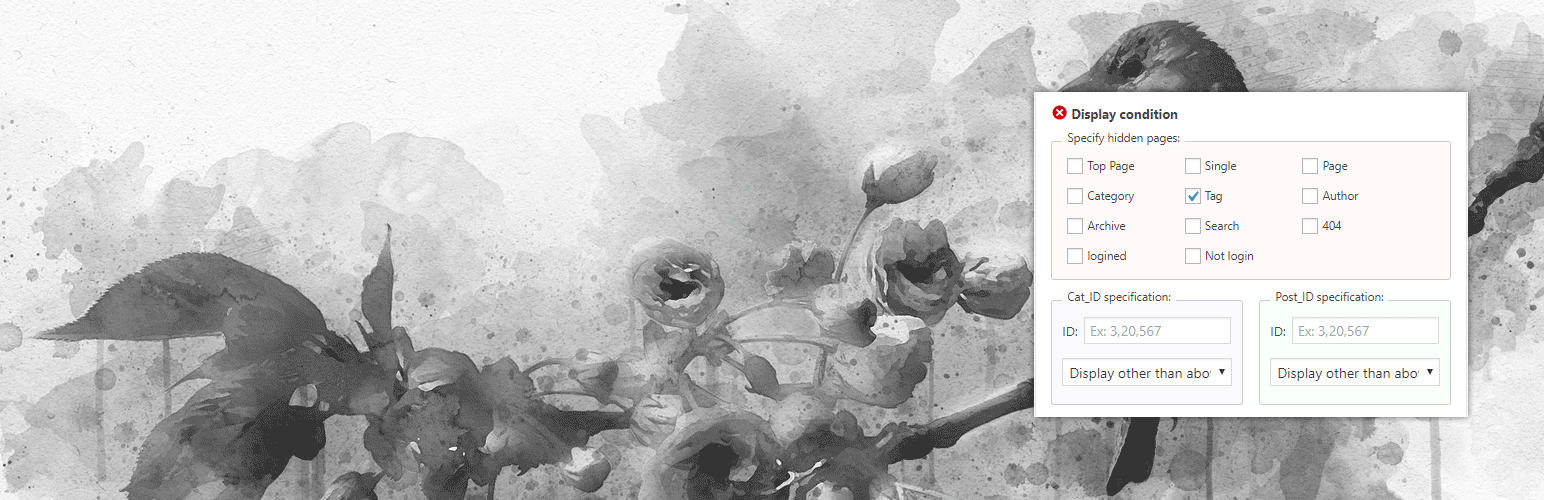
“Simple widget display conditions” is a plugin that sets display conditions for WordPress widgets.
You can specify one by one on the widget page.
Check the check box and specify the article or category ID.
License
Image
banner-772×250.png / banner-1544×500.png / icon-128×128.png / icon-256×256.png
license: CC0 from https://pixabay.com/ja/illustrations/%E9%B3%A5-%E6%94%AF%E5%BA%97-%E5%BA%A7%E3%82%8B-%E3%81%99%E3%81%9A%E3%82%81-3726473/
Installation
- Upload
simple-widget-display-conditionsfolder to the/wp-content/plugins/directory. - Activate the plugin through the ‘Plugins’ menu in WordPress.
- Set it from customizer.For details, check “Simple widget display conditions” in the setting menu.
Screenshots

Click‘display conditions'.

Please set.
Reviews
Changelog
1.0.0 Plugin release.