Site Builder for Elementor
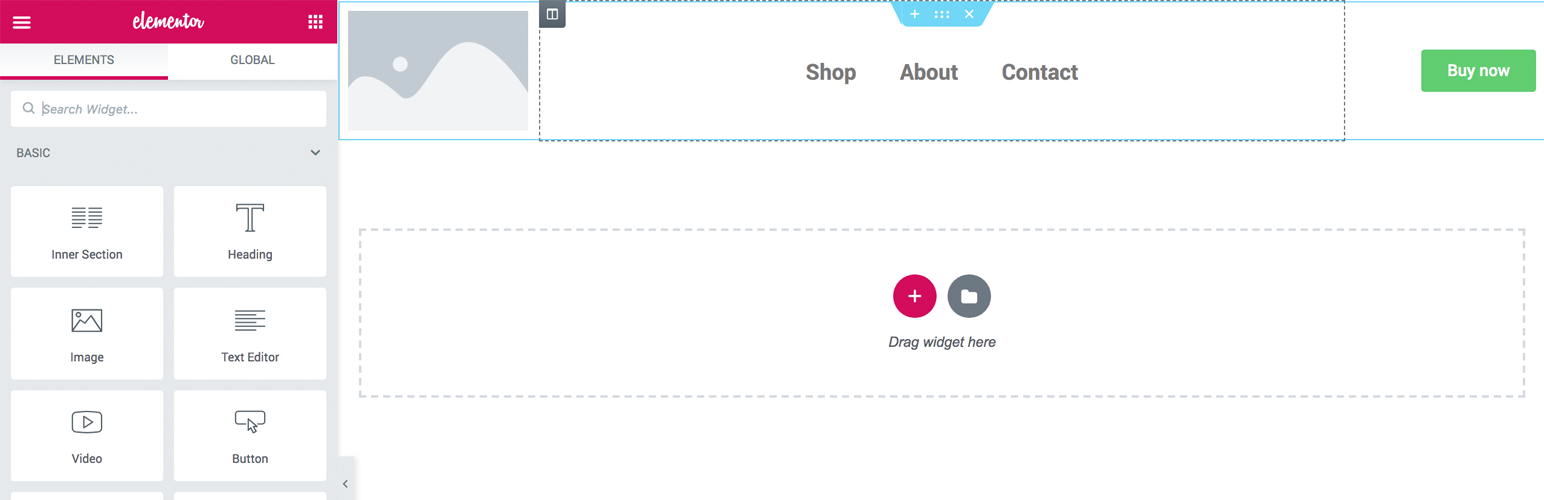
Site Builder for Elementor
Description
An intuitive solution to create custom header/footer for your site with Elementor Page Builder and site elements.
Getting Started
Minimum Requirements
- WordPress 5.2 or greater
- Elementor Page Builder 2.8.0 or greater
- PHP version 5.6 or greater (PHP 7.2 or greater is recommended)
- MySQL version 5.0 or greater (MySQL 5.6 or greater is recommended)
Automatic installation
To do an automatic install of this plugin, log in to your WordPress admin dashboard, navigate to the Plugins menu and click Add New.
In the search field, type “Site Builder for Elementor” and click Search Plugins. Once you’ve found this plugin, you can install it by simply clicking “Install Now”.
Manual installation
WordPress codex contains instructions on how to do this here.
Screenshots

Creating a header template

Header template edit screen

Assigning header template to entire site

Assigning header template to a specific page

Assigning header template to multiple singular pages
Faq
Does this plugin requires Elementor Pro version?
No, this plugin is for the free version
How can i get support?
Feel free to create a ticket at plugin’s support section.
How can i contribute?
Please check out development section!
Reviews
No idea how to use this
By 
Changelog
1.0.0 – 2020-04-26
- Initial release.