Site Health Manager
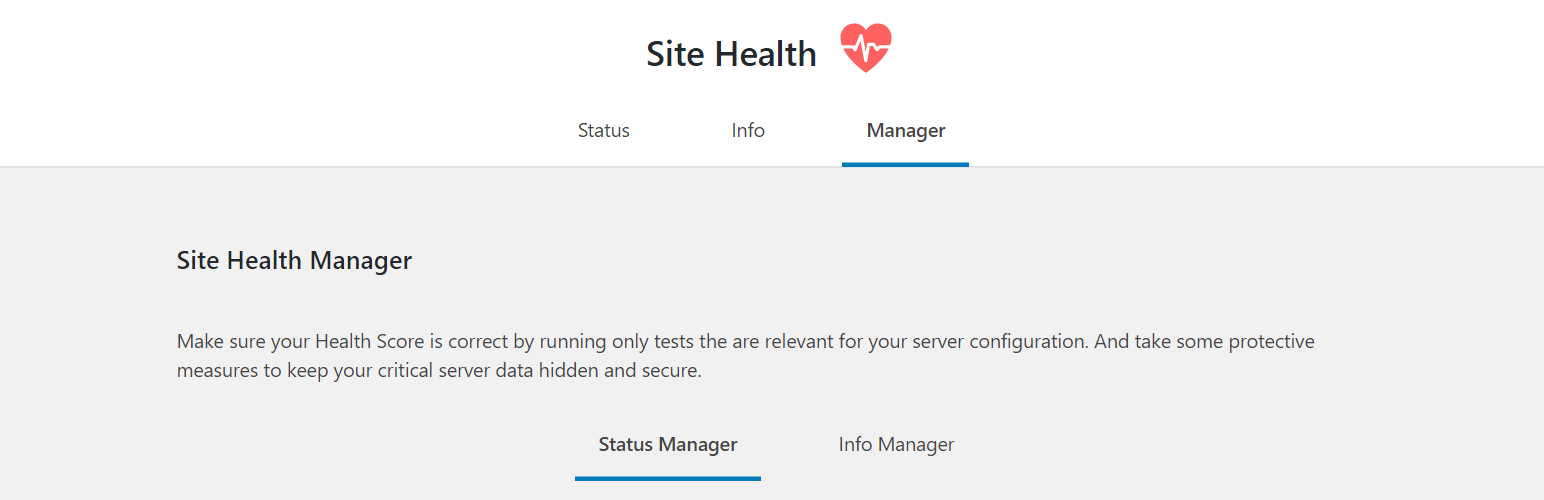
Site Health Manager
Description
Make sure your health score is correct by running only the tests relevant to your server configuration. Take some protective measures to keep your critical server data hidden and secure.
Status Manager
Site Health Status screen generates a health score based on tests it runs on the server, but some tests may not be relevant to your server setup. This may cause a low health score, unhappy site owners, and complaints for web hosts.
Select the test you want to disable in order to prevent displaying the wrong health score in your Site Health Status screen. For example, missing PHP extensions for security reasons or disabled background updates to allow version control.
Info Manager
Site Health Info screen displays configuration data and debugging information. Some data in this screen is confidential and sharing critical server data should be done with caution and with security in mind.
Select what information you want to disable in order to prevent your users from copying it to the clipboard when sharing debug data with third parties. For example, when sending data to plugin/theme developers to debug issues.
Contribute
If you want to contribute, visit Site Health Manager GitHub Repository and see where you can help.
You can also help by translating the plugin to your language via translate.wordpress.org.
Screenshots

Site Health Manager - status manager screen.

Site Health Manager - info manager screen.

Site Health Status - perfect score based on server configuration.

Site Health Info - the information you disabled is not displayed here.
Faq
What are the minimum requirements to run the plugin?
- WordPress version 5.2 or greater.
- PHP version 5.6 or greater.
- MySQL version 5.0 or greater.
Can I add new tests to Site Health Status?
No, you can’t add new tests. The plugin allows you to disable existing tests which are not relevant to your server configuration.
Can I add new data to Site Health Info?
No, you can’t add new data. The plugin only lets you manage and organize existing data added by WordPress core, plugins and themes.
Reviews
Great Plugin | Very Helpful
By 
Great plugin
By 
Must-have plugin for WP 5.2+ and clients... 🙂
By 
Handy plugin for the site health feature
By 
Changelog
1.1.2
- Fix visual issues after the release of WordPress 5.2.2 (Source: WordPress Trac Ticket #46881).
1.1.1
- Use
menu_page_url()to retrieve the URL used as the tab link and in form action attribute. - Simplify the way the current tab is set.
1.1.0
- Status tests availability – control what tests to disable.
- Added an inner tabs navigation to separate the “Status Manager” from the “Info Manager”.
1.0.0
- Initial release.
- Info data visibility – control what debug data to disable.