Site Under Construction
Site Under Construction
Description
Site Under Construction is a simple, lightweight, and performance-friendly WordPress plugin that helps you temporarily hide your website during development, maintenance, or while preparing for launch.
When enabled, regular visitors will see a clean and modern Coming Soon page, while logged-in administrators and allowed users can access the website normally. The plugin is easy to set up, requires no coding skills, and follows WordPress coding standards for maximum compatibility and reliability.
Whether you are redesigning an existing website, fixing issues, or getting ready for a new launch, Site Under Construction provides a flexible and reliable Coming Soon solution without slowing down your site.
Features
- One-click enable or disable Coming Soon mode
- Automatically bypass Coming Soon mode for administrators
- Customizable page title, heading, and description text
- Choose from 4 modern and responsive Coming Soon templates
- Optional password protection with built-in password generator
- Role-based access control (allow multiple user roles)
- IP-based access control (allow multiple IP addresses)
- Schedule automatic disable by date and time
- Clean and organized settings page with tabbed sections
- Lightweight, fast, and optimized for performance
- Compatible with modern WordPress versions and most themes
Installation
- Upload the plugin folder to the
/wp-content/plugins/directory
OR install the plugin directly from the WordPress Plugin Directory. - Activate the plugin from the Plugins menu in WordPress.
- Go to Tools Coming Soon.
- Enable Coming Soon mode and customize the page settings.
Screenshots
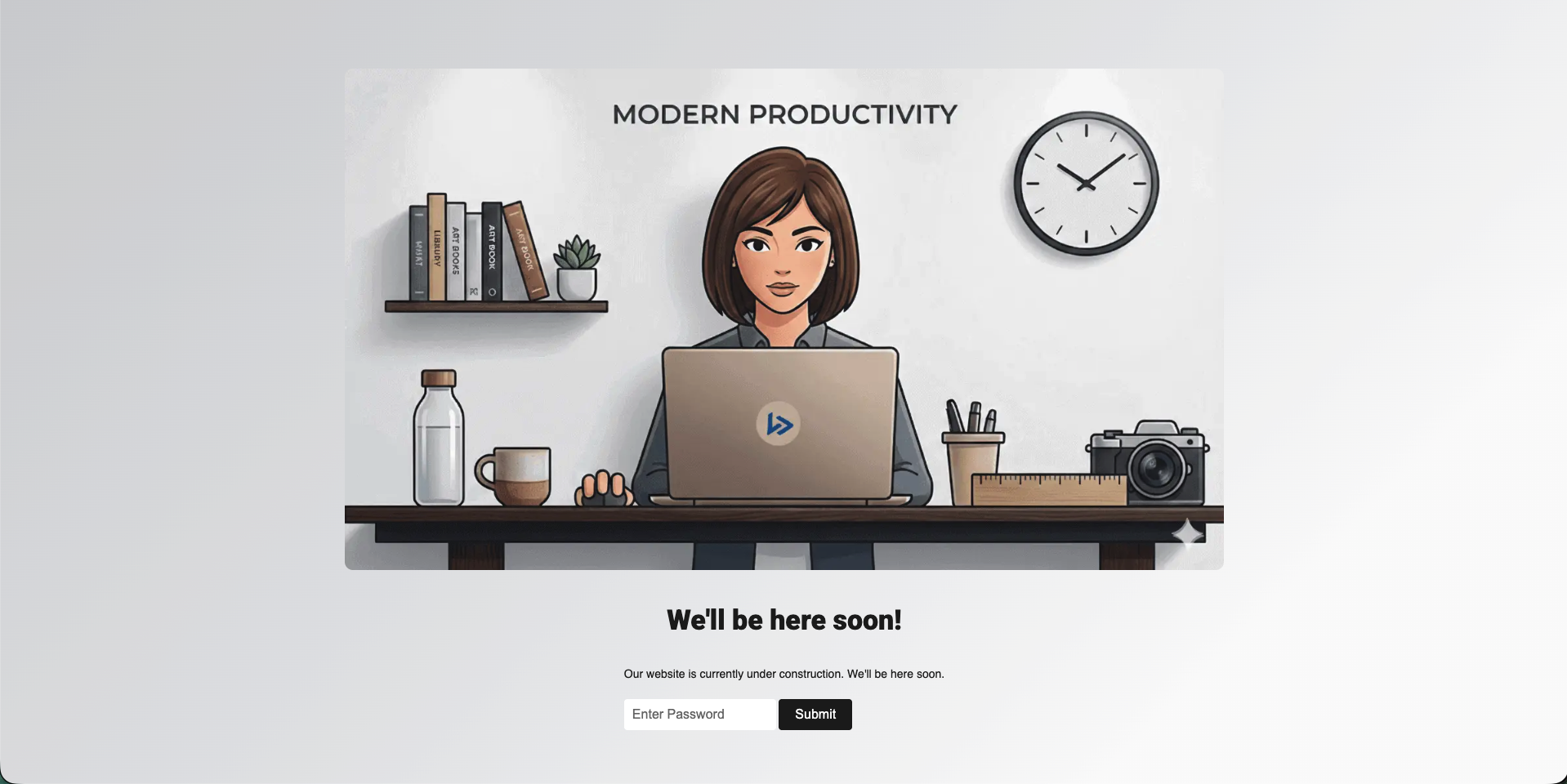
Coming Soon page – frontend preview.
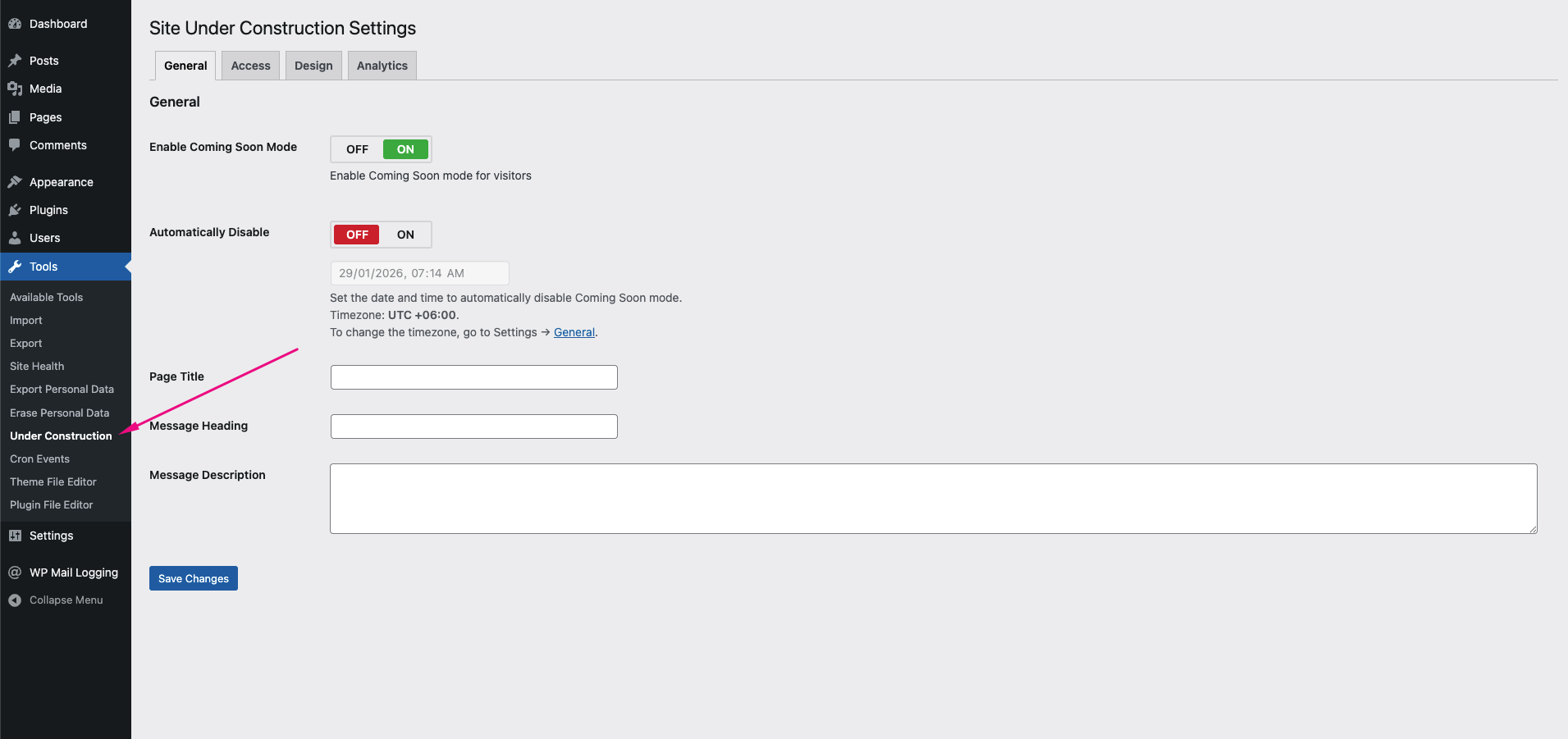
Plugin settings page located under the Tools menu.
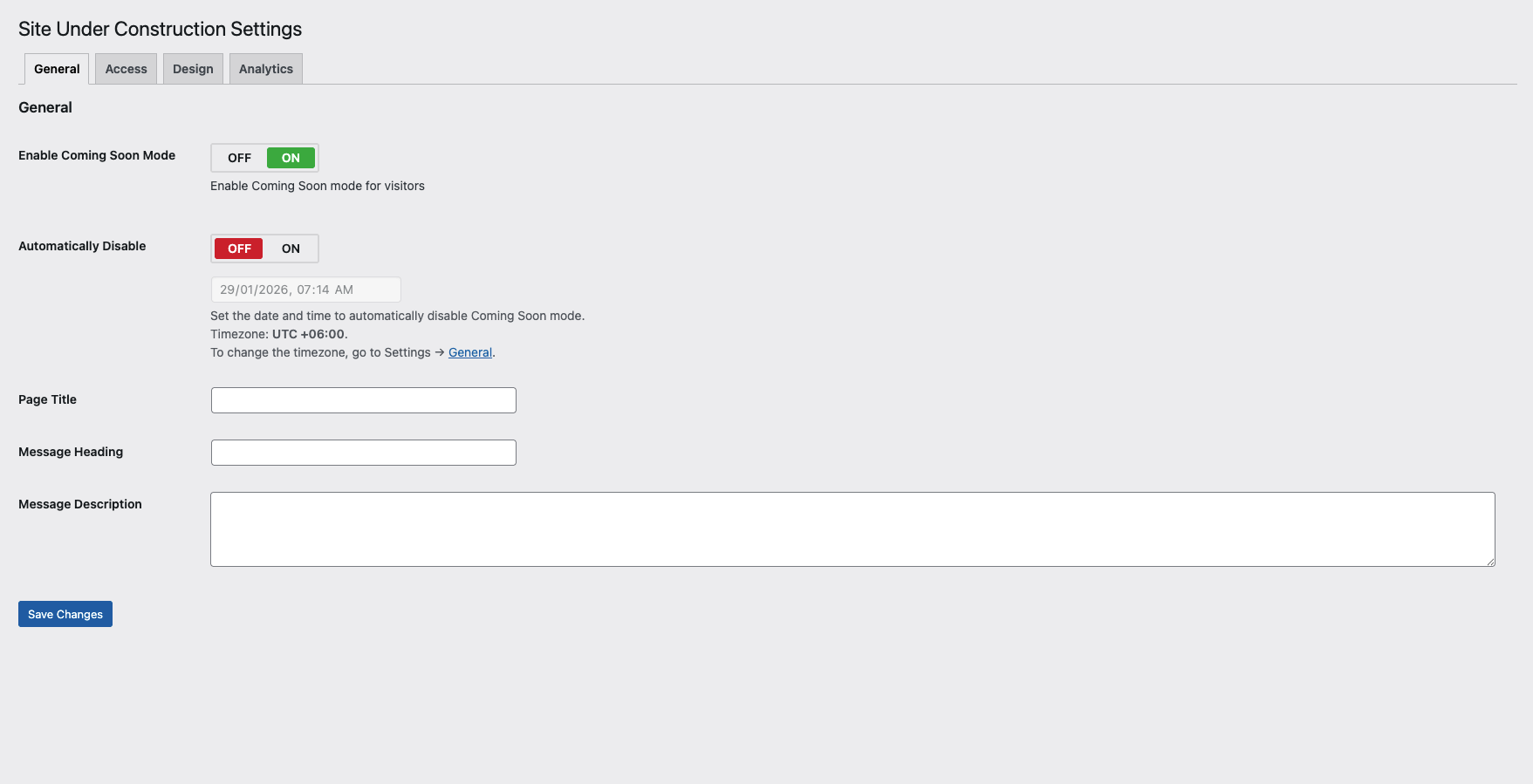
General settings options.
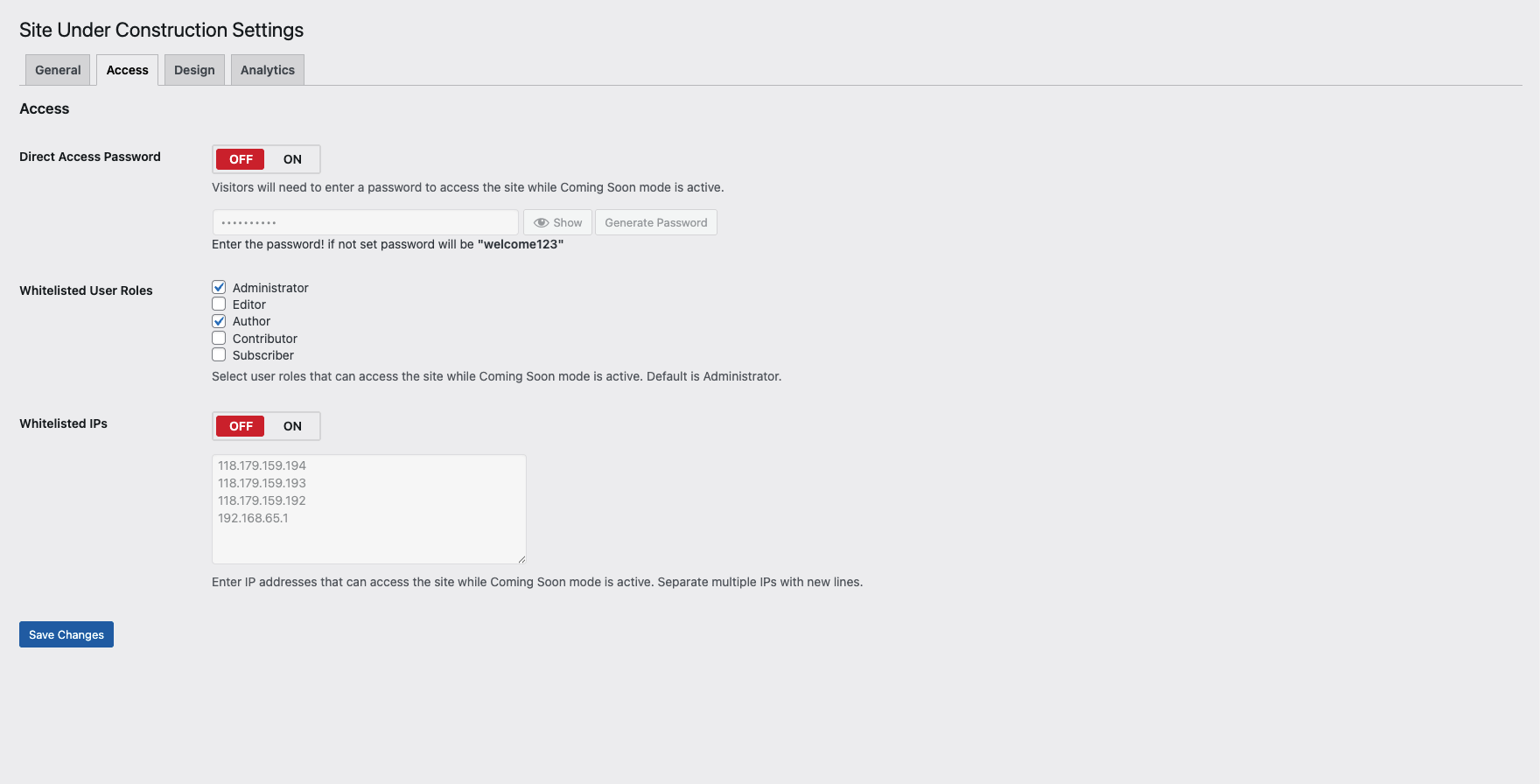
Access control settings (roles, IPs, password).
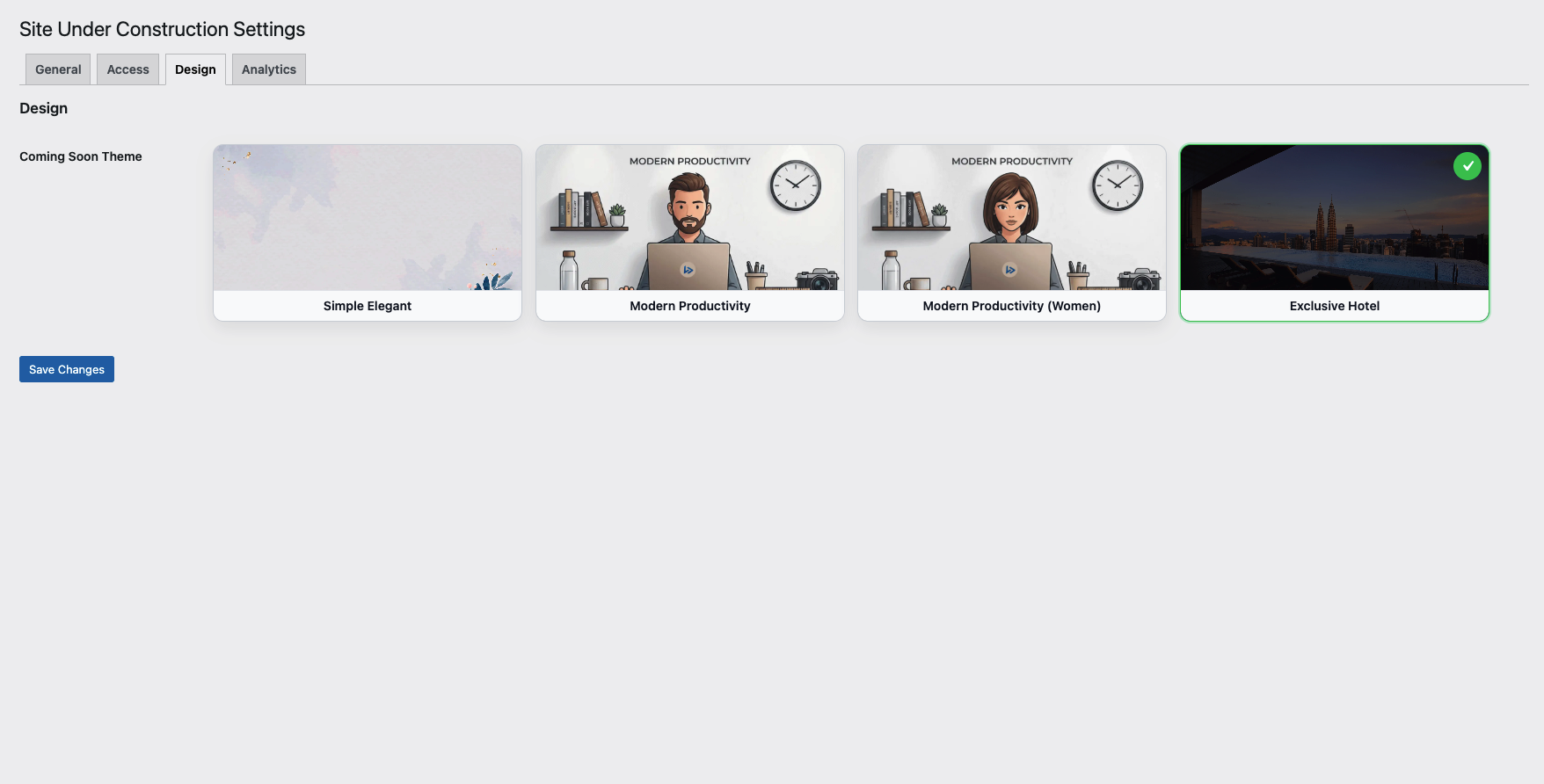
Theme and template selection options.
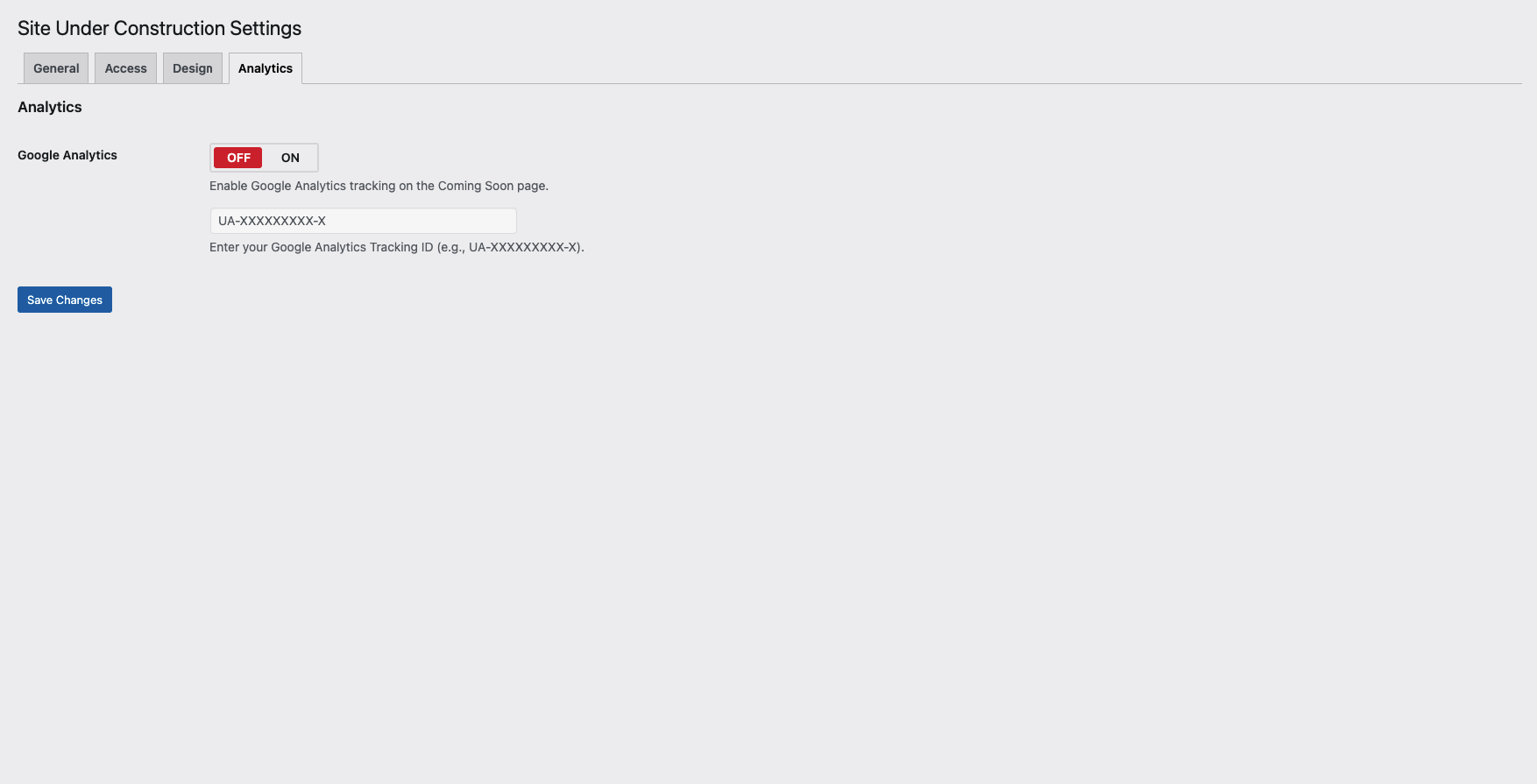
Google Analytics integration settings.
Faq
All visitors who are not logged in as administrators will see the Coming Soon page. Administrators can access the website normally while Coming Soon mode is enabled.
Yes. You can customize the page title, heading, description text, colors, and choose from available templates directly from the plugin settings.
Yes. You can enable password protection to allow selected visitors to access the website using a password while Coming Soon mode is active. A password generator is also available for convenience.
Yes. You can allow access based on user roles. Multiple user roles can be selected to bypass the Coming Soon page.
Yes. You can whitelist multiple IP addresses so visitors from those IPs can access the site normally while Coming Soon mode is enabled.
Yes. You can schedule Coming Soon mode to be automatically disabled based on a specific date and time.
Simply uncheck the Enable Coming Soon Mode option from the plugin settings page and save your changes.
Yes. The plugin follows best practices to handle search engine visibility while Coming Soon mode is active.
Yes. The plugin is designed to work with most WordPress themes without requiring any additional configuration.
No. Logged-in administrators and allowed user roles can browse the website normally.
Yes. The plugin is optimized for performance and only loads required assets when Coming Soon mode is enabled.
Reviews
Changelog
1.0.4
- Fix: Plugin install to active issue.
1.0.3
- New: Automatically disable Coming Soon mode based on date and time.
- New: Show/Hide toggle for the password field.
- New: Password generator button added.
- New: Role-based Coming Soon mode with support for multiple user roles.
- New: IP-based Coming Soon mode with support for multiple allowed IP addresses.
- Update: Redesigned settings UI with section-wise tab navigation.
- Update: Overall performance and code optimization.
- Fix: Minor bug fixes and improvements.
1.0.2
- Added: Password protection functionality
- Improved: Template selection user interface
1.0.1
- Added: Four modern Coming Soon templates
- Added: Custom description text options
- Improved: Code optimization for better performance and maintainability
1.0.0
- Initial release
- Enable/disable Coming Soon mode
- Customize page title, heading, and message