Sitewide Message
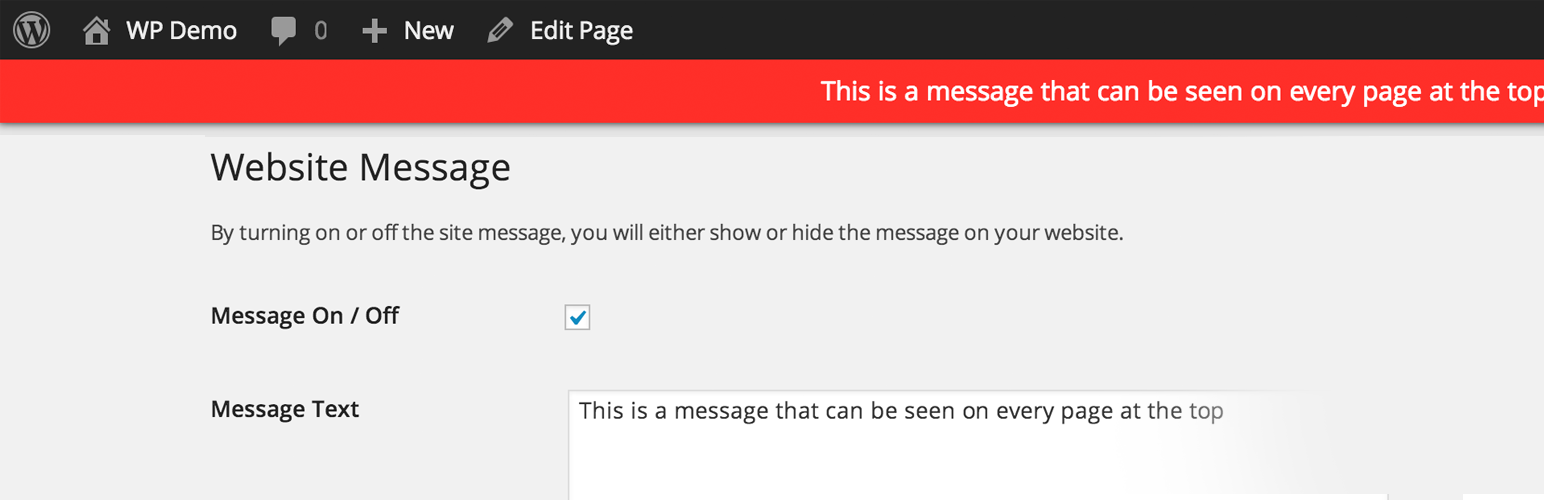
Sitewide Message
Description
Simply. Display a message at the top of every page on your website. You can change the background colour, text colour and URL location.
New Features
- Scheduled Message – Choose when to show or hide a message on your website.
- Link Location – Open link url in new window or same window.
Activate the plugin. Nevigate to the settings menu under Dashboard, and away you go.
New Features
Request new features in the support forms.
Installation
- Upload and extract the .zip file downloaded to the
/wp-content/plugins/directory - Activate the plugin through the ‘Plugins’ menu in WordPress
- Start using the plugin
Screenshots

Menu Item Location

Easy to use Settings and Customisation

End Result
Reviews
Wow.. still works
By 
Work on 4.9.6 and looks pretty good. Handles native emoji too to spruce it up.
Thanks. 👍
Changelog
0.6
- New Feature – Hide Message for Logged in Users
0.5
- Bug Fixes
- Scheduled Message out of BETA
- 4.0 Update
0.2
- Bug Fixes
- New Feature: Scheduled Message (BETA)
- New Feature: Link Location (new window / same window)
- Compatibility Bug Fixes
- Optimize options table on uninstall 🙁
0.1
- Public beta release