SK user sync for SuiteCRM

SK user sync for SuiteCRM
Description
Send WordPress users to SuiteCRM as contacts, leads, or accounts, automatically or when you choose.
Screenshots
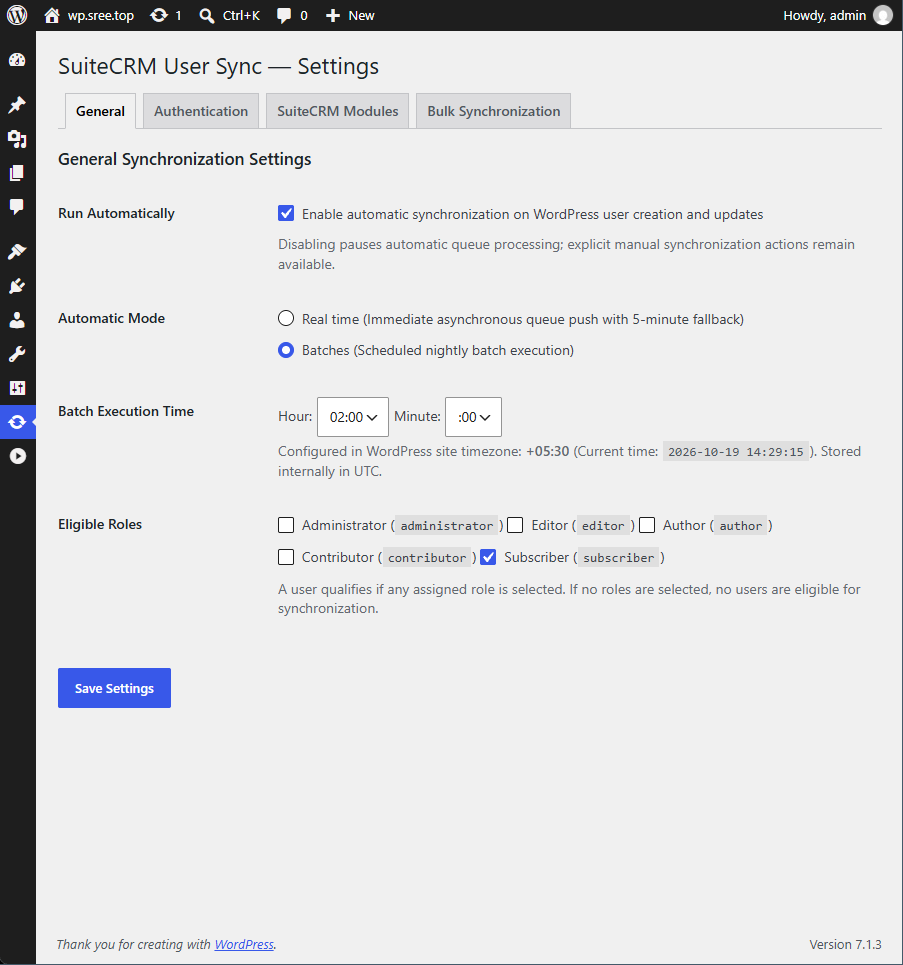
Plugin settings
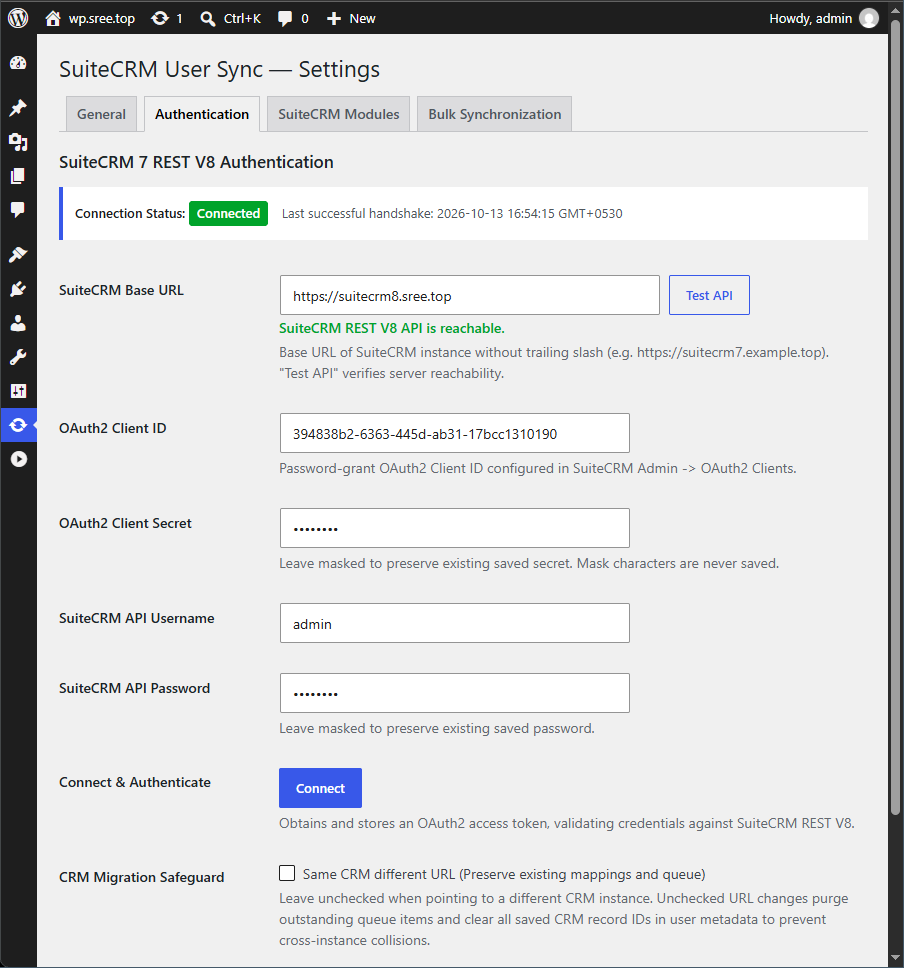
Authentication to SuiteCRM
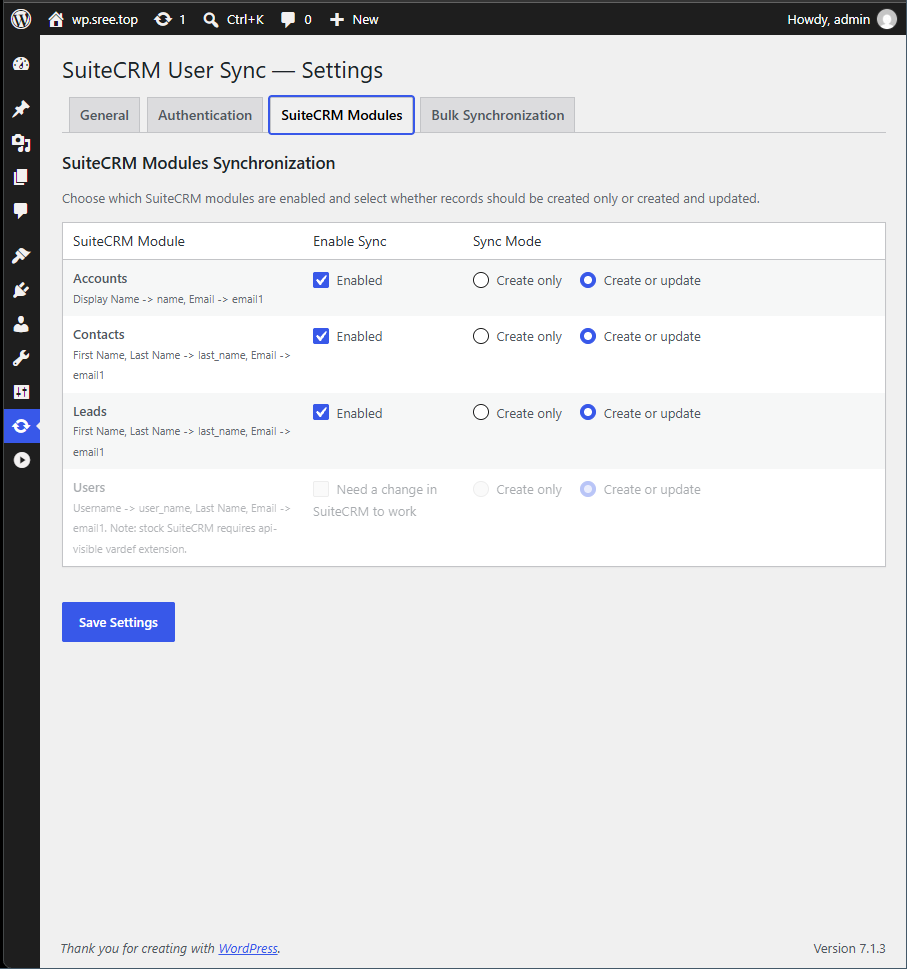
SuiteCRM Modules to which the wordpress users get synced
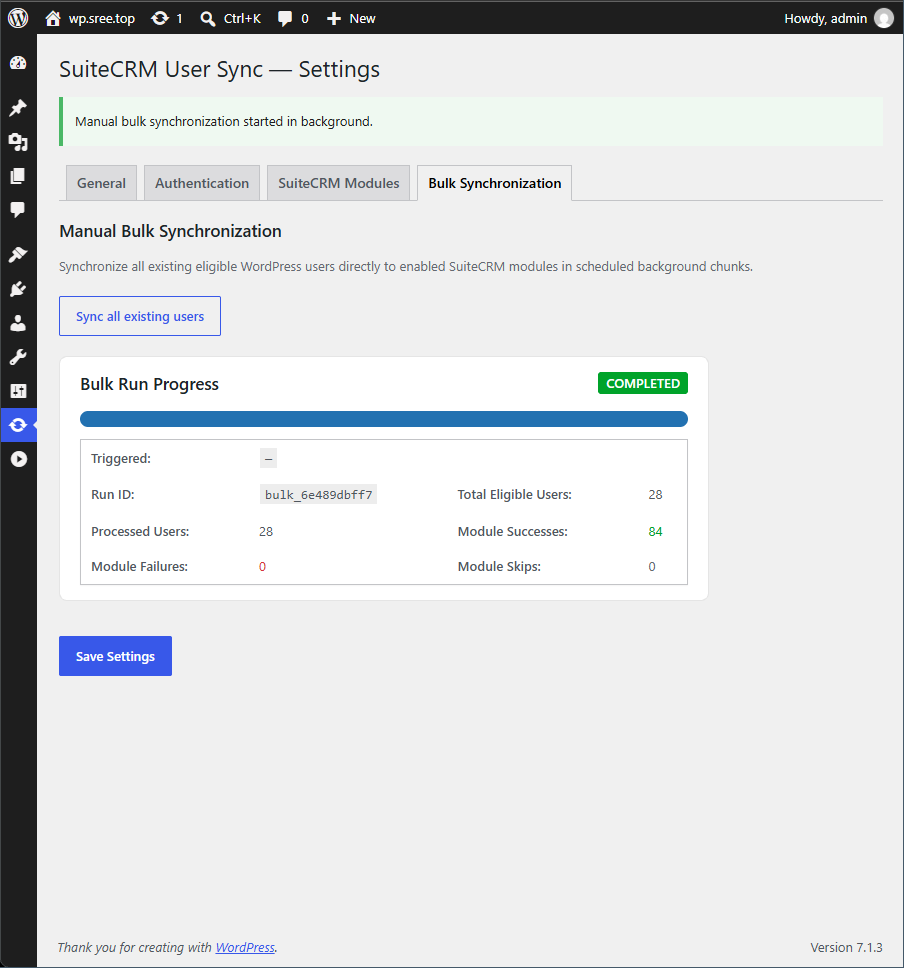
Manually push wordpress users to SuiteCRM
Faq
SuiteCRM 7.10 onwards. Including SuiteCRM 8.
Using the v8 Rest Api introduced in SuiteCRM 7.10.
A user and password of a user, preferrably an administrator user. An oauth client ID and Secret of grant type “Password”.
Go to administration page > Users & Authentication block > OAuth2 Clients and Tokens. Click “New Password Client”. Enter a name and a secret, and save. And ID is automatically generated and displayed. Note that “Allowed Grant Type” will be shown as “Password Grant”. The autogenerated ID and the earlier entered secret are what you need to enter in this plugin.
No. Currently only pushing of WordPress users is supported.
Reviews
Changelog
1.0
- Initial version