SkynetAccessibility Video Subtitle

SkynetAccessibility Video Subtitle
Description
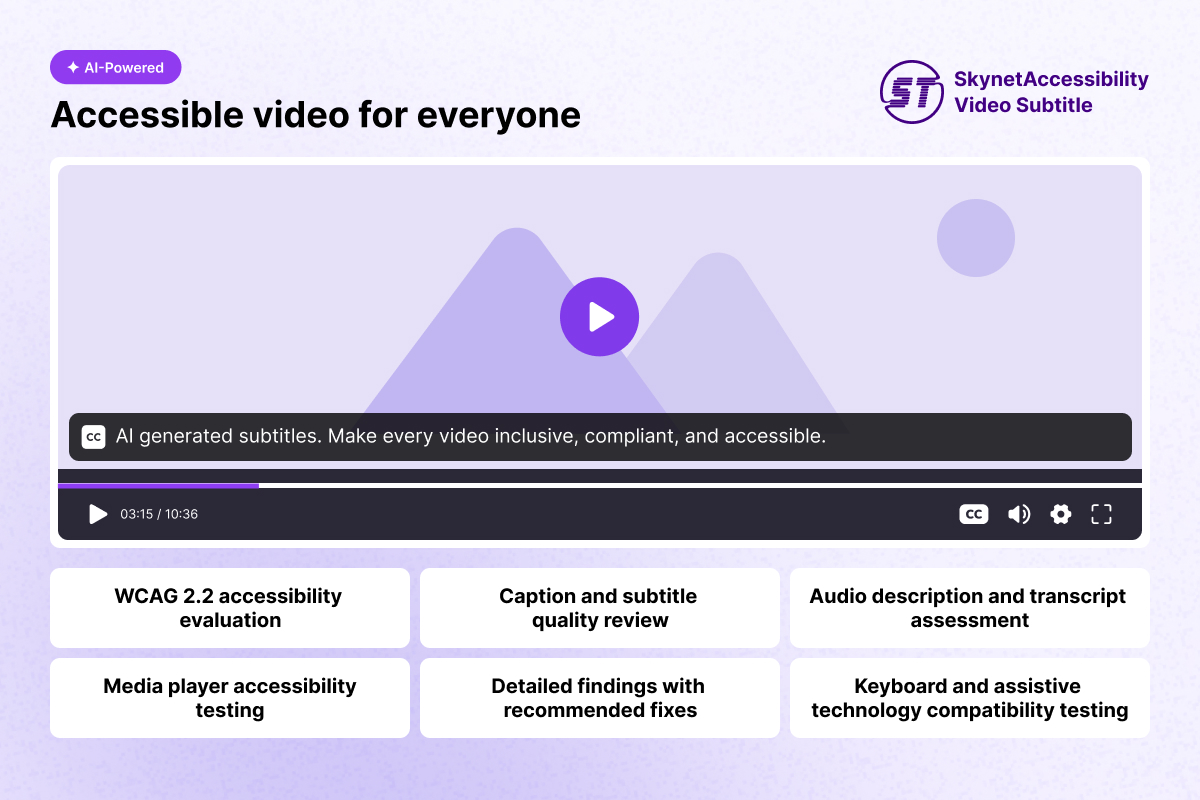
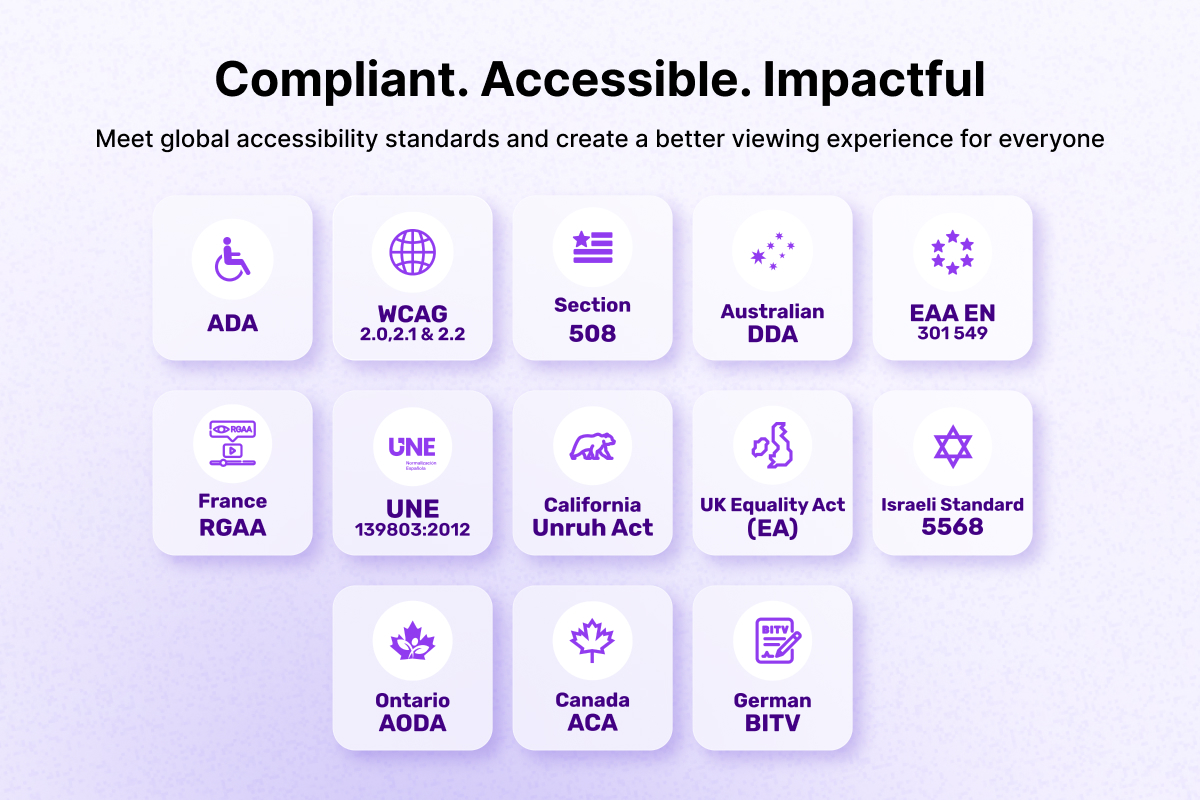
SkynetAccessibility Video Subtitle adds AI-generated subtitles to videos on your website, improving accessibility and helping meet WCAG requirements.
Features
- Automatic site registration with the Video Subtitle service on activation — no keys to copy and paste.
- Loads the subtitle widget on your site pages (can be turned off in settings).
- Analytics dashboard in wp-admin: videos remediated, time quota usage, spent and remaining duration, language breakdown chart, and a video library with previews.
- Date range and language filters.
- Plan management: view the active plan and upgrade from the dashboard.
- “Generate subtitles based on widget language” toggle.
No third-party PHP or JavaScript libraries are bundled.
External services
This plugin connects to the SkynetAccessibility Video Subtitle service, which is required for its core functionality:
- On activation (and from the settings page), the plugin sends your site address, site name, and admin email address to
https://ada.skynettechnologies.usto register the site and obtain a site token. - The admin dashboard retrieves your video, usage, plan, and language data from
https://ada.skynettechnologies.us. - On your site pages, the subtitle widget script is loaded from
https://www.skynettechnologies.com.
These services are provided by Skynet Technologies USA LLC: Terms of Service, Privacy Policy.
Installation
- Upload the
skynetaccessibility-video-subtitlefolder to/wp-content/plugins/, or install the plugin through the WordPress Plugins screen. - Activate the plugin through the Plugins screen. The site registers itself with the Video Subtitle service automatically.
- If registration could not be completed, go to Video Subtitle » Settings and press Register this site.
- Open Video Subtitle in the admin menu to view the analytics dashboard.
Screenshots
Faq
No. The plugin registers your site automatically using your site address, site name, and admin email address, and stores the returned site token.
The widget script is loaded with defer in the footer, so it does not block page rendering.
Uncheck Load the subtitle widget on the site under Video Subtitle » Settings.
Reviews
Changelog
1.0.0
- Initial release.