SlabCalc – Concrete Calculator Widget
SlabCalc – Concrete Calculator Widget
Description
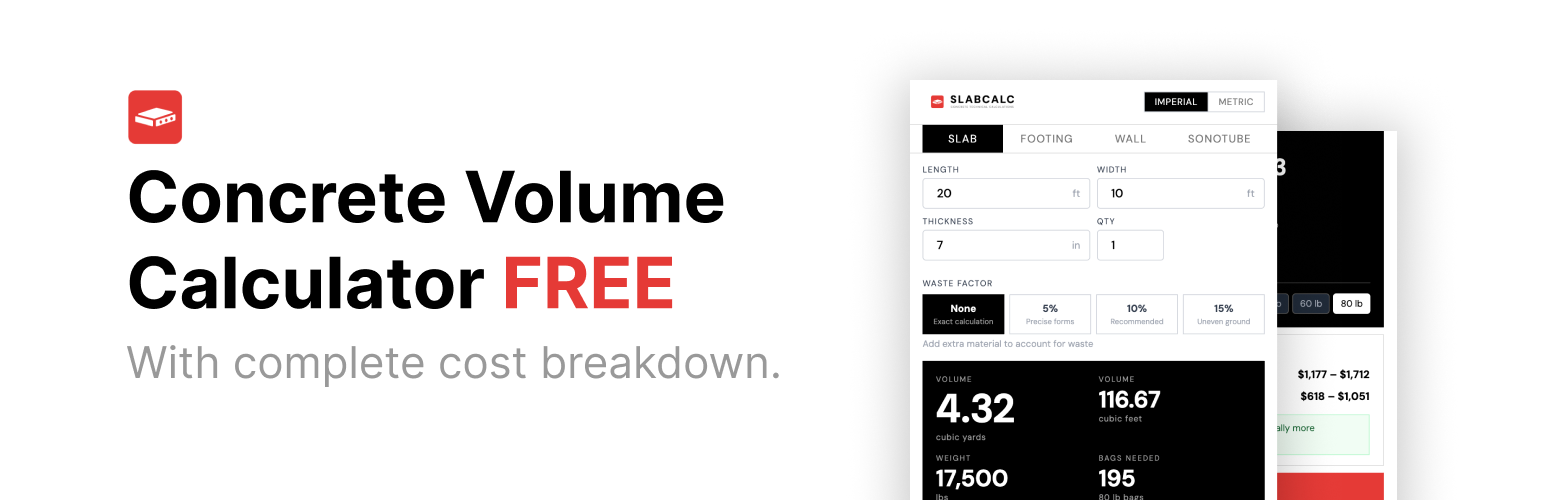
SlabCalc adds a free, embeddable concrete calculator to any WordPress page or post using a simple shortcode. Visitors can estimate how much concrete they need for slabs, driveways, and patios — in cubic yards, cubic feet, or cubic meters — without leaving your site.
What it does:
* Calculates concrete volume and bag counts instantly
* Supports slabs, driveways, and patio projects
* Works in imperial (feet/inches) and metric (meters/cm)
* Includes material cost estimates
* Mobile-responsive, no setup required
Usage:
Add the shortcode to any page or post:
[slabcalc]
Or specify a calculator type:
[slabcalc type="driveway"]
[slabcalc type="patio" width="400px"]
[slabcalc type="slab" theme="dark"]
Shortcode attributes:
type— Calculator type:slab,driveway,patio, ortube(default set in Settings)width— Widget width, any CSS value (default:100%)theme— Color theme:lightordark(default:light)
Installation
- Upload the
slabcalc-calculatorfolder to/wp-content/plugins/ - Activate the plugin through the Plugins menu in WordPress
- Add
[slabcalc]to any page or post
To set a default calculator type, go to Settings > SlabCalc.
Screenshots

Concrete slab calculator embedded on a post

Driveway calculator with cost estimate shown

SlabCalc settings page in WP Admin
Faq
type (slab, driveway, patio, tube), width (any CSS value), and theme (light, dark).
No. The widget is completely free and requires no account or API key.
The widget script loads asynchronously and only on pages where the shortcode is used. It has no impact on pages without the shortcode.
Yes. Place [slabcalc type="driveway"] and [slabcalc type="patio"] on the same page and both will render. The embed script is loaded only once regardless of how many shortcodes are on the page.
Yes, any page builder that supports WordPress shortcodes (Elementor, Divi, Beaver Builder, Gutenberg shortcode block) will work.
Reviews
Changelog
1.0.0
- Initial release
- Shortcode
[slabcalc]with type, width, and theme attributes - WP Admin settings page for default calculator type
- Supports slab, driveway, and patio calculators