Sleek Tweaks for Elementor

Sleek Tweaks for Elementor
Description
Sleek Tweaks for Elementor provides a simple way to hide Elementor promotional elements and apply CSS enhancements for a cleaner, more focused experience.
Features:
-
Hide Promos – Hide various Elementor promotional elements including:
- Upgrade buttons and banners
- Go Pro promotions
- AI-related promotions
- Dashboard widgets
- Plugin page promotions
- And many more…
-
CSS Enhancements – Apply useful CSS tweaks:
- Reset default text block margins
- Vertical icon alignment
- Hide Pro widgets in the editor
-
Hide AI Promos – Specifically hide AI-related promotional elements
Installation
- Upload the plugin files to the
/wp-content/plugins/sleek-tweaks-for-elementordirectory, or install the plugin through the WordPress plugins screen directly. - Activate the plugin through the ‘Plugins’ screen in WordPress.
- Go to Settings > Sleek Tweaks to configure the plugin.
Screenshots
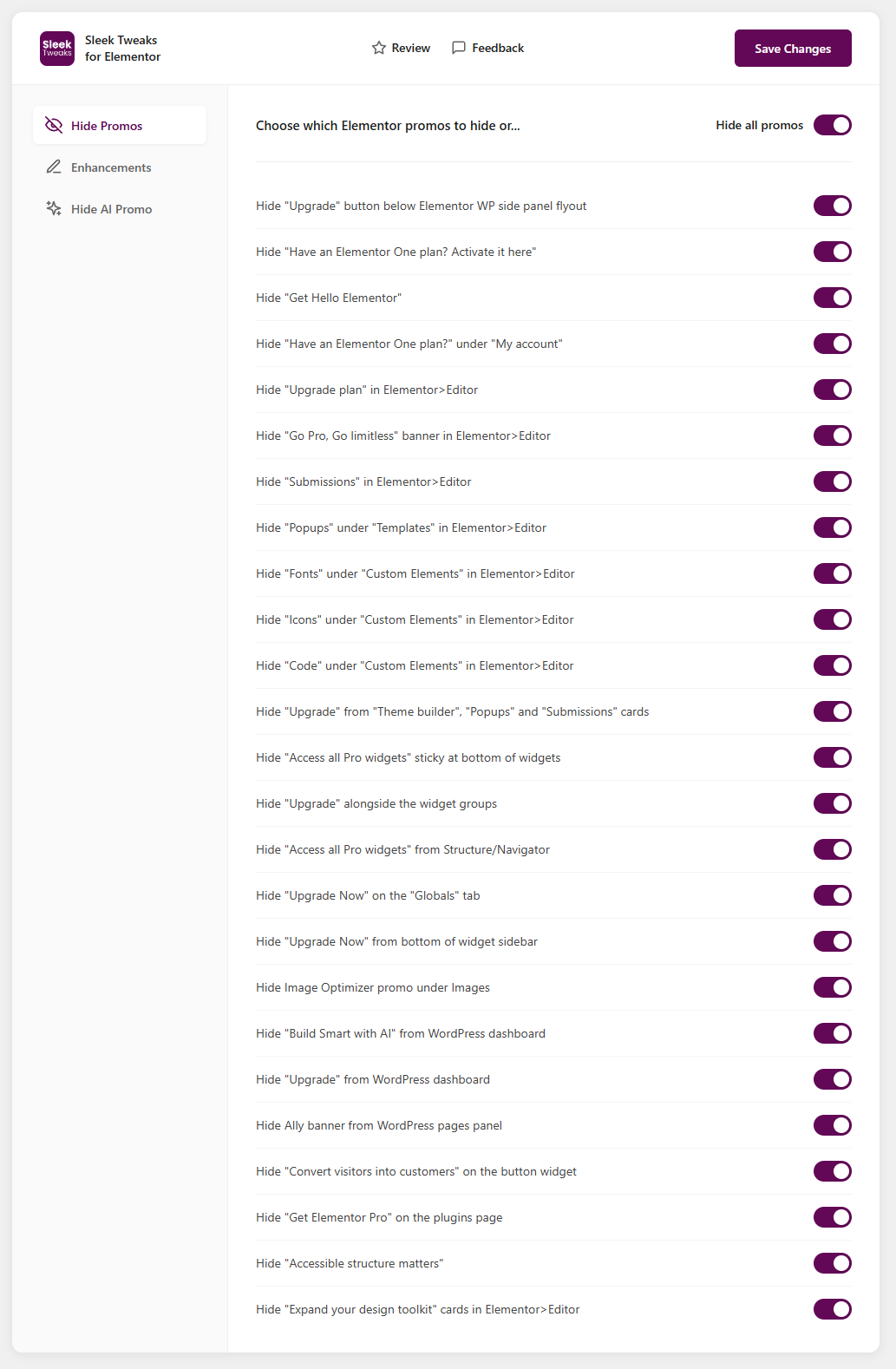
Plugin settings page showing the Hide Promos tab
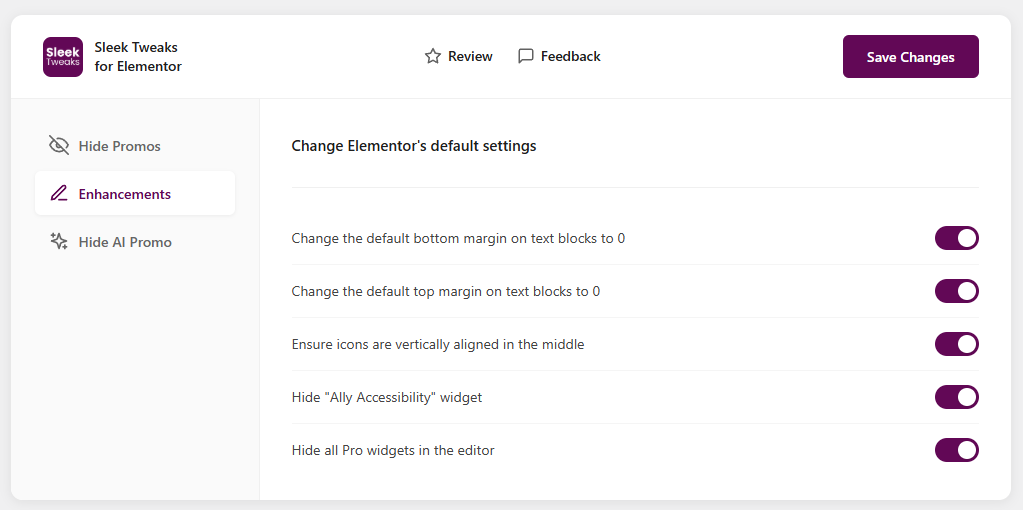
Enhancements tab with CSS options
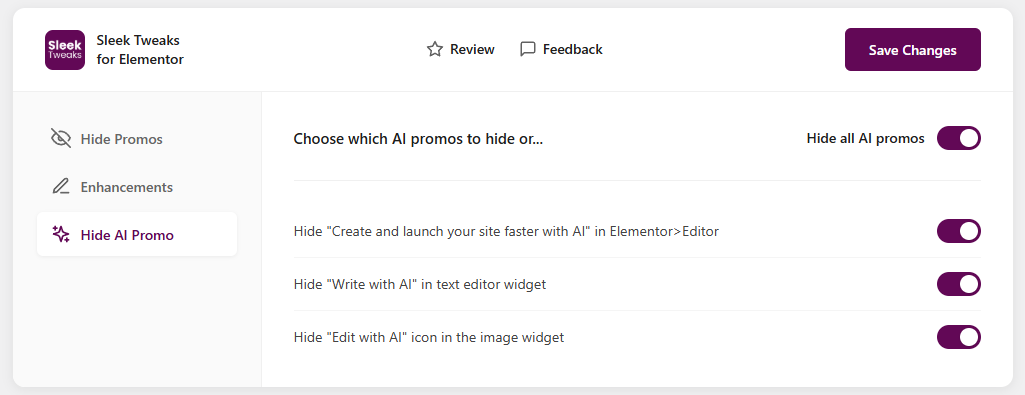
Hide AI Promo tab
Faq
This plugin is designed to work with Elementor and Elementor is needed in order for the plugin to be useful but it can be installed before Elementor to hide promotions in the onboarding screens.
The promo hiding features only affect the WordPress admin area and Elementor editor. The CSS enhancements can affect both the editor preview and frontend display.
Yes, all changes are completely reversible. Simply toggle off any options you no longer want to use.
Reviews
Changelog
1.1.0
- Added option to hide hide Elementor upgrade bottom banner inside the editor
- Added option to enable SVG file uploads
- Added option to hide the AI icon on the Structure/Navigator
- Added options to turn on all the custom breakpoints inside the Elementor editor
- Fixing issues with the plugin folder structure
1.0.1
- Initial release
- Hide Promos feature with 25 different promo hiding options
- CSS Enhancements feature with 5 enhancement options
- Hide AI Promo feature with 3 AI-specific hiding options