Sliced Invoices & Formidable Forms
Sliced Invoices & Formidable Forms
Description
Imagine having a form on your website that allows your visitors to basically create their own quotes and invoices!
Requirements
- Sliced Invoices Plugin (free)
- Formidable Forms Builder Plugin (free or pro)
Set up the Form
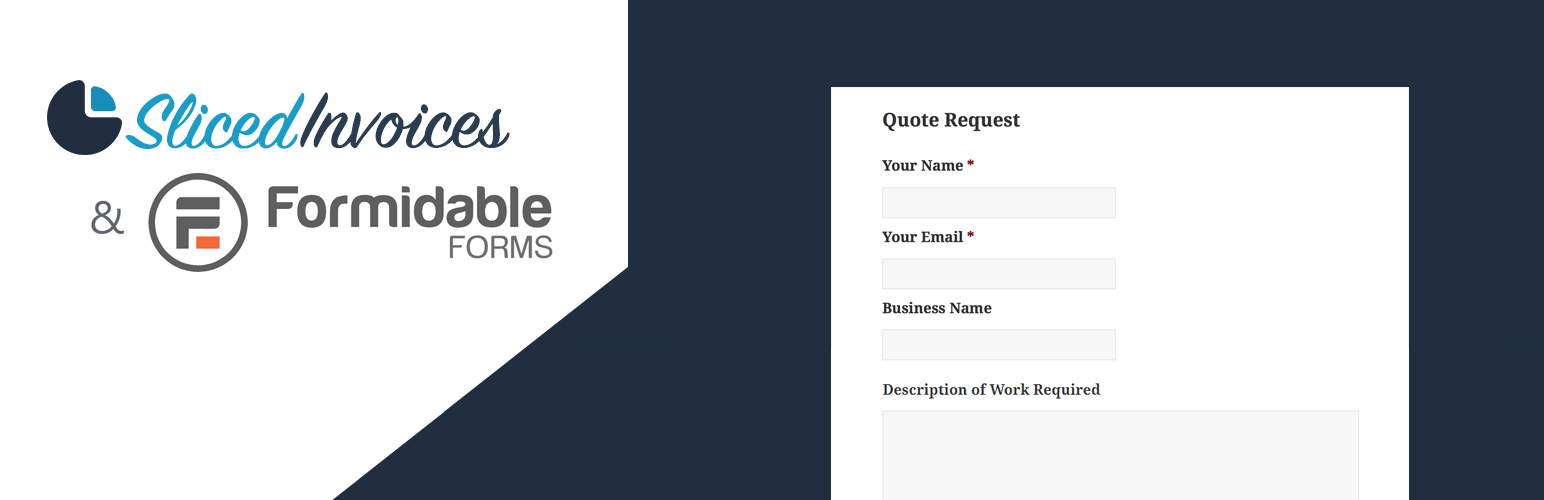
Once you have both plugins installed and activated, you simply need to create your Quote (or invoice) Request form that contains the following fields (required fields marked with an asterix):
- Client Name*
- Client Email*
- Business Name
- Business Address
- Client Website
- Extra Client Info
- Order Number (only shown for invoices)
- Title* (the invoice or quote title)
- Description (the invoice or quote description)
- Terms & Conditions (the invoice or quote terms)
- Tax Rate (%) (the invoice or quote tax)
- Due Date (only shown for invoices)
- Valid Until Date (only shown for quote)
- Line Items (Use repeater if Formidable Forms Pro)
Set up the Settings
With the form now set up, navigate to Form Settings –> Sliced Invoices.
Enable to create invoice or quote on form submit.
Now simply choose whether the form will create an invoice or quote and map each of the field names to the fields you have just set up in the form.
Add the Form to your site
With the form setup and the fields mapped, you simply need to add the form shortcode to one of your pages in the usual way. When a client fills in your Quote Request form, a new quote (or invoice) will automatically be created with all of their details added to the quote.
quote (or invoice) will automatically be sent to the client if ‘send to client’ option will set be set to ‘yes’.
If the email address that the client fills in is not already linked to a client, the plugin will automatically create a new client with this email.
You can also set up confirmations and notifications as per normal in the Formidable Forms Or Formidable Forms Pro settings.
Installation
- Upload plugin to the
/wp-content/plugins/directory - Activate the plugin through the ‘Plugins’ menu in WordPress
Screenshots

Creating the form using Formidable Forms Builder.

Sliced Invoices settings is added to the Formidable Forms settings & Mapping the fields on our form to our quote or invoice.

Creating the form using Formidable Forms Pro Builder.

Sliced Invoices settings is added to the Formidable Forms Pro settings & Mapping the fields on our form to our quote or invoice.
Faq
- WordPress 4.0 or newer
- Formidable Forms 4.10 or newer
- Sliced Invoices 3.7 or newer
- PHP version from 5.5 up to 8.0
For all support issues please open a Support Ticket on our website.
Reviews
Buggy with zero support
By 
If you or a visitor try to use the form to create a quote for a guest (someone without an account on your site) it won't create the quote, if you or a visitor try to create a quote for a user, the quote is created but a client is not and the quote does not get tied to the users account...
Tried to contact sliced to inform them but they don't respond to emails or tickets so I can only assume this paid for plugin is abandoned...
We built it
By 
Changelog
1.0.2
- UPDATE: changes for compatibility with forthcoming Sliced Invoices v3.9.0.
- UPDATE: PHP 8.0 compatibility.
- FIX: allow HTML tags in line item description field.
1.0.1
- FIX: display issue with admin notices.
1.0.0
- Initial release at WordPress.org