SmartZoom

SmartZoom
Description
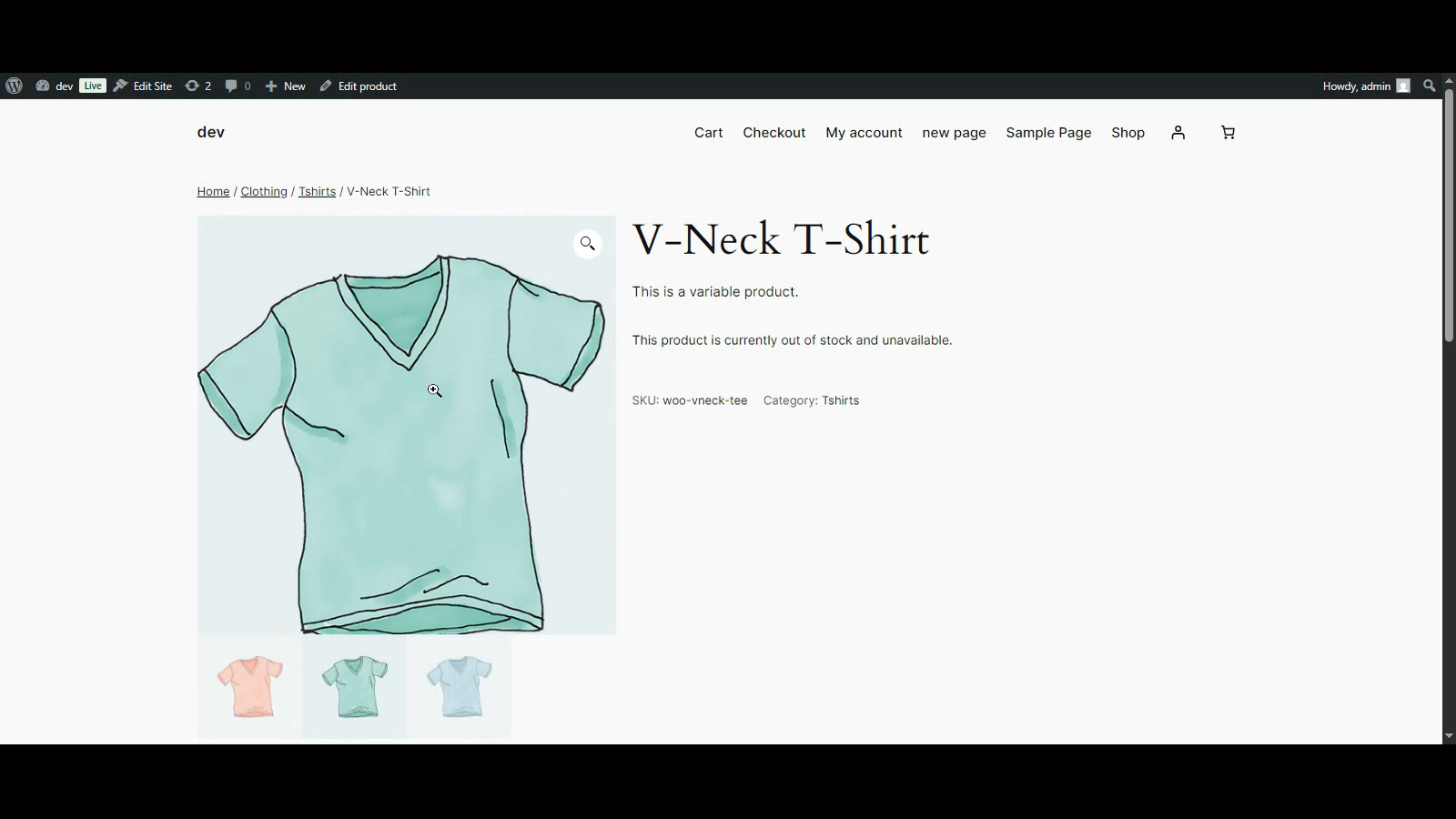
SmartZoom lets your customers examine product details up close with a smooth magnifying effect on product images. Ideal for stores selling clothing, jewelry, electronics, art, or any item where visual clarity is key.
Features:
– Lightweight and easy to use
– Seamless integration with WooCommerce galleries
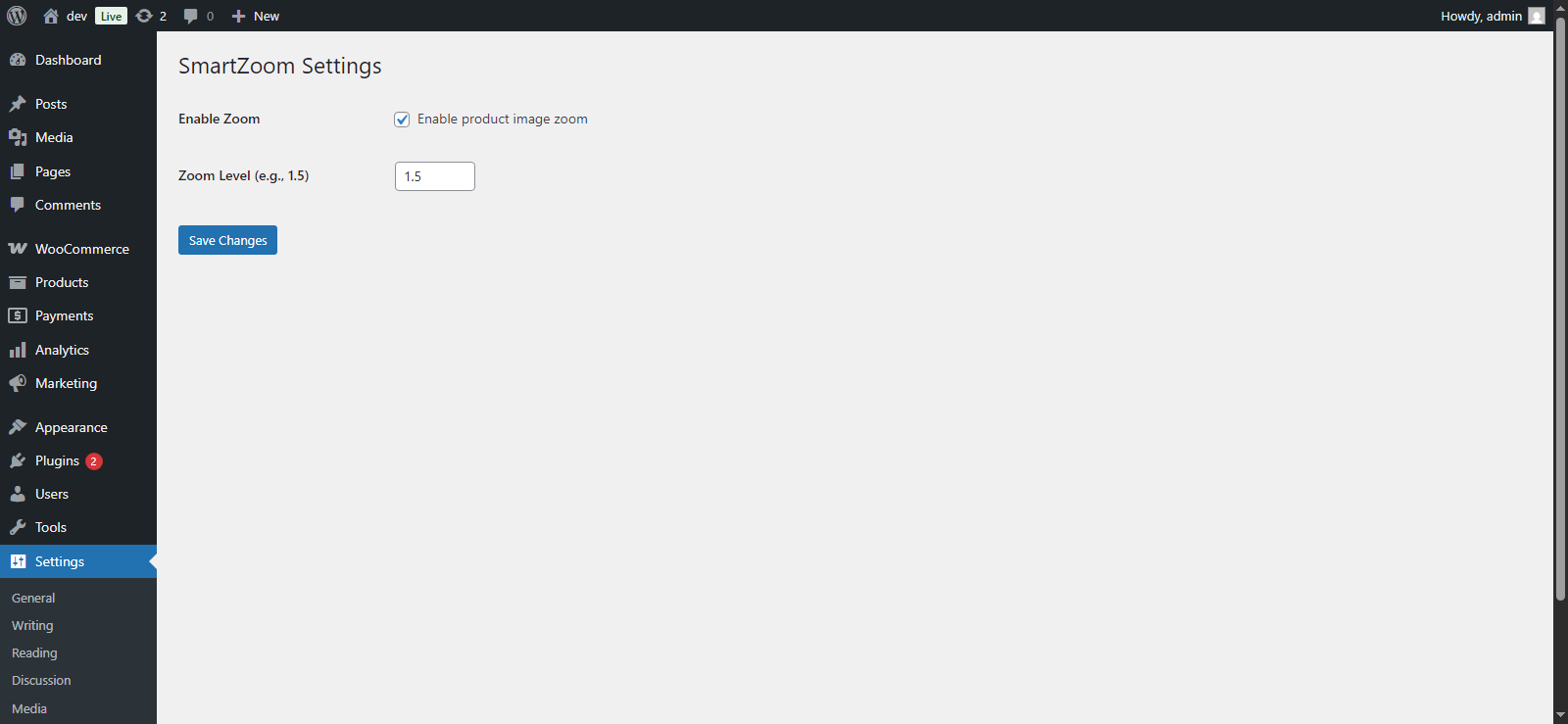
– Enable/disable via settings panel
– Adjustable zoom level
– Compatible with most modern themes
Installation
- Upload the plugin files to the
/wp-content/plugins/smartzoom/directory, or install it via the WordPress plugin screen. - Activate the plugin through the ‘Plugins’ screen.
- Navigate to Settings > SmartZoom to configure options.
Screenshots
Zoom effect on WooCommerce product image
Plugin settings page
Faq
It works with most themes that use the standard WooCommerce product gallery layout.
Yes, the zoom level is customizable from the settings page.
Reviews
Changelog
1.0.0
- Initial release.