SMNTCS Pinterest Save Button

SMNTCS Pinterest Save Button
Description
You have beautiful pictures and you want to whole world to see them? Why not adding the Pinterest Save Button so that your visitors are able to share your pictures on their Pinterest account? This plugin makes it super easy. Install, setup, done!
Installation
- Upload
smntcs-pinterest-save-buttonto the/wp-content/plugins/directory. - Activate the plugin through the
Pluginsmenu in WordPress. - Go to
Apperance»Customize. - Activate the Pinterest Save Button.
- Adjust settings based on your needs.
Screenshots
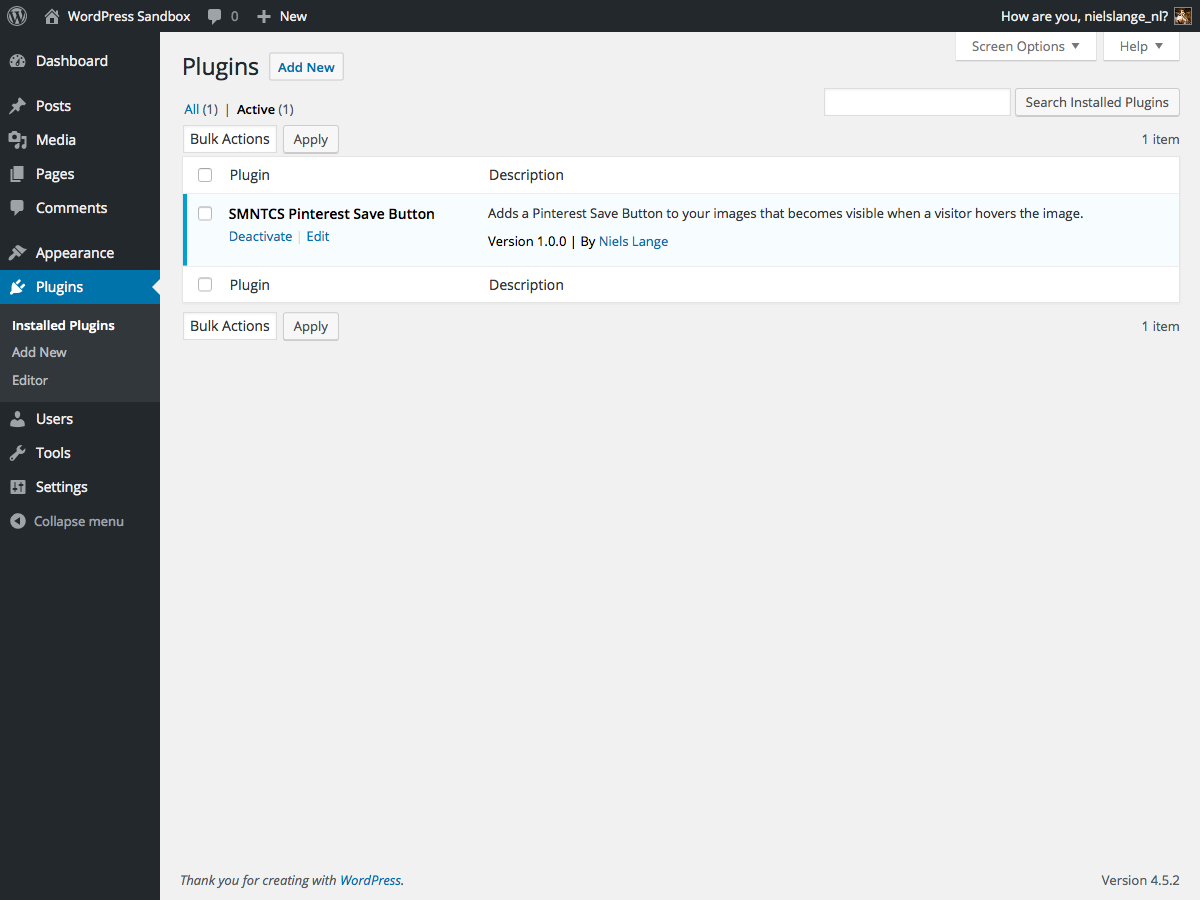
Upload and activate the plugin.

Open
Apperance → Customize.
Adjust settings of Pinterest Save Button.
Reviews
Changelog
1.8 (2025.03.23)
- Test up to WordPress 6.8
1.7 (2023.12.24)
- Test up to WordPress 6.4
1.6 (2022.12.03)
- Test up to WordPress 6.1
1.5 (2020.01.02)
- Test up to WordPress 5.3
1.4 (2019.12.30)
- Test up to WordPress 5.2
1.3 (2019.06.30)
- Test up to WordPress 5.1
1.2 (2019.02.19)
- Correct text domain
1.1 (2019.01.14)
- Add text domain
1.0 (2016.07.20)
- Initial release