SniffPress
SniffPress
Description
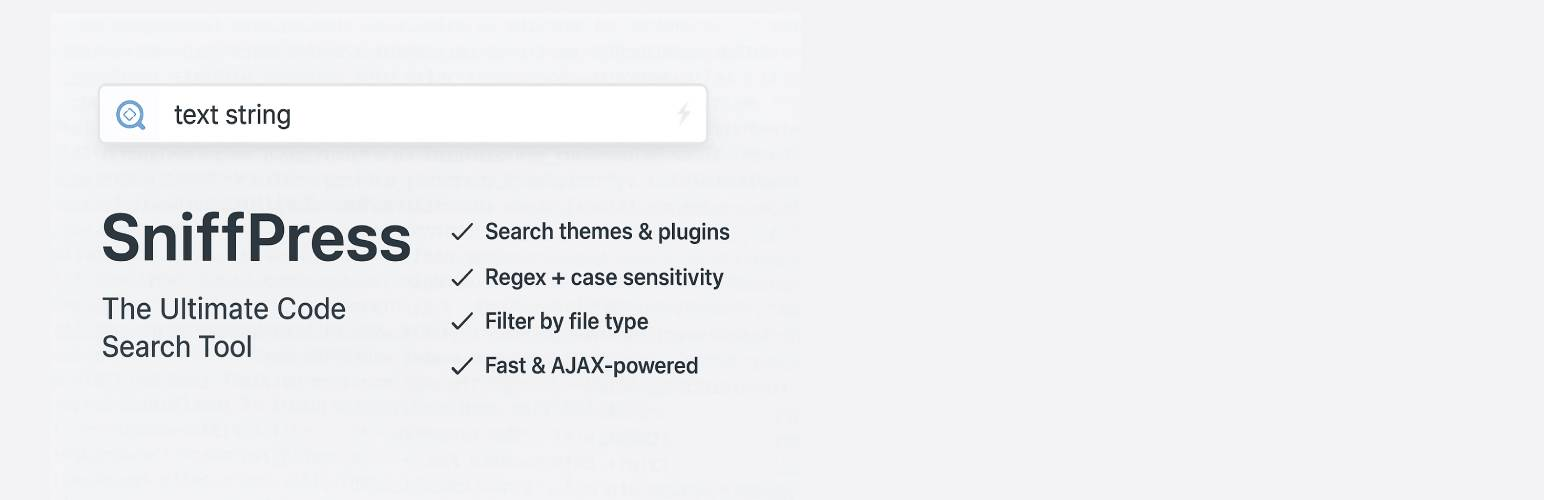
SniffPress is an essential developer tool that lets you search through all your theme and plugin files directly from the WordPress admin dashboard.
New in version 1.2:
– Completely redesigned admin UI with a modern violet/indigo theme, custom icon set, and Inter/JetBrains Mono typography
– Dark mode toggle with saved preference (persists across sessions)
– Results are now grouped by theme/plugin, then by file, in a collapsible tree instead of one long flat list
– Live match counter: see an estimated match count as you type, before running the full search
– Redesigned Search In box, file type filters, and Select All / Select None controls for better usability
Key Features:
– Search across multiple themes/plugins at once
– Case-sensitive and whole word matching options
– Regular expression support
– Filter by file type (PHP, JS, CSS, etc.)
– Grouped, collapsible results (by theme/plugin, then by file)
– Live match count preview as you type
– Dark mode toggle
– Direct links to edit found files (works with any theme/plugin)
– Search limits: control maximum file size and results count
– Exclusion patterns: skip vendor folders, cache directories, etc.
– Clean, intuitive interface
– Fast AJAX-powered searching
– Search completion statistics
Perfect for:
– Debugging theme/plugin issues
– Finding specific functions/hooks
– Locating text strings for translation
– Code audits and maintenance
Installation
- Upload the
sniffpressfolder to your/wp-content/plugins/directory - Activate the plugin through the ‘Plugins’ menu in WordPress
- Navigate to SniffPress (top-level menu) to start searching
Screenshots

The main search interface with new options

Example search results with highlighted matches, grouped by theme/plugin

Dark mode
Faq
The plugin searches:
– PHP (.php)
– JavaScript (.js)
– CSS (.css)
– Text (.txt)
– Markdown (.md)
– JSON (.json)
– XML (.xml)
– HTML (.html)
The plugin automatically skips:
– Binary files (images, fonts, etc.)
– Files over 2MB in size (configurable)
– Vendor directories (node_modules, vendor, .git, etc.)
– Files matching your exclusion patterns
Currently the plugin only searches theme and plugin files. Core file search may be added in future versions.
Enter comma-separated patterns in the “Exclude patterns” field. Examples:
– node_modules, vendor – skip these common directories
– *.log, cache/ – skip log files and cache directory
– assets/css, includes/ – skip specific folders
For large sites, we recommend:
– Max file size: 2-5MB
– Max results: 100-200
This prevents timeouts and memory issues.
Results are grouped first by theme/plugin name, then by individual file within that group. Click any group or file header to collapse or expand it.
As you type (2+ characters) with at least one location selected, the plugin runs a quick background count and shows it under the search field, before you click Search. It’s capped at 500 for speed on large codebases; run the full search to see everything.
Click the moon/sun icon at the top right of the SniffPress page. Your choice is saved in your browser and applied automatically next time you visit.
Reviews
It works well - too well !!!
By 
For years I was using Notepad++ to search strings in files, but I could not filter what type of files to search from file types - for example, php, html, css, etc... Also, I had to spend a few seconds to select the location of the folders to search from my hard drive, at least for local development.
This plugin allows me to not only filter which files to search, but also for live sites, I can search on the spot without having to download the themes/plugins if I don't have copies of them on my pc. And at an added bonus, it works really fast.
Not necessarily a must use tool, but a great help and time saver for developers and alike.
Changelog
1.2
- Redesigned admin UI: new color palette, custom icon set, Inter/JetBrains Mono typography
- Added dark mode toggle with saved preference
- Results are now grouped by theme/plugin, then by file, in a collapsible tree
- Added live match counter (debounced preview count) as you type
- Reworked Search In box, file type checkboxes, and Select All/None controls
- Various small UX and accessibility improvements
1.1
- Added top-level admin menu for easier access
- Added search limits: control max file size and results count
- Added exclusion patterns to skip specific folders/files
- Improved theme editor links for both active and inactive themes
- Enhanced user interface with search statistics
- Added welcome message with usage tips
- Fixed exclusion pattern matching for directories
- Improved plugin main file detection
- Better error handling and user feedback
- Performance optimizations for large codebases
1.0
- Initial release with core search functionality
- Support for both themes and plugins
- Case-sensitive and whole word matching
- File type filtering options