SnippetDesk Role Access
SnippetDesk Role Access
Description
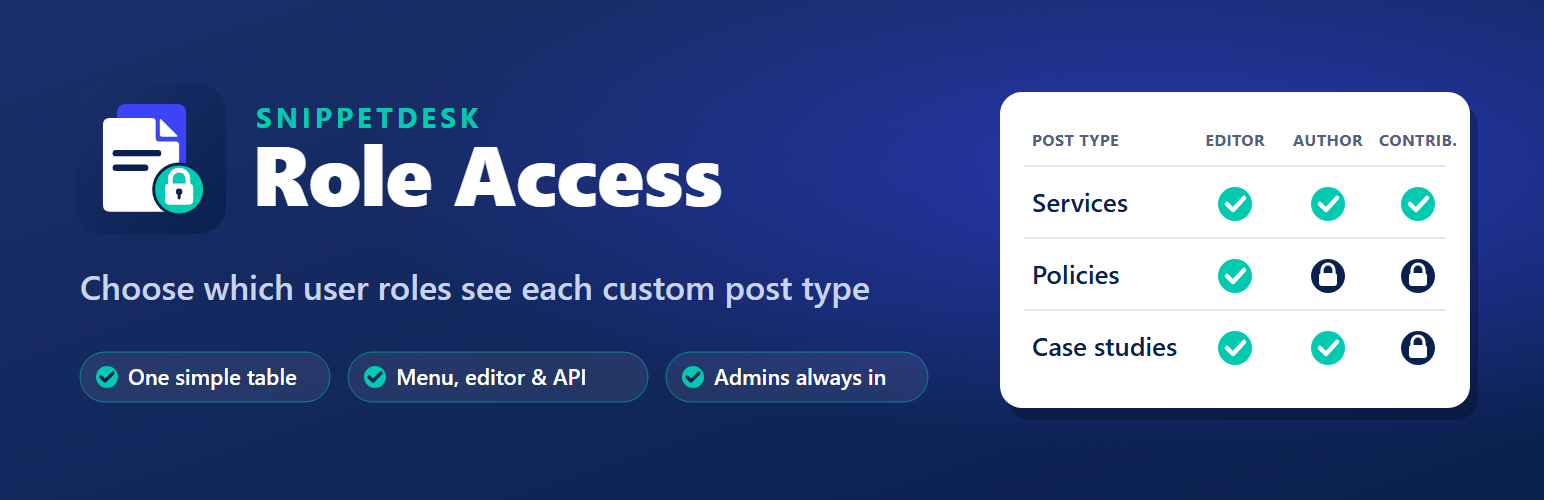
Custom post types made with plugins such as Custom Post Type UI usually use the same permission as blog posts, so every Author and Contributor sees and can create them. SnippetDesk Role Access gives you one table: post types down the side, roles across the top. Untick a box and that role no longer sees the post type anywhere in the admin.
- Hides the post type’s menu, list, editor, “New” toolbar link and quick edit for that role.
- Also closed through the REST API and direct links, because it works through WordPress’s own permission checks instead of hiding screens.
- Visitors still see the published pages; only admin access changes.
- Administrators always keep full access, so you cannot lock yourself out.
- Nothing changes until you untick a box.
- A user with several roles keeps access if any of their roles is allowed.
Faq
WordPress already gives that role no access to the post type, for example WooCommerce products for Authors, so there is nothing to switch off.
No. Published pages stay public. Only listing, creating, editing and deleting in the admin are affected.
Everything goes back to WordPress’s normal permissions, and deleting the plugin removes its one setting.
Reviews
Changelog
1.0.0
- First release.