Social Plugin – Metadata
Social Plugin – Metadata
Description
Display meta information from the social network “Facebook” using either a widget or shortcode.
Currently supported meta information which can be gathered are:
- Business hours
- Page about text
- Last posted entry (incl. text, link and date)
- Show events
Check out the Installation instruction for further details
Installation
Add it through wordpress or unpack the downloaded zip file into your wp-content/plugins directory
Quick Guide
To sychronize and output meta information (E.g. Business hours, About Us, last posts) from facebook pages, follow the below steps:
- Register as Facebook Developer and create a new Facebook App
- Fill in the Facebook App ID and App secret from the app you just created into the Social Plugin (Menu “Tool” -> “Social Plugin – Metadata”)
- Use the “Login and Sync” button to connect your facebook account with your Facebook App
- Switch to the Appearance -> Widget page once successfully logged in and pick the “Social Plugin – Metadata”
- Setup the widget for the page and content you want to display on frontend
Shortcodes
If you prefer to use Shortcodes, the below options are available
[social-businesshours page_id=”…” empty_message=””]
[social-about page_id=”…” empty_message=””]
[social-lastpost page_id=”…” limit=”…” max_age=”…” empty_message=””]
[social-events page_id=”…” filter=”…” category=”…” link=1 limit=3 upcoming=1 date_format(_start|_end)=”…”]
Screenshots

The settings page

The widget located in a side bar

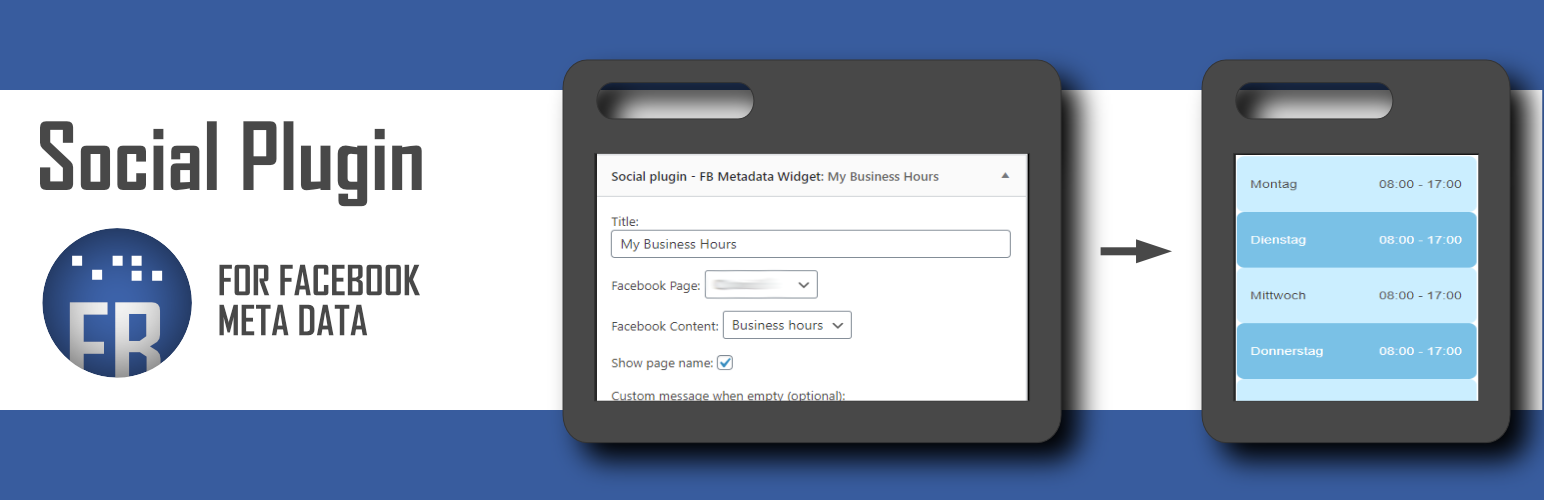
Output of the widget configured to display business hours
Reviews
Changelog
Changelog can be found on Github project page