SocialN – Social Notifications

SocialN – Social Notifications
Description
SocialN is a service that helps you promote your social media accounts in your website. It shows your social media posts to your visitors as inline notifications.
In order to use this plugin, you should sign up to SocialN. After signing up, you should create a website and connect your social media accounts to SocialN.
Installation
- Upload
SocialNplugin to the/wp-content/plugins/directory - Activate
SocialNplugin through the ‘Plugins’ menu in WordPress - Go to
Settings,SocialNpage and enter yourAPI keywhich you obtained from SocialN Panel
Screenshots

View of an Instagram Notification

View of a Twitter Notification

View of a Facebook Notification

View of a Linkedin Notification
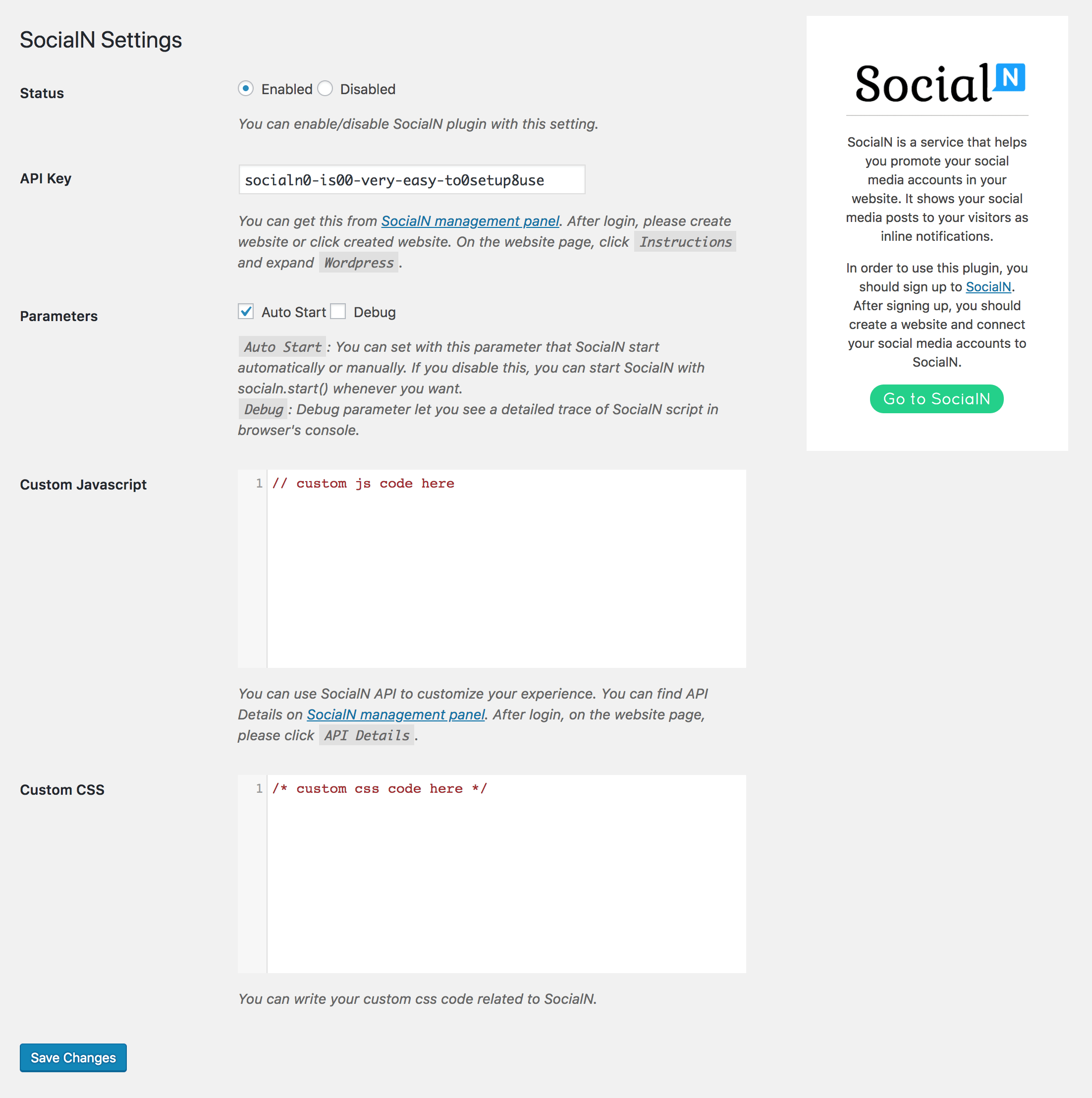
Screenshot of the settings page
Faq
Installation Instructions
- Upload
SocialNplugin to the/wp-content/plugins/directory - Activate
SocialNplugin through the ‘Plugins’ menu in WordPress - Go to
Settings,SocialNpage and enter yourAPI keywhich you obtained from SocialN Panel