agplugin-socials
agplugin-socials
Description
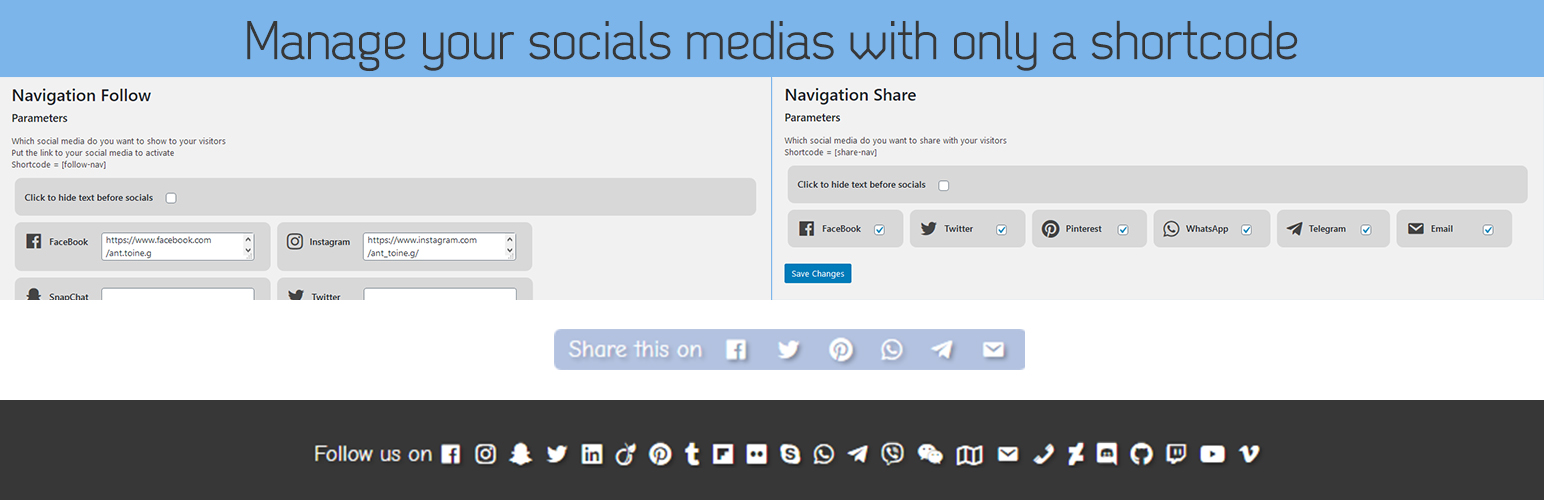
After installing the plugin. You’ll have a new menu in your admin page “AGPlugin”.
It will have 2 different parts “follow” (who link to your social page) and “share” (to share the page).
- share: select the social media where your visitors can share the page.
- follow: add the URL to your social media to activate it.
You just have to use the shortcode in your theme to display them:
– share shortcode is: [share-nav]
– follow shortcode is: [follow-nav]
Enjoy !
Take a look at my website GautierAntoine.com
Installation
- Install the plugin.
- Activate the plugin through the ‘Plugins’ menu in WordPress.
- In the AG Menu in your admin panel, you can select your social medias.
- Finally place the shortcodes [follow-nav] and/or [share-nav] in your templates.