Softhexa-Orders Tracking for WooCommerce
Softhexa-Orders Tracking for WooCommerce
Description
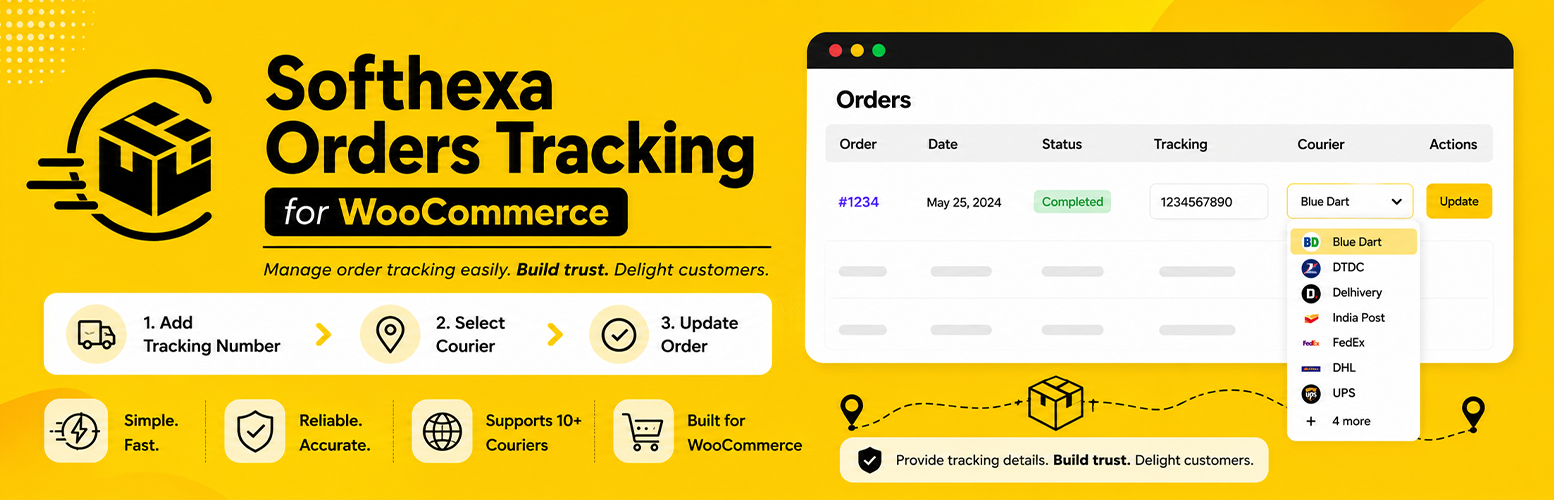
Softhexa Orders Tracking for WooCommerce is a lightweight plugin by Softhexa Solutions that lets you add shipment tracking information directly from the WooCommerce orders list.
How it works:
- Go to Orders Tracking in the WordPress admin menu.
- Enable the couriers your team uses.
- Open your WooCommerce Orders list.
- Type the tracking number, choose the courier, and click Save.
- The order status automatically updates to Shipped.
- A notification email is sent to the customer with the tracking number and courier tracking link.
- The tracking number and a “Track Shipment” button appear on the customer’s order details page.
Features:
- Orders Tracking admin menu with a searchable alphabetical courier toggle UI
- 200+ global and Indian courier tracking URL templates
- Only enabled couriers appear in the WooCommerce order dropdown
- Inline tracking input on the WooCommerce orders list (HPOS compatible)
- Custom “Shipped” order status
- Automatic customer email notification with tracking info
- Tracking display on the My Account order details page
- Copy-to-clipboard button for the tracking number
External Services
This plugin displays courier tracking links to customers and administrators. When a tracking number is saved against a WooCommerce order, the plugin generates a direct link to the relevant courier’s public tracking page using a pre-defined URL template.
What data is used: Only the tracking number entered by the store admin is included in the tracking URL. No personal customer data (name, email, address, etc.) is transmitted.
When it is used: A tracking link is generated when a tracking number is saved to an order, displayed in the customer’s order confirmation email, and shown on the My Account > Order Details page.
How it works: The plugin holds a local library of 200+ courier tracking URL templates (e.g., https://www.indiapost.gov.in/...?c=TRACKINGNUMBER). The tracking link is constructed locally — no data is sent to any third-party API by this plugin. The customer’s browser opens the courier’s website directly when they click “Track Shipment” or “Open Tracking Page”.
Courier websites used (examples): India Post (indiapost.gov.in), TrackOn (trackon.in), TCI Express (tciexpress.in), VRL Group (vrlgroup.in), Posta Slovenije (sledenje.posta.si), ELTA Greece (elta.gr), and 200+ other couriers worldwide.
Each courier operates its own tracking service. Please refer to the respective courier’s website for their privacy policy and terms of service.
No data is sent to Softhexa Solutions or any centralised tracking API. All tracking URLs are resolved client-side by the end user’s browser visiting the courier’s own website.
Installation
- Upload the
softhexa-orders-trackingfolder to the/wp-content/plugins/directory, or install via the WordPress plugin screen. - Activate the plugin through the Plugins screen in WordPress.
- Make sure WooCommerce is installed and active.
- Go to Orders Tracking and enable your preferred couriers.
- Go to WooCommerce > Orders and use the Tracking column to add tracking info.
Screenshots

Softhexa Orders Tracking settings page with searchable courier toggles.

Tracking column on the WooCommerce orders list.

Customer order details page with tracking number and button.

Customer email with tracking information.

Faq
Yes. The Tracking column is added to the HPOS-compatible wc-orders screen.
Softhexa Orders Tracking includes 200+ courier tracking URL templates. Use the Orders Tracking settings page to enable only the couriers you want in the order dropdown.
Yes. Saving a tracking number, or changing an existing one, automatically sends a “Completed Order” email with the tracking number and a link to the courier tracking page.
Yes. The order status is automatically changed to Shipped when a tracking number is saved.
No. Softhexa Orders Tracking requires WooCommerce to function.
Reviews
Simple, Clean & Reliable Order Tracking Plugin
By 
I tested several WooCommerce order tracking plugins, and this one feels very clean and easy to use. The interface is simple, setup is quick, and adding tracking details to orders works smoothly.
What I liked most is that it focuses on the essential features without unnecessary complexity. It integrates well with WooCommerce and gives customers a better tracking experience.
A good lightweight plugin for store owners who want an easy order tracking solution. Recommended!
I tested several order tracking plugins, and this one feels very clean and easy
By 
<span style="font-size: inherit;">⭐⭐⭐⭐⭐</span>
Simple and very useful WooCommerce tracking plugin. Easy to set up, lightweight, and works smoothly. The inline shipment tracking feature saves time, and the support for many courier services is excellent. Great plugin for WooCommerce stores.
Changelog
1.1.4
- Improved WordPress.org SEO keywords and plugin branding.
- Updated readme tags and short description.
1.1.3
- Renamed plugin to Softhexa Orders Tracking for WooCommerce for WordPress.org compliance.
- Updated all function, class, and option name prefixes to SOTW_ / sotw_.
- Added External Services section to readme.txt.
1.1.2
- Fixed Plugin Check sanitization warnings.
- Removed the manual textdomain loader for WordPress.org compatibility.
- Updated readme headers for current WordPress.org requirements.
1.1.1
- Moved customer-facing tracking JavaScript and CSS into enqueued assets.
- Added a defensive WooCommerce email object check.
- Tightened admin escaping for WordPress review readiness.
1.1.0
- Added the Orders Tracking admin menu with searchable courier toggles.
- Added 200+ courier tracking URL templates.
- Updated courier dropdowns to show only enabled couriers.
- Updated plugin author to Softhexa Solutions.
1.0.0
- Initial release.