Sortable Amazon Wishlist

Sortable Amazon Wishlist
Description
This Widget displays your amazon wishlist sorted whichever way you want, most interestingly by priority, where other wishlist plugins do not allow you to do that. That’s why I had to write this!
It works fine for me, but let me know if you find any bugs.
Installation
- Upload the amazon-wishlist folder to the
/wp-content/plugins/directory - Activate the plugin through the ‘Plugins’ menu in WordPress
- Go to the “widgets” page, under “Appearance”
- Add the Amazon-wishlist widget to your sidebar
- Fill in all required options.
- There you go, the first X items from your sorted wishlist should appear on your blog.
Screenshots
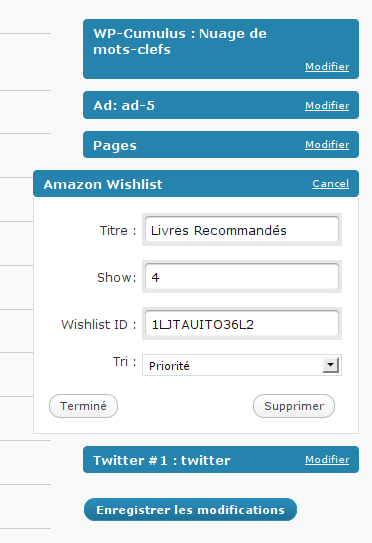
The widget options