SosWoo Product Info Display for WooCommerce
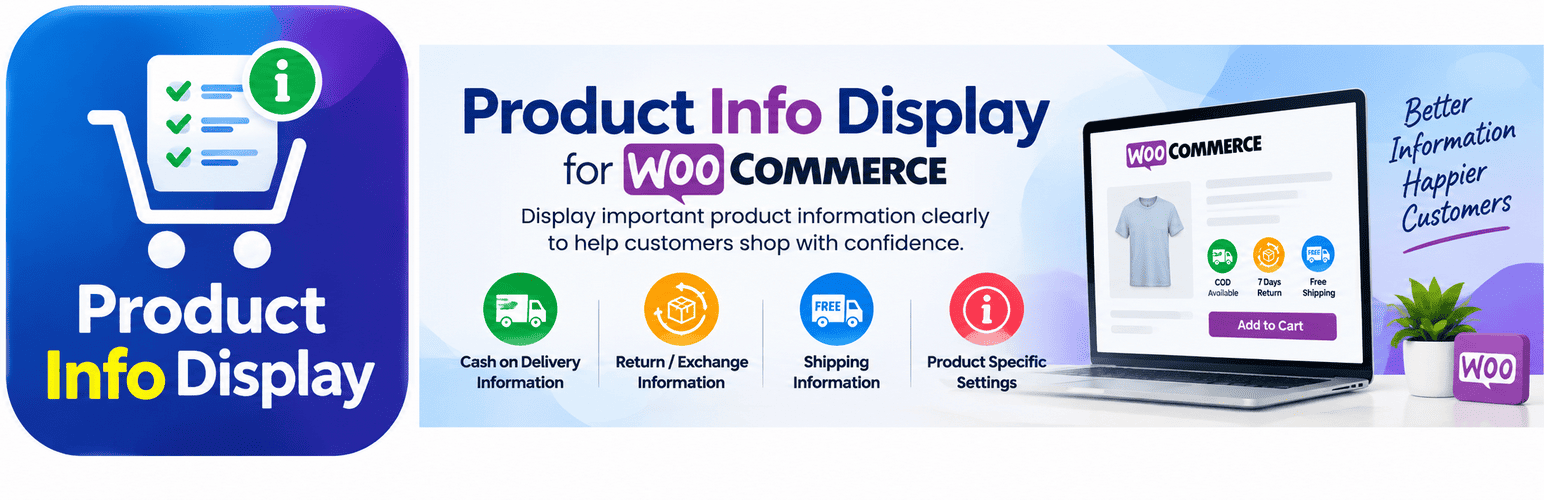
SosWoo Product Info Display for WooCommerce
Description
SosWoo Product Info Display for WooCommerce helps WooCommerce store owners clearly display important product information such as COD availability, return/exchange availability, return period, and shipping status directly on the product page.
The plugin provides simple product-level controls and customizable images for communicating these options to customers.
Features
- Display COD Available or No COD information.
- Display Return/Exchange Available or No Return/Exchange information.
- Display the return period in days when returns are available.
- Display Free Shipping or Shipping Charges status on product pages.
- Customize the images used for each information status.
- Configure information separately for individual products.
- Display product information clearly on WooCommerce single product pages.
- Show COD, Return, and Shipping status in the WooCommerce product list.
- Compatible with WooCommerce High-Performance Order Storage (HPOS).
- Lightweight and focused on product information display.
Usage
After activation:
- Go to Settings > SosWoo Product Info Display for WooCommerce to configure the images.
- Open any WooCommerce product for editing.
- Configure the available product information.
- If Return/Exchange is enabled, specify the return period in days.
- Save the product.
- The selected information is displayed on the single product page.
Installation
- Make sure WooCommerce is installed and active.
- Upload the
soswoo-product-info-display-for-woocommercefolder to the/wp-content/plugins/directory, or install the ZIP file through Plugins > Add New > Upload Plugin. - Activate SosWoo Product Info Display for WooCommerce.
- Go to Settings > SosWoo Product Info Display for WooCommerce.
- Add your preferred image URLs for the different information statuses.
- Edit a WooCommerce product and configure its COD, Return/Exchange, Return Period, and Shipping status.
- Save the product and view the product page.
Screenshots

COD Image Settings – Configure images for COD availability.

Return/Exchange Image Settings – Configure images for Return/Exchange availability.

Shipping Image Settings – Configure images for shipping status.

Product Settings – Configure COD, Return/Exchange, Return Period, and Shipping status for individual products.

Frontend Product Information – Display COD, Return/Exchange, Return Period, and Shipping status to customers.
Faq
Yes. SosWoo Product Info Display for WooCommerce requires WooCommerce to be installed and active.
Yes. When Return/Exchange is enabled for a product, you can specify the return period in days.
Yes. The plugin allows you to specify custom image URLs for the different product information statuses.
No. The Free version only displays the shipping status on the product page. It does not add shipping charges to WooCommerce cart or checkout totals.
No. COD functionality in the Free version is display-only. It does not modify or disable the WooCommerce COD payment gateway.
Yes. The Premium version provides additional WooCommerce product information and advanced pricing-related functionality.
Before installing the Premium version, deactivate the Free version. Existing product settings are preserved when switching from the Free version to the Premium version.
Reviews
Changelog
1.0.1
- Added required CSS and JavaScript assets to the plugin package.
1.0.0
- Initial release.
- Added COD availability display.
- Added Return/Exchange availability display.
- Added configurable Return Period.
- Added Shipping Status display.
- Added customizable product information images.
- Added WooCommerce product list status columns.
- Added WooCommerce HPOS compatibility.