SP Blog Designer
SP Blog Designer
Description
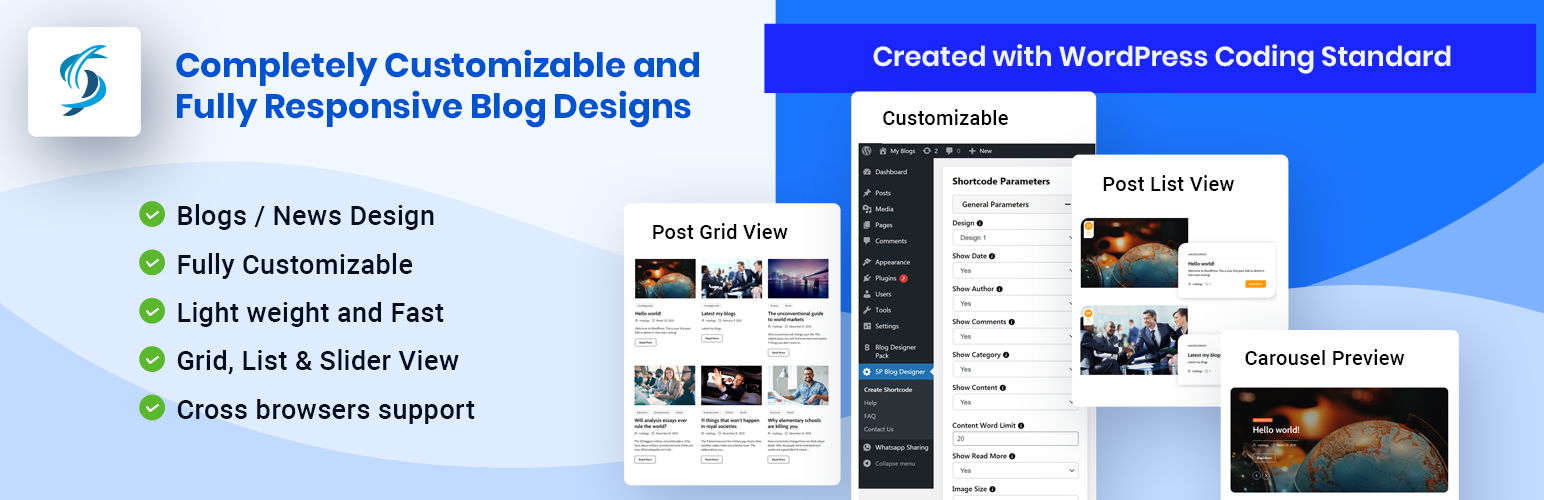
SP Blog Designer have so many designs with different layouts and multiple customization options with live preview.
With this Quick Start Guide, we want to help you quickly get started with your website, by listing the most essential things you need to do to get up and running.
Here you will find the main features which are included in our SP Blog Designer Plugin free version :
Features :
- Grid View [wpsbd_post]
- List View [wpsbd_post_list]
- Slider [wpsbd_post_carousel]
- All Customised Options
- Live Preview
- 3 shortcodes with number of designs.
- Light weight and Fast
- Created with ground level with WordPress Coding Standard
- Completely translatable both in front and back-end.
- Fully Responsive.
- Cross browsers support.
- Many more other features also…
Shortcodes
- [wpsbd_post] : Display blog post or news post in grid view.
- [wpsbd_post_list] : Display blog post or news post in list view.
- [wpsbd_post_carousel] : Display blog post or news post in slider view.
Shortcode parameters
-
Limit:
limit=”20″ ( ie. Display 20 blog posts on your website and then pagination. To show all posts use limit=”-1″ ) -
Pagination:
pagination=”true” ( ie. If you want to enable pagination set true otherwise false.) -
Design:
design=”design-1″ (Select design for blog post. There are many designs. design-1, design-2..) -
Show Blog Content:
show_content=”false” (Show blog post content or not. Values are true or false)
Same way you can set other parameter which is given in plugin.
Arbitrary section 1
Installation
- Upload the plugin files to the
/wp-content/plugins/directory, or install the plugin through the WordPress plugins screen directly. - Activate the plugin through the ‘Plugins’ screen in WordPress
- Open Create Shortcode from side bar to configure the shortcode.
- Copy shortcode and add in your post/page.
Screenshots

assets/images/setting.png

assets/images/grids.png

assets/images/list.png

assets/images/design.png

assets/images/slider.png

assets/images/setup.gif
Faq
- First you need to generate shortcode from this plugin.
- Open post page and go to edit page.
- Paste shortcode in post description.
- Save post and view at front side.
- Open your project directory on server.
- Edit file where you want to display the blogs.
- Add code
<?php echo do_shortcode('[wpsbd_post]'); ?>
- Select shortcode from dropdown and you will be able to find design dropdown from sidebar for particular shortcode.
- Change design value and copy shortcode to place in your page.
- Ex. Shortcode will be like
[wpsbd_post design="design-1"]
- There is so many options to change design view, you can change grid column option from dropdown and check preview.
- Ex. Shortcode :
[wpsbd_post grid="4"]
- In shortcode page there’s an option to change Appearance Parameters.
- Change color from color picker and check live preview for background, text etc..
- Ex. Shortcode :
[wpsbd_post text_colorpicker="#dd3333"]
Reviews
Cool templates design
By 
Good Plugin
By 
Changelog
1.0.0 – Initial Release