SpamAssassin Preferences

SpamAssassin Preferences
Description
Set your SpamAssassin preferences from your WordPress user profile.
This code is released under the GPL v2, see license.txt for details.
Installation
- Configure SpamAssassin to use SQL (see https://wiki.apache.org/spamassassin/UsingSQL)
- Extract the archive file into your plugins directory in the sa-prefs folder.
- Activate the plugin in the Plugin options.
- Configure the plugin options under settings.
- Login to WordPress and go to your profile page, update the options at the bottom.
Screenshots
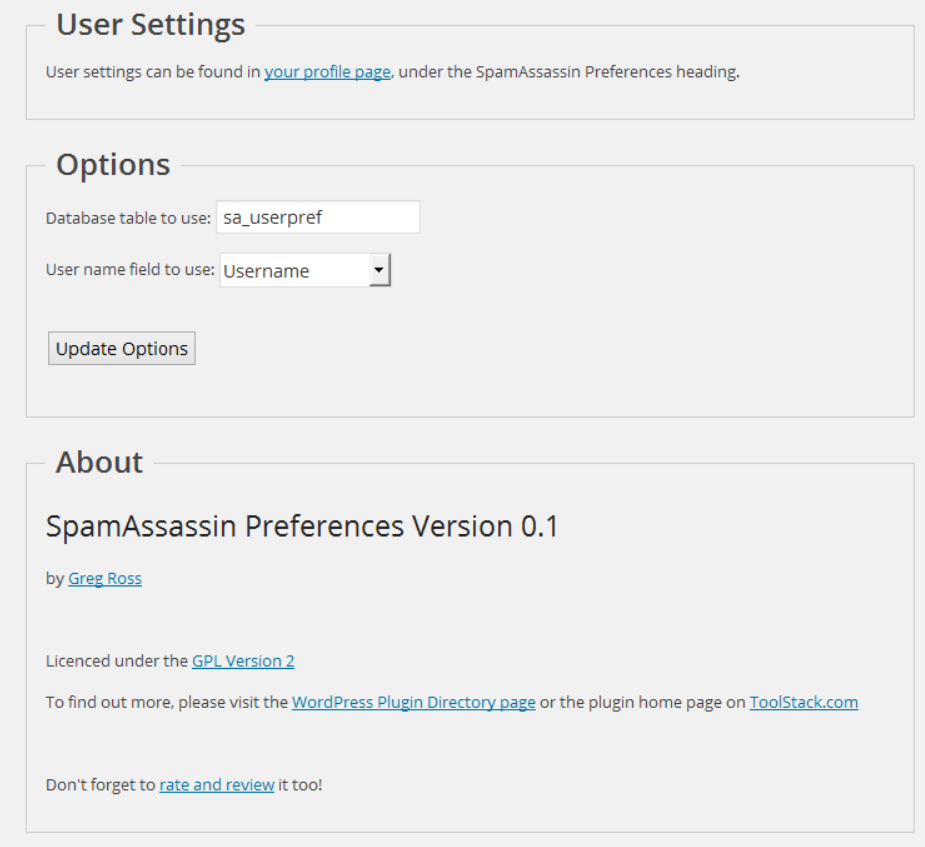
Admin seetings screen.
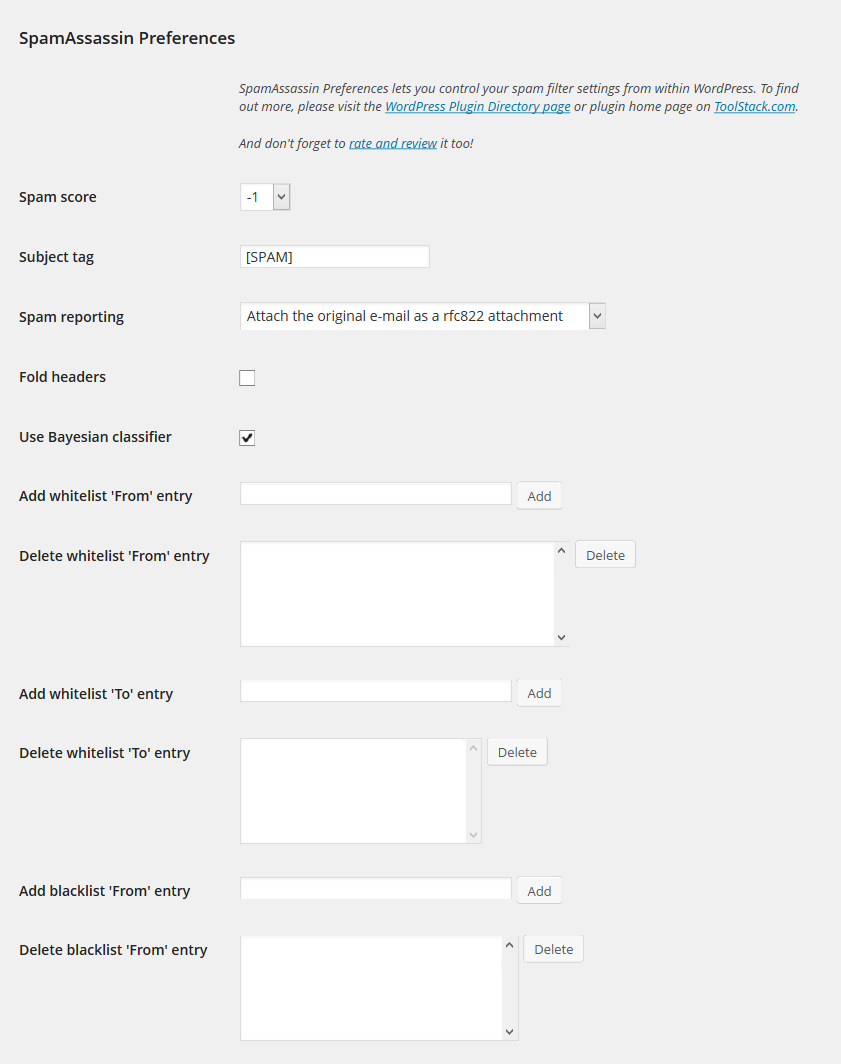
User preferences screen.
Faq
Make sure you have configured your sa_prefs table correctly and set your user field preference as well.
Yes, use the database.table notation in the settings page.
No.
Reviews
Changelog
1.0
- Release date: October 3, 2014
- No changes other than an offical 1.0 release.
0.1
- Release date: July 10, 2014
- Initial release.