StateSwitch – Product Switcher for WooCommerce
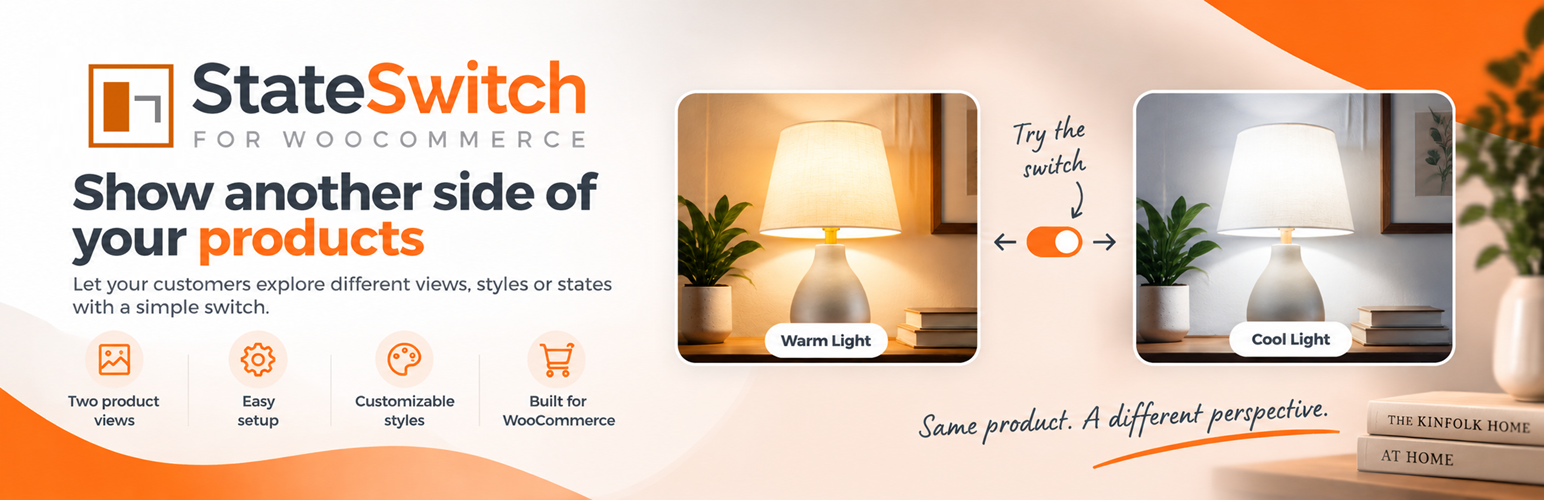
StateSwitch – Product Switcher for WooCommerce
Description
StateSwitch requires WooCommerce. It provides State A/B image switching, native-gallery-compatible product and archive presentation, transitions, and placement/alignment controls. It has no telemetry, analytics, external fonts, or remote API dependency.
StateSwitch Pro adds optional advanced presentation, Preview Studio, Atmosphere, catalogue tools, CSV workflows, First-Time Switch Helper, and Elementor integration. Those features are not included in StateSwitch Free. Explore StateSwitch Pro features.
Privacy
StateSwitch processes settings and product metadata only inside WordPress. It does not send data to external services.
When “Remember Visitor State” is enabled, StateSwitch stores the selected state (a or b) in the visitor’s browser local storage. This contains no personal data and is not transmitted to StateSwitch or any external service.
Installation
- Upload and activate StateSwitch.
- Ensure WooCommerce is active.
- Configure WooCommerce > StateSwitch and add an alternate image to compatible products.
Screenshots


Faq
No. A separate opt-in setting controls removal only during uninstall.
Reviews
Changelog
1.1.1
- Updated the plugin display name and added a restrained wp-admin link to StateSwitch Pro information.
1.1.0
- Improved WooCommerce native gallery compatibility and State A/B storefront switching.
- Improved placement, alignment, and extension compatibility for StateSwitch Pro.
1.0.0
Initial public release.