Store Addons for WooCommerce
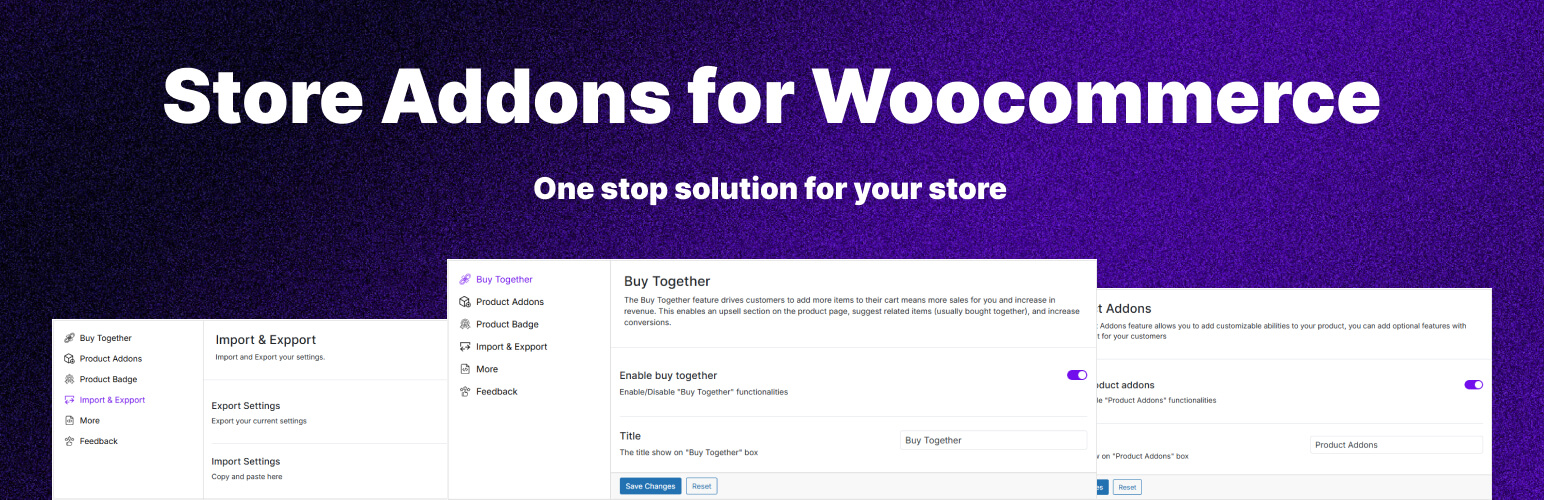
Store Addons for WooCommerce
Description
Are you a WooCommerce store owner looking to offer personalized products? Store Addons for WooCommerce is your ultimate solution for crafting custom store options and addons tailored to customer needs. This powerful plugin simplifies adding a variety of custom options directly to your wocommerce pages. Enhancing the shopping experience and meeting diverse customer preferences.
Store Addons for WooCommerce is an all-in-one toolkit to enhance your WooCommerce store. This is a highly effective plugin developed for assisting online businesses in improving sales and profits.
KEY FEATURES
- Archive Pages
- Product Badge: Choose and customize product badges like Sale and Sold Out, with support for more badge types in future updates.
- Product Pages
- Buy Now Button: Add a Buy Now button that sends customers directly to checkout, skipping the shopping cart.
- Buy Together: Display recommended products alongside the current product to encourage customers to purchase multiple items together.
- Addon Items: Display optional add-on items with products that customers can include as part of their purchase.
- Cart Pages
- Content Placement: Add custom content below the cart table to highlight offers, notices, or promotional messages.
- Checkout Pages
- Product Placement: Promote selected products during checkout by displaying them above the Place Order button.
- Account Pages
- Dashboard: Customize the My Account dashboard by adding personalized content for your customers.
Potential Enhancements
- Got a bug? Something look off? Hit me up.
Installation
- Please make sure that you installed WooCommerce
- Upload “mos-faq” folder to the “/wp-content/plugins/” directory.
- Activate the plugin through the “Plugins” menu in WordPress.
- That’s it.
Screenshots

Product Badge Settings page.

Buy Now Settings page.

Buy Together Settings page.

Addon Items Settings page.

Cart Content Placement Settings page.

Checkout Product Placement Settings page.

My Account Dashboard Settings page.

Import Export Settings page.

Tools Settings page.

Logs table

Logs Analytics

Feedback page.

Dark mode
Faq
Store Addons for WooCommerce help you increase your sales with personalized products and store.
It’s a very easy to use plugin. You will find most of the settings page under Store Addons for WooCommerce admin menu. Product specific settings will be in the product edit page.
There are no shortcodes.
Yes! It’s designed to work seamlessly with any WooCommerce-compatible theme.
No. It’s optimized for speed and loads only the scripts needed on each page.
Yes! Most features include settings in the plugin dashboard.
Yes! It works smoothly with all popular themes.
Reviews
Changelog
1.0.4.
- Tested up to WordPress 7.0.1
- Tested up to WooCommerce 10.9.4
- Added Catalog Mode features
- Updated internal libraries
- Fix: Active menu issue
- Fix: Optimize code
1.0.3.
- Tested up to WordPress 7.1
- Tested up to WooCommerce 10.9.4
- Added Cart page content placement functionality
- Added My Account page content change functionality
- Categorised the options according to WooCommerce pages
1.0.2.
- Added Checkout addon functionality
1.0.1.
- Added Buy Now functionality
1.0.0.
- Initial version