StoreSignals Connect
StoreSignals Connect
Description
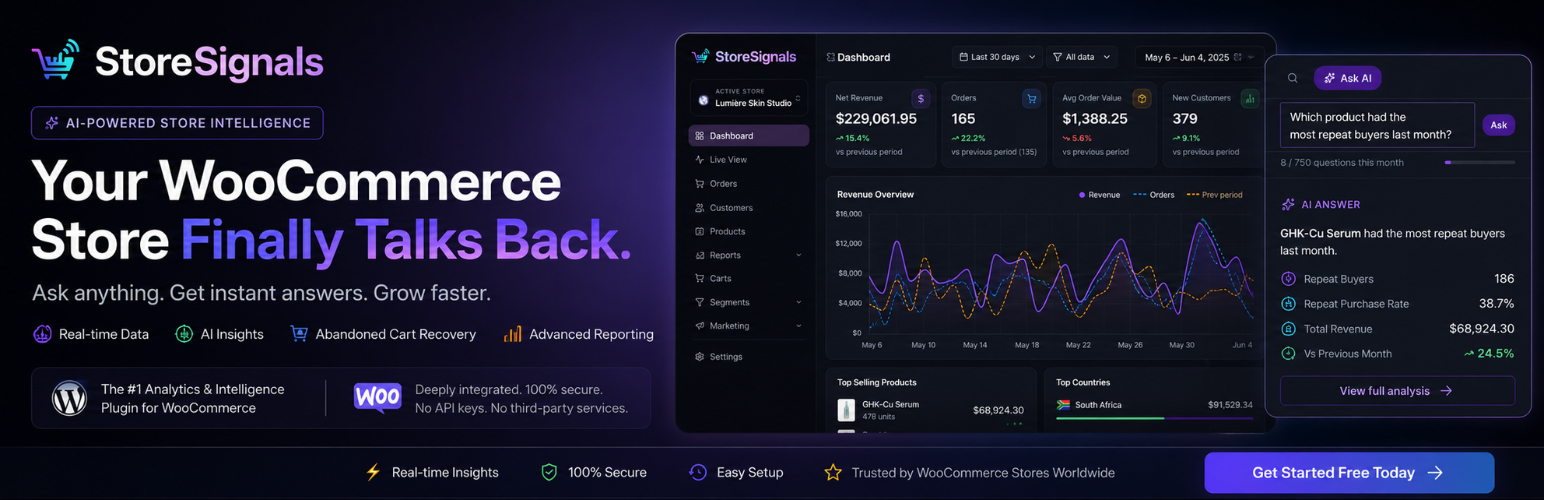
StoreSignals Connect links your WooCommerce store to the StoreSignals platform. After entering your connection token, the plugin:
- Live visitor tracking — See who is on your store right now, which pages they are viewing, and what is in their cart.
- Abandoned cart recovery — Automatically detects abandoned carts and sends personalised recovery emails to bring customers back.
- AI live chat — An AI-powered chat widget answers product questions, recommends items, and hands off to a human when needed.
- Product quiz — An embedded skin-analysis quiz recommends personalised routines and lets customers add products to their cart directly from the results.
- In-store analytics — Daily digests, traffic sources, order revenue, and conversion funnels, all in your StoreSignals dashboard.
No coding required. Paste your connection token from your StoreSignals account and everything configures itself.
External Service
This plugin connects to the StoreSignals service (https://storesignals.app). The following data is transmitted to StoreSignals servers when the plugin is active and connected:
- Visitor heartbeats — page URL, session identifier, cart total, device type, and referrer source. Sent every ~25 seconds while a visitor is active on your store.
- Cart data — customer email address, cart items, and cart total. Collected when a customer enters their email on the checkout page.
- Order recovery events — notified when a customer completes a purchase so that abandoned cart records can be updated.
- Store registration — store URL, store name, and WooCommerce version. Sent once when you first connect.
No data is transmitted to StoreSignals until you enter your connection token and save the settings.
Please review the StoreSignals Privacy Policy and Terms of Service before connecting your store.
Requirements
- WordPress 5.8 or higher
- WooCommerce 6.0 or higher
- PHP 7.4 or higher
- A free or paid StoreSignals account
Installation
- Upload the
storesignals-connectfolder to/wp-content/plugins/, or install it directly from the WordPress plugin directory. - Activate the plugin through the Plugins menu in WordPress.
- Go to StoreSignals in your WordPress admin sidebar.
- Copy your Connection Token from your StoreSignals dashboard and paste it into the token field.
- Click Connect Store. Your store will begin syncing within a few minutes.
Faq
Yes. StoreSignals is a SaaS platform that provides the dashboard, analytics engine, AI chat, and email delivery. The plugin is the bridge between your WooCommerce store and the platform. You can create a free account at storesignals.app.
No. The visitor heartbeat runs as a lightweight background JavaScript request every 25 seconds. Cart capture and order notifications use non-blocking PHP HTTP calls (no page load impact). The plugin adds no scripts to the admin area.
See the “External Service” section above for a full list. The plugin only transmits data after you actively enter your connection token and save the settings. No data is collected or transmitted before that point.
StoreSignals processes data according to its Privacy Policy. If you are based in the EU/UK you should disclose the use of StoreSignals in your store’s privacy policy. We recommend mentioning that visitor behaviour data (page views, cart events) is shared with StoreSignals for analytics and marketing purposes.
Yes. Uninstalling the plugin removes all locally stored options and drops the {prefix}_ss_carts table from your database. Data held on StoreSignals servers can be deleted by contacting support@storesignals.app or using the data-deletion request form in your account settings.
No, by default it does not. You can optionally enable a “Powered by StoreSignals” credit link in your StoreSignals chat settings if you wish.
The plugin is tested and compatible with LiteSpeed Cache, WP Rocket, W3 Total Cache, WP Super Cache, and WP Fastest Cache. It automatically purges relevant caches when you connect or disconnect your store.
The plugin requires WooCommerce. Most features depend on WooCommerce cart, session, and order data.
Reviews
Changelog
2.3.1
- Fixed: guests returning from external payment gateways (PayFlex, PayGate, etc.) now correctly identified in Live View on the order-received page — email injected server-side to survive cross-domain sessionStorage clearing.
2.3.0
- Fixed: email template blocks now declared as PHP string variables to satisfy WordPress.org static analysis (not page output).
- Security: REST API permission_callback now enforces WooCommerce key permission scope — read keys cannot access write endpoints and vice versa.
- Changed: quiz shortcodes renamed to
[ssco_quiz]and[ssco_quiz_embed](4-character prefix). Legacy[ss_quiz]and[ss_quiz_embed]kept as aliases for backwards compatibility. - Updated: admin settings page redesigned with StoreSignals branding, animated hero, and accurate feature descriptions.
2.0.0
- Submitted to WordPress.org plugin directory.
- Added GPL-2.0-or-later licence header and licence URI.
- Added
Text DomainandAuthor URIplugin headers. - Added
register_uninstall_hook— uninstalling now removes all plugin options and drops the local cart table. - Fixed: local cart table
currencycolumn defaulted toUSDinstead of empty string. - Fixed:
CartCaptureControllernow always writes the store’s configured currency when creating cart records. - Changed: “Powered by StoreSignals” chat widget credit is now opt-in (default off) to comply with WordPress.org embedding guidelines.
1.9.4
- Fixed quiz overlay IIFE missing closing
})()— quiz link now works correctly on all pages. - Fixed: quiz favicon logo flash-and-disappear on mobile caused by 404 fallback
/favicon.ico. - Heartbeat script: added
keepalive: trueto fetch calls for reliable page-navigation pings.
1.9.3
- Added live quiz participant tracking in the Live View dashboard.
- Added per-session quiz progress pings via
POST /api/quiz/ping. - Added “Add routine to cart” and “Add all to cart” buttons in quiz results.
- Fixed quiz key-case mismatch causing only the kit recommendation to appear (AI returned
"Morning", JS expected"morning").
1.9.2
- Added pinch-to-zoom prevention on the quiz overlay for mobile browsers.
- Live chat widget now loads correctly via
wp_enqueue_scripts. - Quiz overlay now passes
?sid=SESSION_IDto the iframe for session correlation.
1.9.1
- Session deduplication in Live View — the same visitor no longer appears multiple times.
- Cart KPI stats added to Live View (visitors with active carts, visitors in checkout).
1.9.0
- Added product quiz shortcodes:
[ss_quiz]and[ss_quiz_embed]. - Added AI-powered skin analysis in quiz step 3.
- Added quiz live-tracking via Redis cache (no schema changes required).
1.8.1
- Idle detection for heartbeat — parked tabs no longer generate unnecessary pings.
- Persistent
visitor_idcookie for cross-session identity.
1.8.0
- Add-to-cart event tracking via native WooCommerce hooks (no Google Tag Manager required).
- Begin-checkout event tracking.
- Product view event tracking.
1.0.0
- Initial release.